You can use this applet to calculate what screen size and resolution you need for a given seating distance or what seating distance you should use for a given screen size and resolution. The calculation of these figures is based on a 20/20 vision of an average person, which enables an angular resolution of one minute of an arc or 1/60 of a degree. The exact calculation can be found in the Danish version of the applet.
The 1/60 of a degree resolution is, strictly speaking, only valid for stationary pictures and not motion pictures. You can however use the figures as a rule of thumb, representing the best possible measures at optimum conditions.How to use the calculator
You can use the applet in two ways (plus the interactive way): Either input what screen size you are interested in and choose the resolution you want or input the distance of your favorite seating position and enter the resolution you are interested in. If you are using a screen with an aspect ratio different than 16:9, this can be set in the side menu next to the input boxes (press the arrow). For the 720p resolution a variety of resolutions is included to accommodate the various pixel sizes out there.
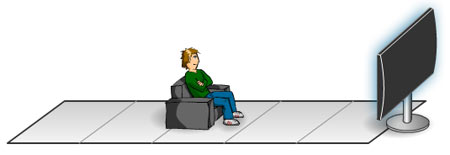
The interactive way is to just pull the relaxed guy in the chair at the bottom which will set the distance instantaneous and adjust the screen size appropriately.
Enjoy!
You need the latest flash-plugin to view this example. Download here