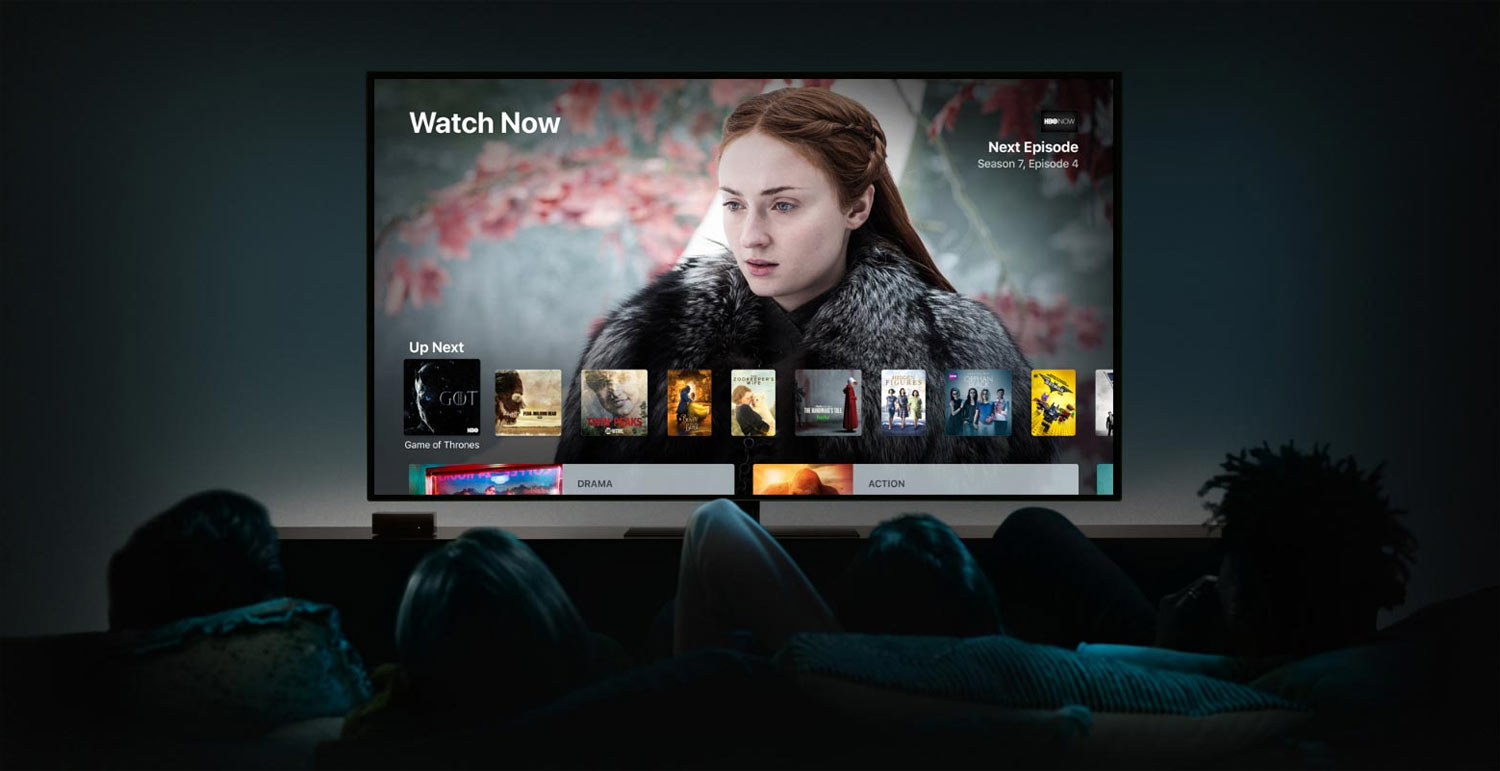
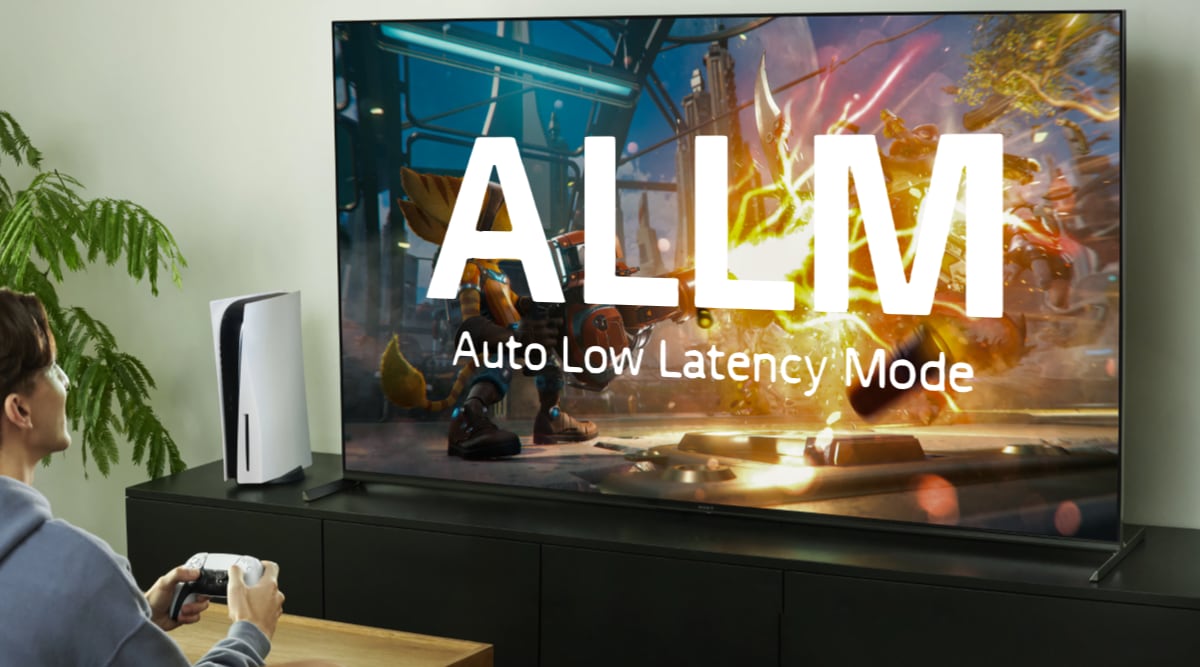
Media centers, HTPCs, NUCs and similar setups were once popular solutions, but have since been overtaken by dedicated streaming boxes that deliver a better experience and more features.
Before streaming, we had VHS, DVD and Blu-ray. Most of us had a disc player under the TV – some still do – and DVD and Blu-ray also supported the option to rip discs to a hard drive or simply play them through a PC drive.
The PC became a multimedia hub, and during the early days of streaming many assumed it would stay that way. It did not. The relatively expensive PC has been replaced by affordable streaming boxes built on cheap ARM chips, offering TV apps and, of course, a remote control.
PCs are not designed for streaming
It is now 2025 and while studies show that using a PC for streaming has dropped significantly in popularity, many people still use one to access Netflix, (HBO) Max, Disney+ and other streaming services.
But you really shouldn't anymore – here's why:
- User experience: PCs are designed for mouse and keyboard interaction, which is far from ideal in a living room setting. While there are solutions like the air mouse and media center apps to make the interface more TV-friendly, it is still a browser-based environment not optimized for remote control use from the couch.
- Browser streaming quality: Even if your PC supports 4K over HDMI, most streaming services only deliver 720p or 1080p in web browsers, with low bitrate and HDR. This is due to DRM restrictions. Netflix is an exception, but it requires the Edge browser, a specific GPU and a purchased HEVC license. Virtually only YouTube streams above HD resolution in browsers, thanks to the absence of DRM on user-generated content.
- Juddery video: By default, PCs are set to output video at 60Hz, which causes judder with 25/50fps content. You can switch your PC to 50Hz, but now American content at 24/60fps will judder instead. Apps like Kodi for local playback can auto-switch refresh rates, but Kodi generally does not support streaming services, so it requires more advanced setups to overcome the challenges of frame rate matching on PCs.
- Audio limitations: Like with video, the latest audio formats such as Dolby Atmos are typically not available when streaming via web browser on PC. Again, due to DRM and other technical limitations.
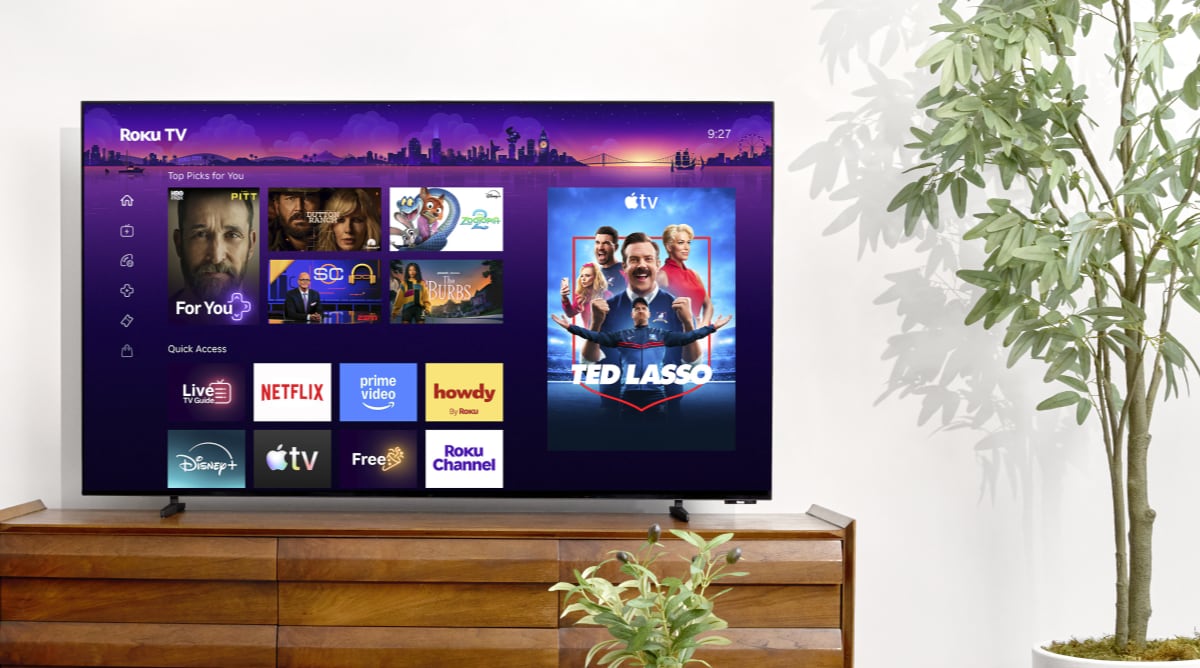
- Limited app support: Netflix has a dedicated Windows app, but it is an exception. Most other streaming services only work through a wen browser, which is cumbersome to navigate on a TV and lacks the quality and the many features found in native apps.
- High power consumption: PCs generally consume more power, as their processors are designed for performance rather than efficiency. If you stream regularly via PC, a dedicated streaming box can pay for itself over time. Modern boxes consume less than 5W during use – often below 2W – and typically under 2W in standby.
While we have focused on TVs, the same points hold true when comparing a PC to a tablet or smartphone – both of which have native streaming apps.

PCs get the worst video quality from streaming services when using a browser – and video playback suffers from judder
Gaming is the PC's strength
Being able to play modern PC games on the big screen in the living room is one reason to keep a PC near your TV. PCs are usually more powerful than consoles and offer greater flexibility.
That flexibility includes access to platforms like Steam, the Epic Store, game streaming services, and other apps.
While PC games are mostly designed for mouse and keyboard, more and more support wired or wireless game controllers. Steam Big Picture can turn Steam into a TV-friendly interface.
Alternatively, you can leave the PC in another room and use an app like Steam Link to stream games over your home network to a streaming box.
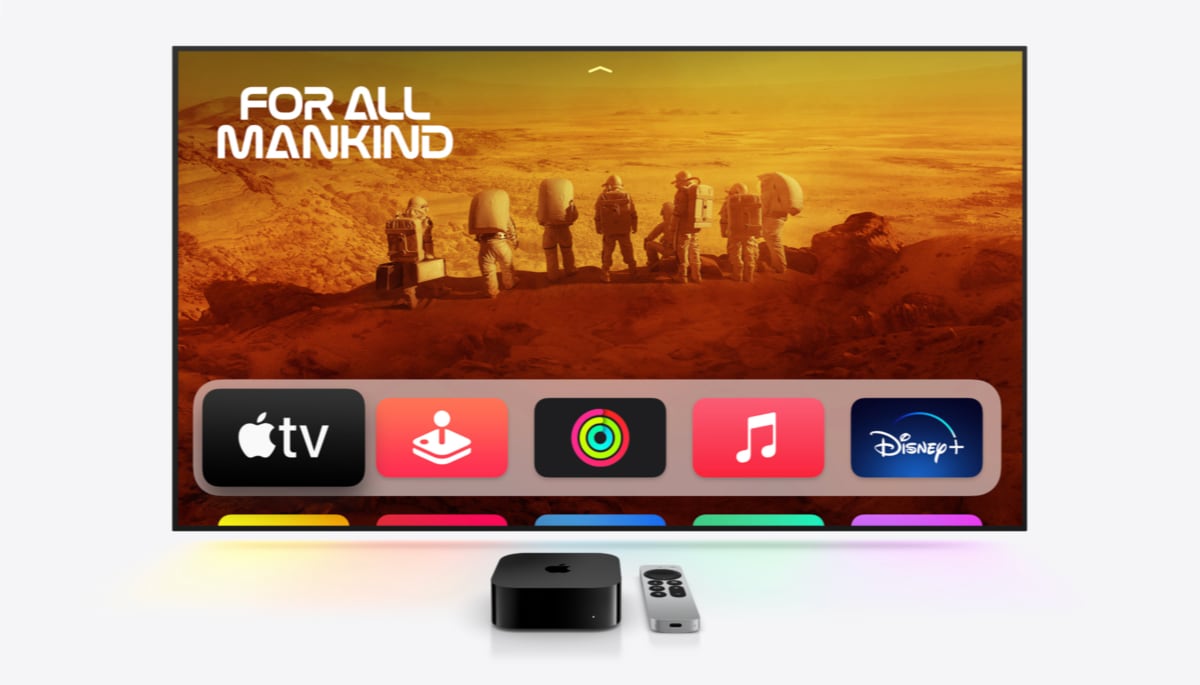
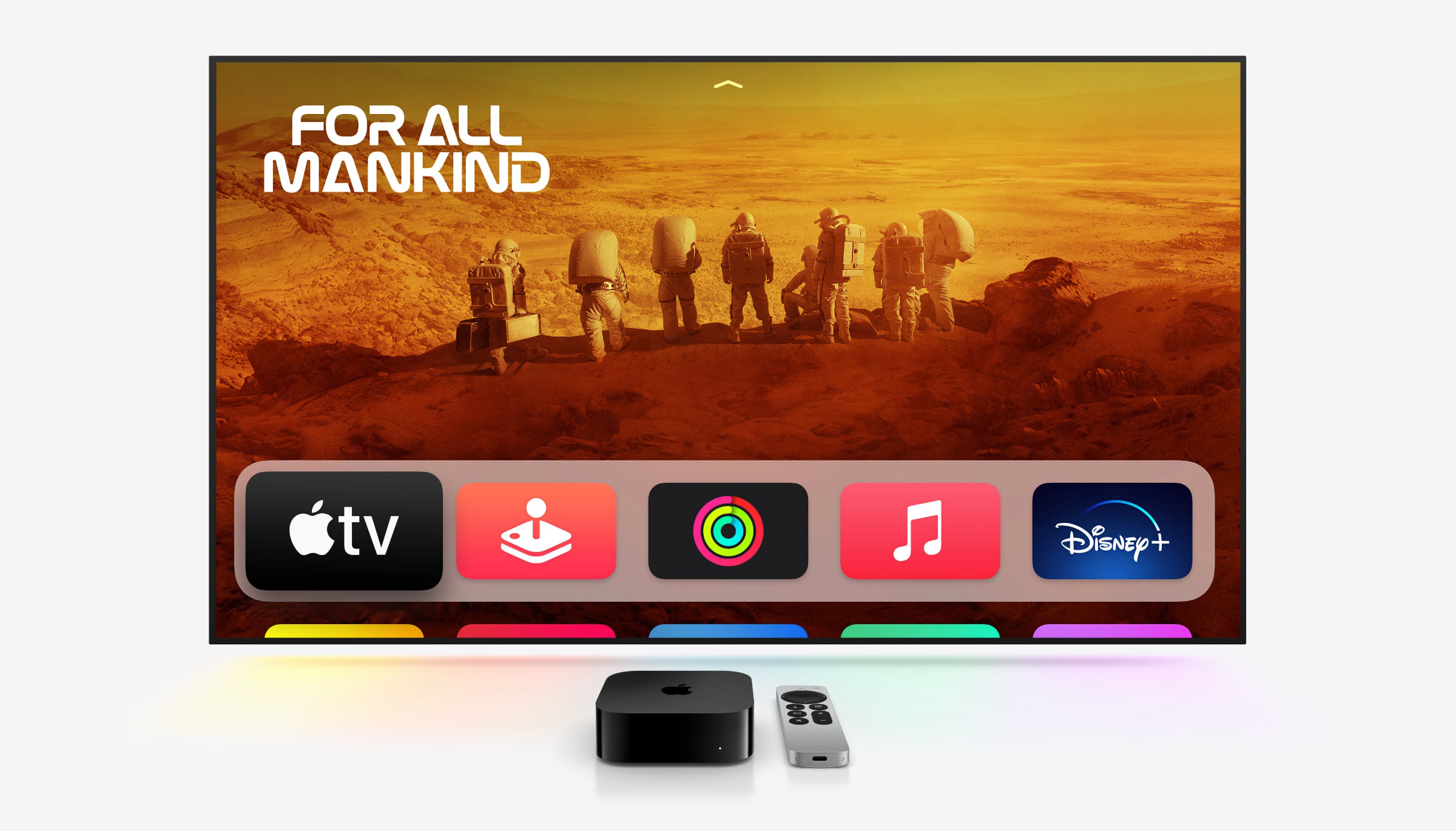
Use a media box instead – like Apple TV 4K
Better alternatives
FlatpanelsHD maintains a list of recommended media boxes. For general use, we recommend Apple TV 4K or a Google TV-based box like Nvidia Shield or Google TV Streamer.
Also see: Media player reviews
The Steam Link app is available for both tvOS (Apple TV) and Android (Google TV), so you can stream PC games over your home network.
Alternatively, you can connect both a media box and a game console to your TV. That way, you are covered for both streaming services and console gaming – with proper controller support – all while sitting comfortably in your couch.