The Xbox app is missing on Apple TV and Google TV, but there are alternatives that let you play Xbox games on other TVs in your home over local network. FlatpanelsHD explores the options.
We recently explored how to play PlayStation games on Apple TV and Google TV. Back then, we found a single well-functioning app for everything (PXPlay). In this Xbox guide, we tested 3 apps.
We started with the OneCast app for Apple TV and XBPlay for Google TV, but the latter has just been discontinued. For Google TV, there is an alternative with a nearly identical name: XBXPlay.
Xbox games on Apple TV
The OneCast app is free to try for 7 days after which it costs $15 dollars as a one-time universal purchase that works across Apple TV, iPad and iPhone. In addition to streaming games from a physical Xbox console in your home, the app can stream from Xbox Cloud. In this guide, we focus on streaming from your own console over home network.
 OneCast can also stream from Xbox Cloud – we haven't tested that yet. Photo: FlatpanelsHD
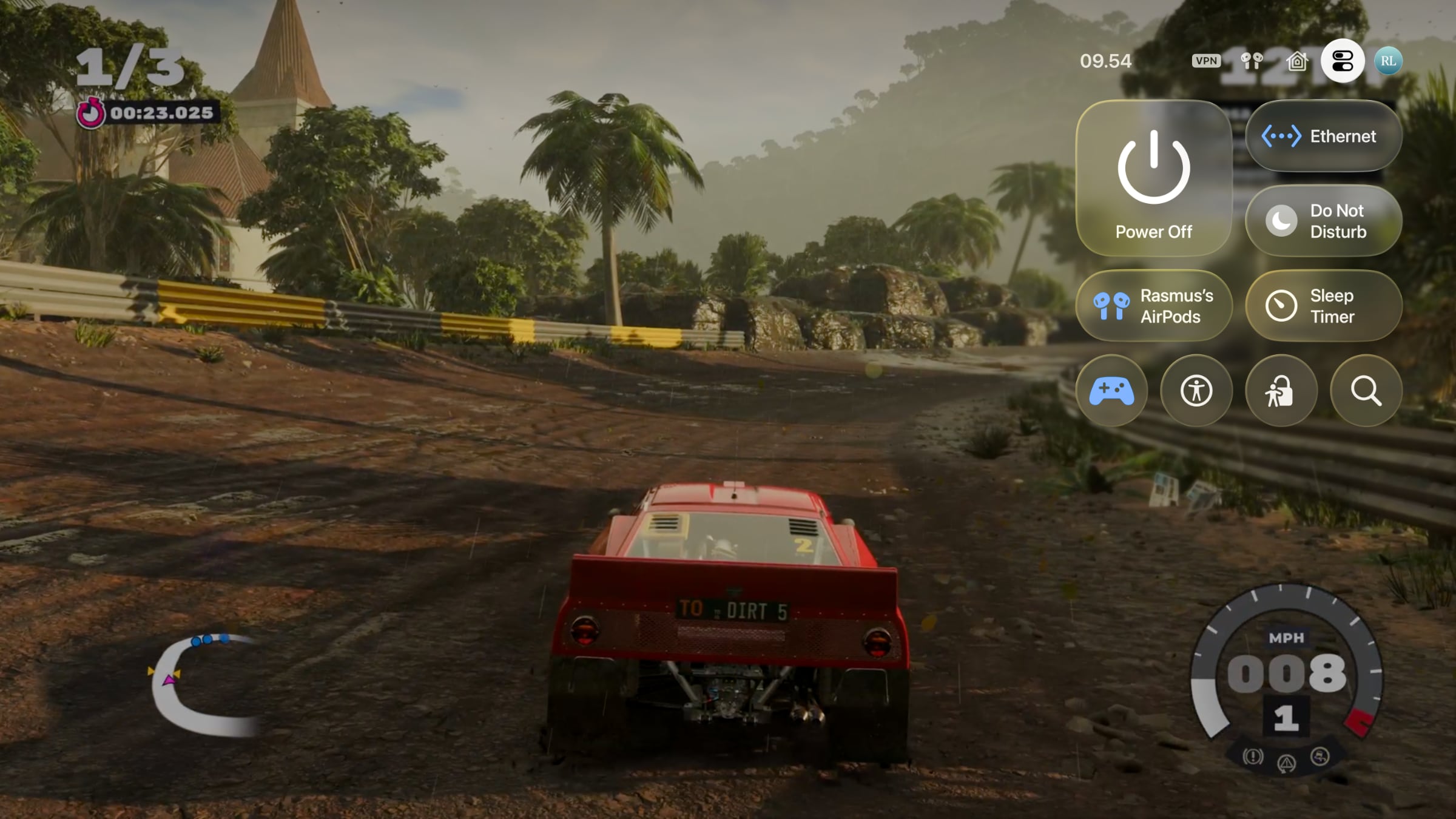
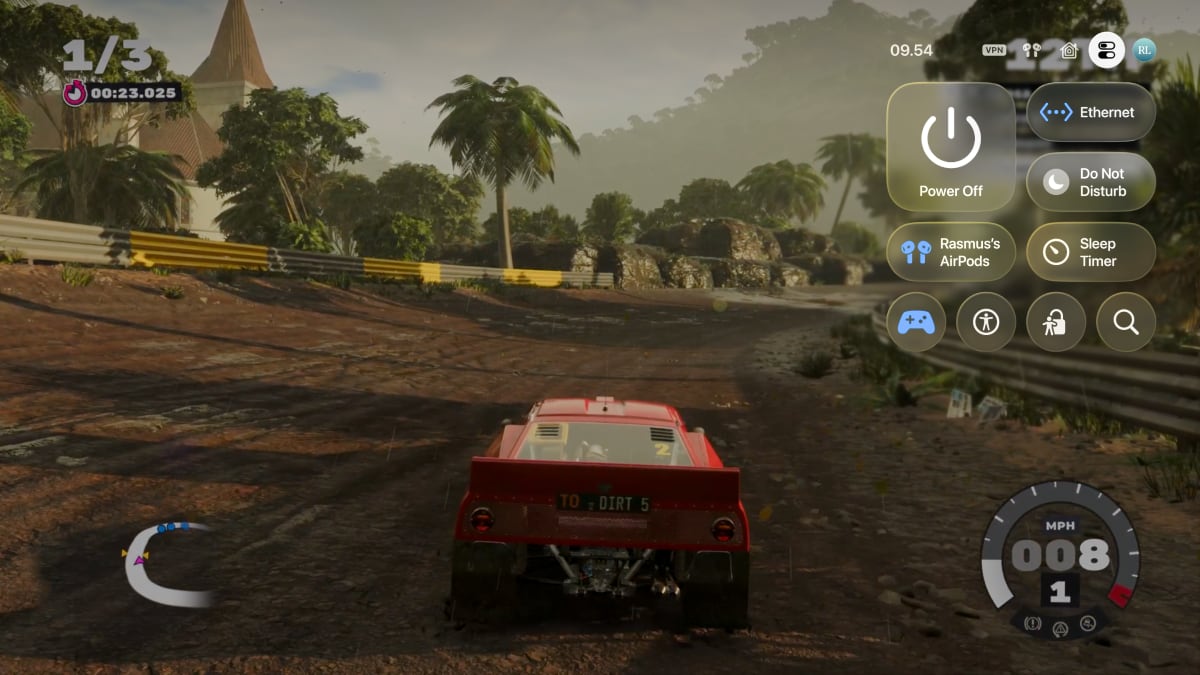 Latency is low and I won my first race in Dirt. Apple TV's control center is shown here for illustration purposes only. Photo: FlatpanelsHD
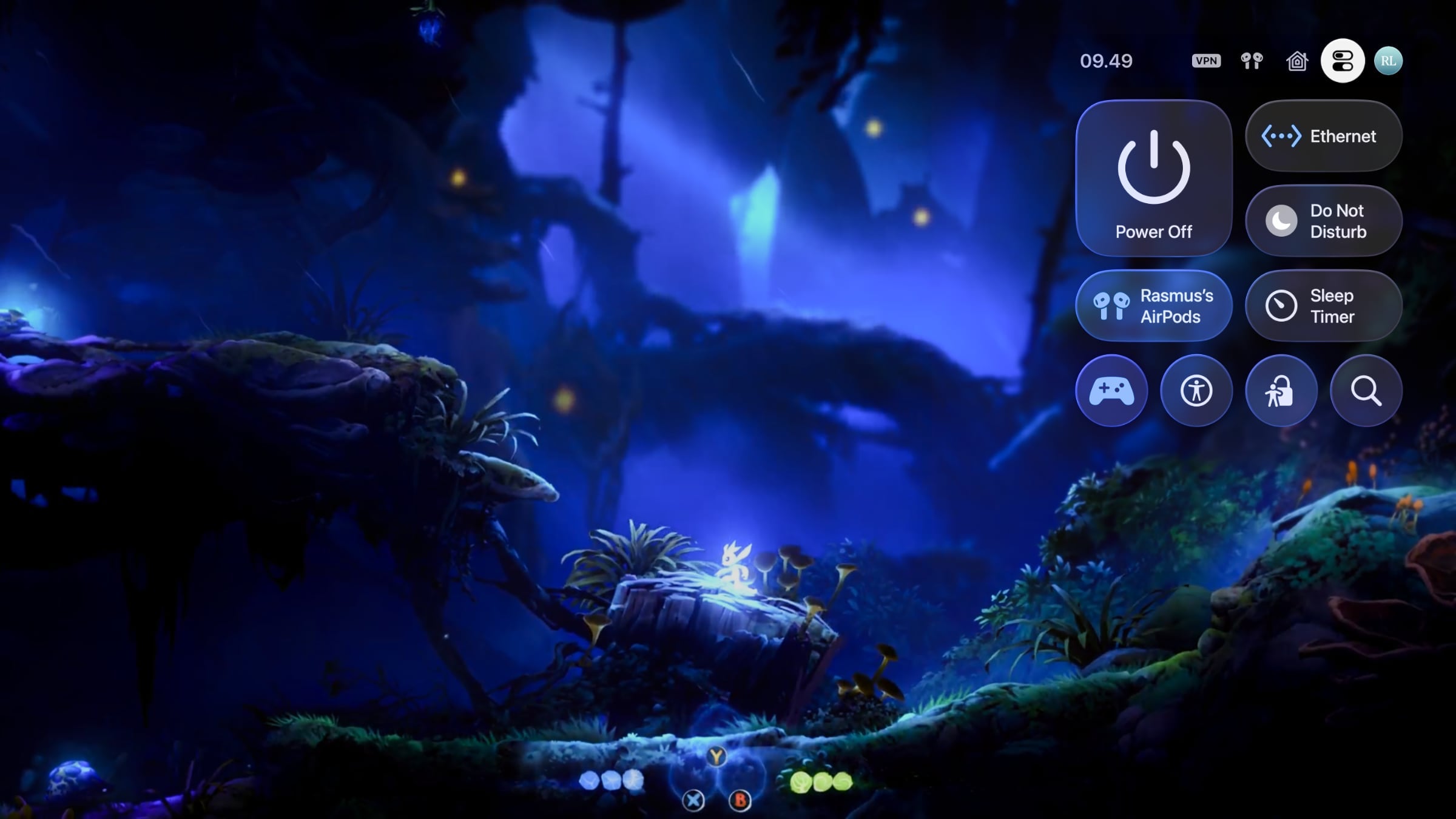
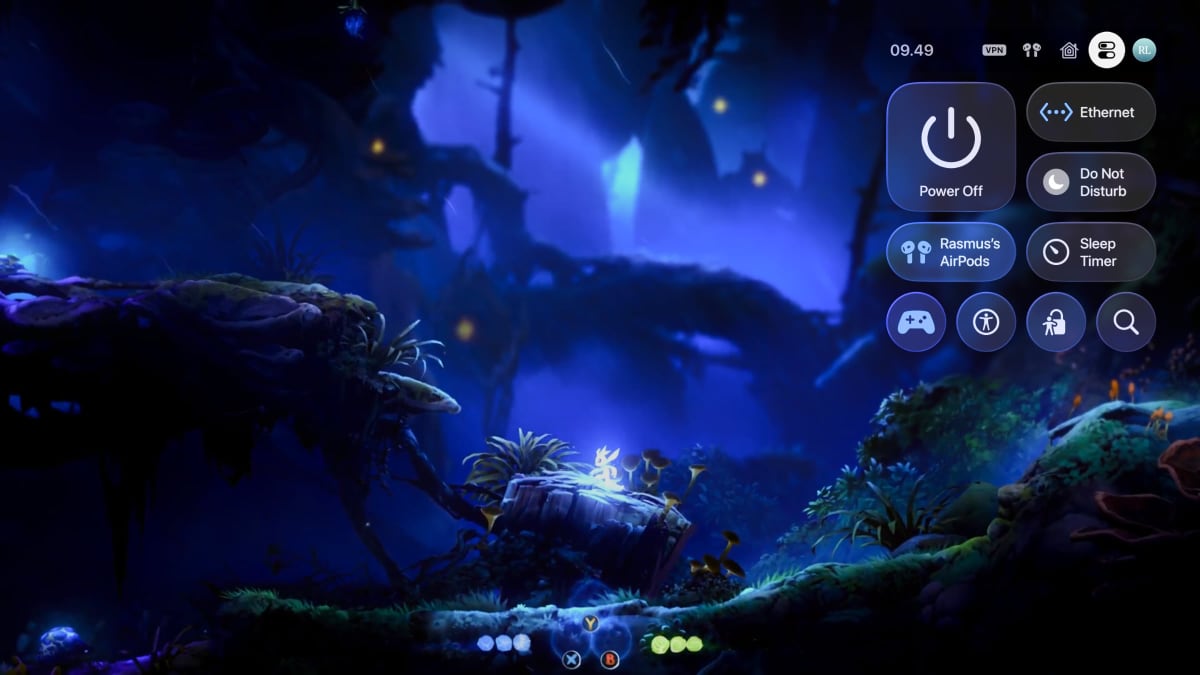 Xbox game Ori and the Will of the Wisps is stunning in HDR, but it still looks beautiful in 1080p SDR – here on Apple TV. Photo: FlatpanelsHD
Xbox games on Google TV
For Google TV (and Android TV), we initially settled on the XBPlay app, which could also stream Xbox games to the Steam Deck, but it was discontinued on September 30, shortly after our tests commenced. OneCast can only be sideloaded onto Android TV and Google TV, but it didn't work for us after sideloading. We therefore ended up using the XBXPlay app, which costs $7 dollars for Android.
Setting up the XBXPlay app on Google TV is even more cumbersome than OneCast for Apple TV because you must sign in online with your Xbox profile using Google's clunky on-screen keyboard on the TV. Thankfully, setup is only required once.
Unfortunately, XBXPlay would not wake our Xbox Series X from standby – we had to power on the console manually first. After that, the app connects without issue via Xbox Remote Play. We also experienced the same problem as with OneCast: the Xbox wakes the HDMI-connected TV when starting remote play. Again, this can only be fixed by changing the Xbox' HDMI CEC settings since it is a limitation of the console itself.
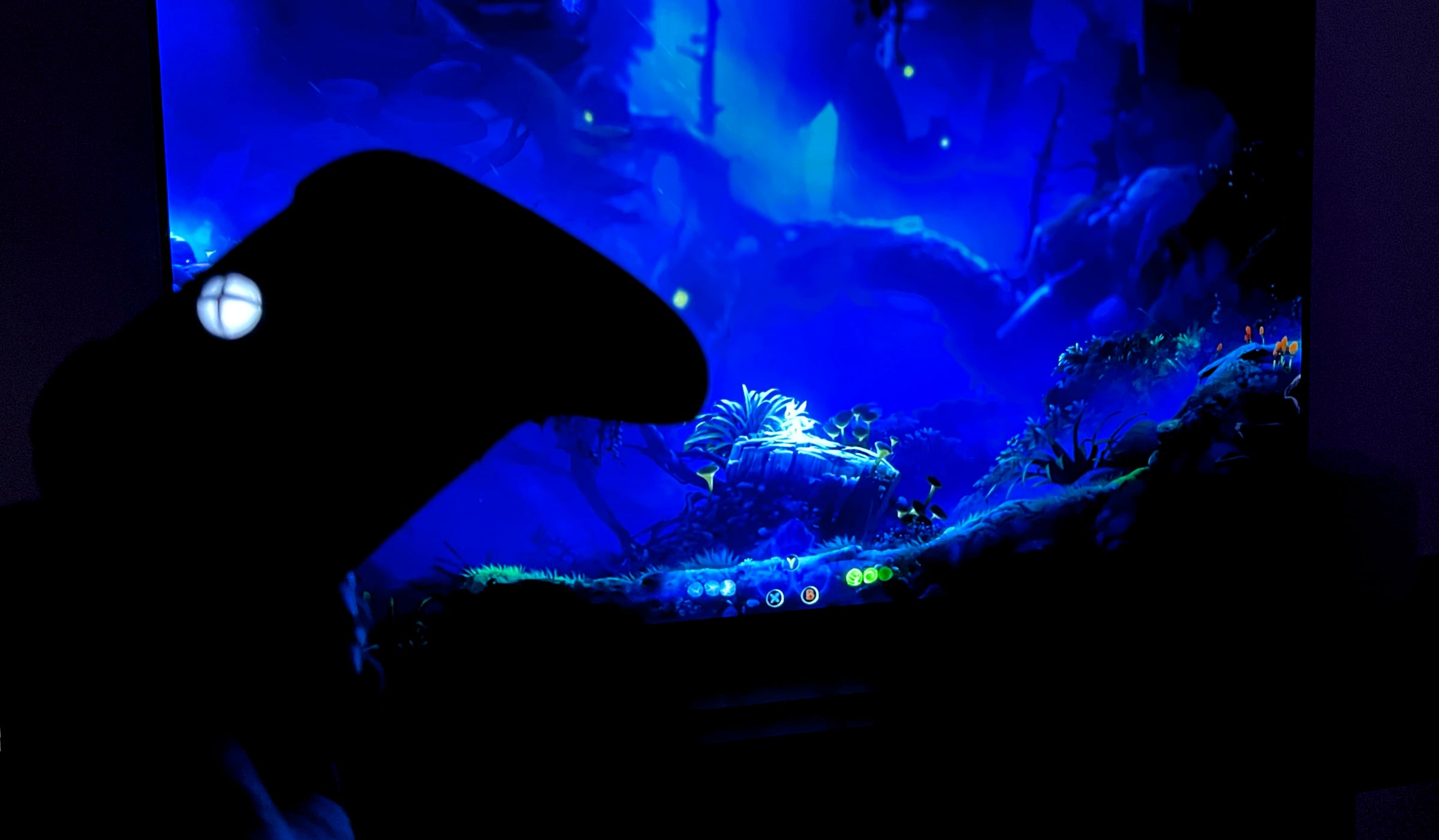
 You can use the Xbox controller, but PlayStation and Nintendo controllers also work. Photo: FlatpanelsHD
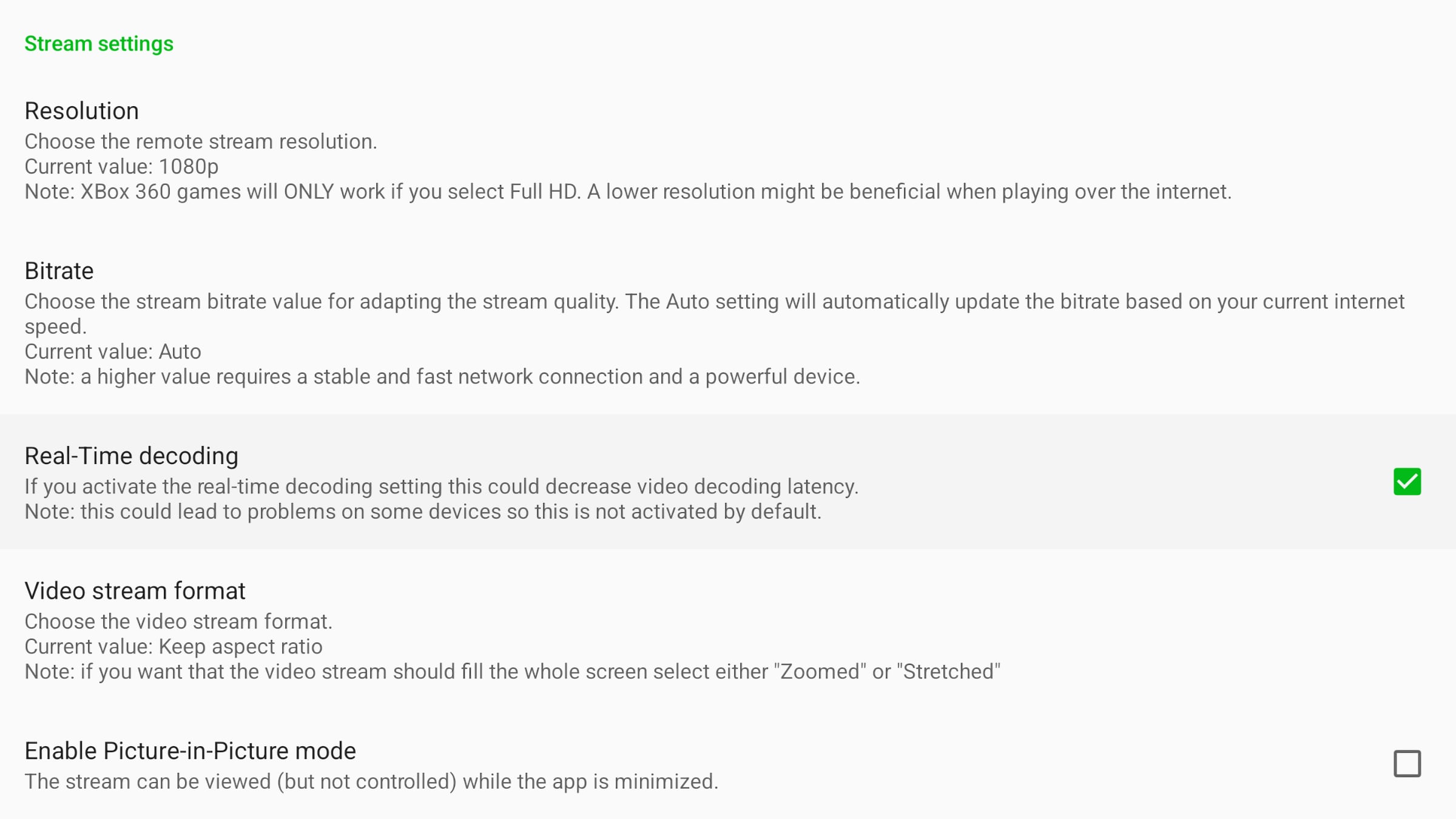
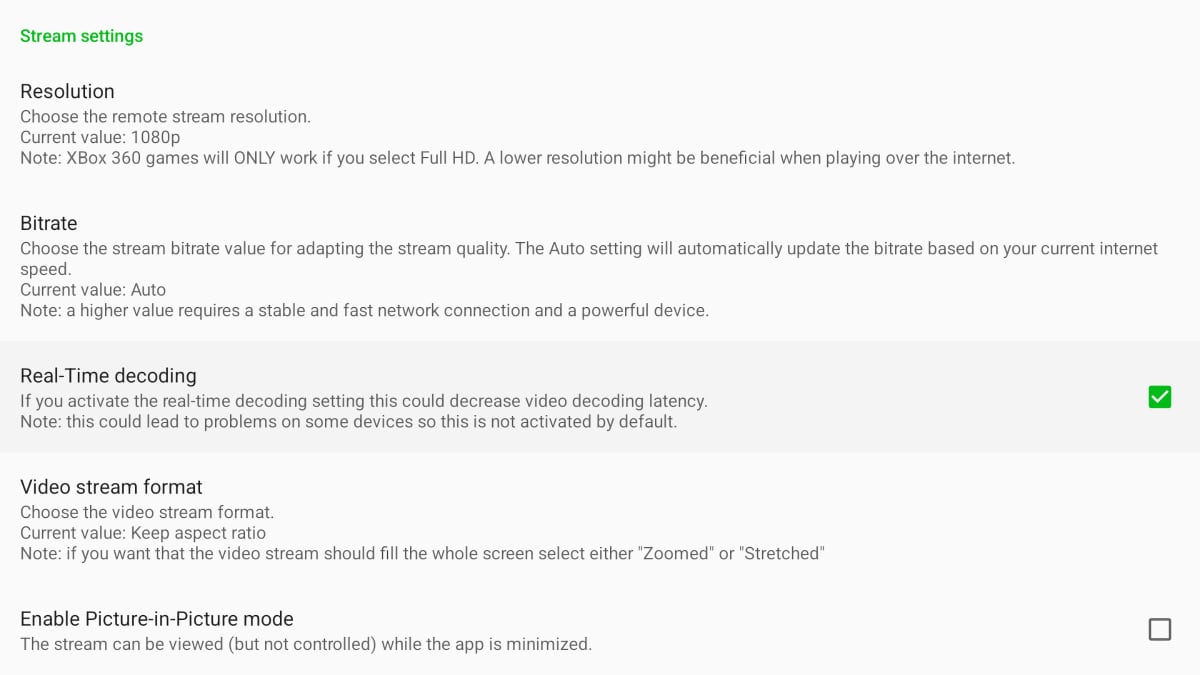 The XBXPlay app for Google TV offers several customization options. Photo: FlatpanelsHD