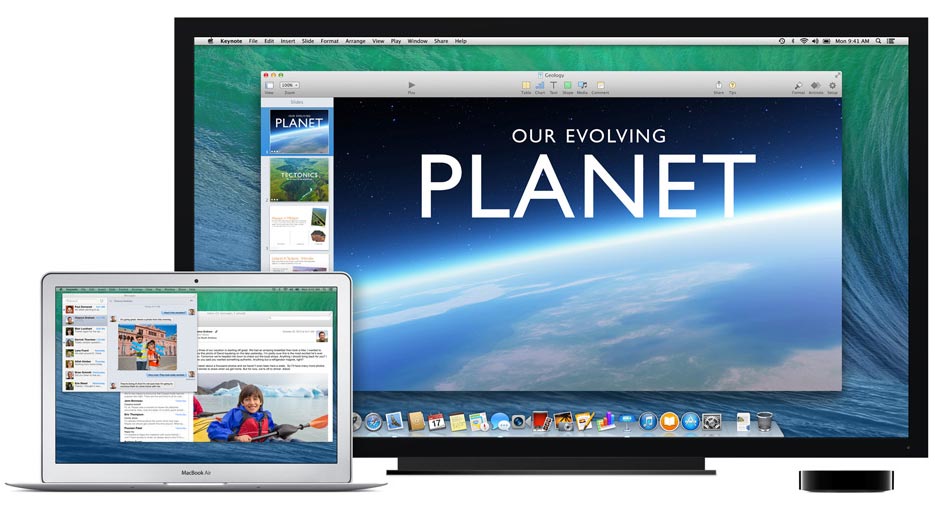
New Airplay features have been added in Apple’s latest operation system for Mac, OS X Mavericks. It is now possible to wirelessly extend your desktop via Airplay to a monitor or a TV. In the past you could only mirror your desktop via Airplay.
Mavericks has new Airplay features
AirTunes was introduced by Apple in 2004. In 2010, the system was renamed to Airplay when video streaming capabilities were added to iOS products. Airplay was introduced shortly after in Mac OS X with the release of Mountain Lion that allowed you to wirelessly mirror your desktop to a TV or monitor.

Extend your desktop wirelessly with Airplay in OS X Mavericks
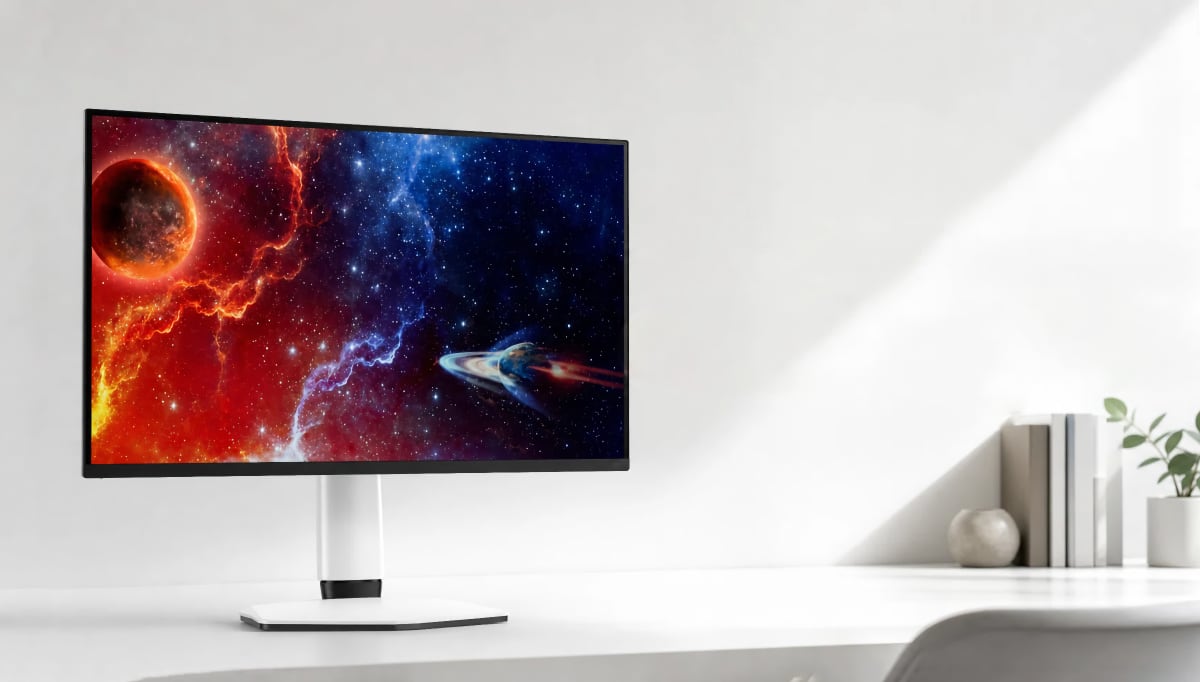
With the launch of the new free OS X Mavericks the Airplay system allows you not only to mirror the desktop, but to actually extend it wirelessly to a monitor or TV via Airplay. It requires the Apple TV box that can be connected to most display products via HDMI. The new options are available from the Airplay menu next to the clock in the upper right corner, where you also have the option to extend the desktop to more than 2 monitors.
Airplay on Mac works by utilizing the graphics chip (GPU) that can output a signal to the output port and the WiFi card simultaneously to minimize latency issues. You might experience a minor delay, depending on your WiFi router, but if you own a fast router (for example an 802.11ac router) and a WiFi-ac enabled Mac delay should be more or less insignificant. The wireless desktop function uses some image compression, but it is rarely visible during mixed use.
We are still in the early stages of wireless monitor technology, but the ability to use a wireless monitor has clear implications, especially with new WiFi technologies such as 802.11ac.
Most of the recent Mac products can run the new free OS X Mavericks. You also need a recent Macbook or iMac to fully utilize the Airplay features.

 Airplay in Mavericks can extend desktop wirelessly