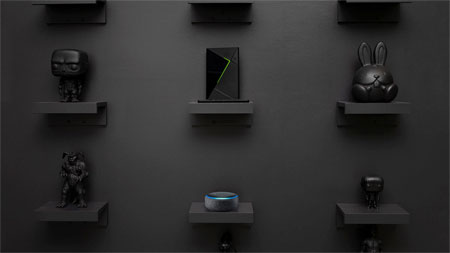
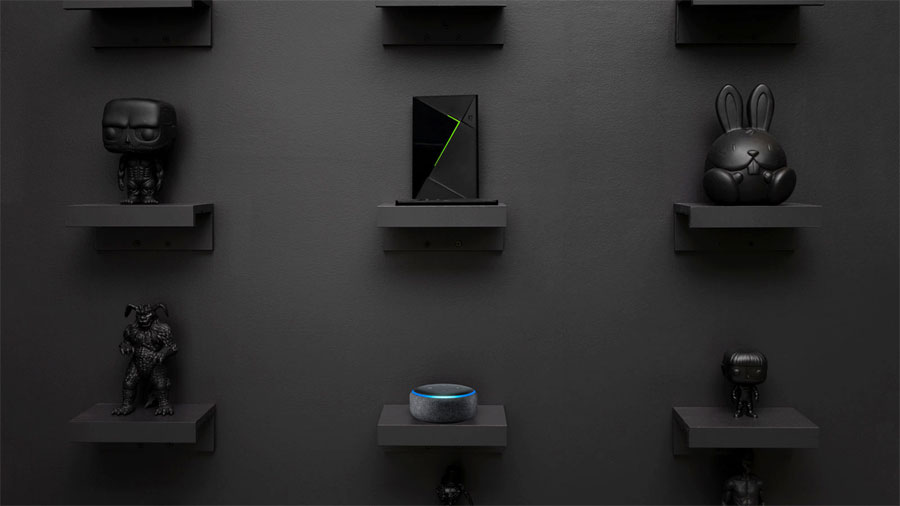
Nvidia Shield now supports both Google Assistant and Amazon Alexa, making it the first streaming player to do so, according to the company. Alexa can control video playback and more.
Control video playback, more
Amazon and Nvidia have announced that an Alexa skill is now available for Nvidia Shield. You also need an Amazon Echo speaker or another compatible speaker for voice commands.
- ”Shield is the only streamer you can control with both Amazon Echo and Google Home devices. Available through a new Amazon Skill, you can ask Alexa to help with navigating and enjoying your favorite movies, TV shows, music and more,” the company said.
The company explained that you can use Alexa voice commands for playback controls, to launch apps, and to turn on/off the media player. Examples of supported voice commands are included in the table below. To enable Alexa functionality you must open the Alexa mobile app and activity the skill. It is currently available only for users in the US.
Nvidia used the opportunity to highlight that Shield also supports Dolby Atmos pass-through from Amazon Prime Video. Amazon currently offers Tom Clancy’s Jack Ryan in Dolby Atmos, with more titles to follow.
Amazon Alexa on Nvidia Shield
Here are some of the voice commands that currently work, with more on the way:
Getting Started
“Alexa, turn on SHIELD.”
“Alexa, turn off SHIELD.”
Controlling The Volume
“Alexa, set volume to 80 percent on SHIELD.”
Opening Entertainment apps
“Alexa, open Prime Video (on SHIELD).”
“Alexa, open HBO NOW (on SHIELD).”
Using Media Controls
“Alexa, pause (on SHIELD).”
“Alexa, play (on SHIELD).”
“Alexa, next (on SHIELD).”
“Alexa, previous (on SHIELD).”
“Alexa, fast-forward ten minutes (on SHIELD).”
Navigating SHIELD
“Alexa, go to settings (on SHIELD).”
“Alexa, go home (on SHIELD).”
“Alexa, go to control settings (on SHIELD).”
Note: Following the first command, Alexa will assume subsequent relevant commands are for SHIELD. Where "on SHIELD" is noted in parentheses, you can continue controlling SHIELD with just the command.)
|