Roku launches miniLED LCD TVs & OS 13 with 'Backdrops' artwork feature
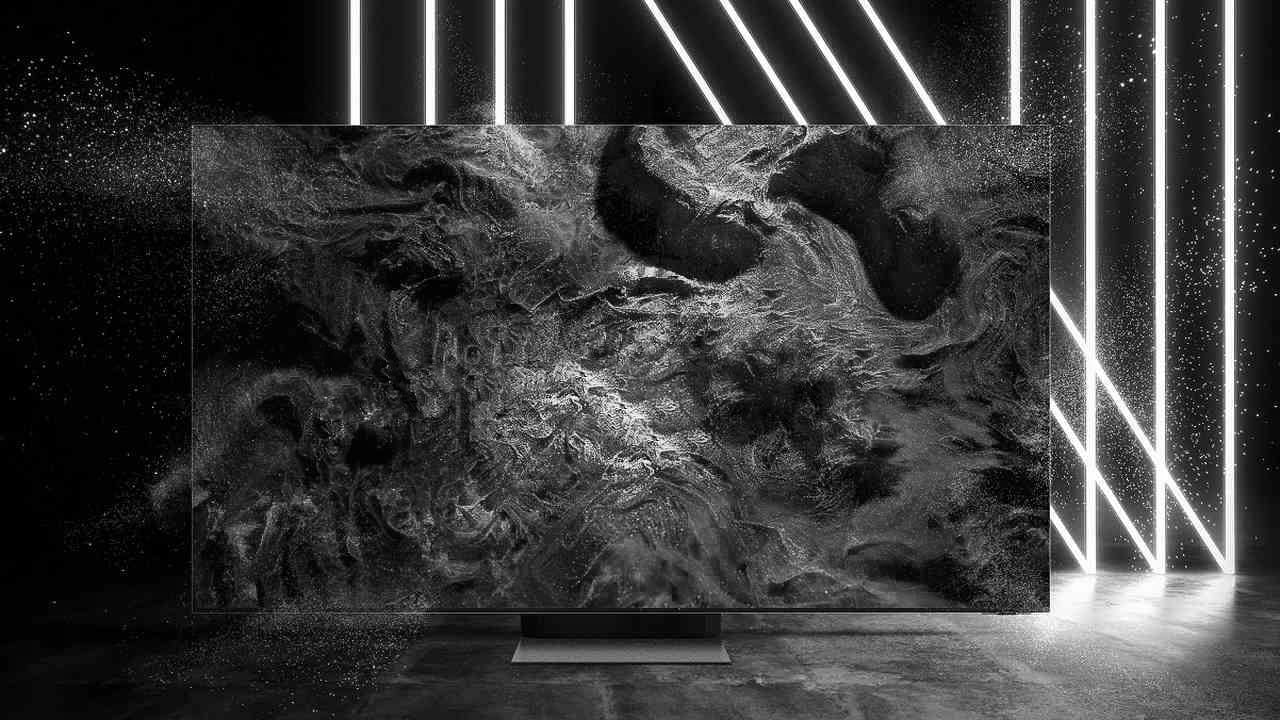
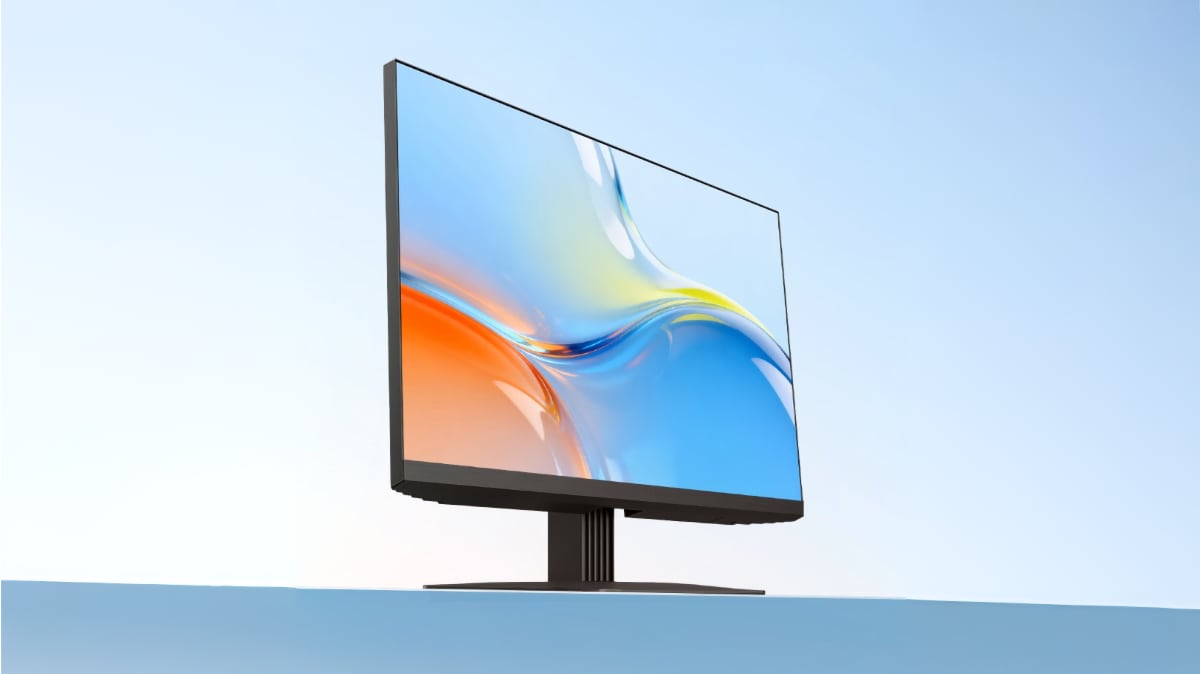
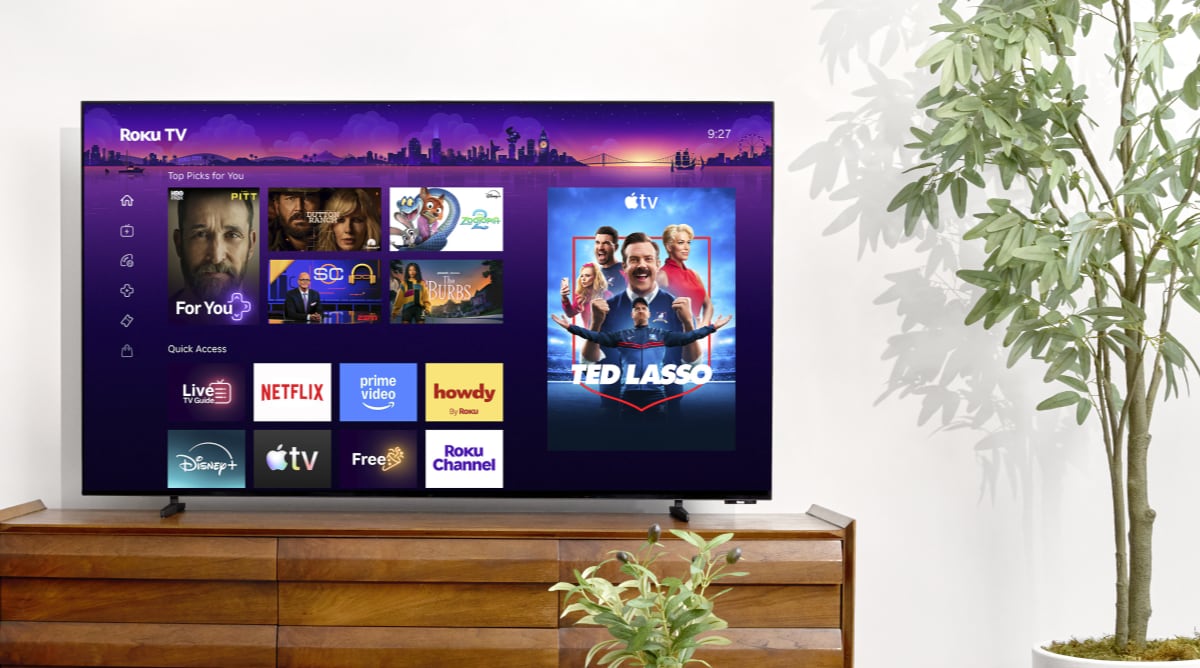
Roku has today launched its first miniLED LCD TVs and in the coming months it will start rolling out Roku OS 13 with new features such as Backdrops and Smart Picture. Roku's first miniLED LCD TVs are available now in the US in 55, 65 and 75 inches starting at $850 from Amazon as the company seeks to retain in position in the North American TV market after TCL's jump from Roku OS to Google TV. The company's own premium LCD TVs were first unveiled in January at CES 2024. You can find more details in our article here.Roku OS 13 with Backdrop
As for Roku OS 13, the new software will be rolling out to newer Roku devices in the US over the coming months, according to the company. - "We want our platform to be relevant to how you watch TV, whether you purchased a device today or years ago," said Preston Smalley, VP of Viewer Product at Roku. "With personalized Backdrops to suit your mood, Smart Picture for crystal-clear visuals, and better ways to help decide what to watch, we’re setting a new standard for streaming excellence. This is the future of TV, tailored just for you by Roku."
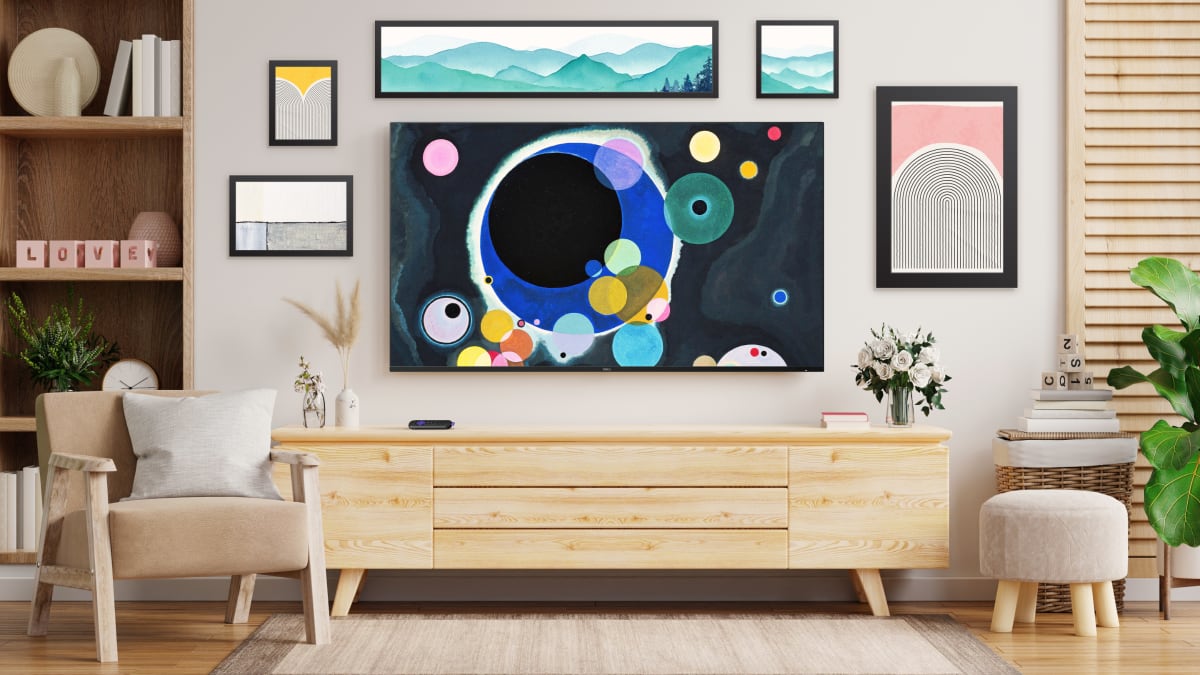
Backdrops in Roku OS 13. Photo: RokuOne of the main features is Backdrops, which sounds like an answer to Samsung's artwork function in The Frame and Amazon's AI-based artwork feature. Here is what else is new in Roku OS 13:Roku OS 13 – new features
FlatpanelsHD
In the company's own words: Turn your TV into a masterpiece with Backdrops Roku’s new feature Backdrops instantly transforms your TV into a work of art and makes it the centerpiece of the house. Simply browse through a wide catalog of free delightful artwork, including famous classics, museum collections, abstract designs, and more, and choose the art to update the vibe of your room. Users can select their favorite artwork or easily upload digital art or family photos to curate their very own collection to display. Get the best picture quality automatically with Roku Smart Picture With Roku Smart Picture, it’s now simpler to get the best picture quality for your Roku TV device without having to change the settings. As apps stream on the TV, Roku Smart Picture adjusts the backlighting, uniformity, and colors based on the type of TV. Additionally, Roku Smart Picture automatically optimizes the brightness and colors and selects the best picture mode—i.e., sports, movies, vivid and standard—for the content you’re watching, offering a better TV viewing experience. Cars are hitting the roads of Roku City Roku City is TV’s biggest and most beloved digital downtown that on average reaches more than 40M active accounts every single month. Today, we’re excited to announce we're bringing TV and movie cars to the streets of Roku City. From an ice cream truck to a secret agent's favorite sports car, these dynamic additions will add a new layer of easter egg fun to your screen. Vehicles will change, keeping you guessing, bringing your favorite city to life like never before. Take browse and discovery to the next level with: - IMDB ratings: In the coming weeks, you can expect to see IMDb ratings across entertainment details pages, keeping you in the know on what peers have rated TV shows and movies before you dive in. Plus, we're also populating a new row within What to Watch that will feature highly rated IMDb titles, so users can tune in with ease. - Trailers: With trailers coming to entertainment details pages across the platform, you can seamlessly preview TV shows or movies, allowing you to feel confident in your selection - Save List Updates: We’ve made your Save List even smarter so you can stay up to date on the content you’re interested in. Now, when a TV show or movie on your Save List drops in price or when new seasons or episodes are available, we'll let you know with badge updates right on the entertainment tile, bringing titles that may have been at the end of your list right to the front.