Google has started rolling out an update to its Gemini voice assistant to make it capable of controlling video, audio and other TV settings, starting with recent TCL Google TVs.

The company said that you can simply grab the remote or say "Hey Google" to activate Gemini and ask it to change TV settings.

It provided the following examples:
Adjust audio & video settings: Change common settings like brightness, contrast, picture, volume, and sound modes. For example, ask Gemini to "Set picture mode to Sport" or "Increase the bass."
Troubleshoot picture & sound issues: Describe what you're experiencing, and Gemini will adjust the settings to fix it. Try saying, "The screen is too dark" or "I can't hear the dialogue clearly."
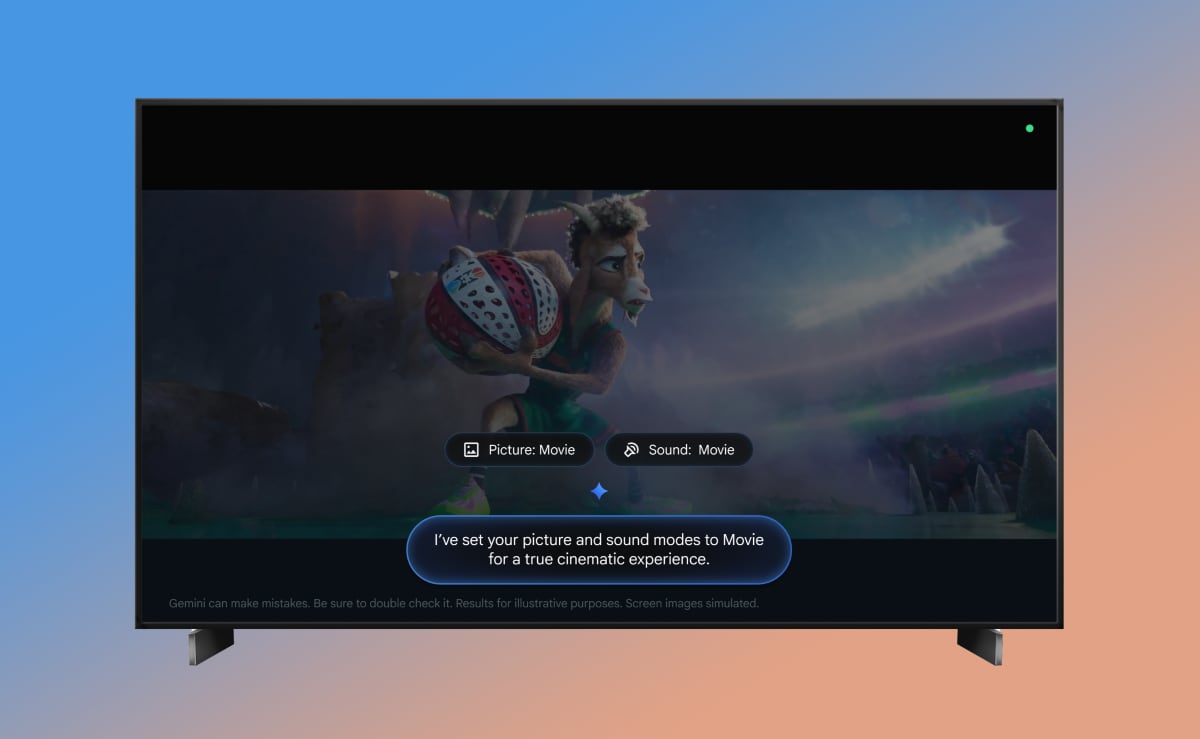
Optimize settings for your content: Tune settings for what you're watching. You can say, "It’s movie night – help make this feel like a cinematic experience."
Find settings menus: Go directly to the menu you want without clicking through multiple screens. Just say, "Open display settings."
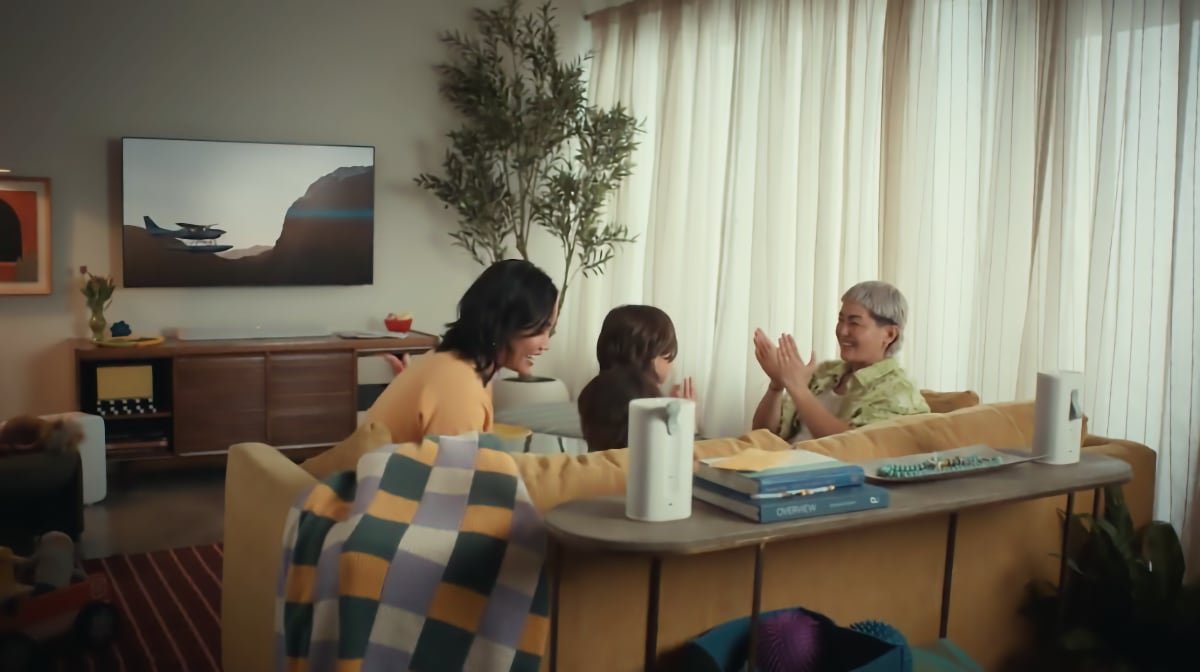
Gemini can now control TV settings. Photo: Google
Starting with TCL models
The system update is rolling out starting this week and gradually over the coming weeks to TCL's 2025 QM9K as well as 2026 X11L, QM9L, QM8L and RM9L models. Initially, it will be available only in the US.
You can check for the system update by going to Settings > System > About > System update.
The Gemini update will later roll out to more TV models and regions, but not timeline was provided. Likely candidates are the Google TV Streamer, Walmart Onn, and Hisense U7, U8 and UX, as these already support Gemini.
Also read: Google TV Streamer update brings major Google Home upgrade
By late 2026, Gemini in general will expand to additional Google TV devices with Android 14, and to more languages. A requirement is that the device has at least 2GB of RAM.
Sign up for FlatpanelsHD's newsletter
The latest news, in-depth articles, reviews, and exclusives in your inbox.