Review: Hisense U8Q (miniLED LCD)
U8Q is the first TV model from Hisense that FlatpanelsHD has tested, so we do not have a reference point yet. However, it is clear that with U8Q Hisense is entering direct competition with high-end miniLED LCD TVs from brands like Samsung, Sony and TCL. How good is Hisense's performance? Let us find out. Hisense U8Q is available in sizes from 55 to 100 inches. We tested the 65-inch model. Also read: Hisense 2025 TV line-up (with TV compare tool)Price and retailers:
US retailerUK retailer
DE retailerFirst impressions
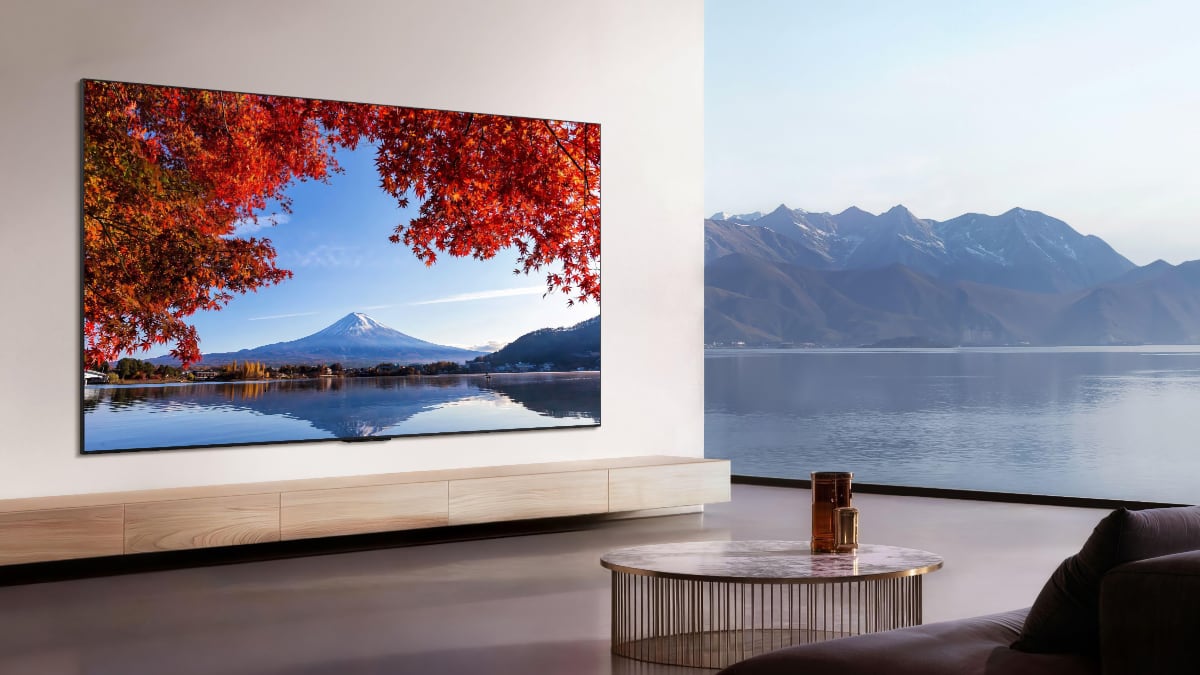
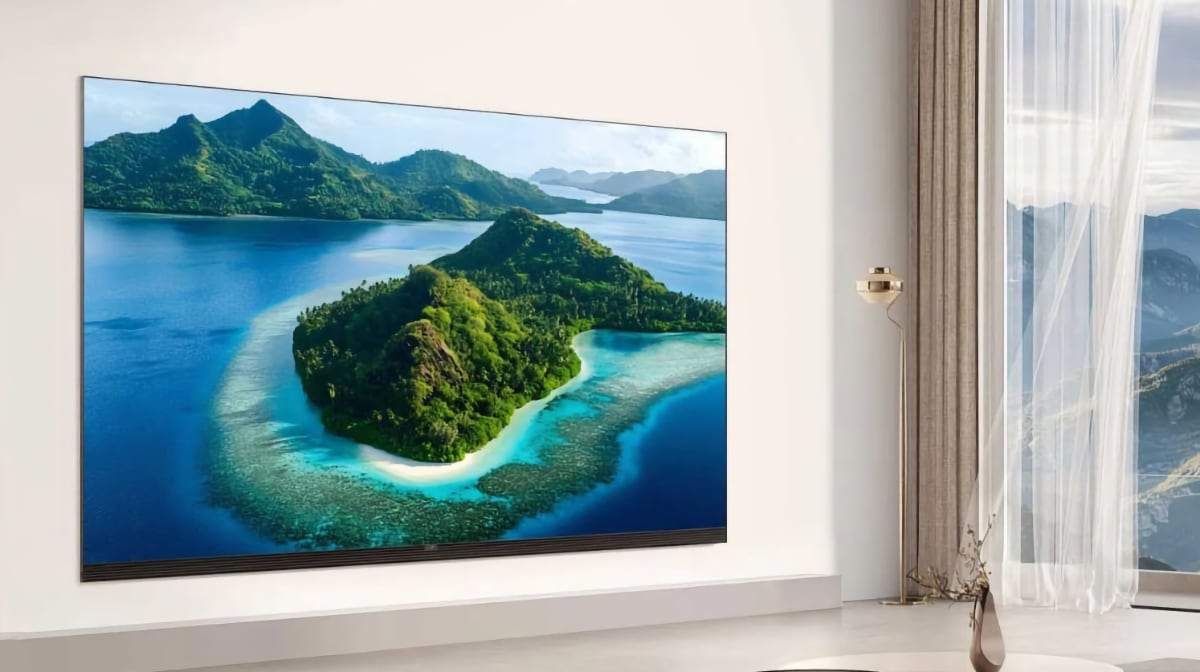
With large screens and slim bezels, there is increasingly little room for uniqueness in TV design. Unsurprisingly, Hisense U8Q resembles other miniLED LCD TVs in its class. There is a slim bezel around the LCD panel, slightly wider at the bottom than on the other three sides, and a central metal stand. The stand does not swivel. U8Q has a streamlined back that maintains the same width across the entire surface, allowing it to sit close to the wall when wall-mounted. Overall, however, it is slightly thicker than the slimmest TVs on the market and heavier than a 65-inch OLED TV. Most ports are grouped on the back and angled to the side so they do not interfere with wall mounting. There are three HDMI 2.1 ports, all capable of up to 4K 165Hz bandwidth for game consoles. Instead of a fourth HDMI port, Hisense has opted for a unique solution with USB-C for the first time on a TV. The USB-C port is located on the left side for easy access. It supports both power delivery and DisplayPort, so devices like a PC or tablet can output a video signal to the TV. The power connector is on the opposite side, also angled to the side. USB-C is an interesting addition, gaining relevance as more devices adopt the standard, but whether it will become a true competitor to HDMI's dominance in TVs remains to be seen. Personally, I would probably miss a fourth HDMI port.User experience & features
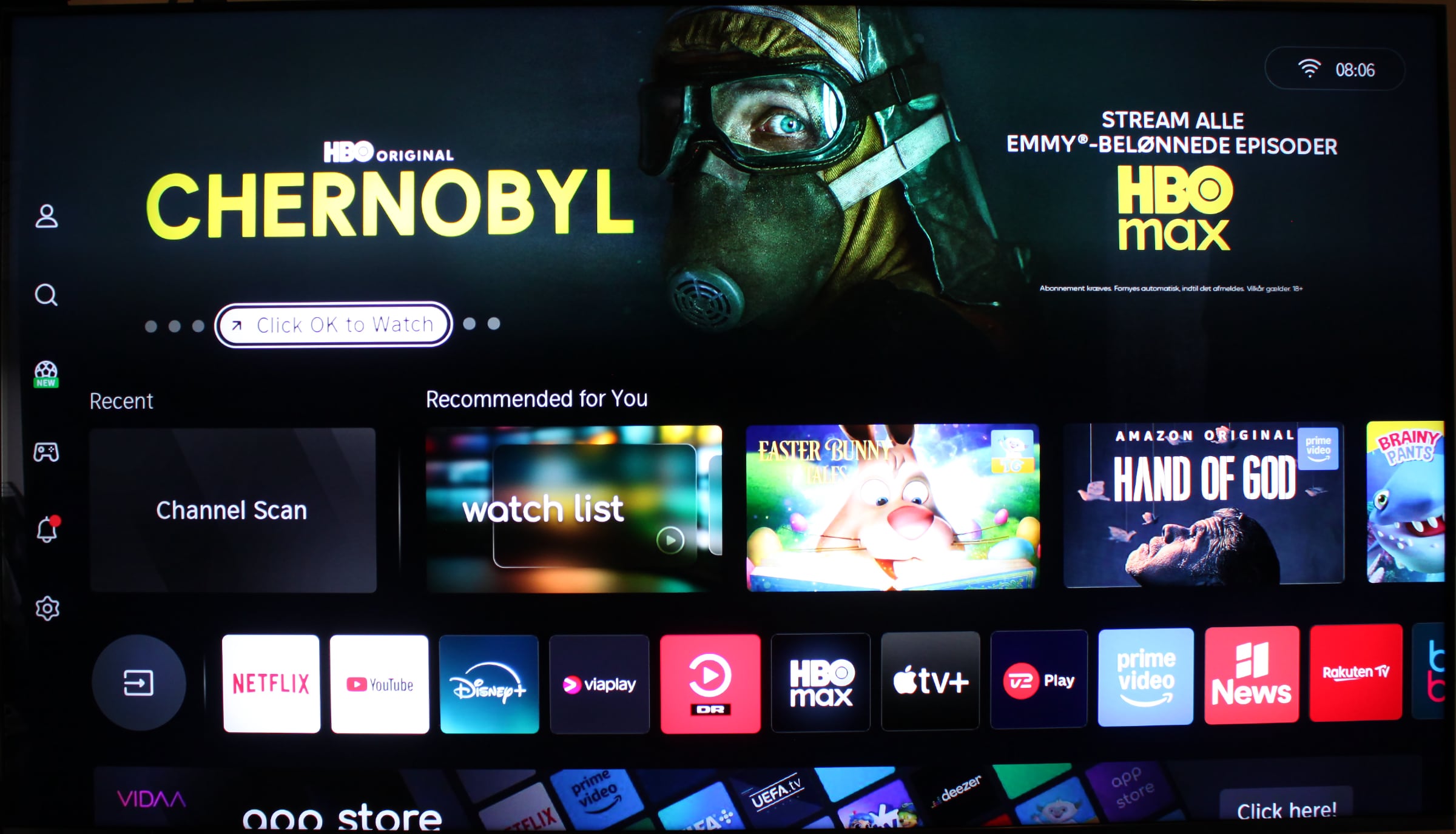
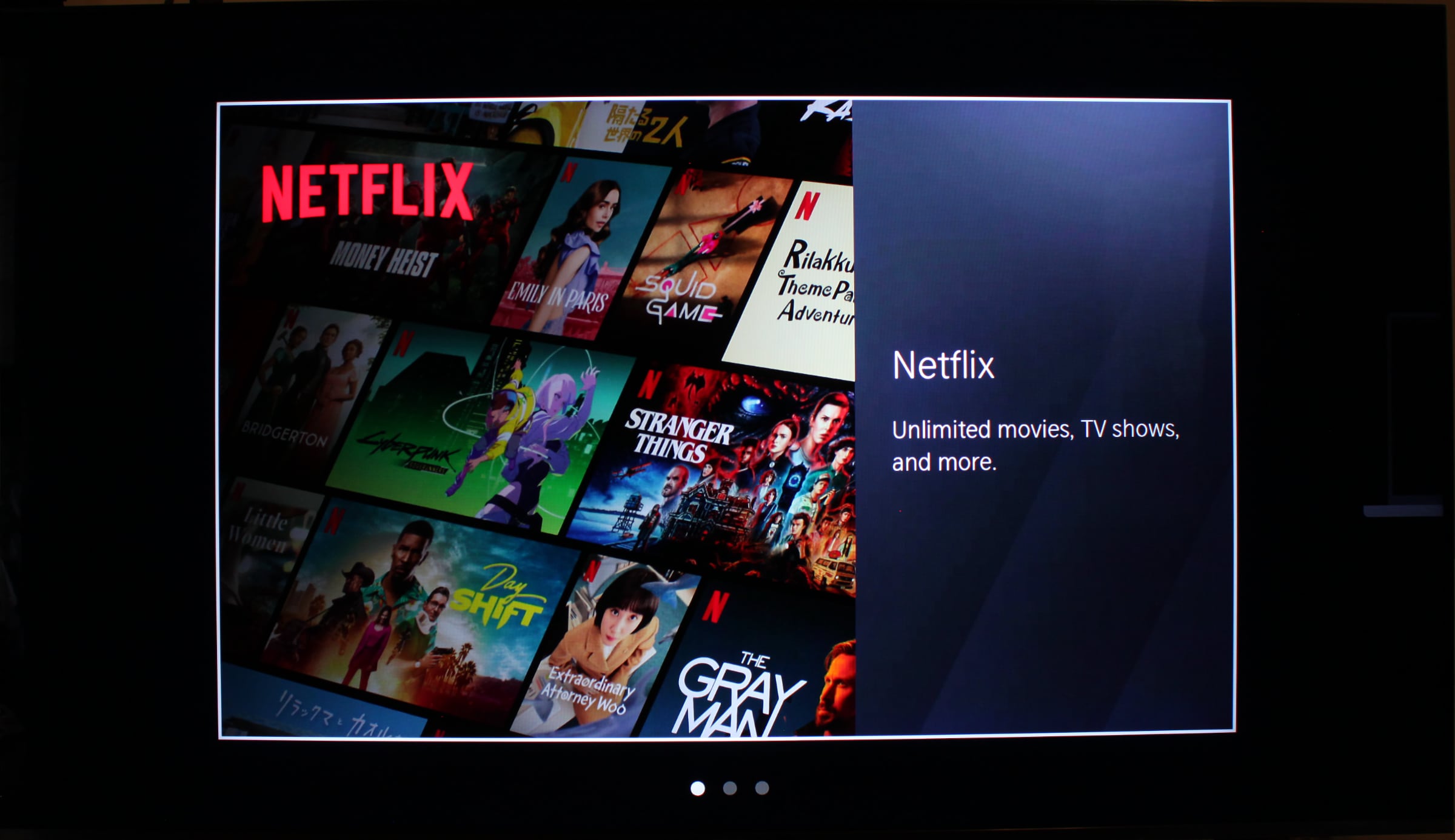
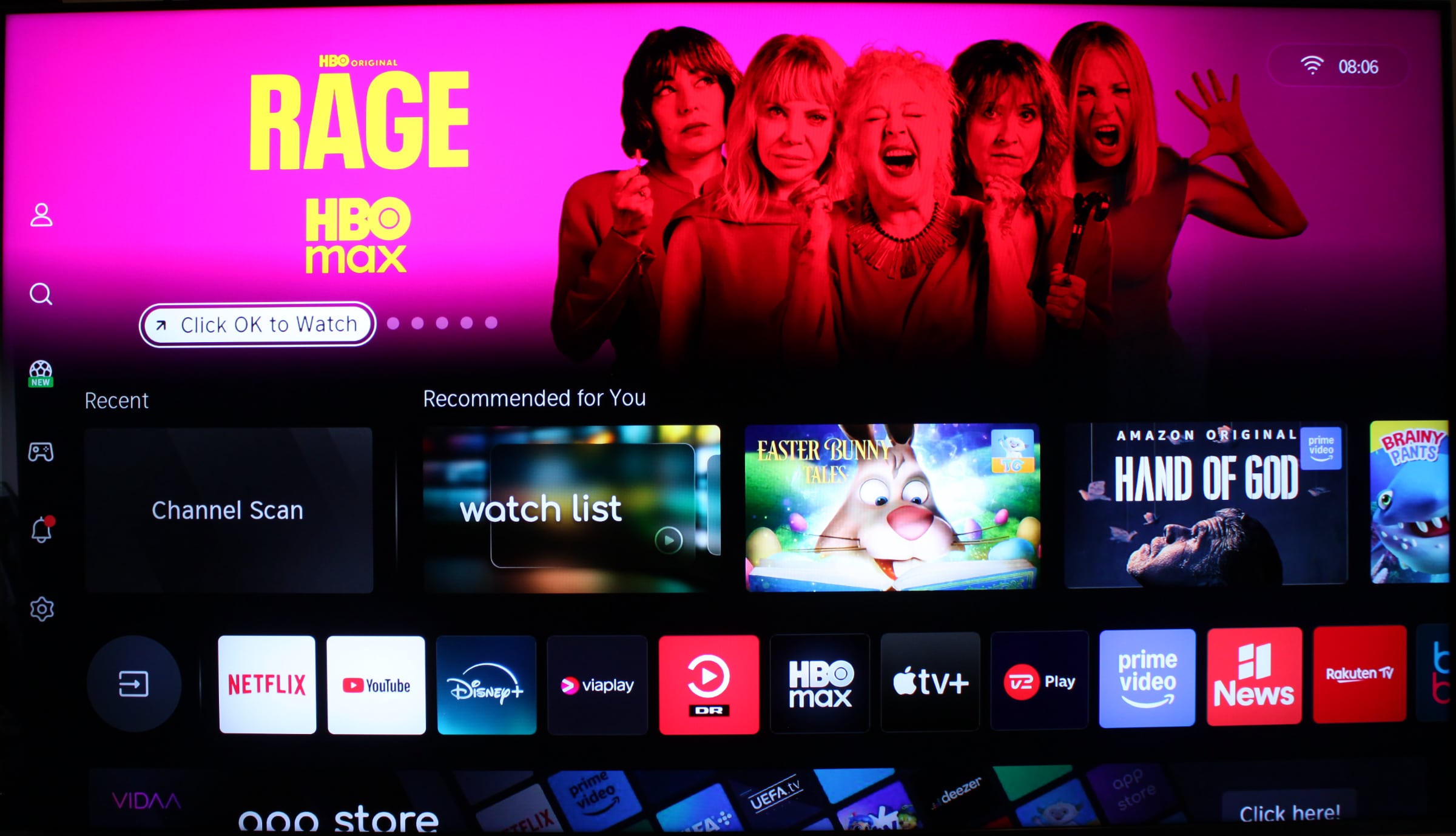
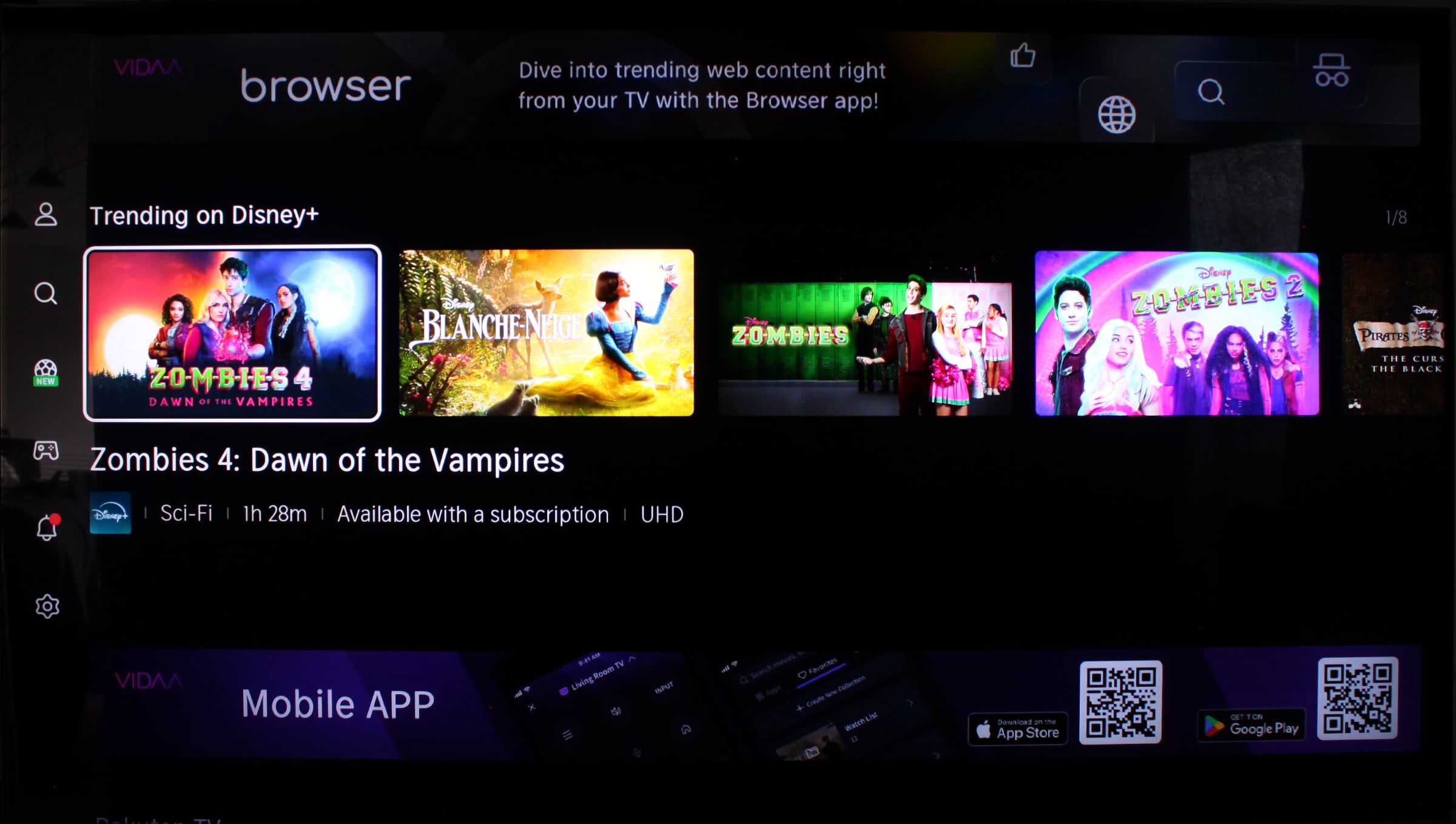
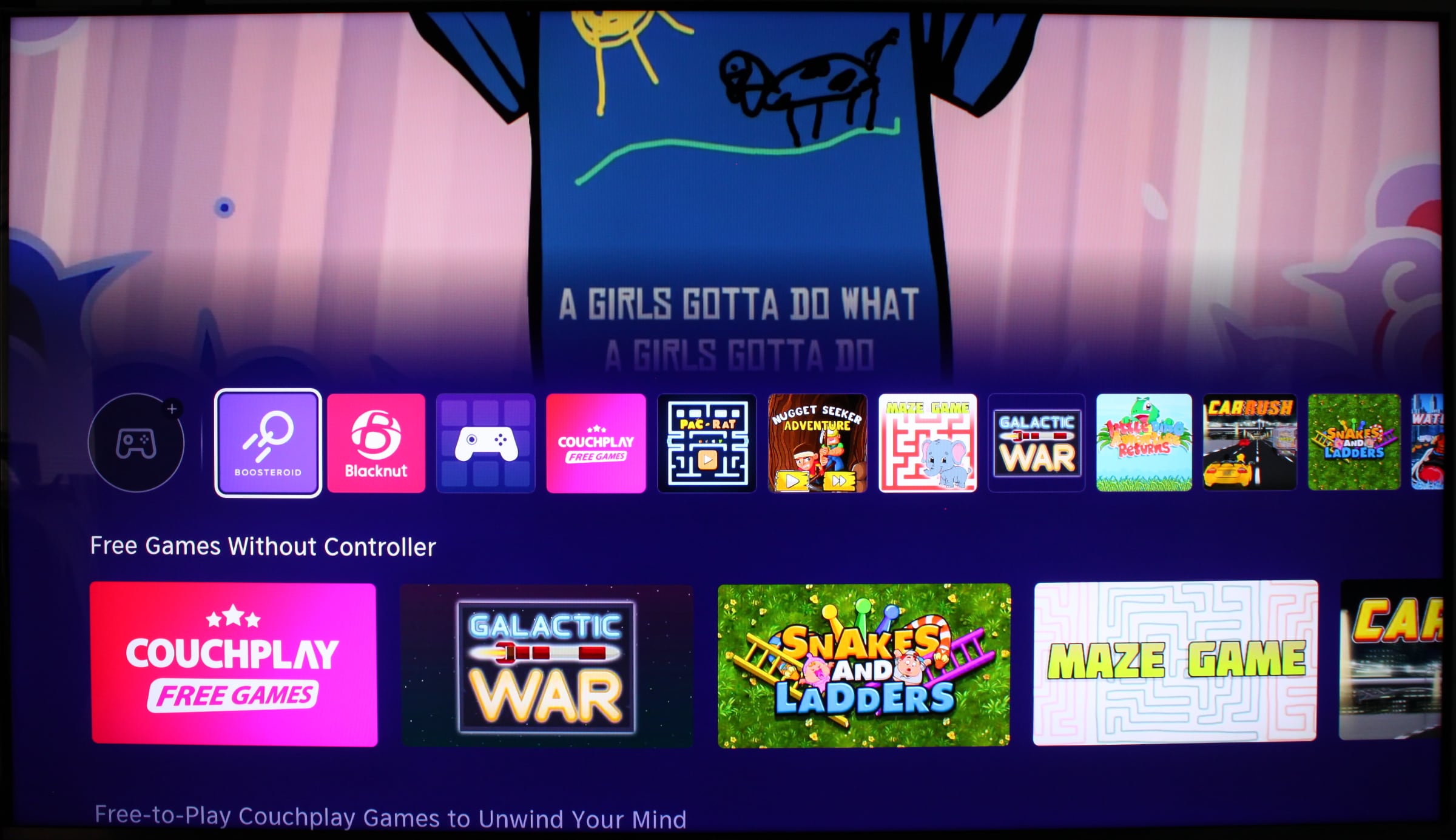
We are now familiar with multiple generations of Google TV, Apple tvOS, LG webOS, Samsung Tizen, and other TV operating systems. In Europe, Hisense runs solo with its own Vidaa OS, which is also licensed to other brands such as Toshiba. We have tested U8Q in Europe with Vidaa but be aware that it runs Google TV in North America – otherwise it is the same TV. Setup is straightforward, using either the remote or the Vidaa app. During the process, you are prompted to accept various terms for advertising and data collection, including ACR (Automatic Content Recognition), which monitors what you watch. This cements the impression that Vidaa is built around ads and data collection, and right from the setup a large Netflix ad was displayed.There are quite a few ads in Vidaa, even during TV setup (right). Photo: FlatpanelsHD On the homescreen, you will notice that Vidaa has the same ad carousel at the top as other TV platforms, highlighting content from partners. Just below is a row of installed apps, which you can reorder. Further down are content rows from selected streaming services, showcasing titles similar to what you see on Google TV. The user has no control over these content rows. Vidaa is a Linux-based operating system, so much of its codebase is fundamentally similar to other TV systems. However, this does not mean that streaming apps automatically run on Vidaa. Developers must dedicate time and release Vidaa apps. Historically, this has been a weakness for Vidaa .While it broadly supports international apps such as Prime Video, Netflix and Disney+, many regional and local apps have been missing. Hisense informed us that they are working on this, and progress is visible, although there are still gaps. It is also worth noting that the Apple TV app only offers access to Apple TV+, meaning no film rentals/purchases. Instead, films can be rented on Rakuten. Navigation on the Vidaa homescreen is surprisingly fast, and the remote feels responsive. Apps open without major delays, but you still encounter many loading screens. Animations on Vidaa can occasionally feel rough, making the system feel less smooth than it could be. After quickly pressing two sponsored app buttons in succession, we experienced a complete video blackout in several apps, requiring a power cycle to restart the TV.The Vidaa TV platform. Photo: FlatpanelsHD Hisense U8Q is the first TV to feature the MediaTek Pentonic 800 (MT9655) system chip, replacing the Pentonic 700 also found in TCL Google TVs. We cannot benchmark the Pentonic 800 as our benchmark apps do not run on Vidaa, but on paper Pentonic 800 is not significantly faster than 700. The main advantage of Pentonic 800 is that it supports more than two HDMI 2.1 ports, which Hisense has embraced with three HDMI 2.1 ports and one USB-C with DisplayPort. This is a welcome improvement, as two HDMI 2.1 ports – one of which is HDMI eARC – remain a limitation on many TVs. There are a handful of simple web games in the Vidaa app store, but Pentonic 800 is not powerful enough to run anything close to game console quality. Vidaa is updated post-purchase and Hisense promises up to 8 years of support. U8Q comes with Vidaa 9.0 pre-installed. Vidaa does not handle multitasking well, so if you stream a video in an app, press the home button to return to the homescreen, and then go back into the app, most apps restart completely instead of resuming playback or returning to the menu where you left the app. This makes Vidaa feel "light" in many scenarios. The YouTube app is an exception. Apple AirPlay 2 and Apple Home are supported, but Google Cast (Chromecast) is not. With AirPlay, media files can be wirelessly sent to U8Q via iPhone/iPad/Mac, and this worked as intended, but Android users will likely miss Google Cast. Overall, Vidaa needs refinement and we would compare it more with LG's webOS and Samsung's Tizen than Apple's more polished tvOS or Google's more comprehensive Google TV, although Vidaa's ad focus resembles Google TV. As mentioned, some apps are still missing on Vidaa, both local and international, such as Xbox and Nvidia GeForce Now. Vidaa is improving but it still lacks polish, and the focus on ads is a concern for us. Beyond Vidaa, Hisense supports features like HDMI eARC and HDMI CEC. During testing, we encountered no issues. Both systems were enabled out-of-the-box, allowing external HDMI devices to be controlled via the TV remote – and vice versa. Built-in WiFi 6E and Bluetooth 5.3 put Hisense at the forefront. However, the Ethernet port is limited to 100 Mbps – like most other TVs. We tested HDMI 2.1 QMS to see if it worked with the MediaTek Pentonic 800 chip. Unfortunately, it does not. If QMS for switching refresh rates without a black screen (with Apple TV 4K) is important to you, you should look at LG and Samsung TVs instead.Operation
Hisense's remote has a nice shape and weight, and charges via USB-C, for example through the TV's USB-C port. It is a small detail but it makes charging the remote convenient. There is a small solar panel at the bottom of the remote that can charge the battery. Samsung introduced a solar panel on their remote a few years ago but it sits on the back, so you must remember to flip Samsung's remote when not in use – who actually does that? This is not the case with Hisense, though the solar panel looks not pretty.However, the remote is cluttered with buttons, which unfortunately does not lift usability. We encourage Hisense to drastically reduce the number of buttons. The navigation pad in the center resembles a wheel, but it cannot be rotated or touch-operated. These are actual buttons that work well for navigation, and the back button is logically placed just below to the left. Among the buttons, there are six sponsored buttons, though the TV Channels+ button opens regular TV channels in some countries (in other countries it opens ad-supported TV channels). Below is a 'Custom' button marked with a heart, which can be user-configured to open a specific app or HDMI port. This is clever, and the six other buttons should have the same functionality (and no print). Overall, it is a decent remote, responsive (connects via Bluetooth so you do not need to point directly at the TV), but with far too many buttons and sponsored elements, which detracts from the overall user experience.Hisense's remote has solar cells and far too many buttons. Photo: FlatpanelsHDThe remote's heart button can be user-configured to switch to a specific app or HDMI port. Photo: FlatpanelsHDTV audio
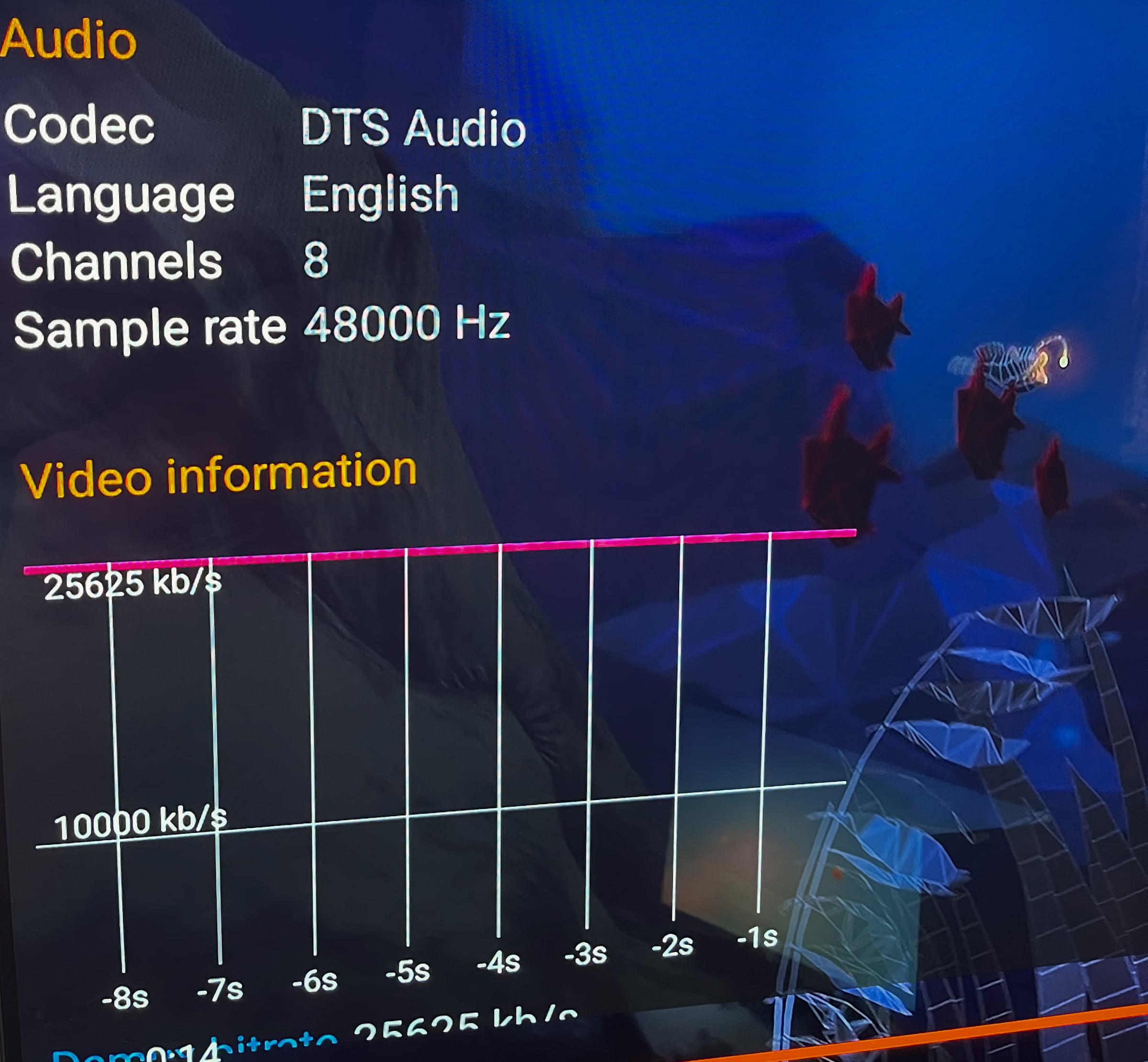
Hisense U8Q is equipped with a 4.1.2 audio system, which sounds OK for built-in TV speakers. With a combination of a "subwoofer", side-firing and upward-firing units, Hisense attempts to use the room's walls and ceiling to virtualize surround sound. During our time with U8Q, we did not notice much surround effect, though the soundstage feels slightly wider than TVs with stereo speakers. At times, it can feel exaggerated and artificial. The bass is stronger than expected and can be faintly felt in the table on which the TV stands. This lifts the overall audio experience for movies and series, but there are natural limitations to what a TV cabinet can deliver, and the bass still feels somewhat confined in many situations. The TV's speakers are adequate for mixed, daily use, but for home cinema, external speakers are recommended. For music, the speakers perform worse; they lack clarity, tonal richness, depth and atmosphere to the extent that I personally would not enjoy listening to music on U8Q.Hisense supports both Dolby and DTS audio formats, and we confirmed that the U8Q decodes both DTS:X and Dolby Atmos. Additionally, DTS:X IMAX Enhanced is supported. Hisense is thus only the second TV – after Philips – to technically support DTS:X IMAX Enhanced, but unfortunately it did not work with DTS:X sound in the Disney+ app, as it does on Philips. U8Q defaulted to Dolby Atmos even when we selected the DTS:X version of a Marvel movie on Disney+. With HDMI 2.1 eARC, support for DTS:X and Dolby Atmos ensures you can also pass-through these formats to external audio systems. Hisense has discussed plans to support the wireless audio platform Dolby Atmos FlexConnect, which the MediaTek Pentonic 800 chip can support, but it is not included on U8Q. TCL is the first to implement Dolby Atmos FlexConnect.Hisense U8Q decodes DTS audio. Photo: FlatpanelsHD Calibration
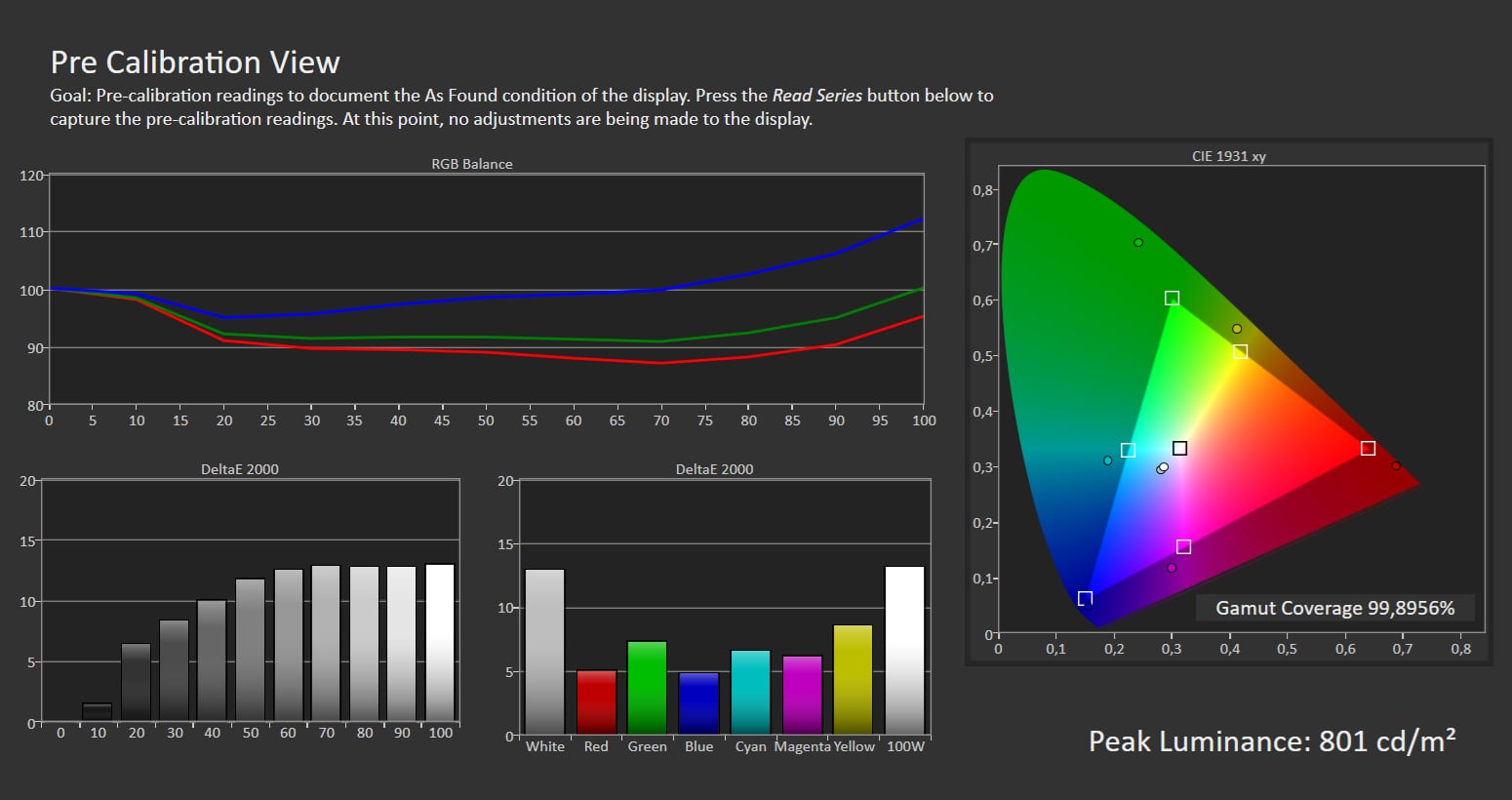
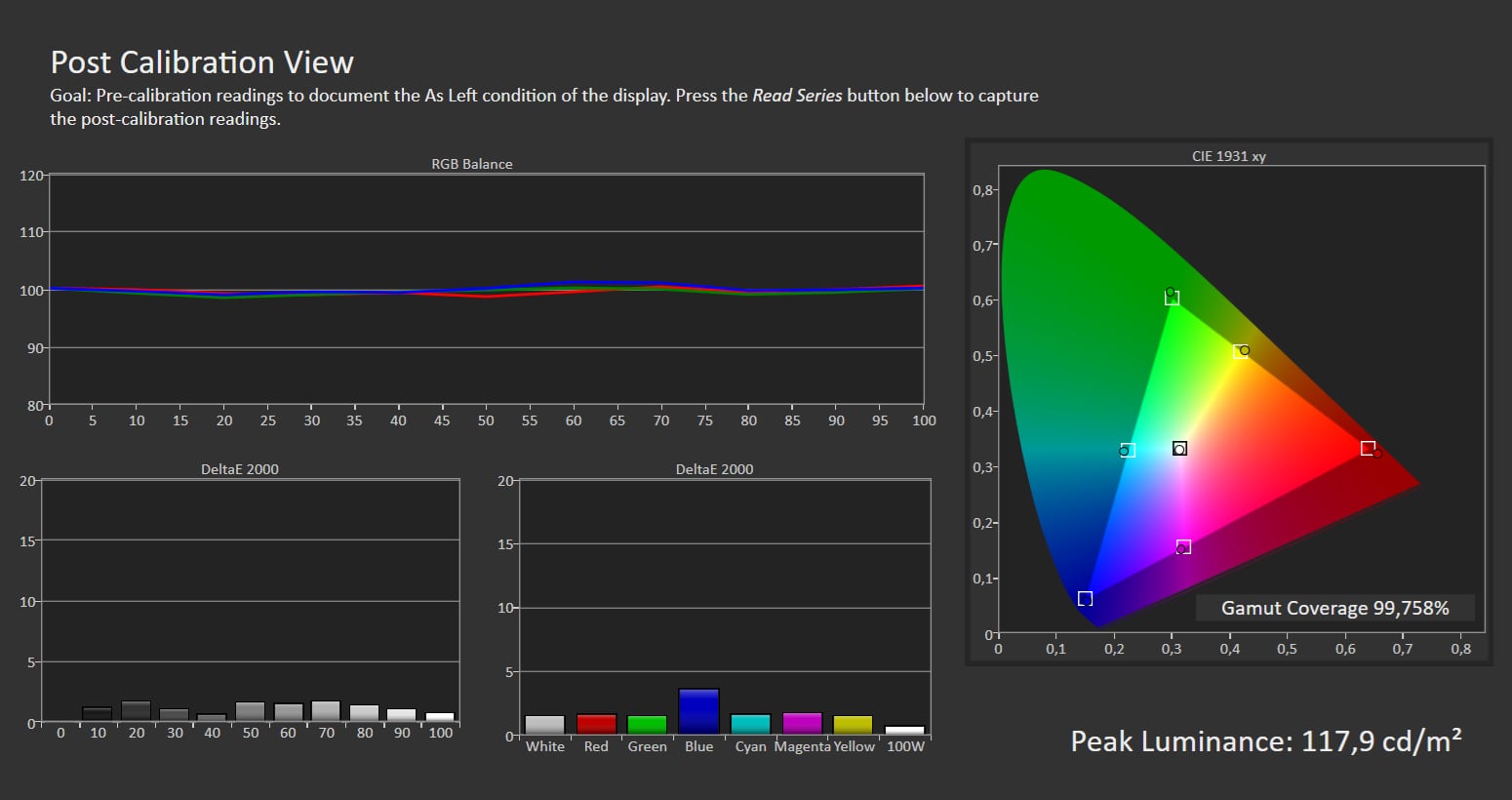
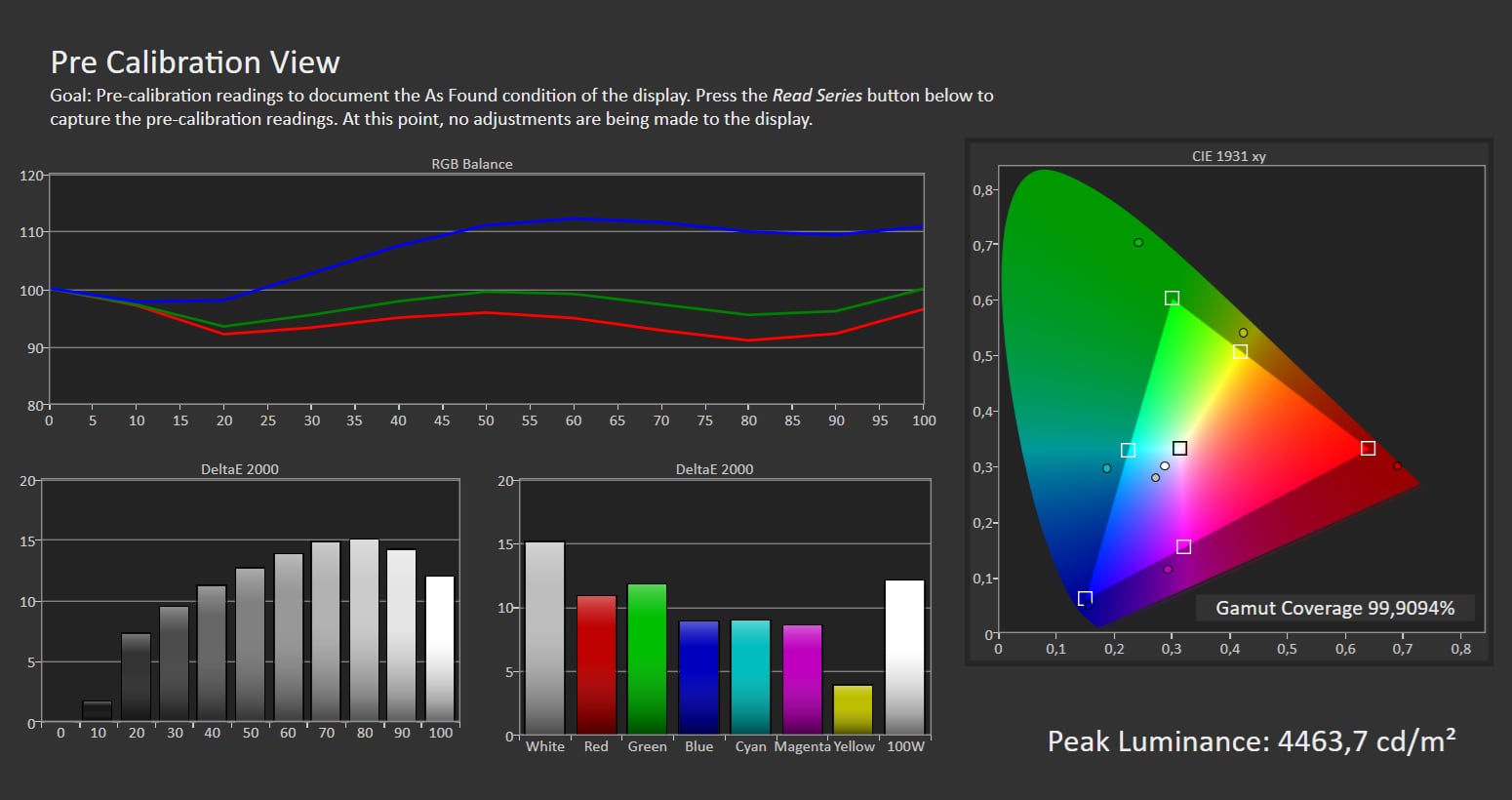
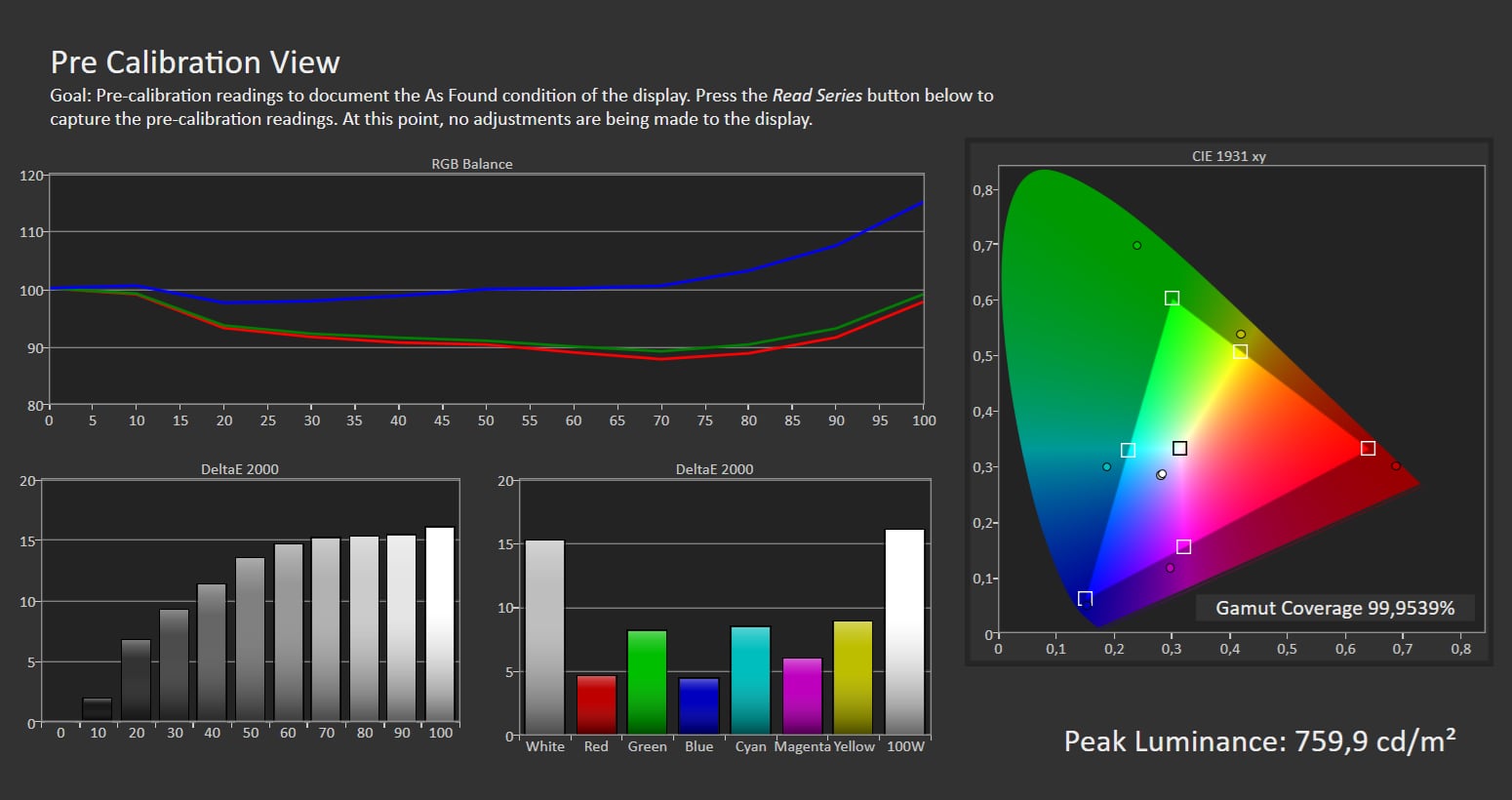
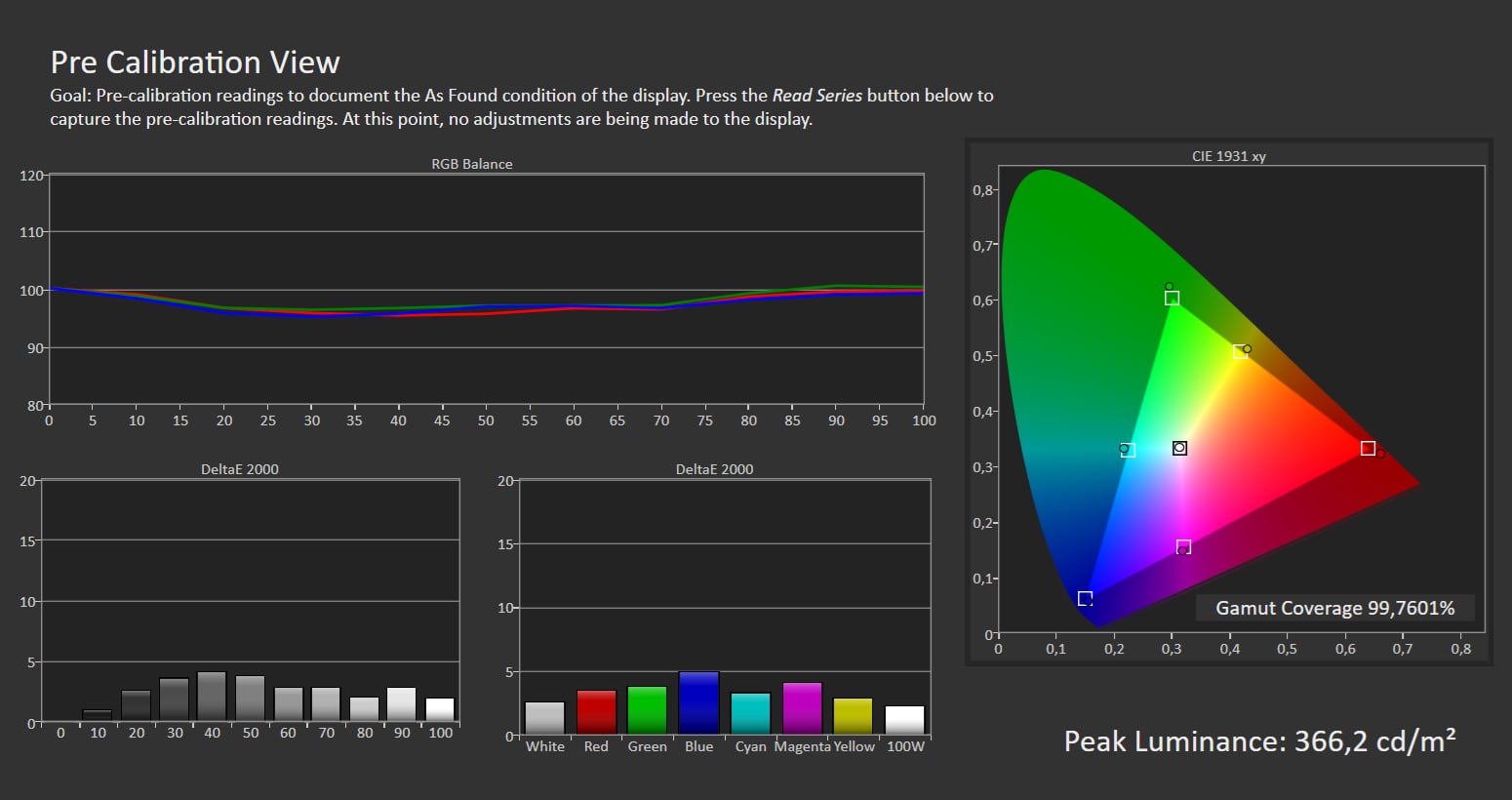
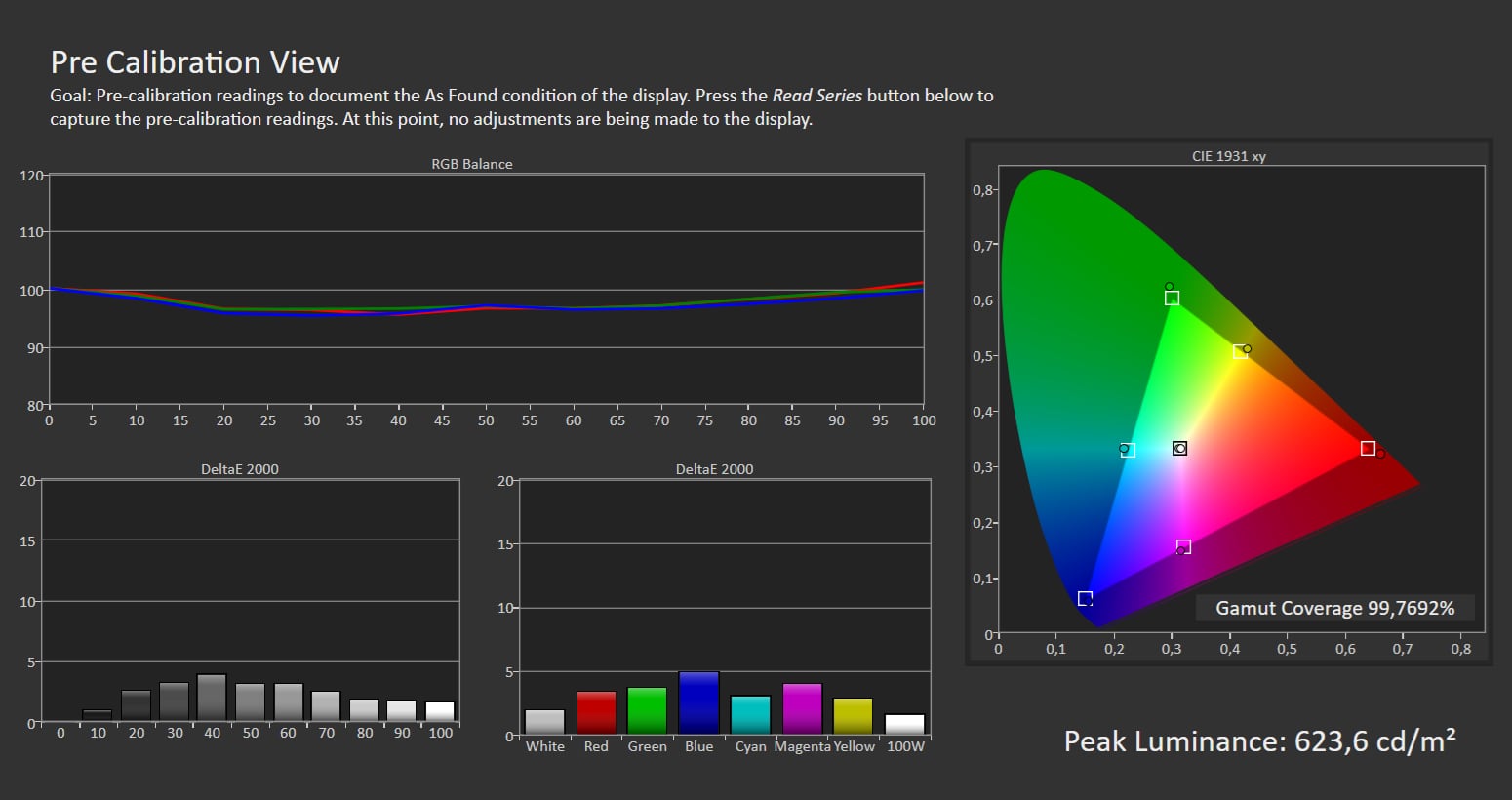
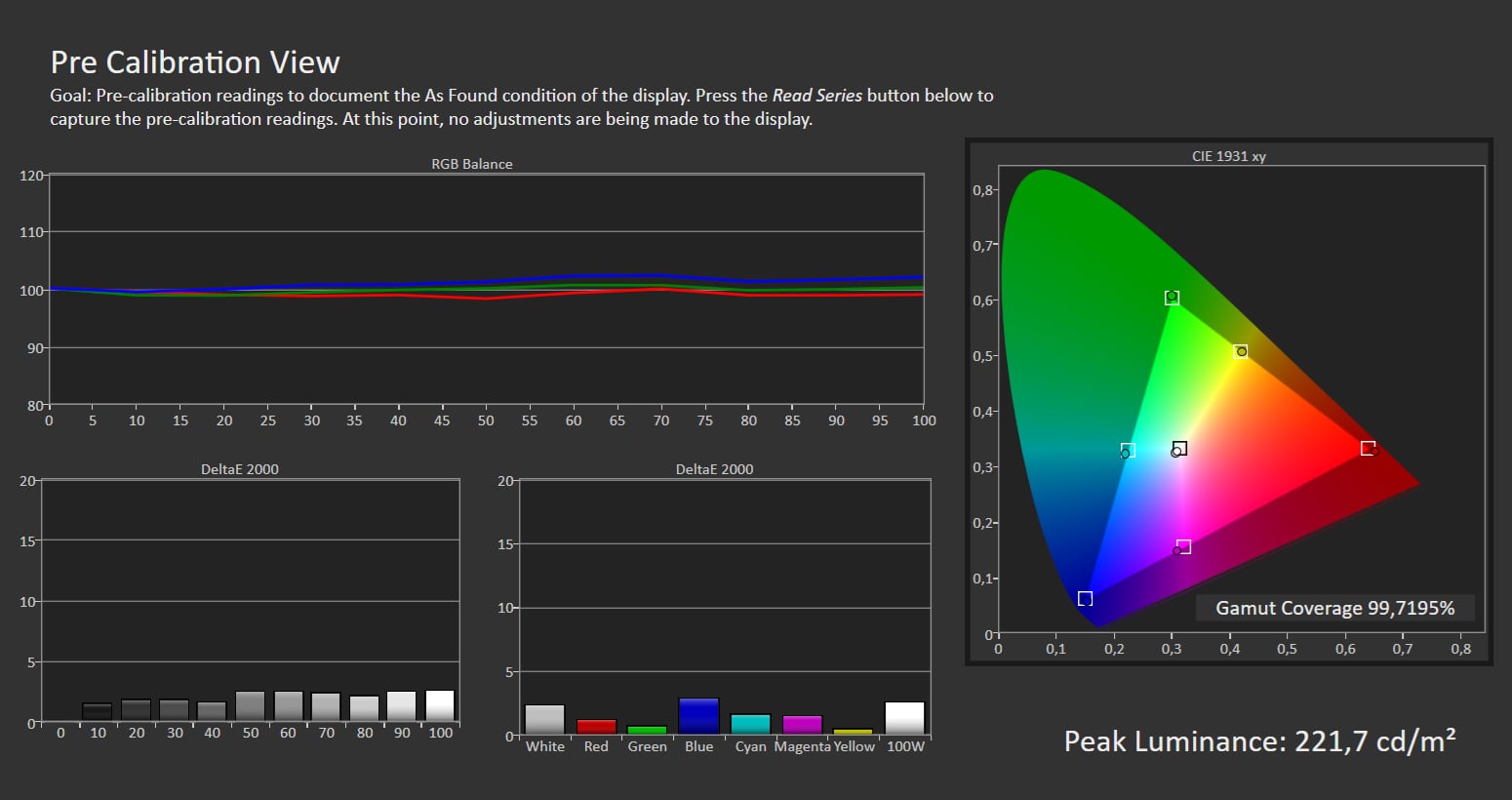
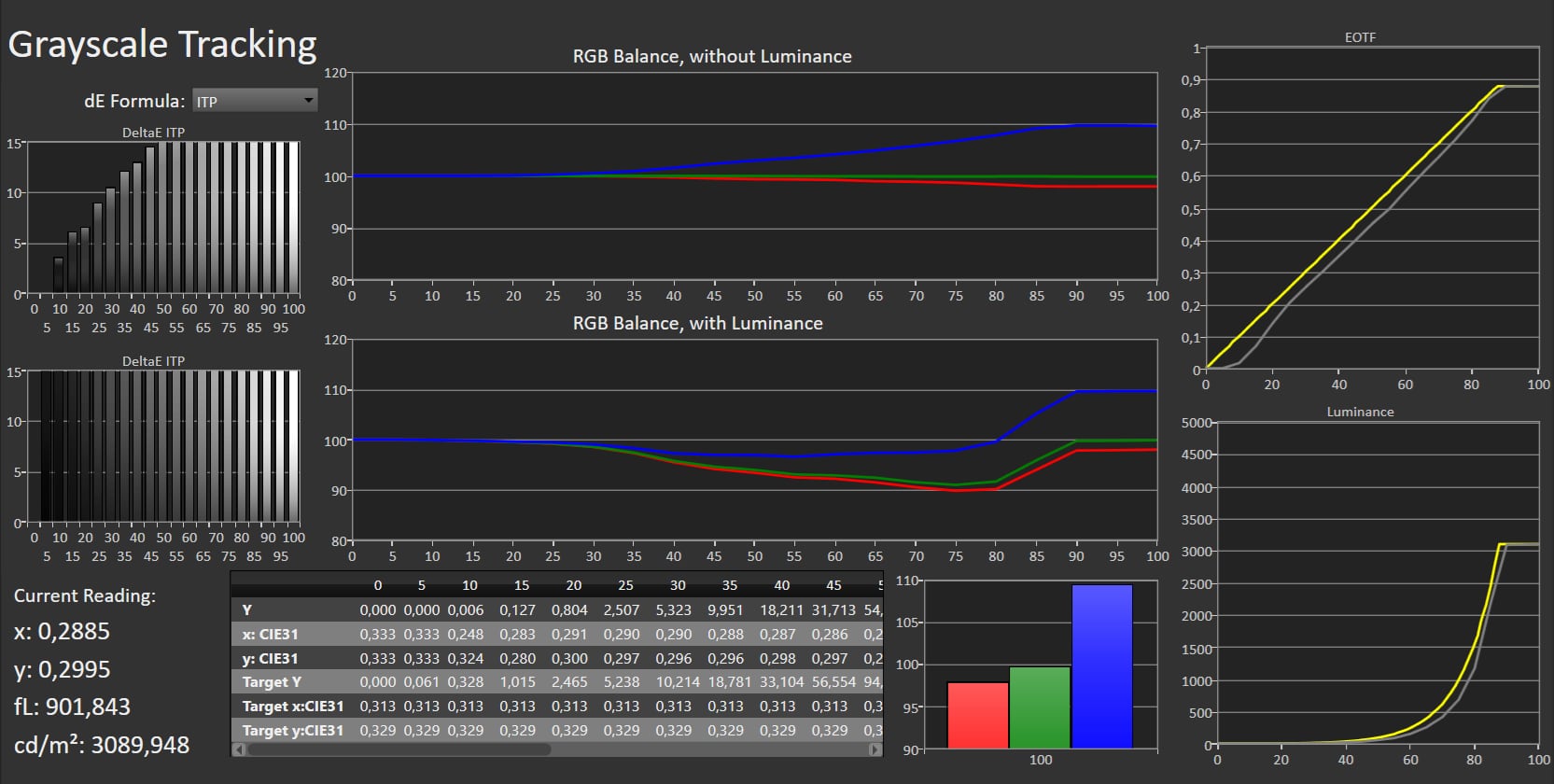
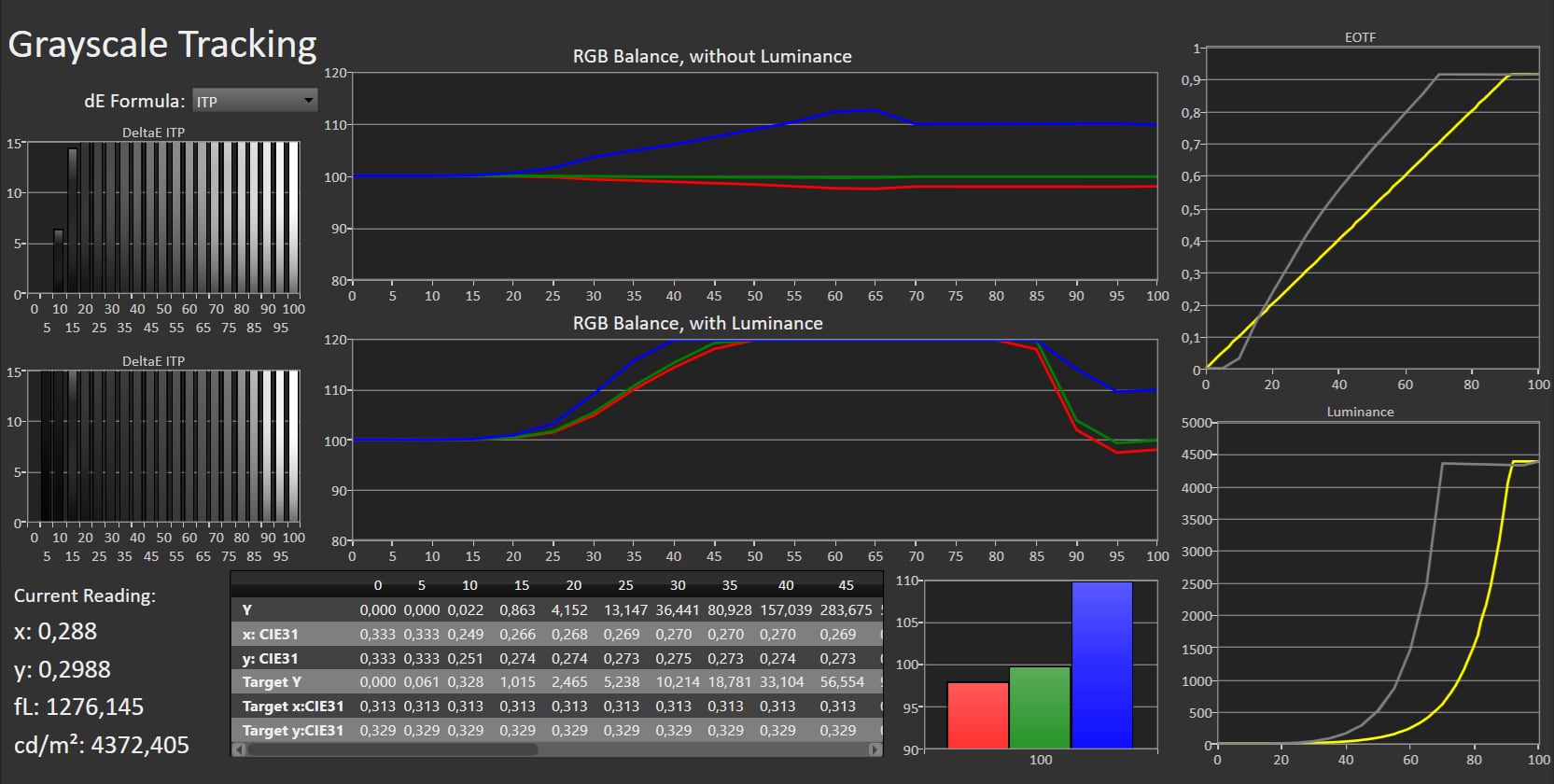
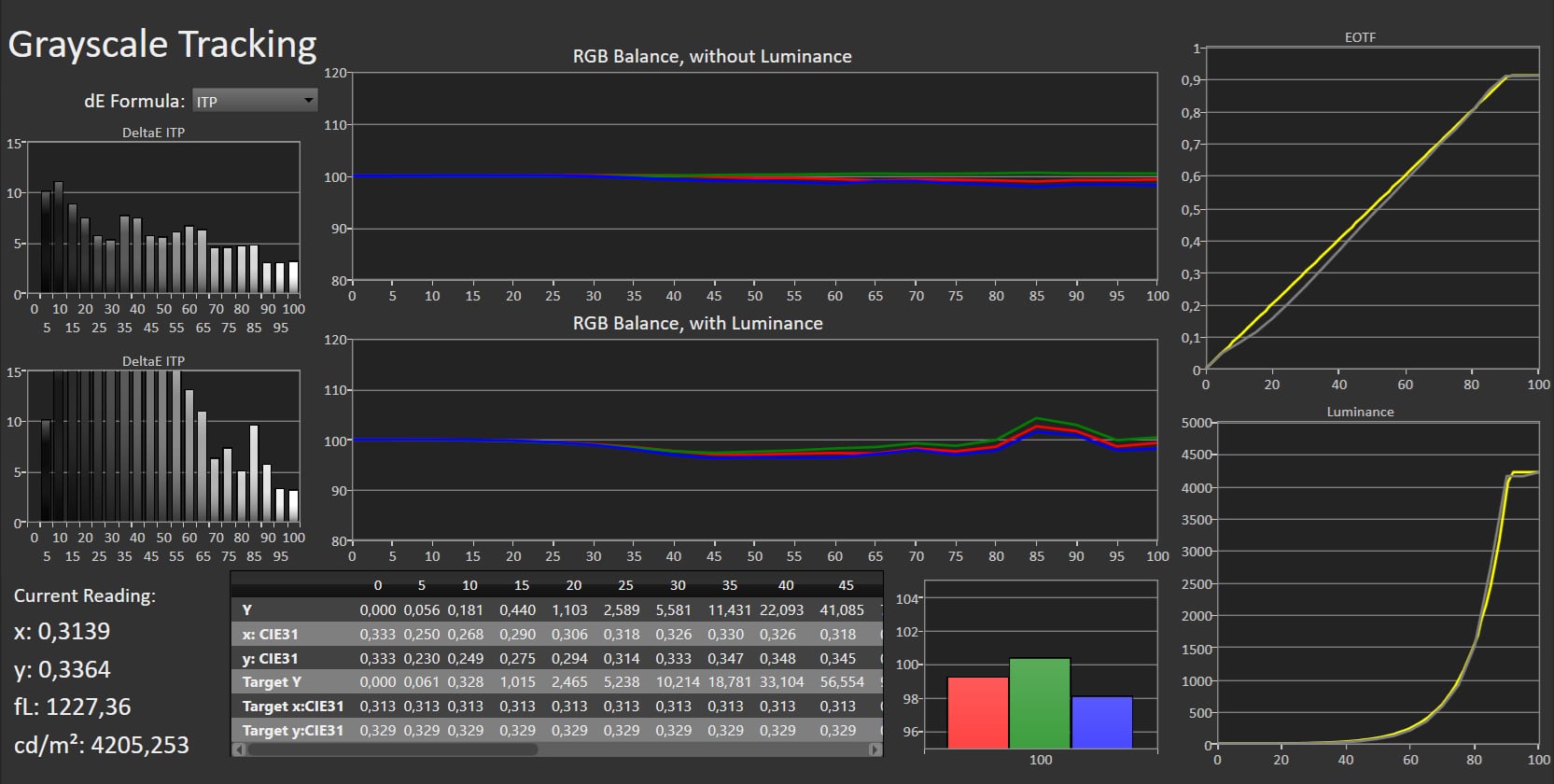
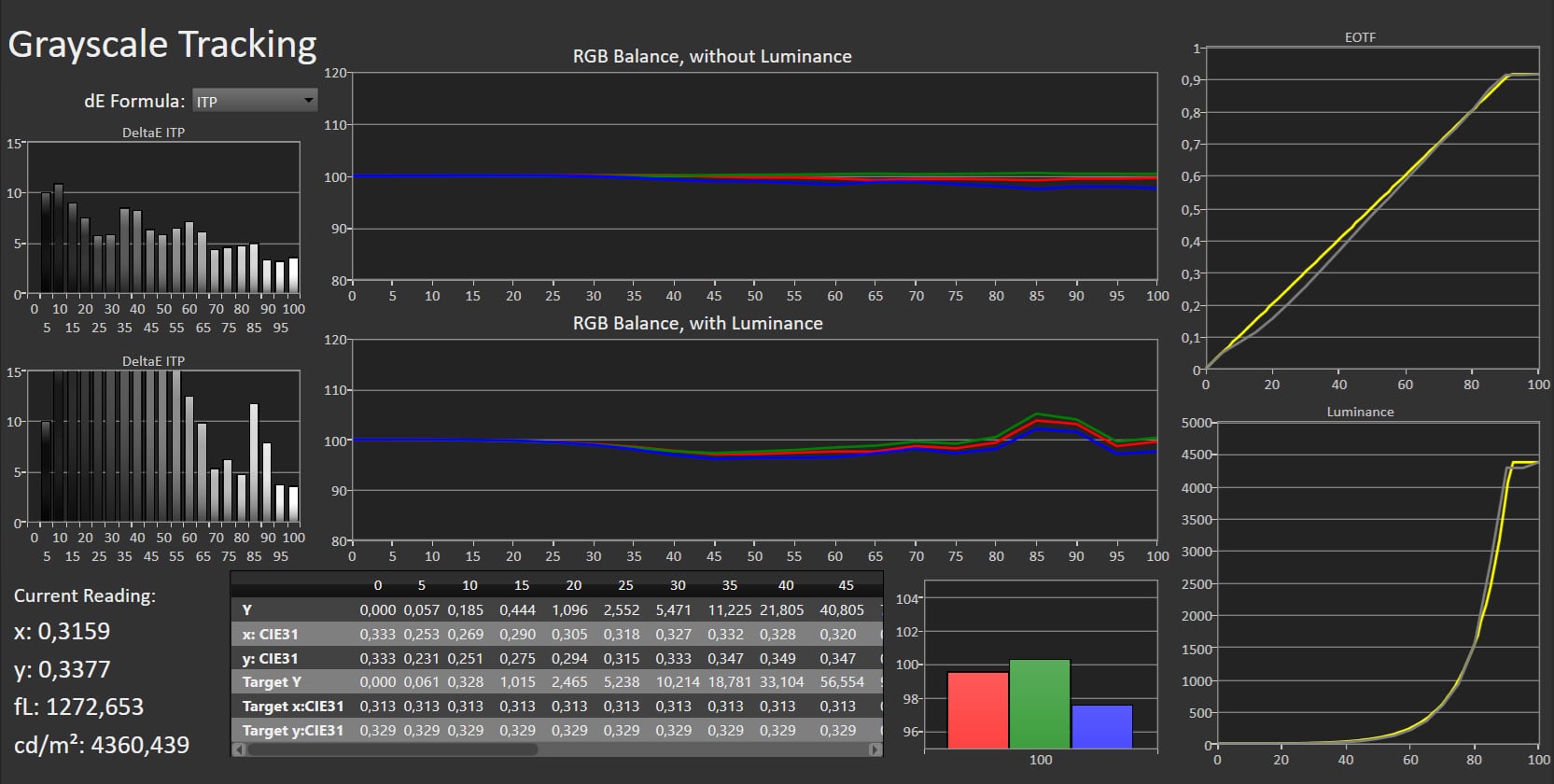
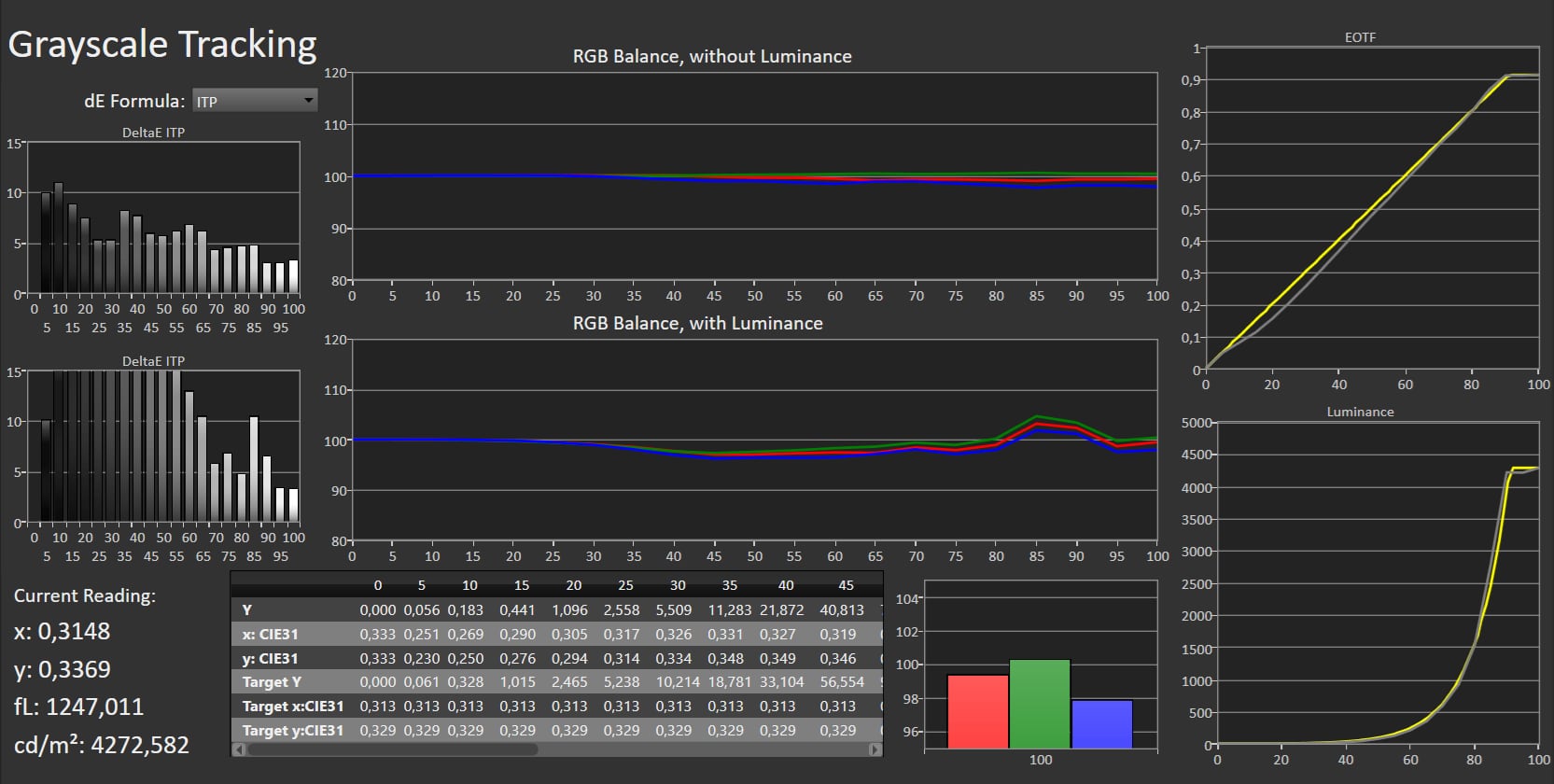
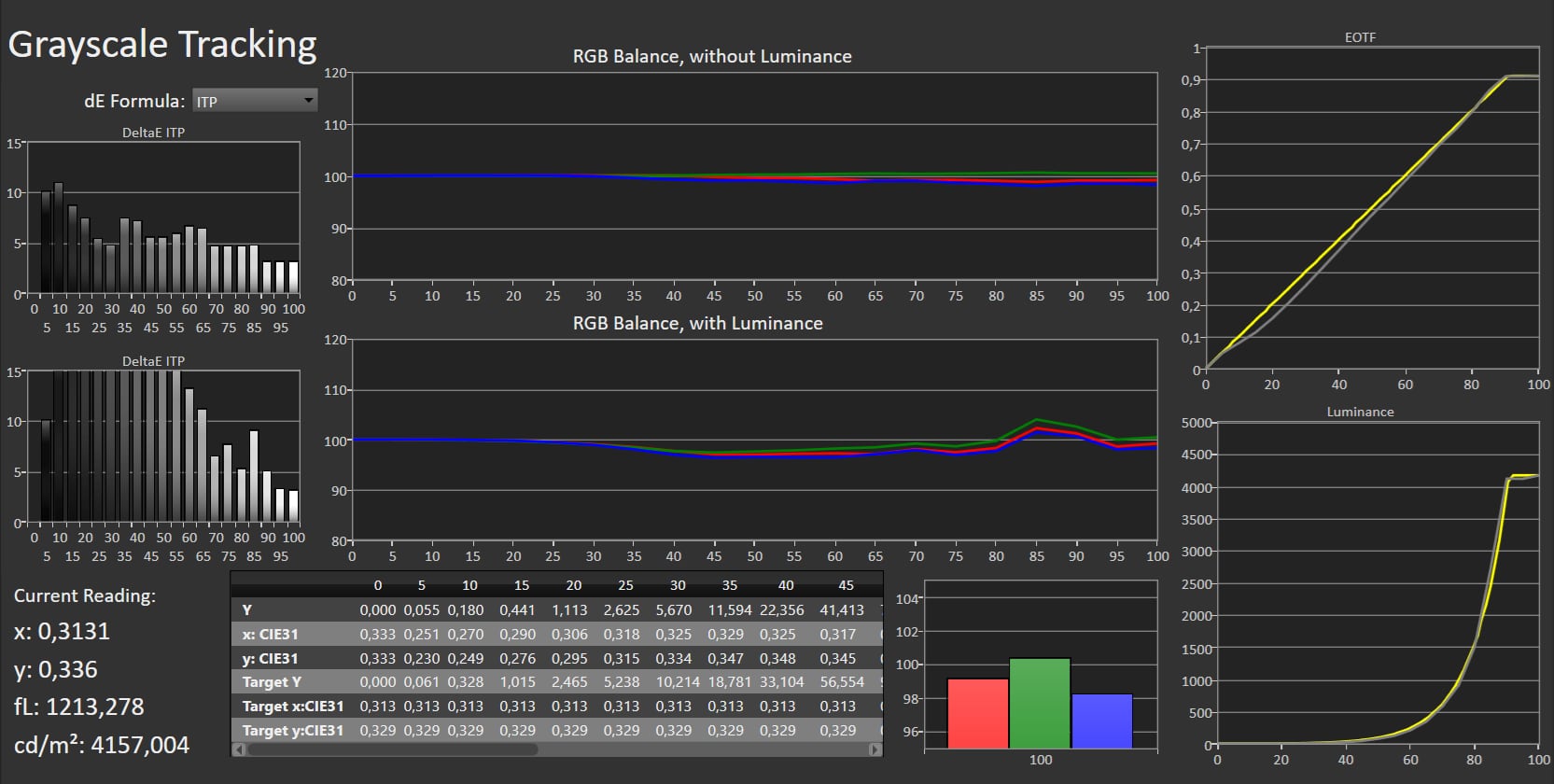
Like other TV makers, Hisense has a myriad of picture mode, which is very confusing. By default, U8Q is set to an 'Energy Saving' mode that is not accurate. Dynamic and Standard are also harsh. Cinema mode is usable in bright rooms, but the most accurate starting point is Filmmaker Mode, though it still lacks a bit of precision. During our calibration, we noted that gamma BT.1886 does not correctly follow the standard, which is an error – the gamma is too high. Instead, select Gamma 2.2 if calibrating for dark rooms (Gamma 2.2 settings result in gamma 2.4) or Gamma 2.0 (results in gamma 2.2) for brighter rooms. We also observed that the Backlight, Contrast and Gamma settings are interdependent, making SDR luminance calibration more difficult than it should be. We reached a satisfactory result, but be aware that the miniLED zones are somewhat unpredictable and calibration readings are not identical twice in a row. This is a general characteristic of miniLED zone dimming in LCD TVs. Hisense's Game profile works like LG's. It activates automatically (or manually) on top of other picture mode when the TV detects an HDMI signal from a game console. In our opinion, this is a better approach, as it allows you to maintain calibrated settings while reducing input lag. For example, you can activate Game mode on top of Filmmaker Mode to enjoy PC/console games as intended by the creators. For HDR, Filmmaker Mode is again recommended. U8Q reaches peak brightness over 4000 nits, but only in a 10% window. In a 1% window, typically used for the brightest elements in movies and series, it reaches just over 2000 nits. The high brightness is maintained in Game mode. We measured light stability, and after 1 minute it dropped only 100-200 nits to 3900 nits. Unlike TCL, Hisense does not use a boost function to reach 4000 nits, which makes miniLED zones slightly less unpredictable. For Dolby Vision content, the Dolby Vision Dark picture mode is recommended. DCI-P3 and Rec.2020 color gamut coverage were measured at 97% and 74%, respectively, matching other high-end LCD TVs, but not QD-OLED.Measured picture modes
Click to expand the view
Energy Saving (SDR) Dynamic (SDR) Standard (SDR) Filmmaker Mode (SDR) Cinema (SDR) Game (SDR) Energy Saving (HDR) Dynamic (HDR) Filmmaker Mode (HDR) Cinema (HDR) IMAX Cinema (HDR) Game (HDR) Left: Standard picture mode. Right: Calibrated Measurements
In our "measurements" section we include all measurements and our suggested calibration settings. If you want to learn more about our test methodology click here. Note: In 2021, we implemented a new method for measurement of average power consumption in SDR and HDR, meaning that earlier measurements are not 1:1 comparable. The new method will be used in all TV reviews going forward.Note: We include calibration settings only for SDR, not HDR. For our calibration we have deactivated the ambient light sensor that automatically adjusts the backlight setting according to your environment. You may prefer to have it enabled.Picture quality
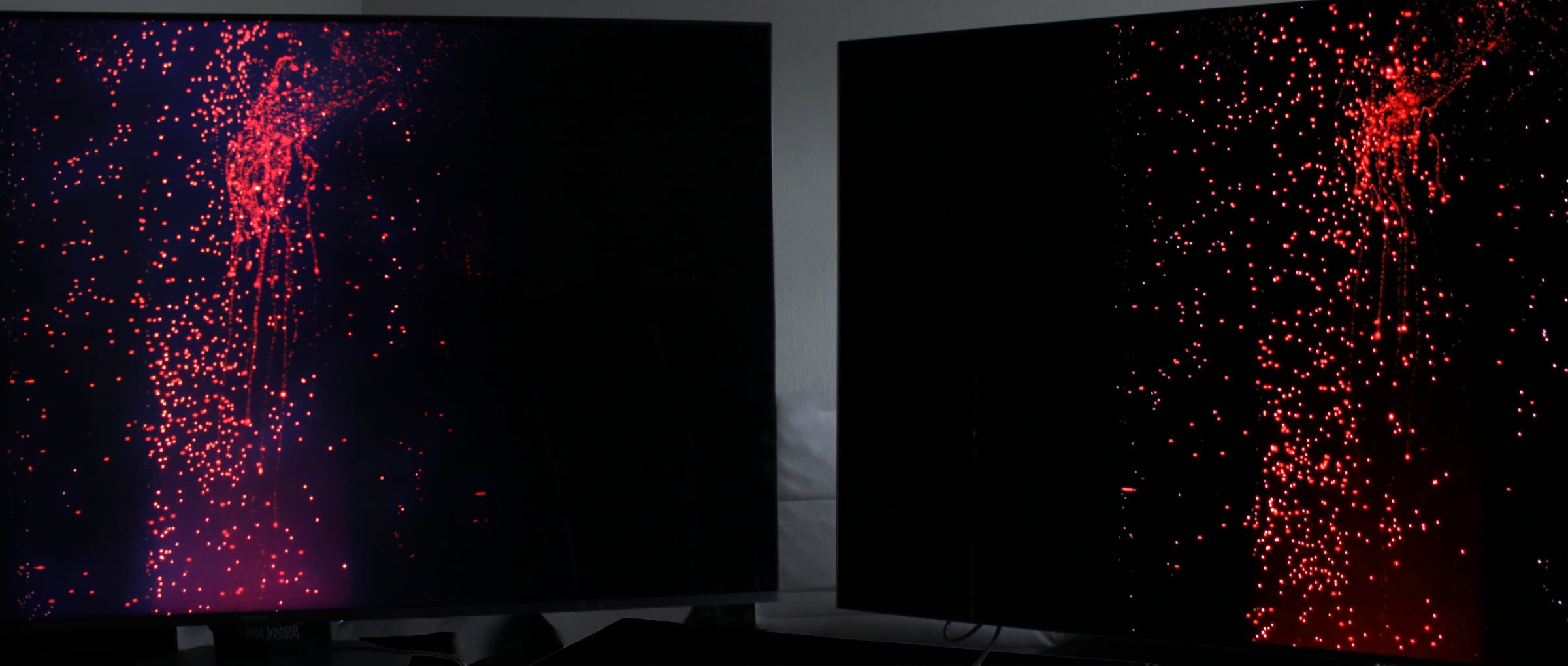
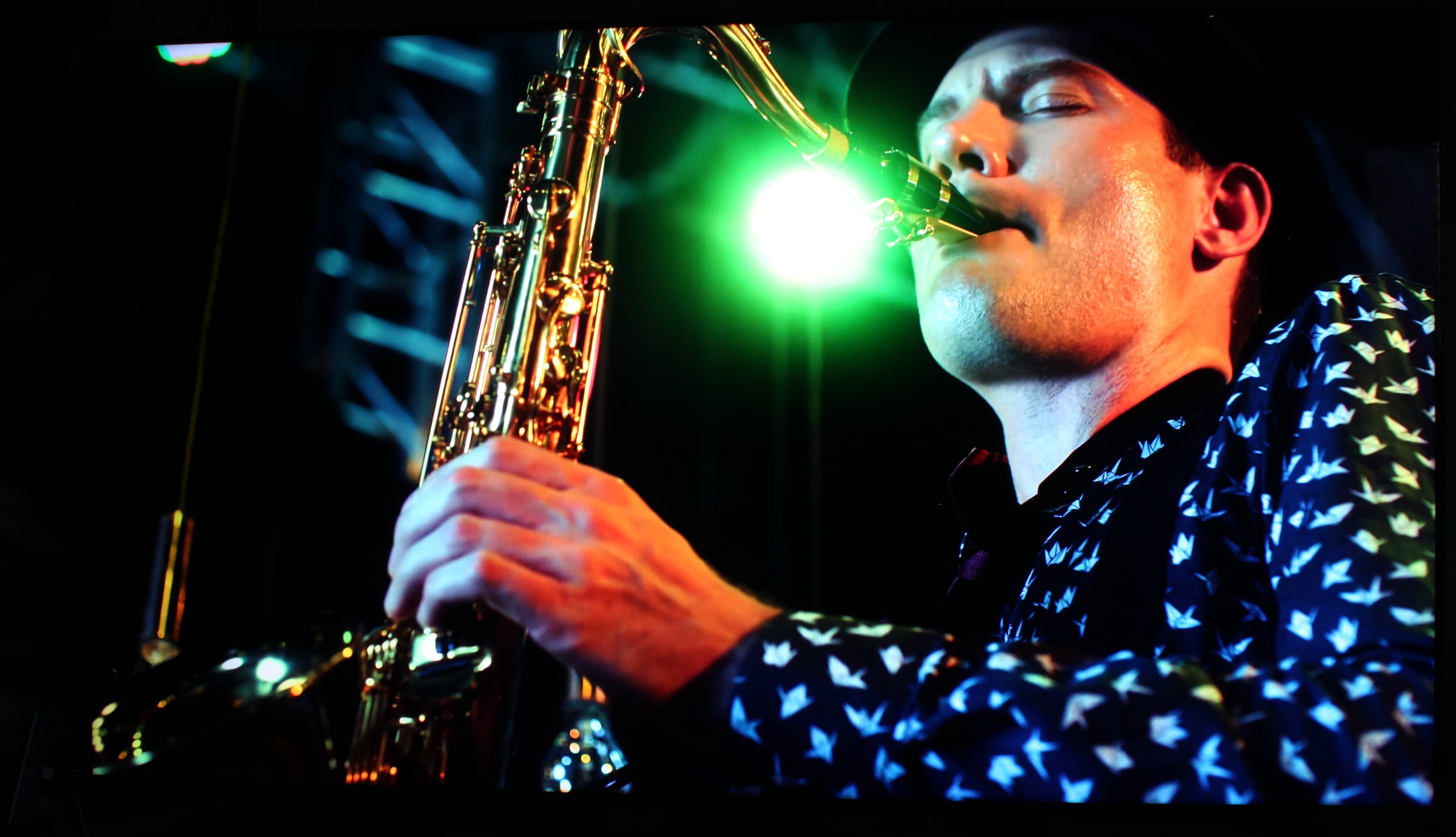
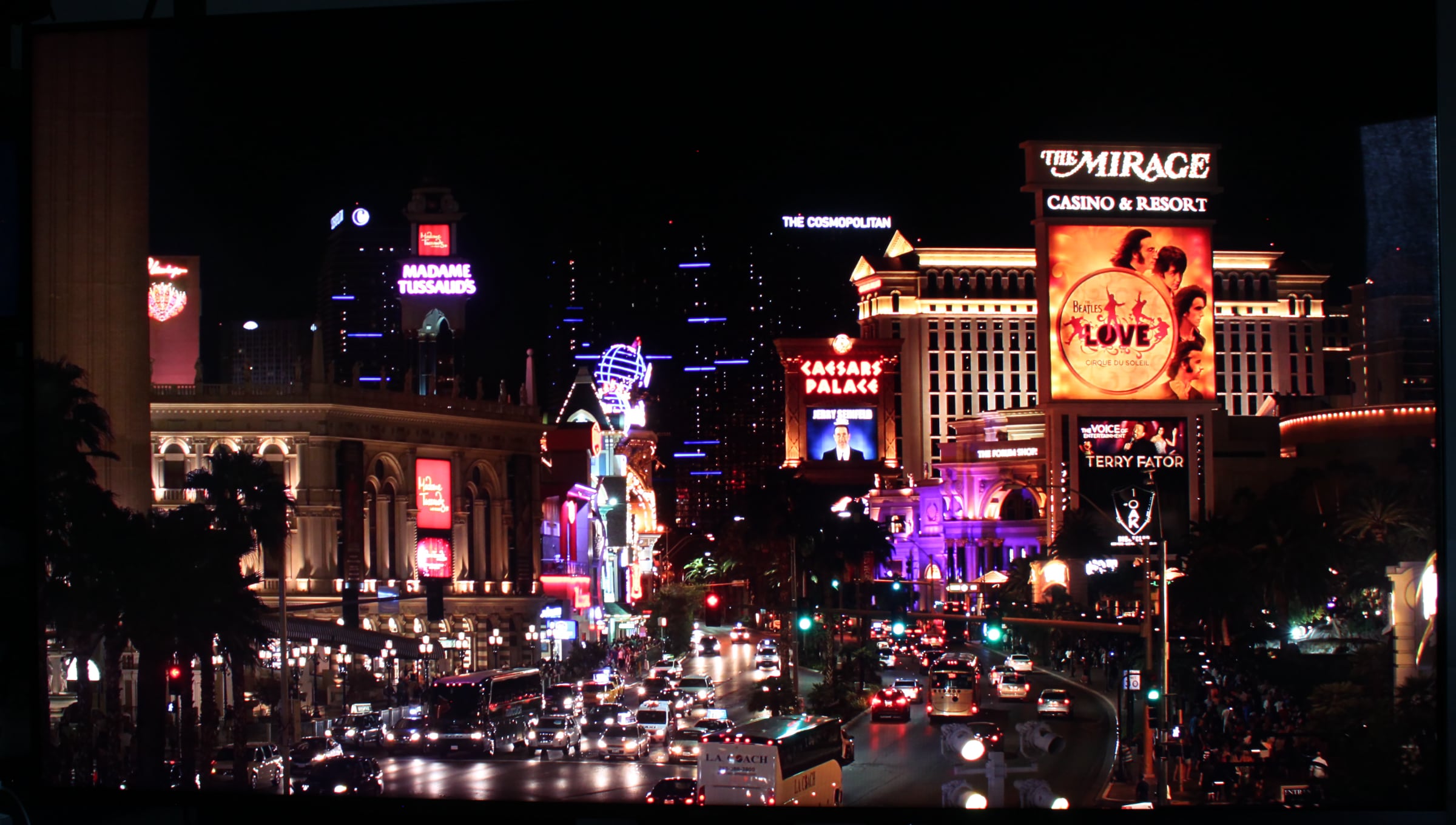
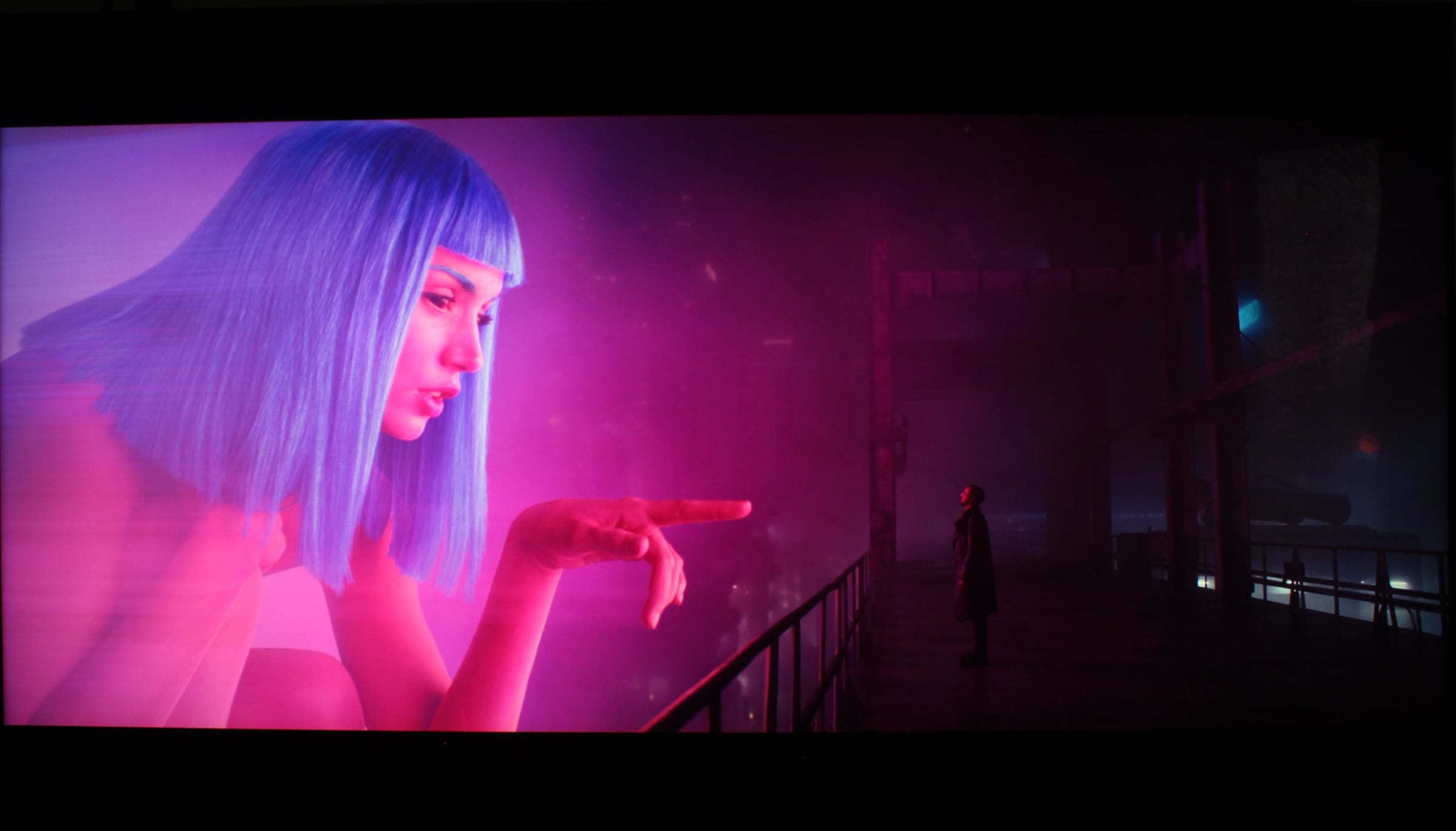
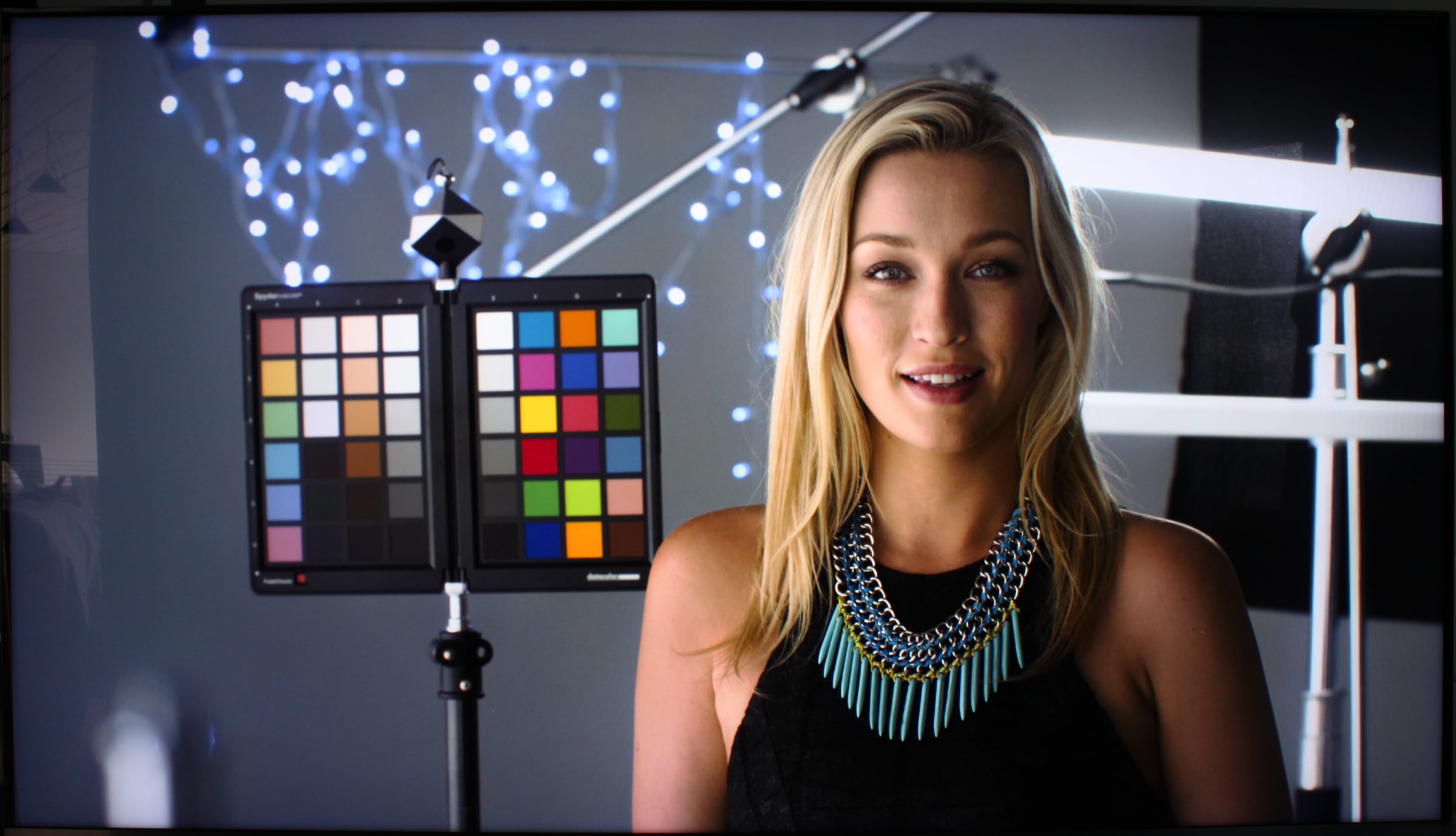
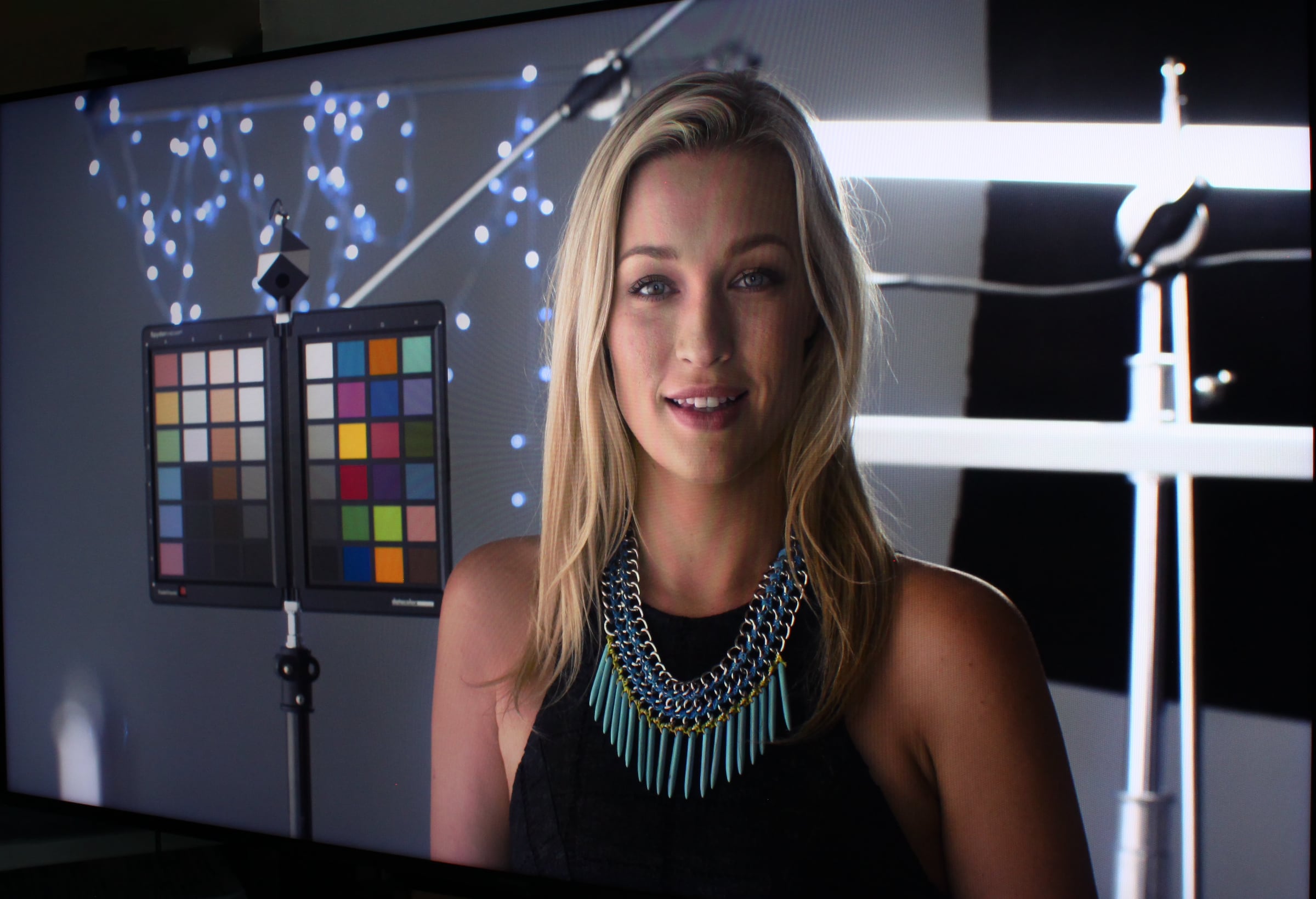
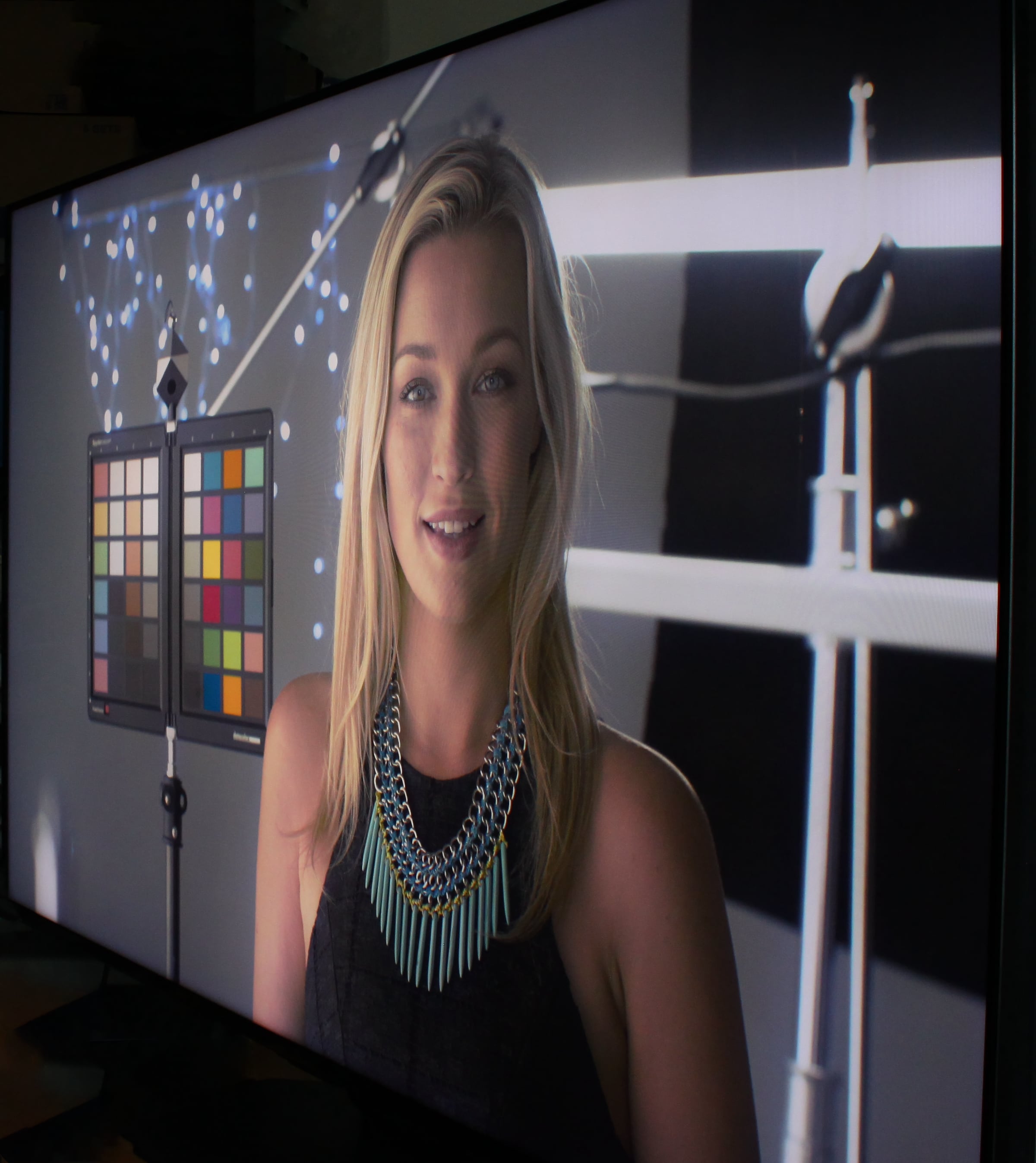
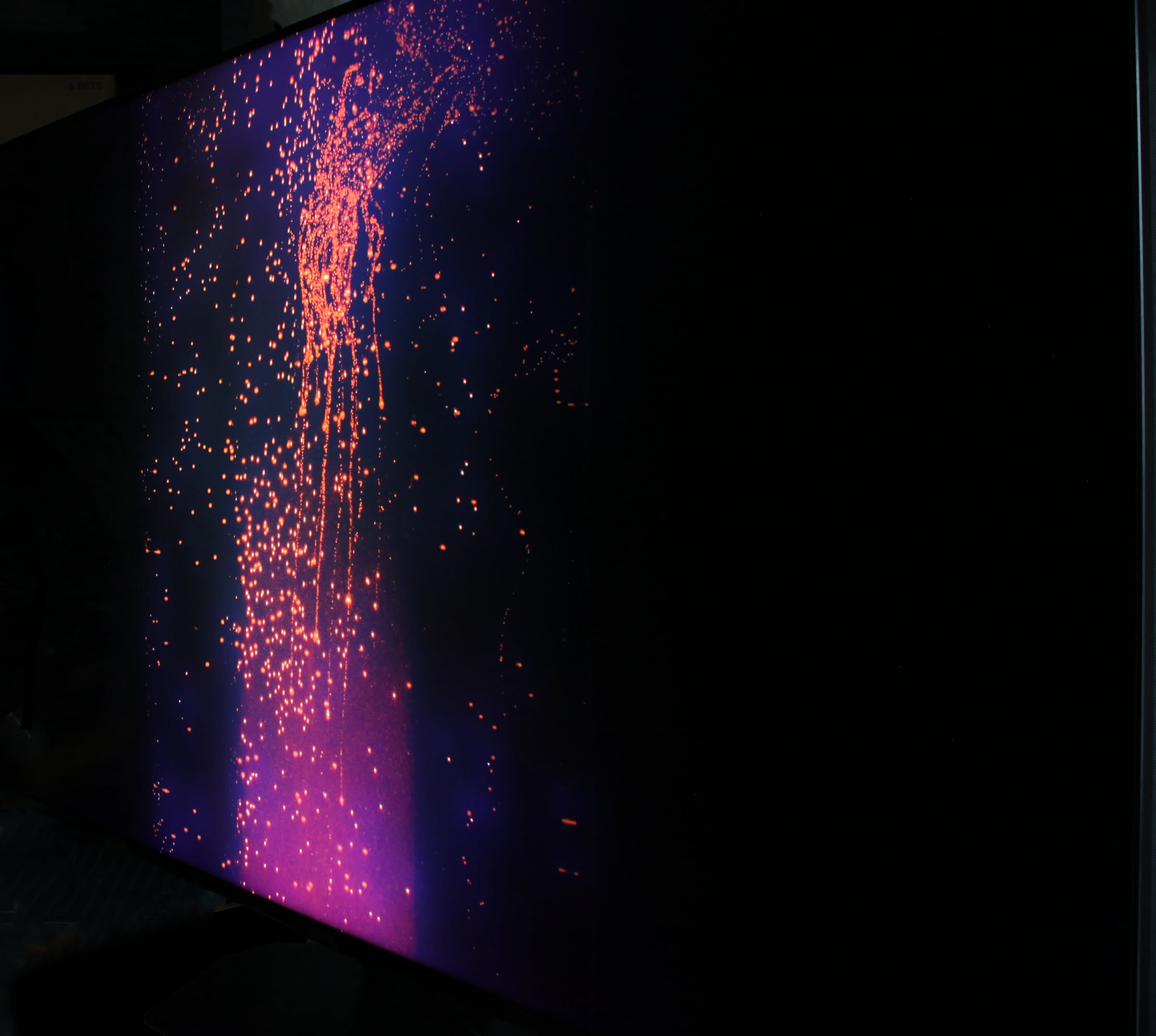
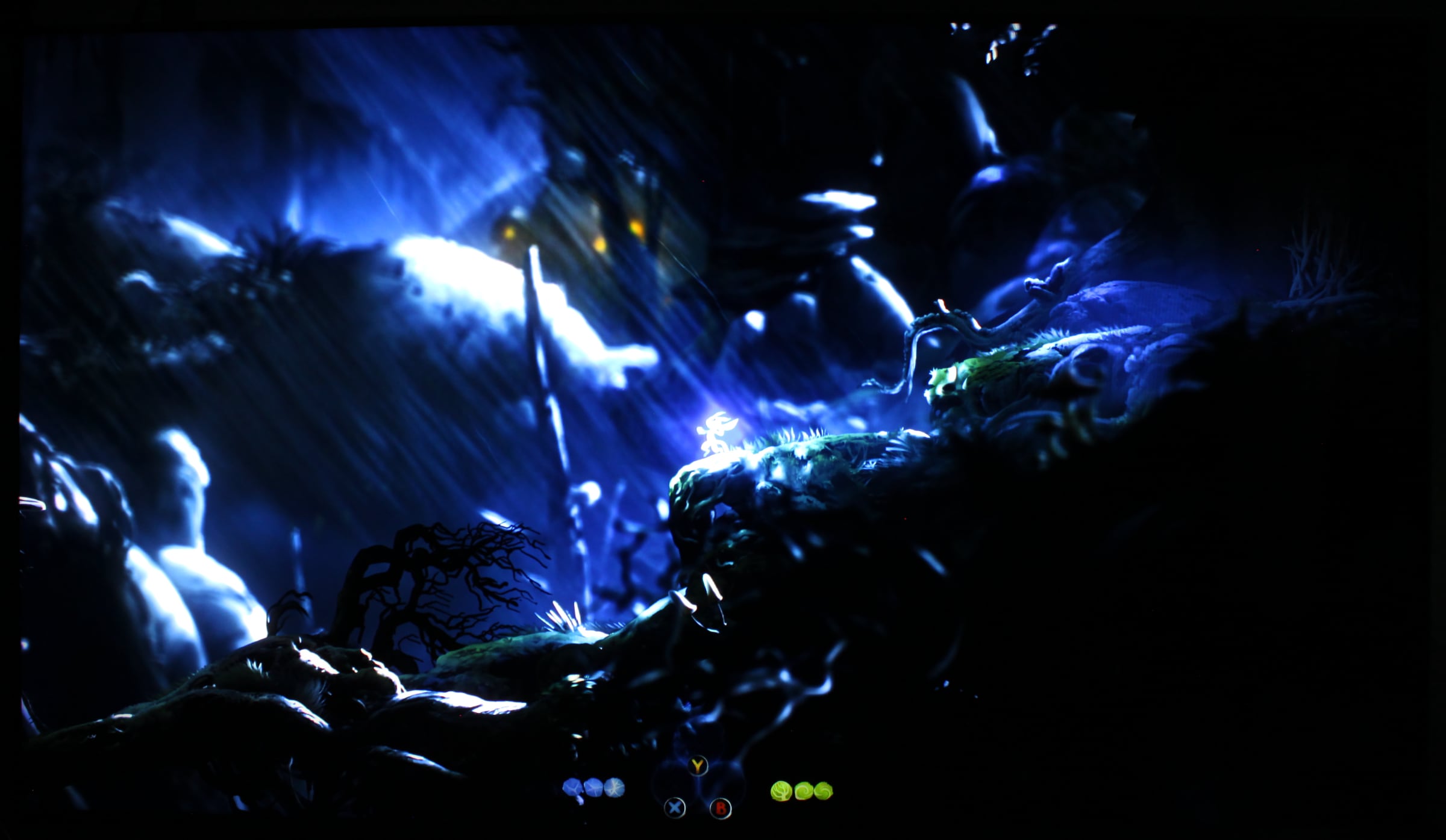
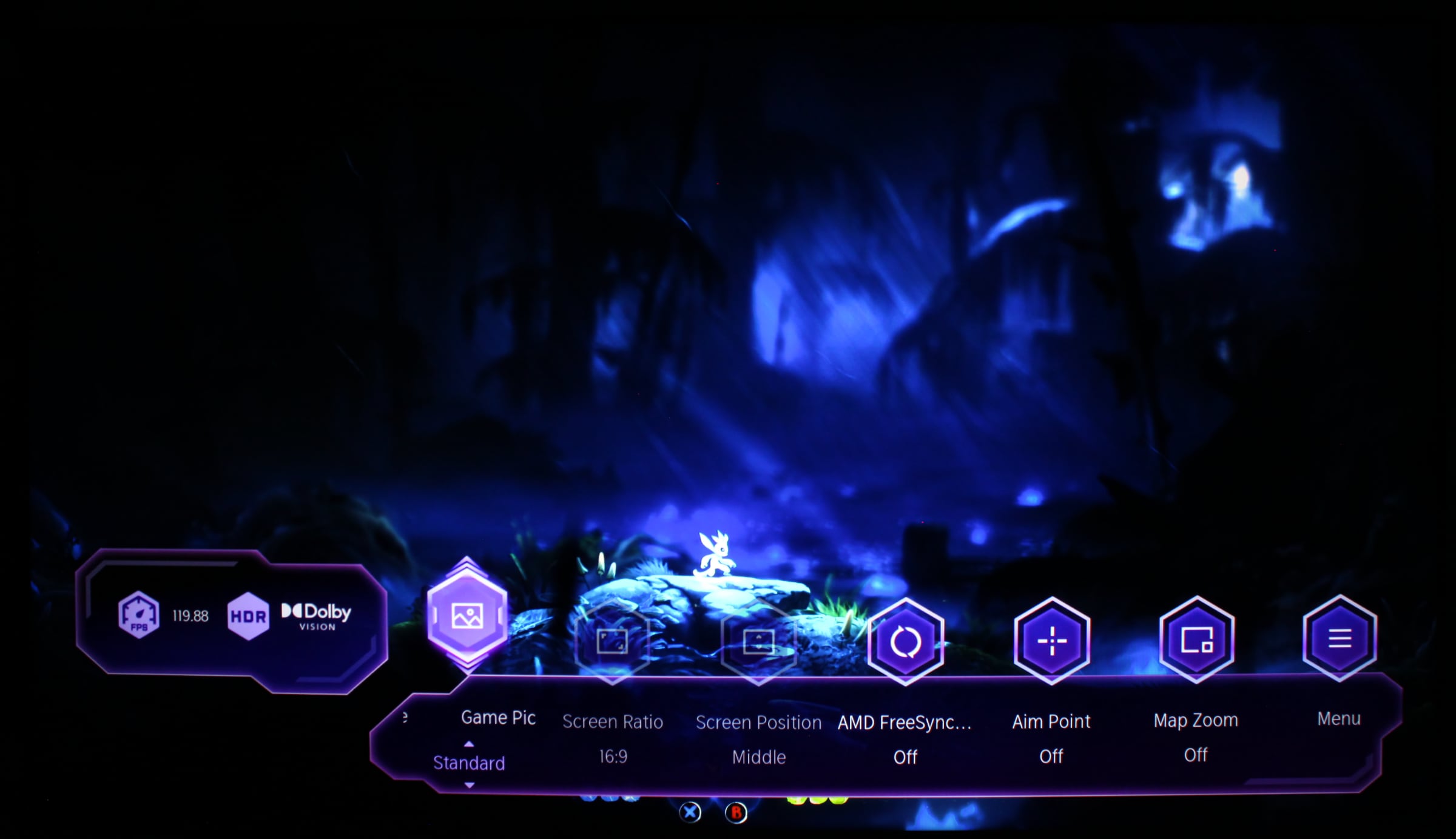
Hisense confirmed in advance that U8Q has 1092, 2048, 2880, 3168 and 6144 miniLED zones in 55, 65, 75, 85 and 100 inches, which is slightly more than we found in our TCL C8K review, and three times more than in Samsung QN90F. Equally important is the LCD panel type and unfortunately Hisense mixes VA and IPS, with reports that 55" and 75" can be IPS. We tested the 65-inch with a VA LCD panel. The panel lottery is unfortunate, as there are significant picture differences between IPS LCD and VA LCD. We did not reach Hisense's advertised 5000 nits peak brightness, but we got well over 4000 nits. And with almost 900 nits in full-screen (when the entire panel is lit by white), U8Q has massive headroom in brightness, which can be too much for the eyes when it is not sunny – brightness should generally be reduced. As always with LCD TVs, the peak brightness specification should be taken with a pinch of salt, since HDR content typically only uses strong highlights in very small parts of the image. Around 2000 nits is a more representative of what you get in terms of peak brightness in HDR content on Hisense U8Q. Unlike TCL, Hisense does not use a boost backlight to "boost" peak brightness for short bursts, and the peak brightness on U8Q can be maintained for more than a minute. So again, there is plenty of luminance when HDR content demands it, which also allows the TV to deliver more consistent highlights in movies, series and games in HDR. Unfortunately, we found that the zone dimming system in U8Q was too aggressive. It was visible more often than expected. This is a result of having only about 2000 miniLED zones spread over more than 8 million pixels (1 zone per 3000 pixels), meaning strong light will "bleed" into many other pixels undesirably. This manifested not only as blooming around subtitles or bright elements but also in menus with white text on black backgrounds, as seen in the video on the right. Hisense should improve its miniLED zone control algorithm. We preferred to set local dimming to 'Low'. However, I should emphasize that the miniLED system definitely contributes to a huge improvement in picture quality in many scenes, especially bright outdoor scenes. 2000 zones provide a very different viewing experience compared to, say, 100–200 zones that were standard in LCD TVs for years before Chinese TV makers began to make moves. There is more depth, contrast and intensity in pictures when HDR content requires it, both in white and color. But as I often say with zone-dimming LCD TVs, the picture is great until it is not, typically in dark scenes or high-contrast sequences. The challenges were obvious compared to an OLED TV standing next to U8Q: Hisense's miniLED tends to overexpose, as shown below. I would rate the miniLED system one level below TCL's in C8K, but better than Samsung's miniLED in the QN90 range.Left: Hisense U8Q miniLED LCD. Right: OLED TV. Photo: FlatpanelsHD Hisense calls the video engine Hi-View Engine Pro. It has many similarities with other video engines today, probably because MediaTek's chip handles several of the processes. Noise reduction, gradient smoothing and other features can be activated, but as always FlatpanelsHD recommends turning most of them off. Hisense's motion system, which smooths motion, can be set to 'Movie' to counteract the stroboscopic effect that occurs especially when 24fps movies are shown on high-brightness displays. The soap opera effect is minimized with this setting. Overall, U8Q has good picture characteristics, making it largely enjoyable to watch movies, series, and TV programs in both SDR and HDR. There is plenty of luminance headroom in the TV for bright rooms or even semi-outdoor, and the TV excels at sports. It is dark scenes and dark environments that present challenges for U8Q. In SDR, the miniLED zones are not utilized in the same way, so issues are not as noticeable. Overall, the picture quality surpasses almost all LCD TVs in its price range and even matches some more expensive LCD models from Samsung and Sony. Today, the Chinese brands offer the best picture quality for the money on LCD TVs, namely Hisense and TCL. This alone is high praise for Hisense.Hisense often uses VA LCD panels from Chinese manufacturer BOE, which sometimes also supplies Samsung. Examining the panel under a microscope, we observed that the red, green, and blue subpixels are divided into 8 domains, which explains why the viewing angles are wider than normal LCD TVs. This is the same "trick" TCL uses in C8K to increase viewing angles. This is positive, as it does not seem to have significant side effects. The viewing angles could be even wider, but it is great that VA LCD is now available with wide viewing angles instead of the historical dilemma of medium contrast with narrow viewing angles (VA LCD) or weak contrast with wide viewing angles (IPS LCD). OLED still has visibly wider viewing angles.The sub-pixel structure in the LCD panel of Hisense U8Q. Photo: FlatpanelsHD The viewing angles on U8Q are wider than normal VA LCD, but blacks are still affected due to miniLED zones. Photo: FlatpanelsHD Turning out attention to gaming, Hisense uses the same Game mode implementation as LG. That is, the game mode get activated (to reduce input lag) on top of the normal picture mode. This ensures accurate colors. By default, Hisense's local dimming setting is 'Low' in Game mode. It can be changed to 'Medium' or 'High', but we do not recommend it. The same applies to VRR mode. In other words, you can still benefit from miniLED zone dimming while gaming, which was not possible years ago. This ensures good contrast and is particularly important for HDR games. In Ori and the Will of the Wisps – one of the games that best utilizes HDR and stress-tests display – the image looked great most of the time, but in dark scenes there is some "smearing", meaning fast movements can cause the game environment to look blurred. This is due to the LCD panel's slow response time. It may require a trained eye but LCD still lags behind OLED in this regard. Input lag on the HDMI port is around 21–22 ms, slightly higher than the fastest TVs. Ori was bright with high contrast, but the game does not shine with the same sparkle and intensity as on OLED TVs. Overall, picture quality in games, especially HDR, is very similar to what we saw on TCL C8K. In daytime gaming, Hisense delivers images even more intense and impactful than on OLED TVs. It is impressive to race through sunlit landscapes in Forza or Dirt. As mentioned, Hisense U8Q finally has more than two HDMI 2.1 ports. With three of them, you are well covered for consoles, and you can still connect a soundbar or receiver via HDMI 2.1 eARC. Hisense also supports all other gaming features; 4K 120Hz (up to 4K 165Hz or 1080p 288Hz with a PC), ALLM, VRR, AMD FreeSync etc. There is a game menu for quick access to gaming functions and input signal info, such as refresh rate. With U8Q, you can even game on a 100-inch TV without breaking the bank – a really cool gaming experience!Conclusion
With the switch to the Pentonic 800 chip, Hisense finally has more than two HDMI 2.1 ports: specifically three plus one USB-C port for the first time in a TV. USB-C is an interesting solution but only time will tell if it can challenge HDMI's dominance in TVs. Hisense's Vidaa platform is fast and responsive, but still lacks many regional and local streaming apps. The amount of ads in Vidaa is also a concern. Nevertheless, Vidaa is close to matching LG webOS and Samsung Tizen.Ad:Hisense U8Q is at the forefront of miniLED technology, offering picture quality close to TCL C8K. U8Q also outperforms models in the same price range from LG, Samsung and Sony – the Chinese brands are now leading miniLED development. Unlike TCL, we did not observe the use of a boost function on U8Q to reach over 4000 nits highlights, but the miniLED zone dimming system is not balanced enough – we observed blooming too often. MiniLED LCD TVs do not match OLED in picture quality but they do deliver higher brightness for daytime use or very bright content, such as skiing sports. U8Q also has wider viewing angles than typical VA LCD TVs. For gaming, Hisense is competitive with HDMI 2.1, ALLM, VRR etc. but it should work to reduce input lag more. However, the LCD panel can sometimes cause motion blur. The remote is responsive and feels good in the hand but needs to be greatly simplified – and have the sponsored buttons removed. U8Q's speakers are above average, but for movies, series and music, external audio is still recommended. U8Q has AirPlay 2 but no Google Cast. We also miss HDMI 2.1 QMS. Overall, Hisense U8Q is one of the best miniLED LCD TVs currently available, with up to 100 inch screen sizes. We do, however, miss some polish in Vidaa, picture accuracy, miniLED control and features. We look forward to testing more Hisense TVs in the future.Price and retailers:
US retailerUK retailer
DE retailerPicture quality, 2000 miniLED zones
Up to 4000 nits in HDR
Wider viewing angles
3x HDMI 2.1 and 1x USB-C
Vidaa OS getting upgradesminiLED halos, too few zones
Picture accuracy should improve
Ads in Vidaa, on remote
No Google Cast or HDMI 2.1 QMS
Panel lottery