Review: Panasonic Z95B
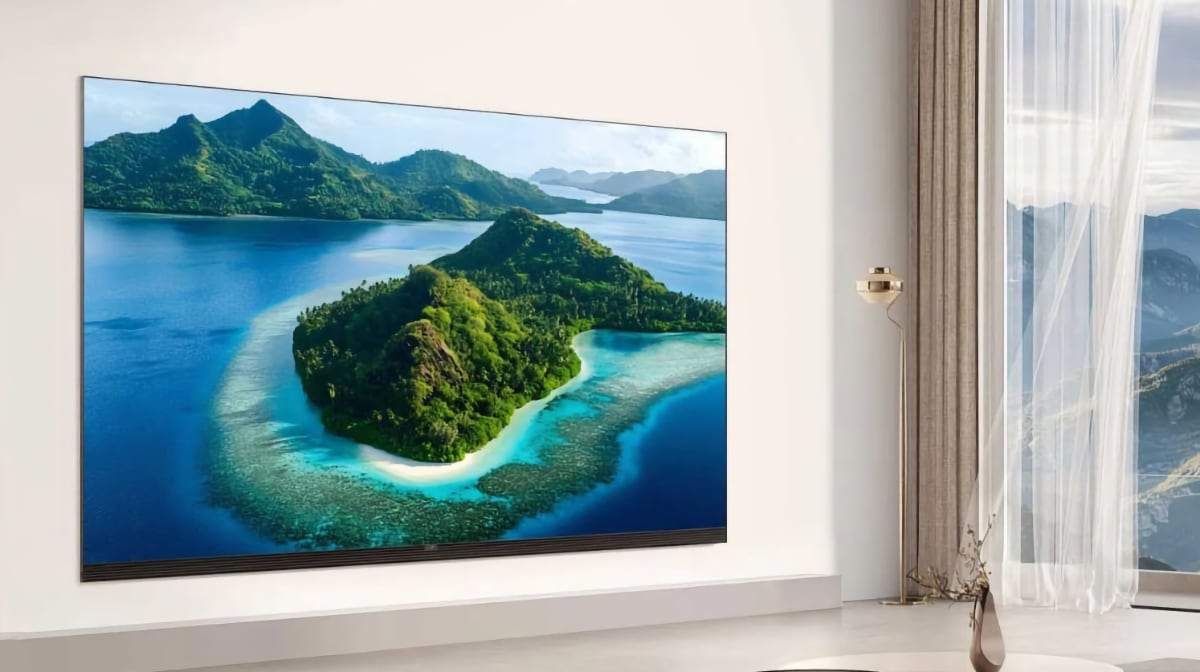
With Z95B, Panasonic has brought its 2025 flagship to market, featuring the RGB Tandem OLED panel from LG Display, along with a significant redesign compared to previous years. It also introduces a new audio system and Fire TV. Panasonic Z95B is available in 55", 65" and 77", and we tested the 65" variant. Also read: Panasonic 2025 TV line-up (with TV compare tool)Price and retailers:
US retailer
UK retailer
DE retailerFirst impressions
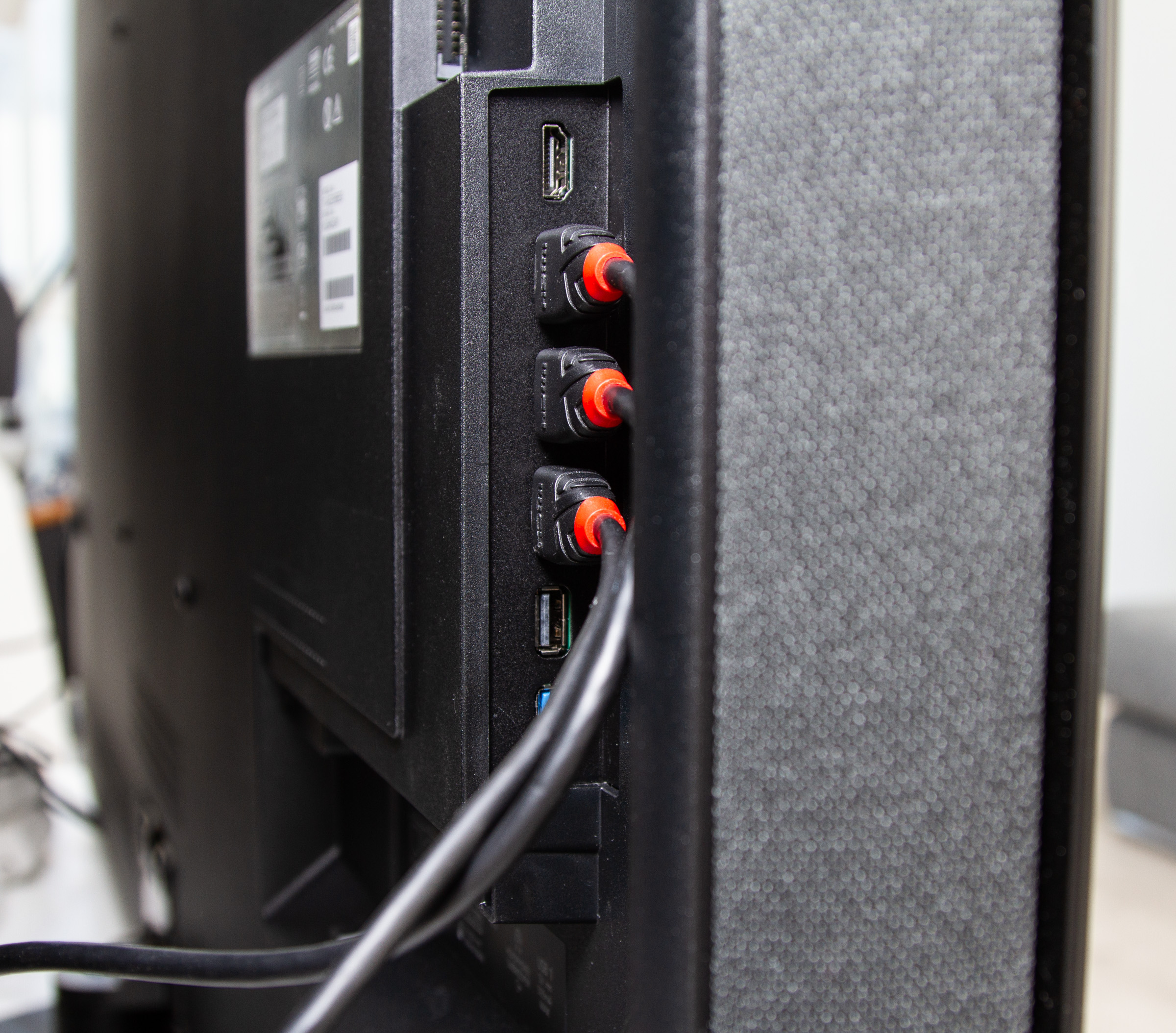
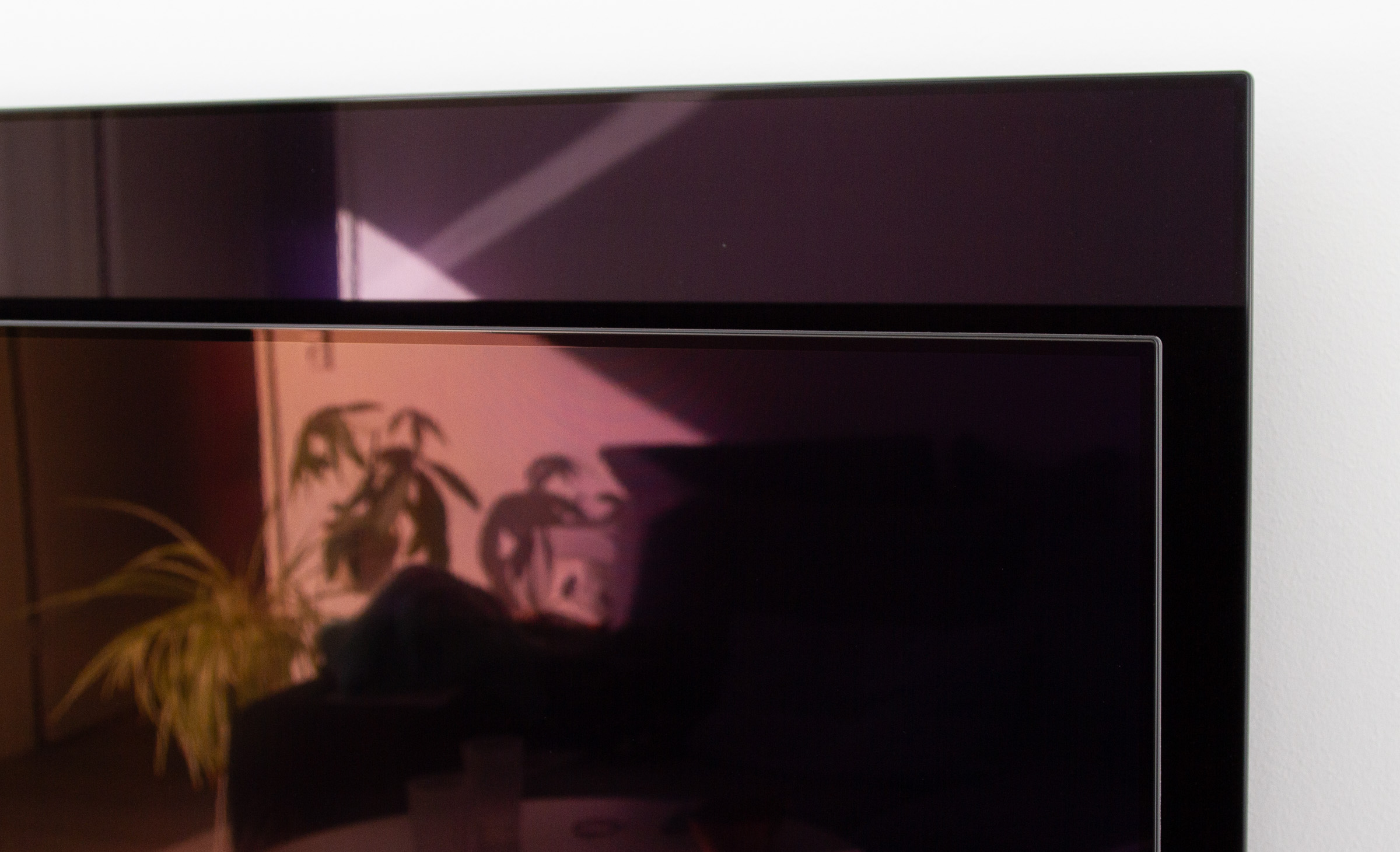
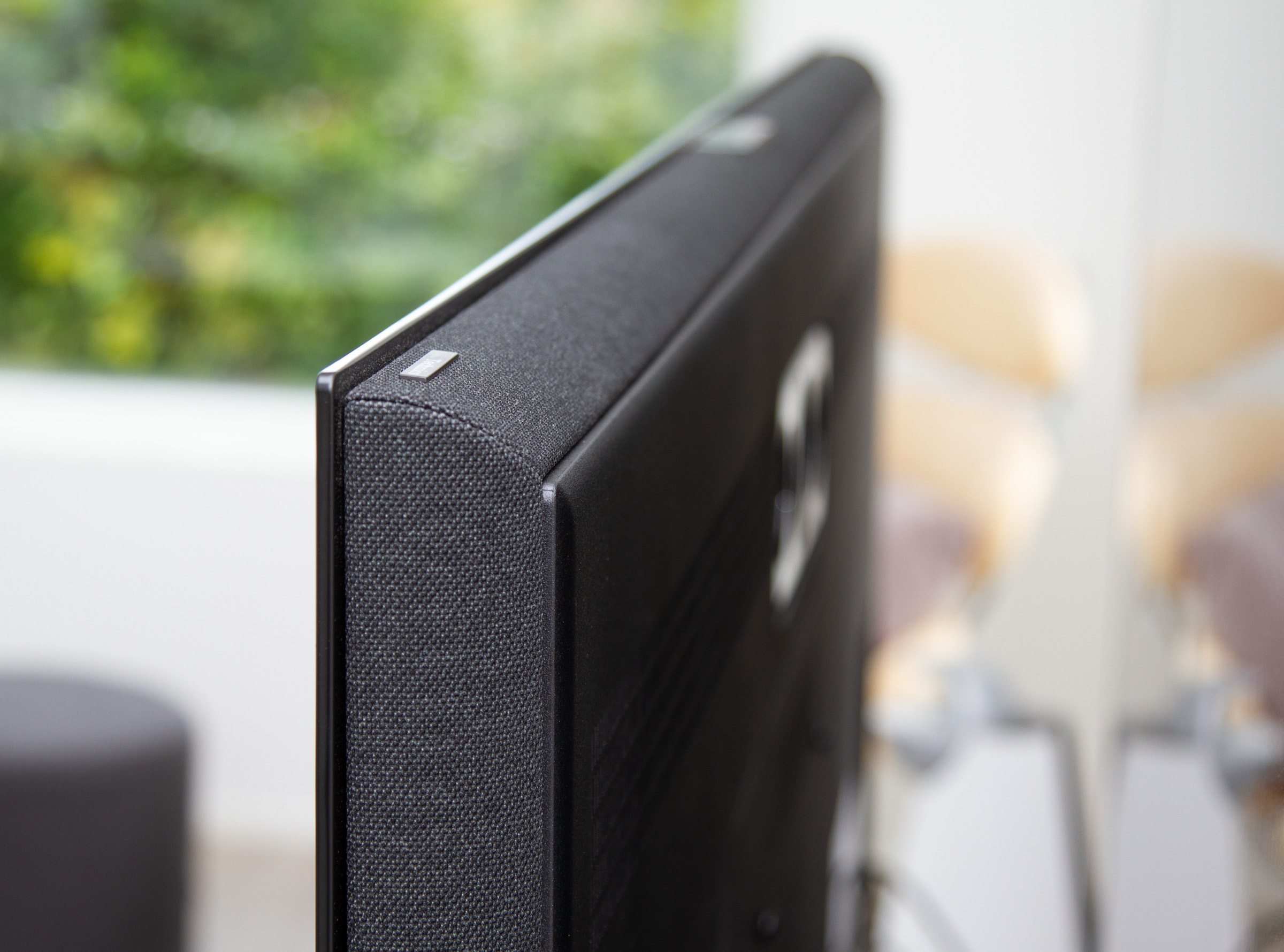
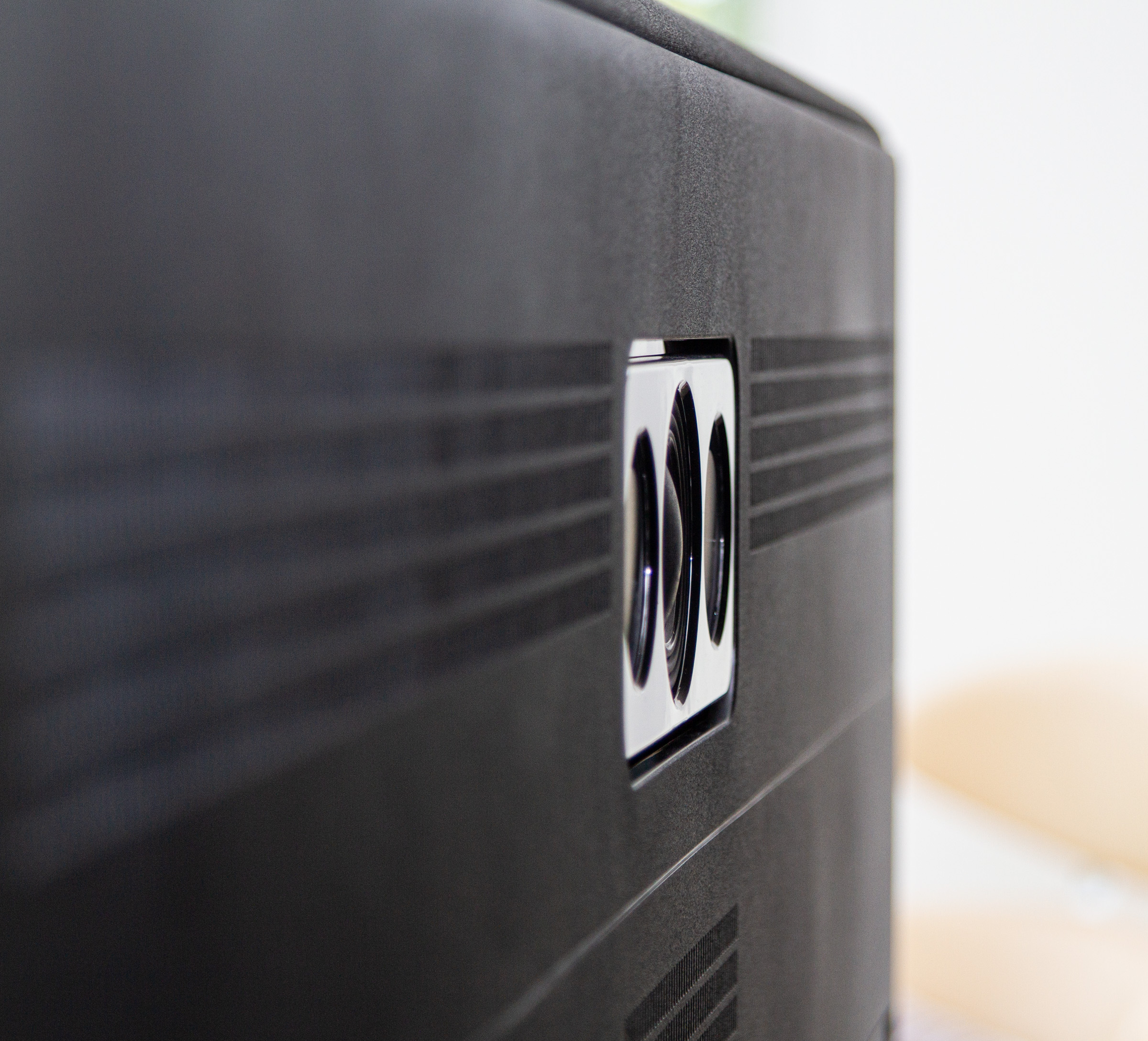
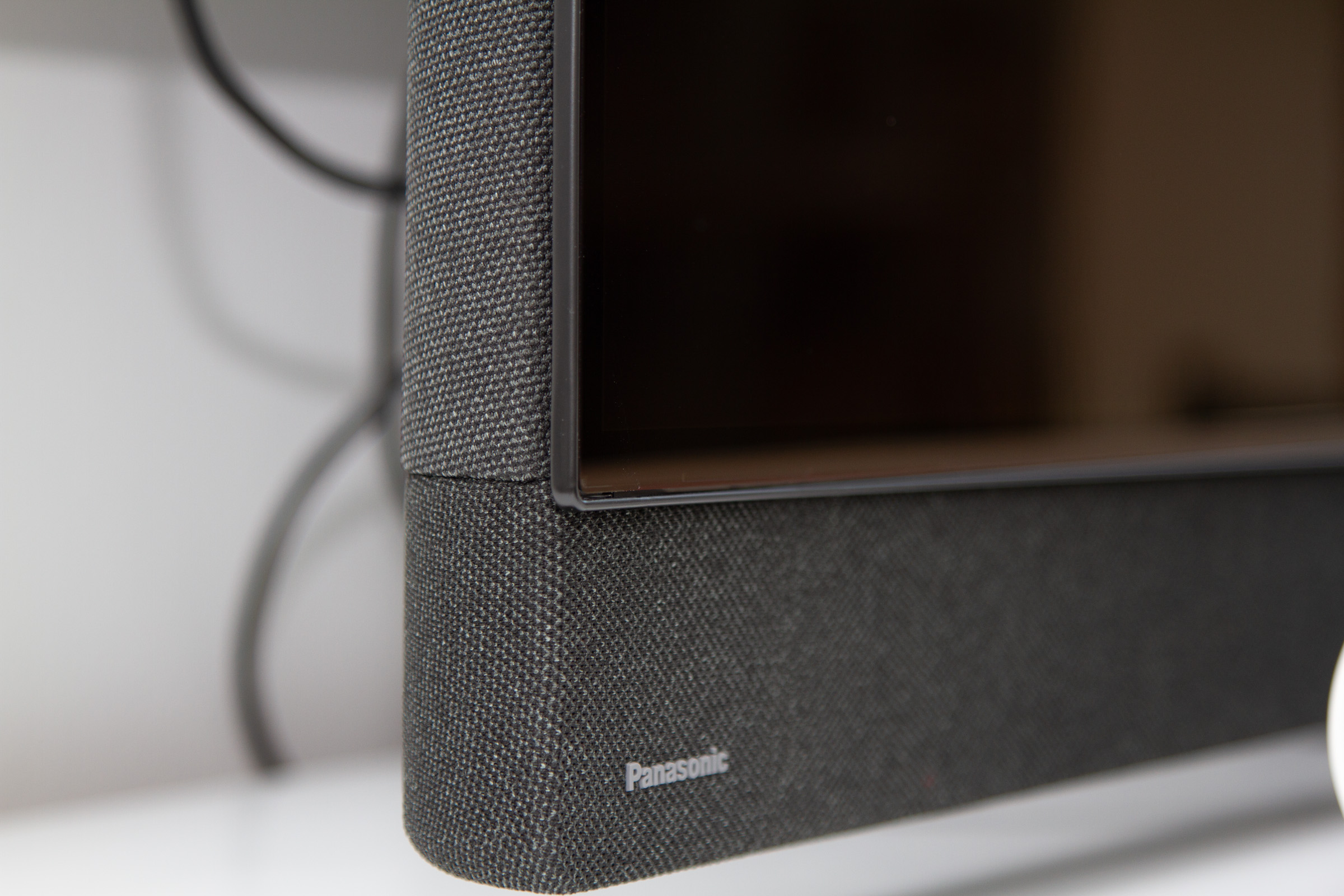
Panasonic’s flagship TV has looked largely the same for several years, with last year’s main addition being side-firing Atmos speakers. This year, Panasonic has given the TV a more thorough overhaul, redesigning the speaker housing in the process. Where parts of the panel on the back were previously exposed – likely to emphasize the minimalism of an ultra-thin OLED panel – the entire rear is now uniform in thickness. Along the frame, Z95B is wrapped in a semi-coarse grey fabric, and the same material also covers the front-facing soundbar.It looks quite elegant, and although you can no longer see just how ultra-thin the panel is, the overall design feels more refined than before. If there is a downside to the new look, it is that it comes across as a thin plastic shell added to areas that were previously “bare,” and it feels somewhat fragile to the touch – the appearance is more premium than the build quality suggests. On the plus side, the added space allows for improved ventilation, which should help enhance resistance to burn-in. Behind the fabric sits the updated Technics audio system, featuring upward- and side-firing speaker units along with a more powerful front-facing soundbar. On the rear, you will find the exposed subwoofer drivers, similar to what we have seen from Samsung and Philips. The connection panel remains on the left side, as before. In addition to the four HDMI ports (only 2x HDMI 2.1), there is also an output for an active subwoofer, as in previous years. Unfortunately, one of the two HDMI 2.1 ports is still reserved for HDMI ARC, but buyers of Z95B are likely less inclined to use an external audio system, so this may be forgivable. The power cable is fully detachable but protrudes slightly from the back, preventing completely flush wall mounting. Since there is no built-in cable management system to route cables inside the TV, HDMI cables and others would need to run along the back regardless. For the ventilation openings on the rear to be effective, the TV also cannot be mounted completely flush against the wall. The centrally positioned stand is easy to install and allows the TV to swivel from side to side.Reflections in the new 4-layer panel appear slightly more reddish than on older OLED panels, but without the same glossy surface we saw on MLA panels. Above, Panasonic Z95B is shown in front, with Sony A9F in the background.User experience & features
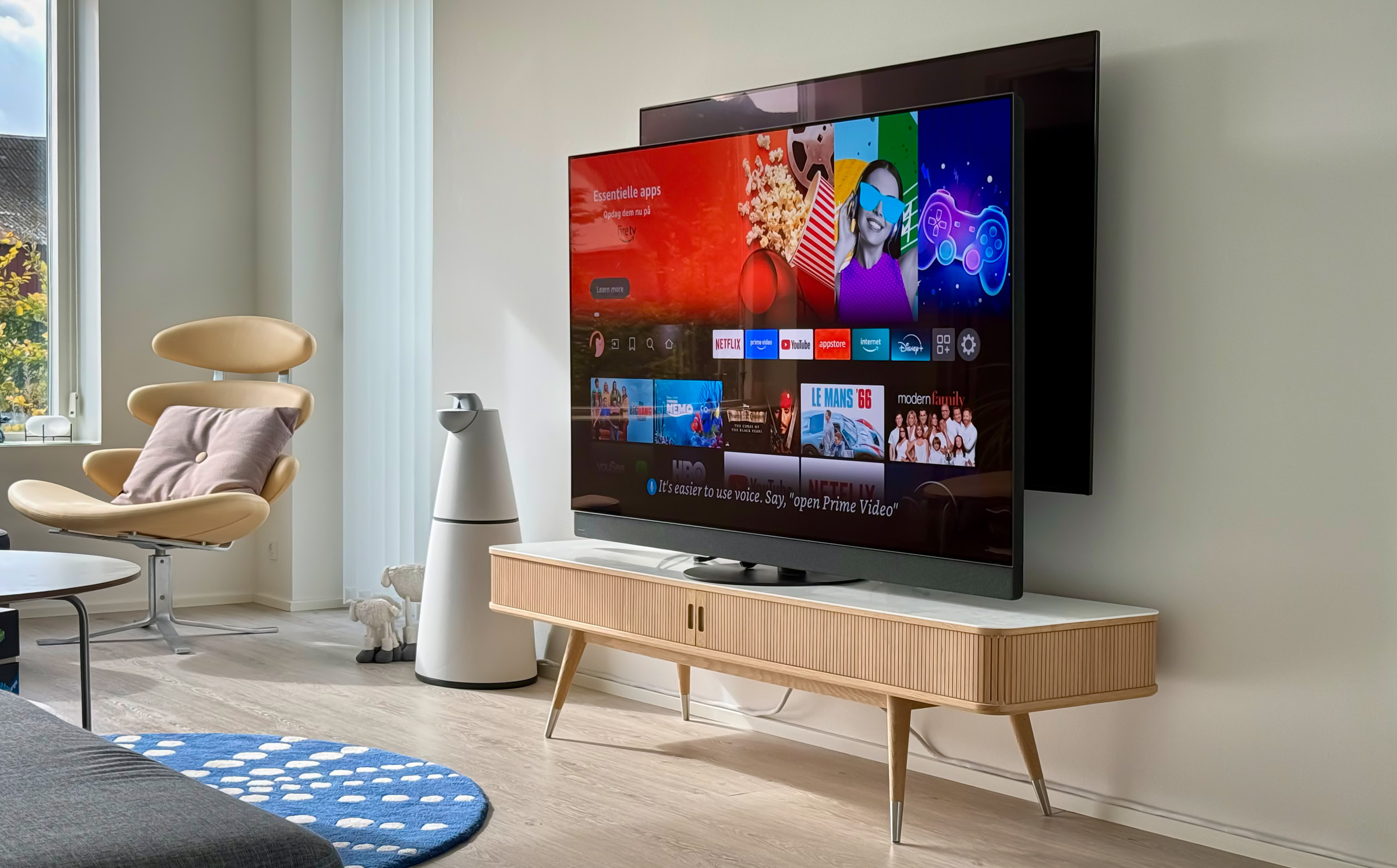
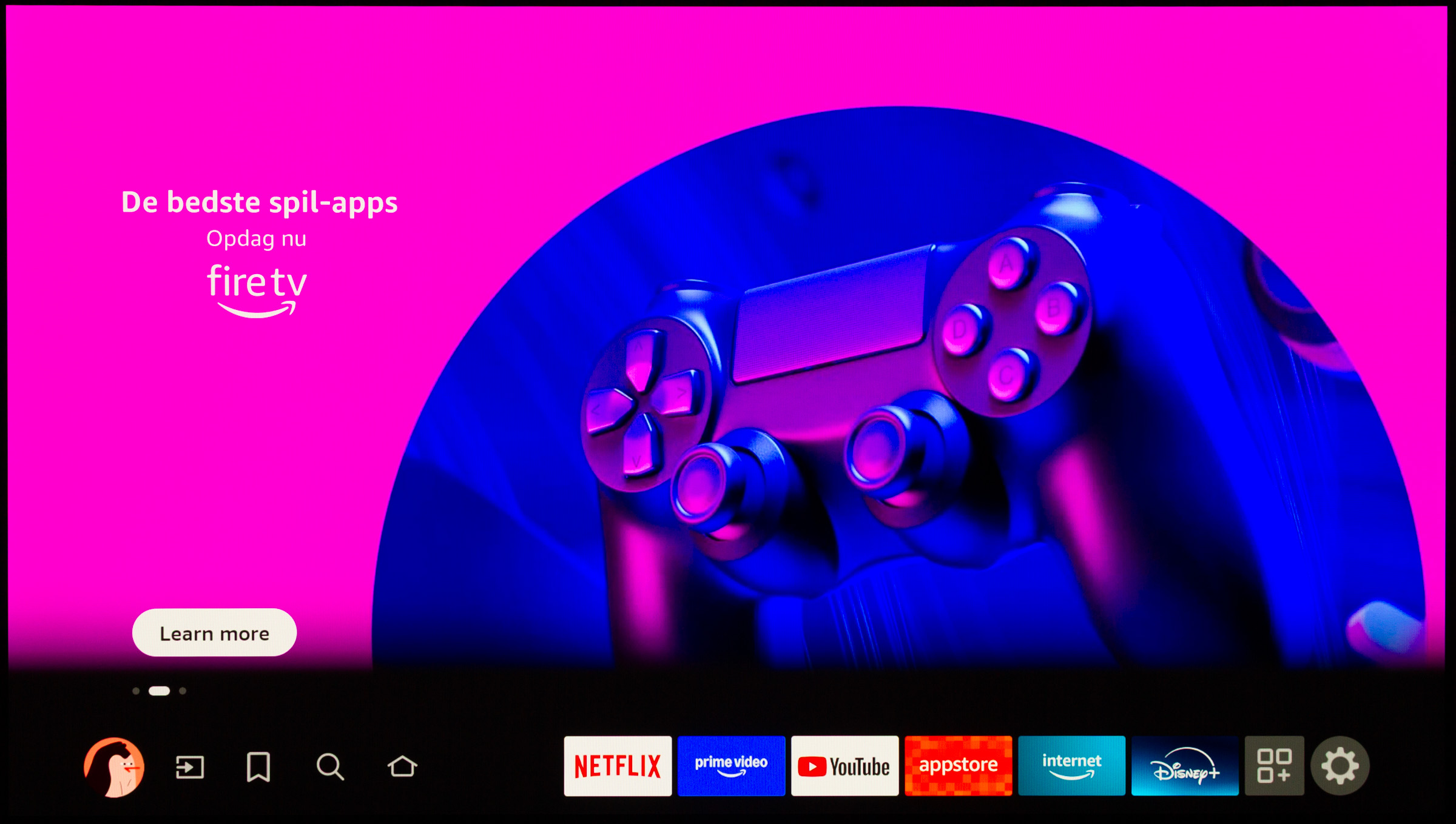
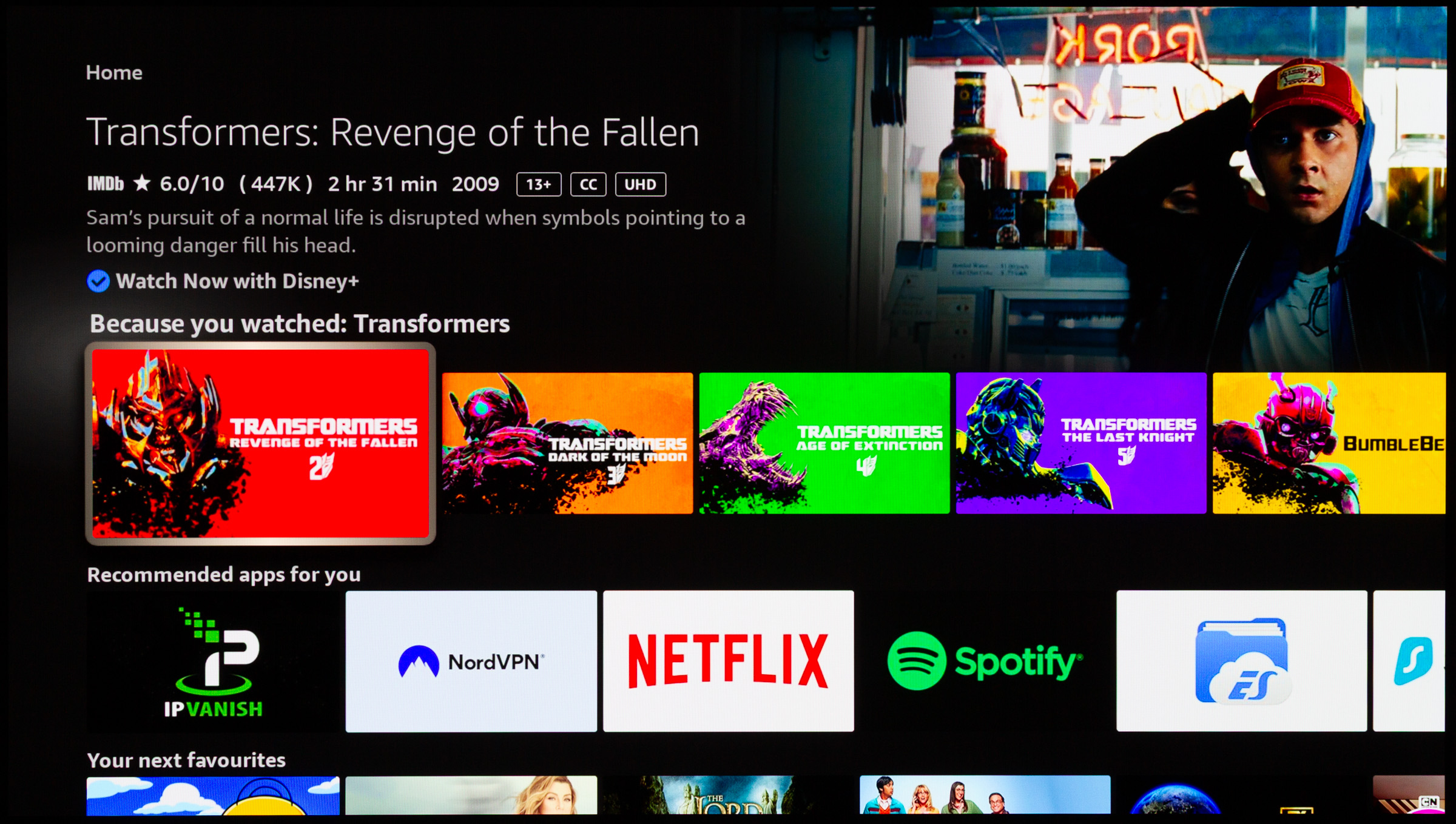
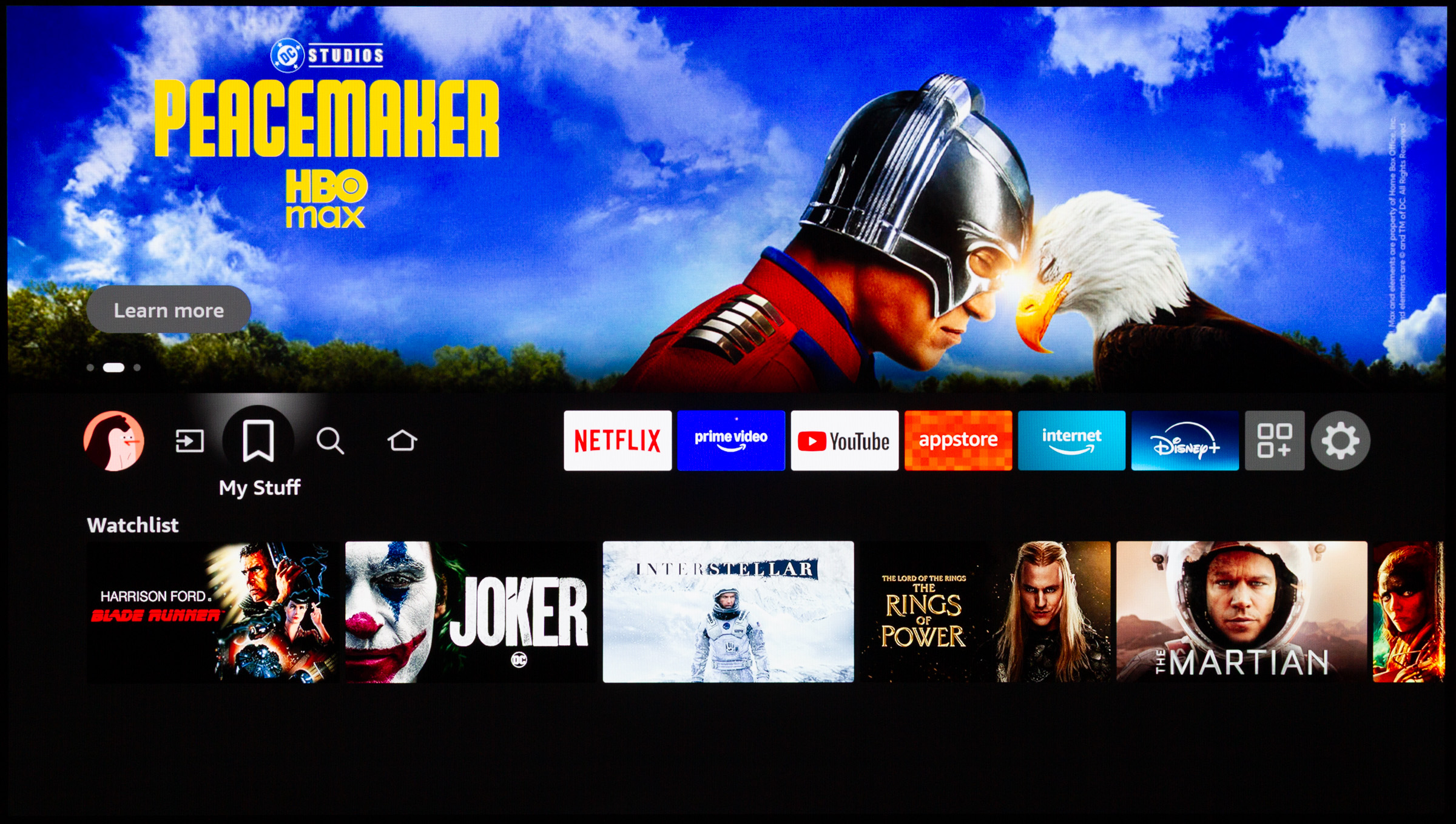
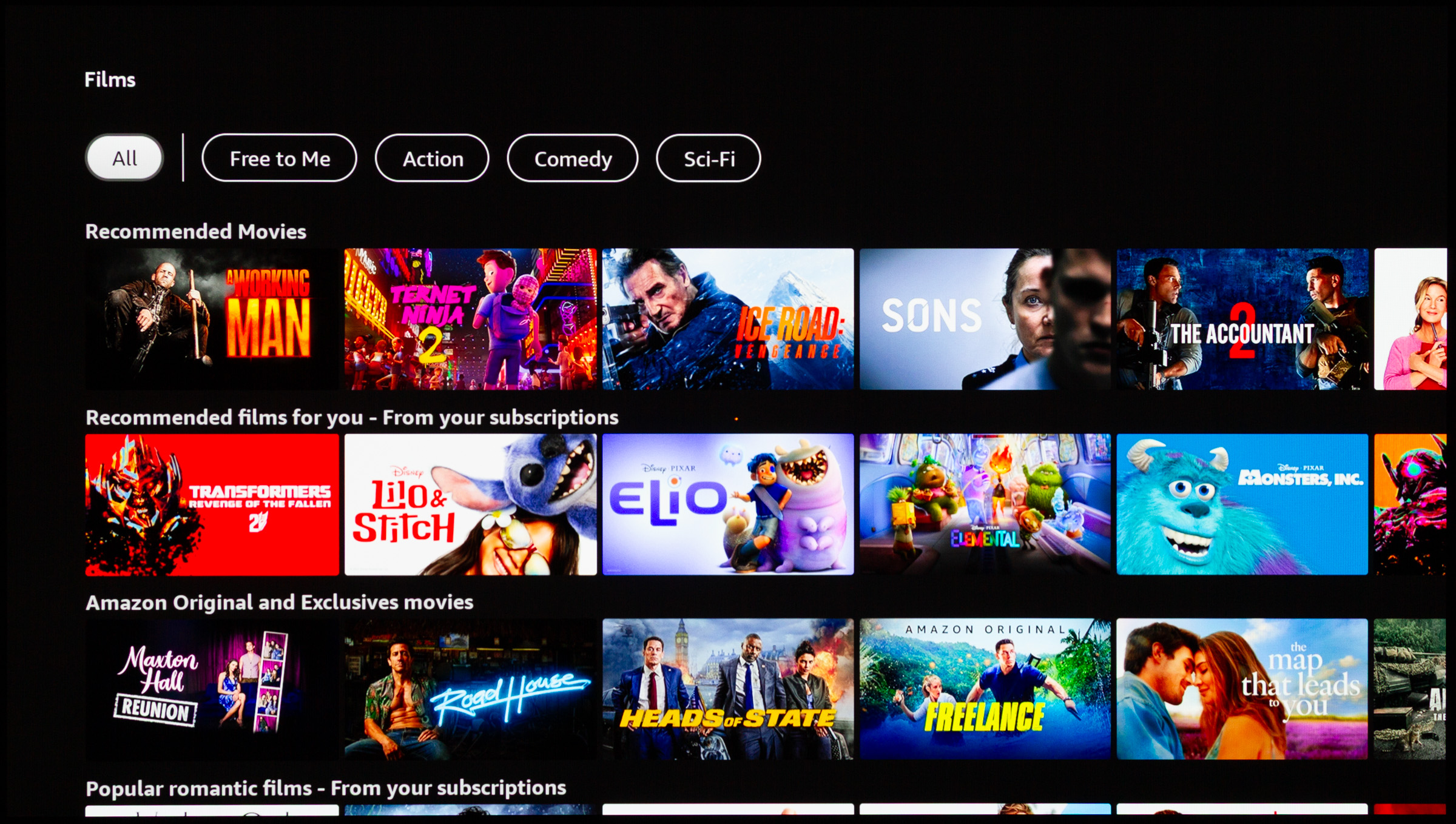
Fire TV is built on top of Android TV, which on Z95B is still version 11. It also features the same Pentonic 1000 chipset we saw in Z95A, pointing to performance in the same class. Since the underlying system is Android, you have access to all the familiar Android apps. If something is missing, the TV can be opened up for sideloading. It requires a few steps, but with the Fire TV app installed on your phone, it is quick to set up paths to APK files in a sideloading app. The Fire TV layout remains unchanged, so for a more detailed walkthrough, refer to the review of Z95A, but we will still highlight a few key aspects here. Navigation in Fire TV is generally good, and like Google TV, it surfaces content from installed services on the home screen. I occasionally struggled to spot where the cursor was – especially when returning to the home screen – but overall, Fire TV is intuitive and logically structured. What feels missing is access to more advanced assistant systems. Expectations are shifting toward solutions like Gemini or ChatGPT, which better understand natural language queries, but it is likely only a matter of time before such models become standard on TV platforms. Many manufacturers have already announced their integration, and once Fire TV transitions to the Alexa+ platform, similar LLM-based features should make their way to Panasonic as well. To its credit, Fire TV keeps the focus on content rather than cluttering the experience with smart hub gimmicks, camera integrations, sports sections, and the like. Movies and media are clearly the priority here. That said, Fire TV is not as polished as its competitors and lags behind particularly in responsiveness. Initial setup on Z95B takes a long time, and cold starts also require patience, as it can take up to half a minute before the interface becomes fully responsive. Android suffered from similar sluggishness in its early years, but since both the processor and underlying Android system are the same as those used by Sony, it suggests that Fire TV still needs further optimization. It is a shame, as it slightly undermines an otherwise clean interface. Then there are the many small bugs you run into. We store many of our test clips on USB, and if you leave a USB drive connected, you are prompted at every startup to choose whether to use it for recording or media storage. If you accidentally select "recording," the drive is formatted. Handling of other external devices is also far from seamless. On an almost daily basis, our Sonos soundbar would disconnect, only to reconnect again after about 10 seconds. HDMI-CEC behavior was also buggy, particularly when it came to power on/off functionality. Often it worked as expected, with the TV and connected devices turning on and off together, but at times it would fail: the TV would not power on with HDMI devices, would not power off with them, or would switch to a different HDMI input when a device was turned off (which could, for instance, end up powering on a PlayStation 5 – highly frustrating). On several occasions, we also encountered issues with HDR brightness after pausing playback. The brightness would begin to fluctuate until the stream was fully stopped (i.e. returning to the app interface) and restarted. Not a major issue, but it occurred more than just a handful of times. Overall, it has to be said that Z95B seems to perform best if you rely on apps via Fire TV – rather than an Apple TV – and avoid connecting a soundbar. Even then, you are unlikely to be completely free of minor bugs from time to time.Fire TV in DenmarkOperation
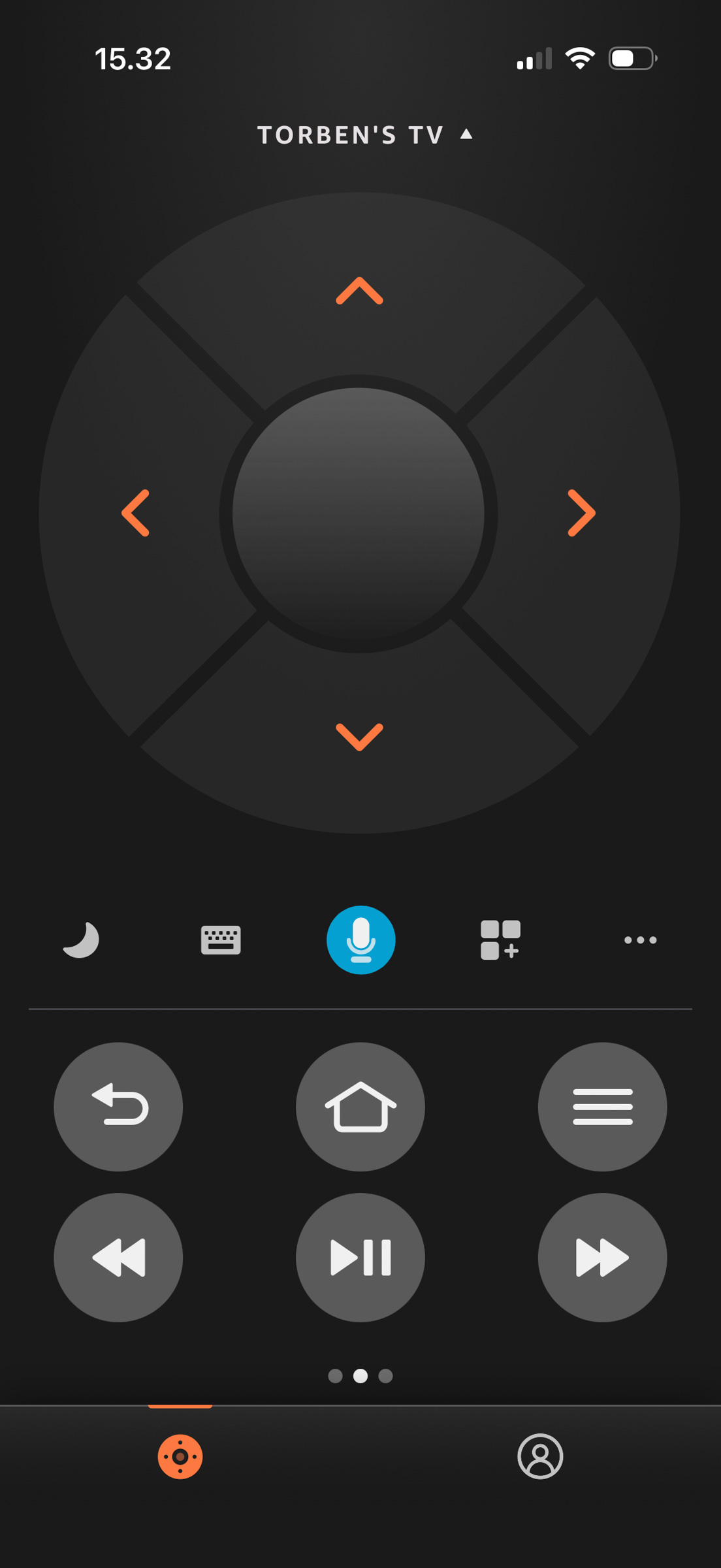
While the user interface feels new and refreshed, the situation is a bit different when it comes to physical control. Panasonic has not followed the trend of reducing the number of buttons on its remote, and the relatively large remote simply has too many buttons to keep track of. There is one customizable shortcut for an app of your choice, but otherwise you are limited to the five fixed shortcuts at the top (along with a shortcut to the app library).The remote itself has a nice weight to it, and the buttons offer a tactile, comfortable feel. It would be great if Panasonic took more inspiration from companies like Philips or Samsung in terms of layout, while retaining the solid weight and button feel. Fire TV can also be controlled via an app on your phone, and if you need to install apps from external sources, it is essential for copying links to the TV. You can launch specific apps directly, and as a control method it works quite well. If remote start is enabled, you can also power on the TV from the app.TV speakers
Beyond the RGB Tandem OLED panel, the main selling point of Z95B – and its predecessors – is the audio system. The Technics branding delivers Atmos-compatible sound, which in addition to the traditional front-facing “soundbar” also includes upward- and side-firing drivers, as seen on Z95A. A new bass unit, now positioned on the rear rather than the bottom, is intended not only to improve bass performance but also to help dissipate heat from the panel and electronics. Panasonic was the first to introduce upward-firing Atmos speakers in a TV, which on GZ2000 resulted in a rather distinctive design with a speaker “hump” on top of the screen. With the continuous fabric frame, Panasonic has now managed to integrate all these drivers neatly without compromising on the number of units. Panasonic delivers one of the most convincing TV audio packages to date, and even Philips’ Bowers & Wilkins models do not quite match the Technics-tuned sound here. Bass handling is said to be improved this year, but without having Z95A side by side, it is difficult to determine exactly how much performance has improved. Vocals are clear and direct, and the Atmos effect to the sides is particularly noteworthy. It has always been challenging to achieve truly convincing height effects from upward-firing drivers in both soundbars and TVs, and the two height channels here largely sound like what they are: audio coming from the top of the TV. You do not get a true “fly-over” effect, but to be fair, even systems like Sennheiser Ambeo struggled to deliver that convincingly. Panasonic emphasized improved bass performance at launch, but after three weeks with the TV, bass remains the area where I most miss additional punch. Z95B attempts to add volume to the low end, but the result is often more resonant than impactful, and can come across as slightly strained rather than engaging. If you are into large-scale Hollywood productions with deep, powerful bass, Z95B will not quite deliver on its own. Fortunately, Panasonic includes the option to connect an external active subwoofer via a jack output – and it is a must. It does not need to be a massive 12-inch unit; a compact model with line input that fits your setup will do the job perfectly. Looking ahead, it would be interesting if Panasonic/Technics offered a dedicated package with wireless rear speakers and a matching subwoofer specifically for Z95 series, though the market for such a solution may be too niche to justify it.Calibration
Calibrating Panasonic’s top models is usually a quick and impressively straightforward process, and Z95B is no exception. However, you first have to navigate through a sea of largely unnecessary picture modes before landing on one of the three recommended options: Filmmaker or Professional 1/2. There are some differences in which settings are enabled across these modes, with Filmmaker being the cleanest, as features like the light sensor and IFC system are disabled. Its brightness is on the lower side (just over 100 nits), so it is recommended to increase the luminance level (see table later), but the two Professional modes can also be adjusted to deliver identical performance with a bit of menu tweaking. Out of the box, Z95B delivers reference-level color accuracy, and after minor fine-tuning of two controls (one notch each), there is very little left to improve. You are paying for a top-tier TV, and it is configured like one from the factory. The new 4-layer panel is capable of impressive brightness, as we also saw on LG G5. In its calibrated mode, it delivers around 2200 nits in HDR and close to 400 nits on a full white screen – plenty of headroom. The dynamic mode peaks at around 3000 nits, but only briefly, making it impossible to measure a stable EOTF curve, as the brightness cannot be sustained long enough. In Filmmaker mode, the EOTF tracks the target very closely, with only a slight roll-off near peak highlights, further emphasizing the intent to adhere as closely as possible to standards. Where the 4-layer panel falls slightly behind QD-OLED is in color saturation. Compared to Samsung S95F and Sony Bravia 8 II, it does not cover quite as much of the Rec.2020 color space, meaning it cannot reach quite the same level of color saturation in HDR. Panasonic allows Game mode to be enabled within other picture presets, meaning you can achieve the same accurate image quality in games without compromising input lag. Note: Our PC running Calman crashed completely right after testing. We were unable to recover the Calman files with graphs as they became corrupted, and they therefore cannot be included. Overall, Panasonic Z95B measures almost identically to Panasonic Z95A across its picture modes.Measurements
In our "measurements" section we include all measurements and our suggested calibration settings. If you want to learn more about our test methodology click here. Note: In 2021, we implemented a new method for measurement of average power consumption in SDR and HDR, meaning that earlier measurements are not 1:1 comparable. The new method will be used in all TV reviews going forward.Note: We include calibration settings only for SDR, not HDR. For our calibration we have deactivated the ambient light sensor that automatically adjusts the backlight setting according to your environment. You may prefer to have it enabled.Picture quality
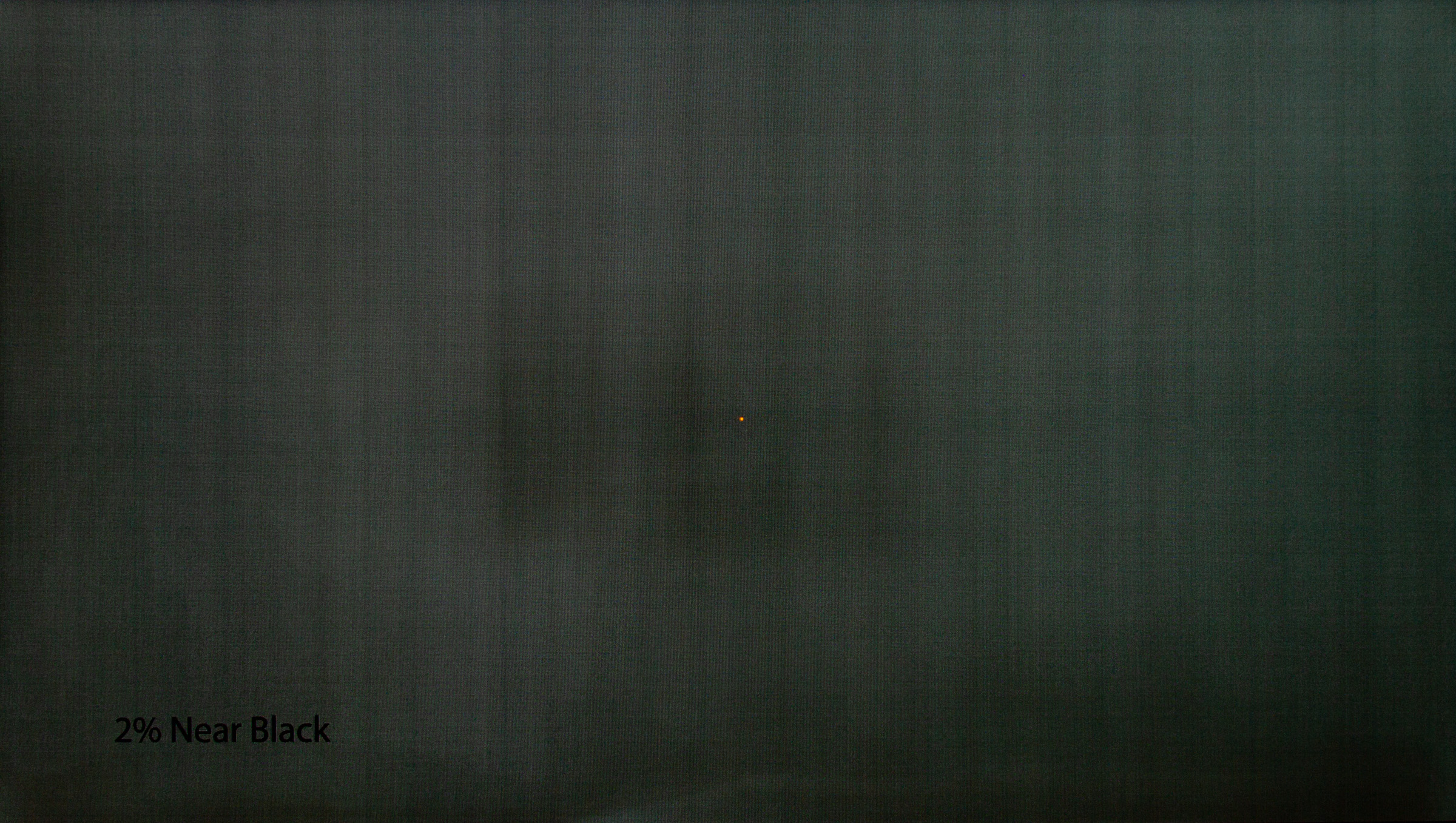
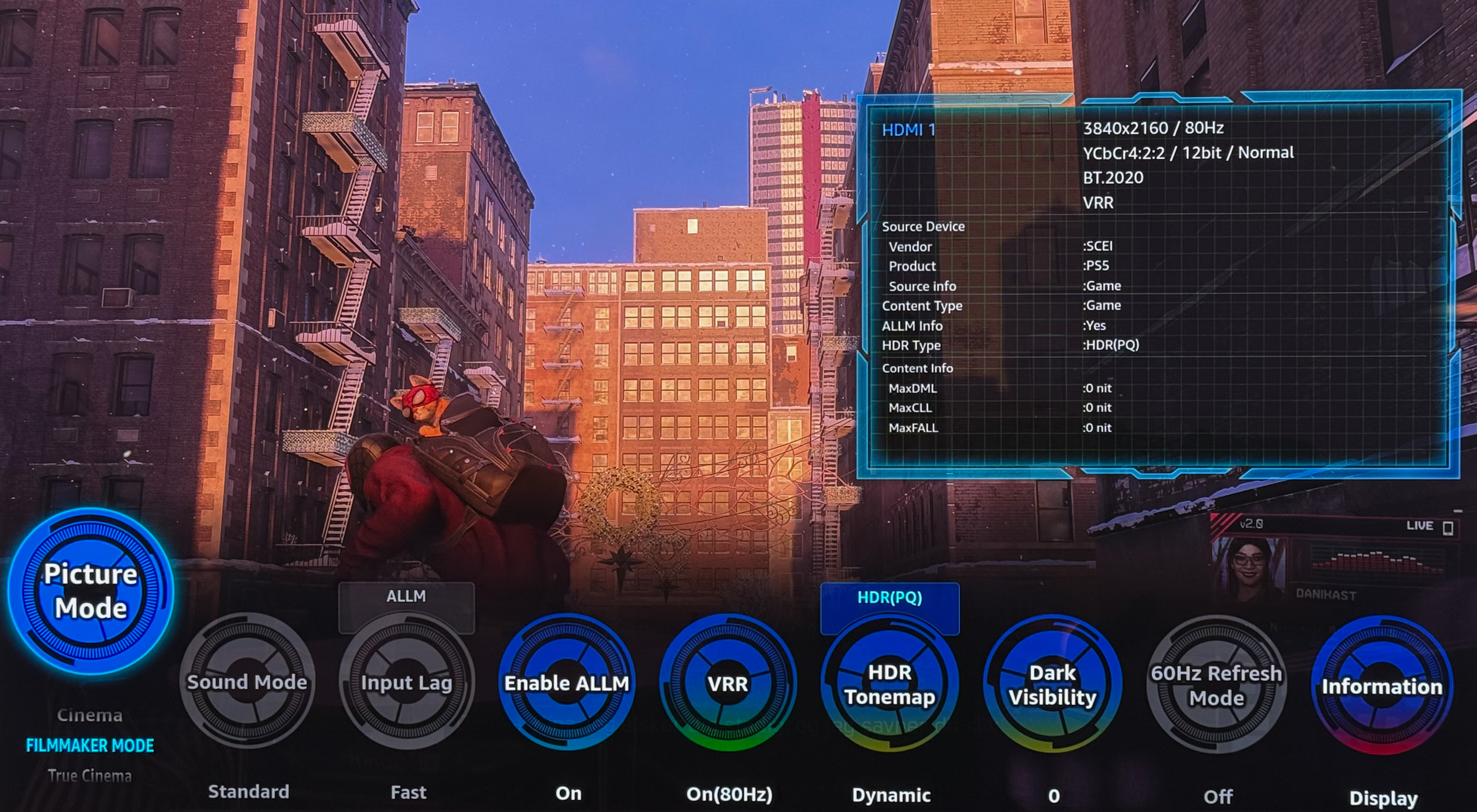
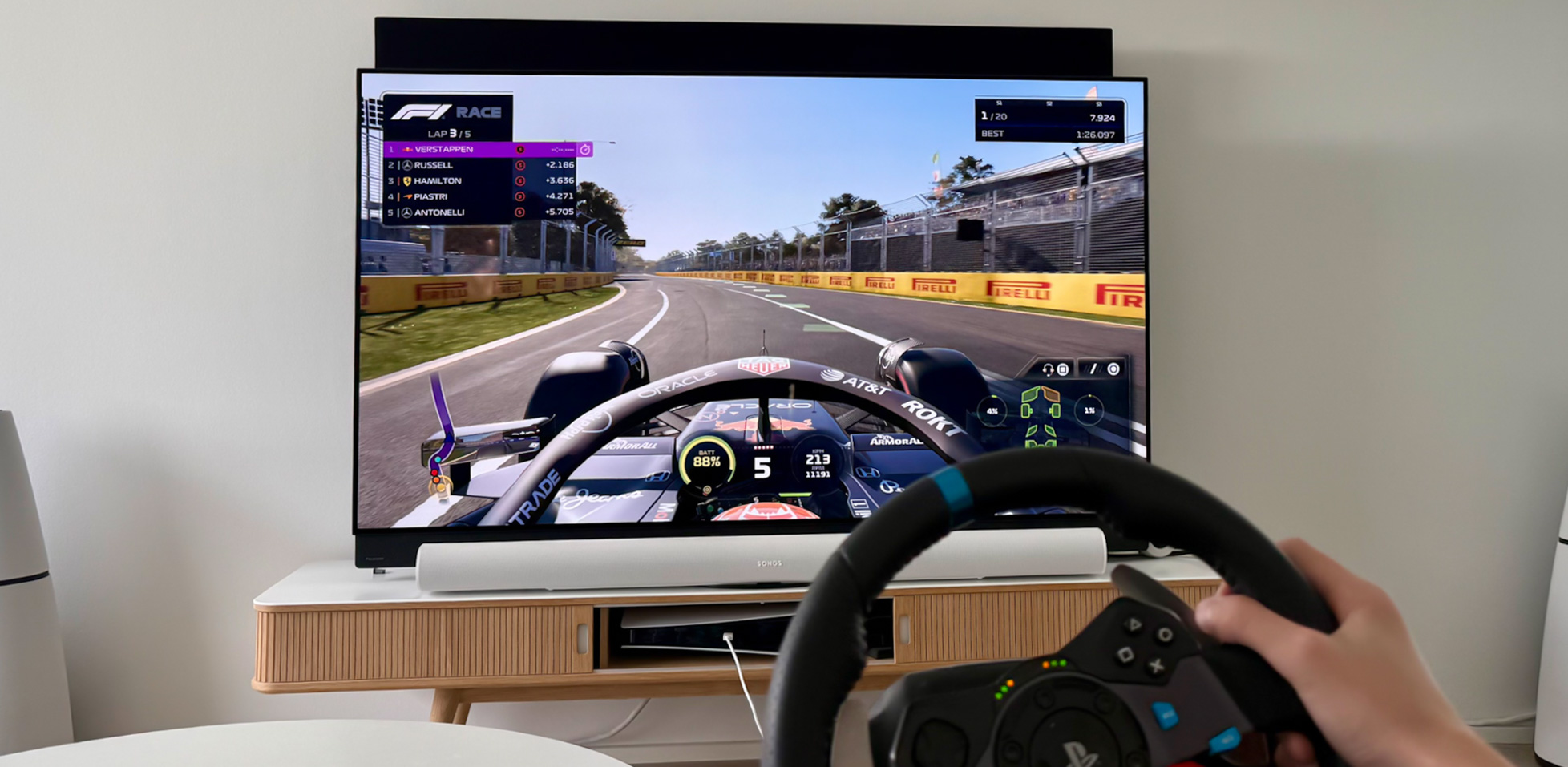
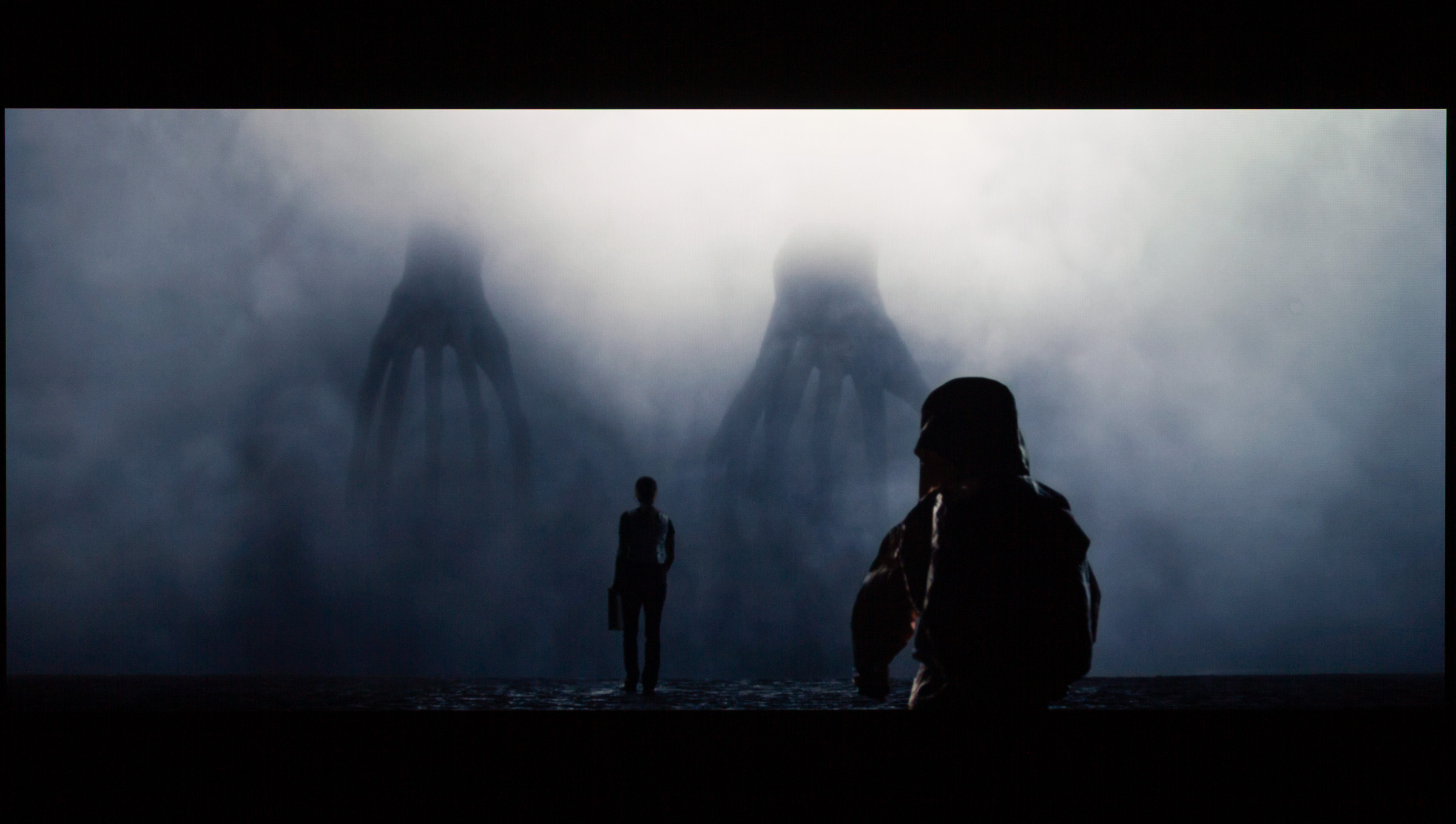
It is impressive to see how OLED panels continue to push higher on the brightness scale. LG’s transition from MLA to the new RGB Tandem OLED panel has delivered a similar percentage increase this year as in previous years. With 2200 nits in highlights and close to 400 nits on a full white screen, the numbers are impressive. However, this peak brightness cannot be sustained for as long as in the QD-OLED camp. After around 30 seconds of static elements, brightness is gradually reduced until it stabilizes at roughly 700 nits. The dimming is so subtle that it goes largely unnoticed. Since LG still achieves these figures by using a fourth subpixel to deliver pure white alongside the three primary colors, WOLED continues to lag behind QD-OLED in terms of color intensity. On the other hand, WOLED retains its traditional square pixel structure, which QD-OLED does not, making it more suitable in scenarios where text clarity is important. As mentioned in the calibration section, Panasonic Z95B delivers reference-level color accuracy with minimal adjustment, though we saw similar performance from LG G5. Panasonic does not stand out significantly here, but it firmly places itself among the top tier in terms of color precision. Picture quality in both SDR and HDR is excellent, and regardless of the source, Z95B is unlikely to disappoint. The biggest impact is naturally seen with HDR content, where the higher brightness comes into play, but the panel’s headroom also allows for a noticeably brighter SDR image than just a few generations ago. When we tested LG G5, it had already received a crucial firmware update that improved how the new panel handled shadow detail. Prior to that, users had reported posterization/banding – visible steps in gradients – which appeared from time to time. The assumption is that these artifacts stem from LG’s new panel technology, which requires additional tuning, but the fix does not appear to have reached Panasonic yet. In certain types of HDR content, we observed quite noticeable posterization, to the extent that others in my household pointed it out without being prompted. The image below shows the same scene from Apple’s "Invasion" S3:E2 (30 minutes in), where uniform patches in the background shadows are clearly visible on Z95B but not on LG C4. The issue was observed both via Apple TV and the TV’s built-in Apple TV+ app, though not consistently across all scenes with similar content and format. Hopefully, Panasonic will address this with a firmware update, as it is close to being the only real complaint regarding picture quality.Left: LG C4 (uncalibrated ISF mode). Right: Panasonic Z95B (calibrated).Naturally, gradient handling is also not quite as smooth as our reference Sony A95L, though it performs similarly to LG G5. Panasonic’s "Gradation Smoothing" does not resolve the issue. It is generally preferable to disable Panasonic’s IFC system, which inserts artificial frames to create smoother motion. In Filmmaker mode, this is already disabled, leaving only frame rate matching so that 24 fps content is displayed correctly. Sony remains the only brand where I occasionally enable motion processing at its lowest setting. Without IFC, there will be some degree of stutter – as with all OLED TVs – particularly in slow panning shots with moderate to high brightness. This is most noticeable at the edges of the screen, where the eye is more sensitive to motion, but if it becomes distracting, the custom IFC settings can be adjusted to find a compromise. The preset options are, in our opinion, all too aggressive. Although Panasonic highlights its panel cooling innovations, image retention was still observed after about half an hour of HDR calibration and measurement. Our bright test pattern remained faintly visible on the screen for over half an hour before eventually fading completely. Given Panasonic’s focus on improving cooling, resistance to burn-in should be better than on TVs without similar measures. The larger chassis should also aid ventilation. Retention can be seen in the long-exposure image below, which is used to evaluate panel uniformity. As shown, the panel is not perfect, and like LG G5, vertical banding is visible. It is worth noting that this will not be noticeable in everyday use unless you are watching dark, uniform backgrounds in a completely dark room.Note: The image was captured while retention from our test patterns was still visible. This faded over time.Switching between Game mode and standard picture modes works seamlessly via ALLM, and you are not restricted to using the Game preset for color reproduction – you can choose one of the more accurate picture modes instead. It is now standard to have access to a dedicated game menu, where features such as shadow detail enhancement, dynamic HDR adjustment, crosshair overlays, and VRR toggling can be configured.I mainly use the menu to ensure VRR is enabled and to select the desired picture mode. VRR is supported up to 144 Hz, which is more than sufficient for console gaming, though slightly below some displays that reach 165 Hz. In practice, this is unlikely to be an issue, as most modern titles run at significantly lower frame rates, and the main benefit comes from synchronizing at more flexible intervals than fixed 120, 60, or 30 Hz. Input lag measures just over 14 ms (same chipset as last year) without VRR enabled, which is in line with the average, though not quite among the very best. Raised black levels remain a known side effect of VRR on OLED, but in the heat of gameplay, it is not necessarily something you will notice. Personally, I do not find it distracting.Conclusion
Annonce:Annonce:If you are coming from earlier generations of Panasonic’s top models, the main draws here are the new 4-layer RGB Tandem panel with its high brightness, the refreshed design, and FireTV. Z95B represents the package that comes closest to being complete in terms of picture, design, and sound – yet it still falls just short. The lack of bass is easy to fix with any active subwoofer, which is a very nice feature. The teething issues in FireTV, however, require effort from Panasonic, and it is unclear how often serious bug-fix updates can be expected. I would have loved to declare Z95B the best all-round TV on the market, but the current state of FireTV and posterization in the image are issues that cannot be entirely ignored. With the addition of a 77" variant, Panasonic Z95B appeals to a broader audience than Z95A did, and if you can live with a few minor flaws – hopefully addressed in future updates – you have a great TV that delivers a solid stand-alone package for a small home theater. The obvious competitor is LG G5, which has the same panel but cannot deliver the same audio experience, though it has had its software refined more.Price and retailers:
US retailer
UK retailer
DE retailerColor and video processor
Good sound system
HDR picture quality, brightnessFireTV is buggy
Motion system not matching Sony, LG
Banding/posterization in some scenes
Only 2x HDMI 2.1