Review: TCL X11L (SQD-miniLED)
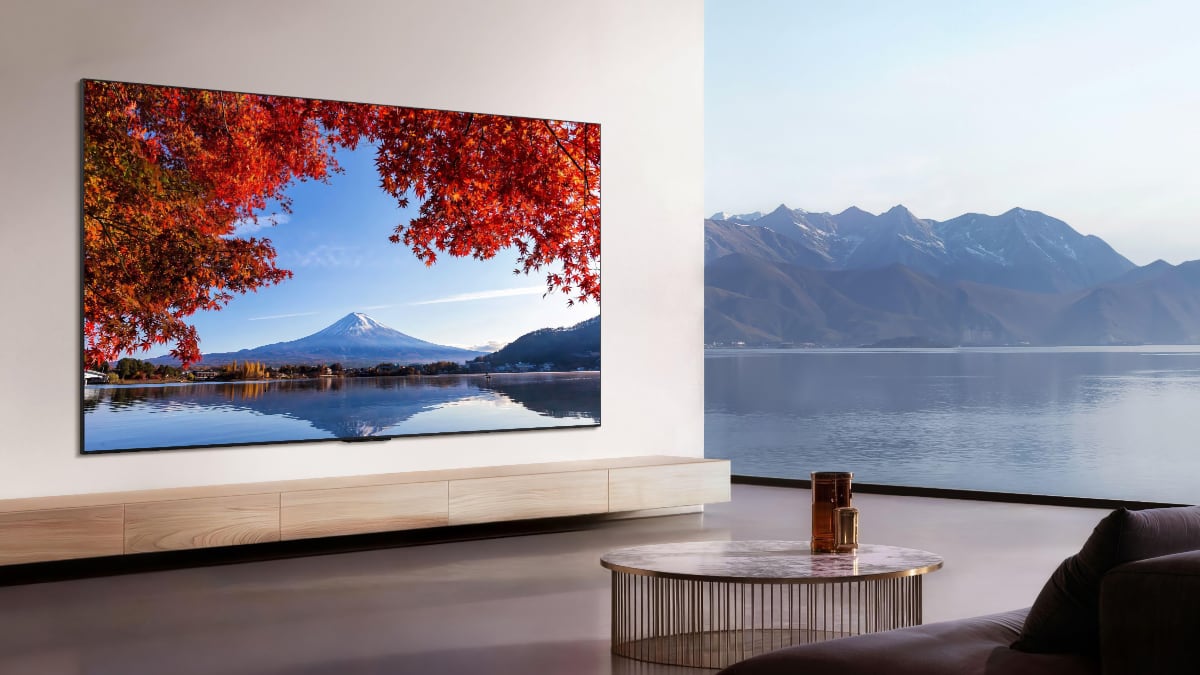
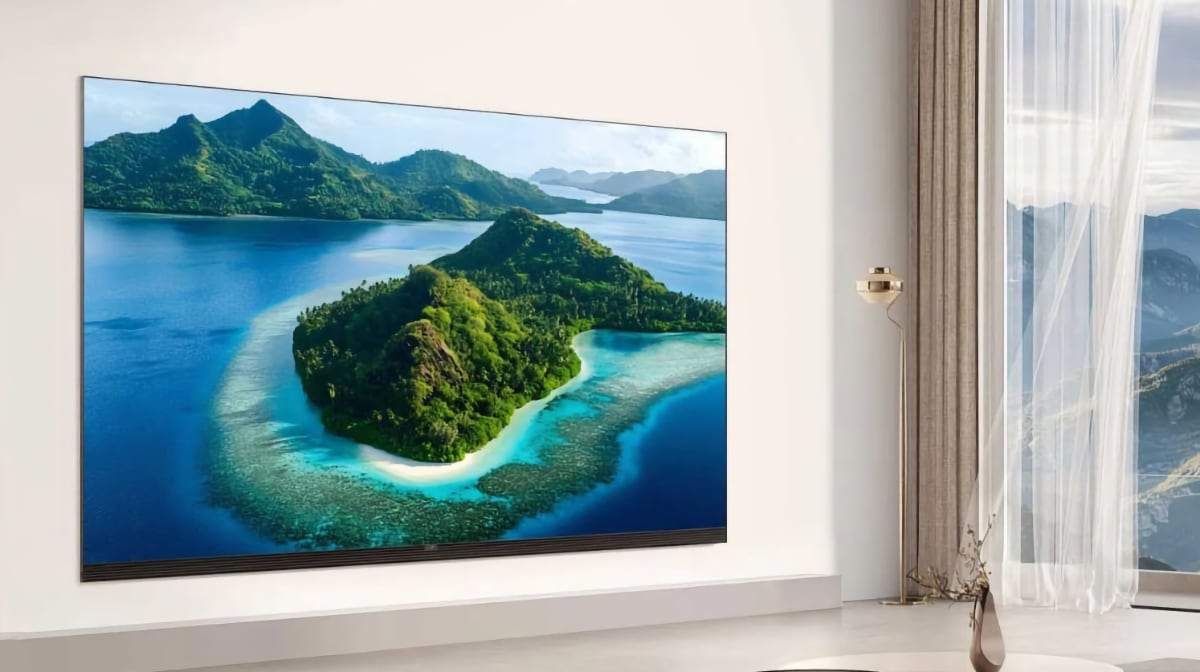
X11L is TCL's flagship model, built with the goal of delivering the pinnacle of LCD technology, according to the company. It features a 'Super Quantum Dot miniLED' backlight with up to 20736 dimming zones – unheard of just a few years ago – which TCL considers superior to RGB LED backlight technology. X11L also features a WHVA LCD panel, Dolby Vision 2 Max (pending a software update), four HDMI 2.1 ports and a MediaTek Pentonic 800 chip. This is Flatpanels' review of the TCL X11L, available in 75, 85, and 98 inches. We tested the 98-inch model. Also read: TCL 2026 TV lineup (with TV compare tool)Price and retailers:
US retailer
UK retailer
DE retailerFirst impressions
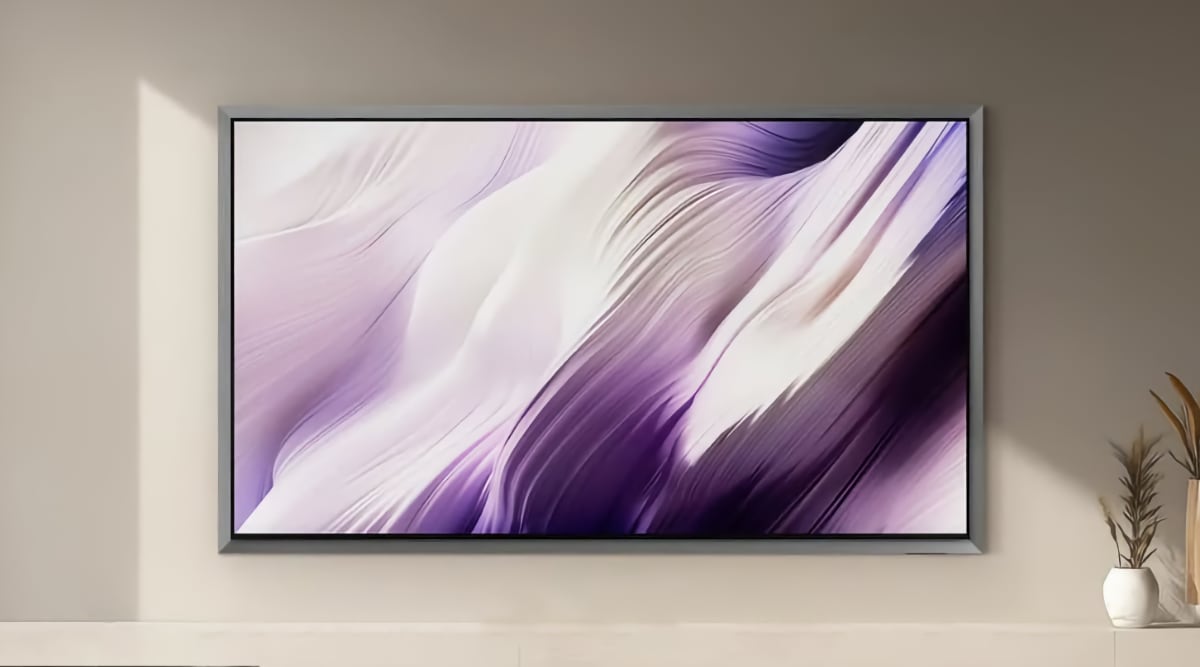
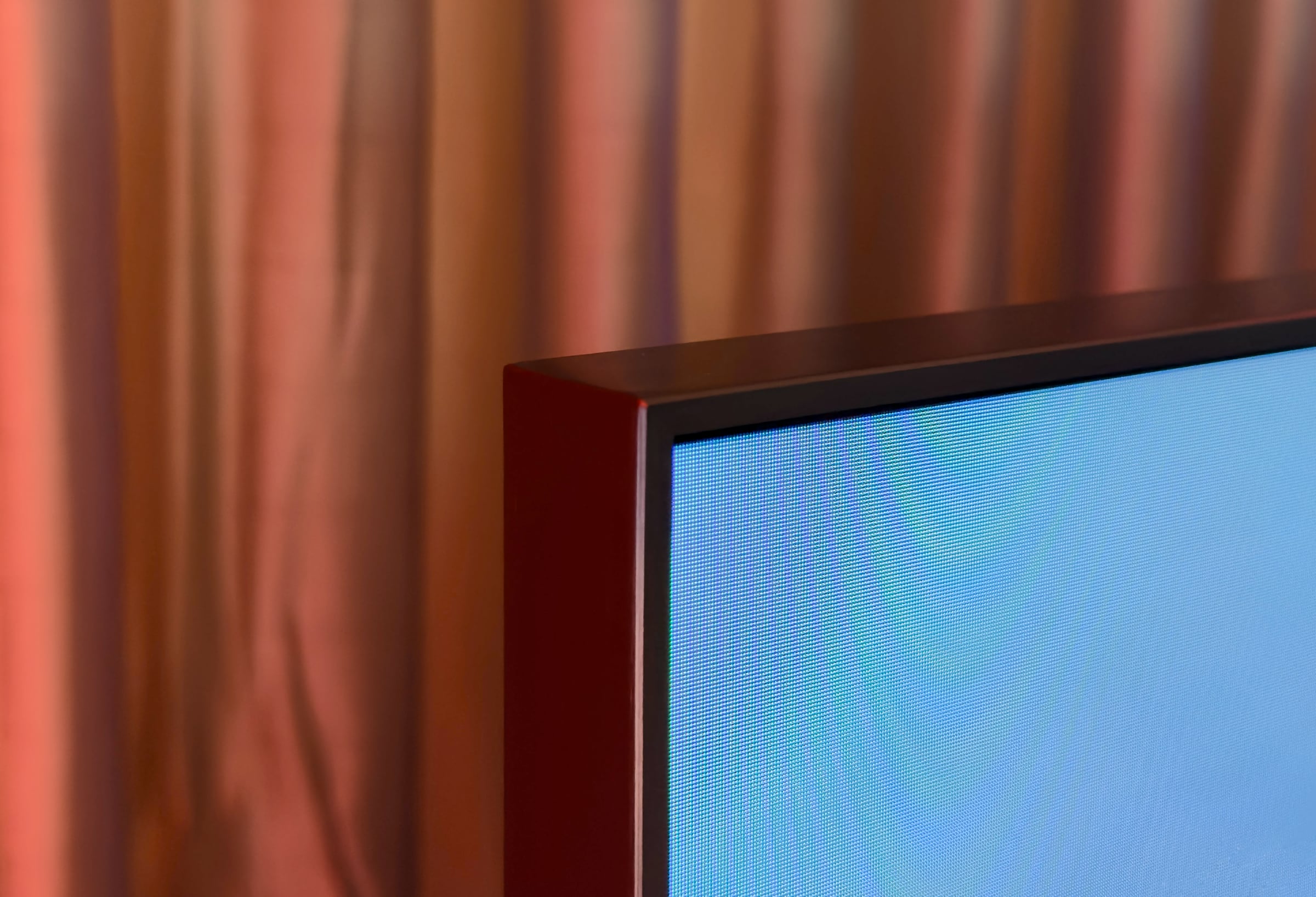
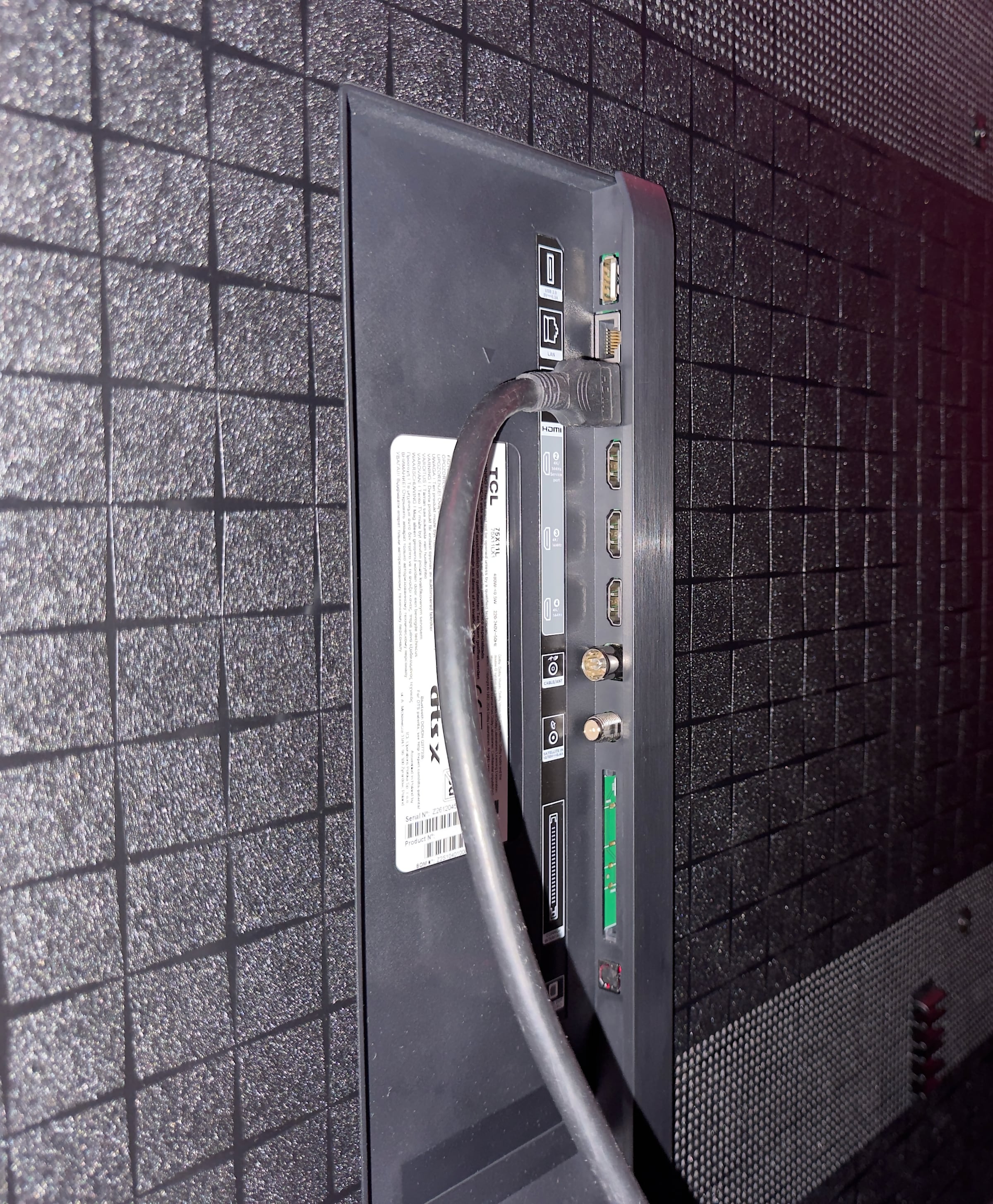
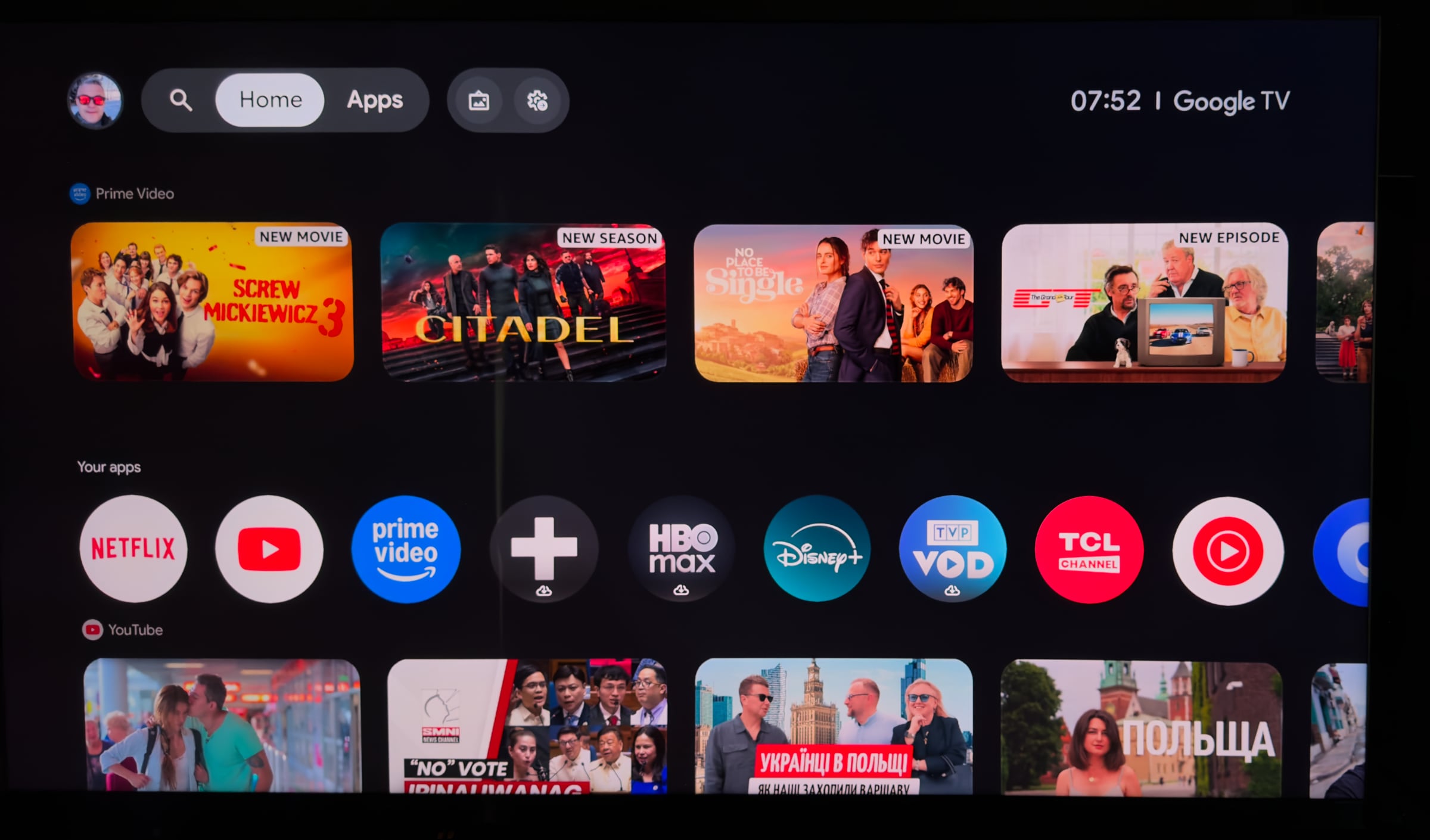
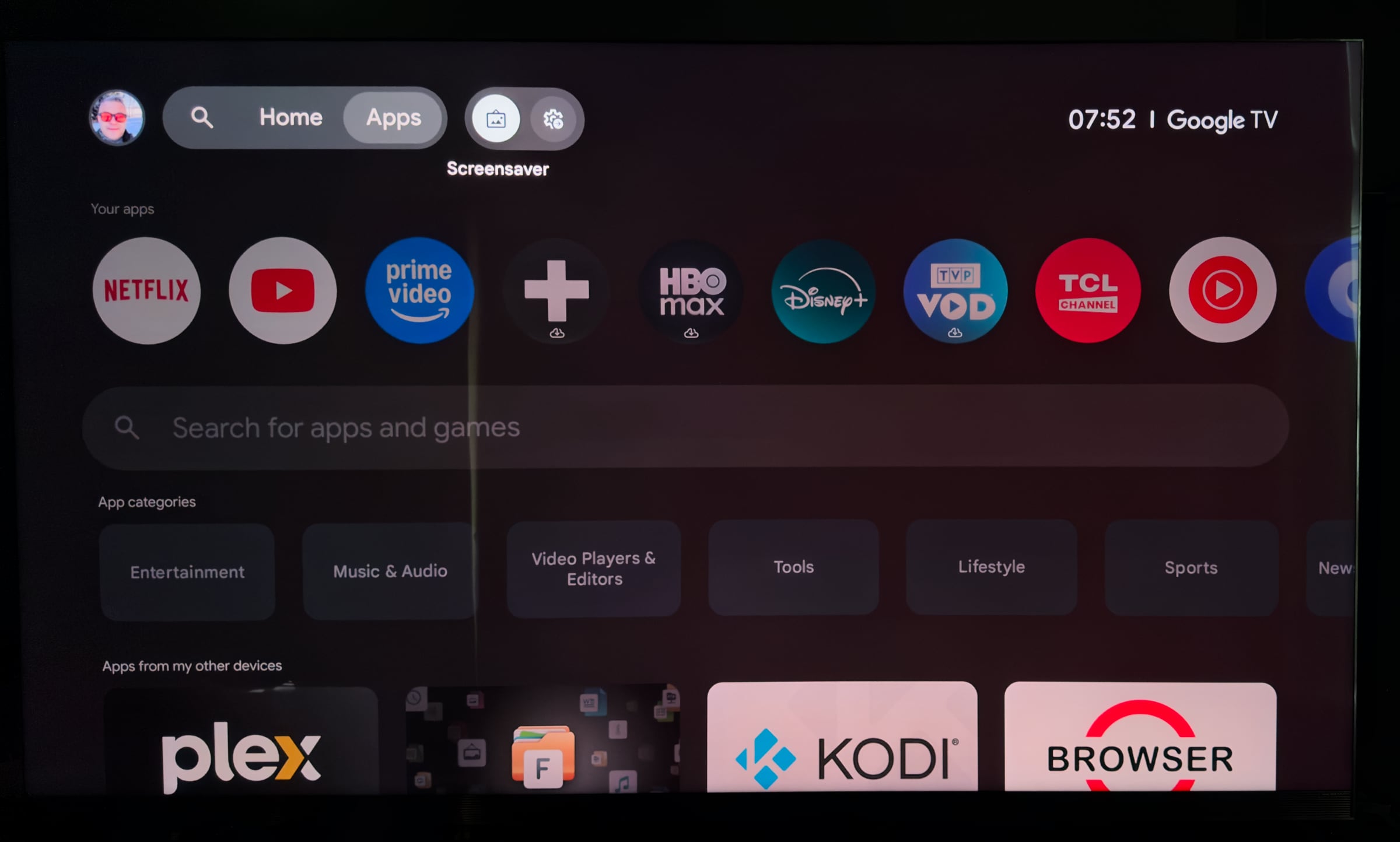
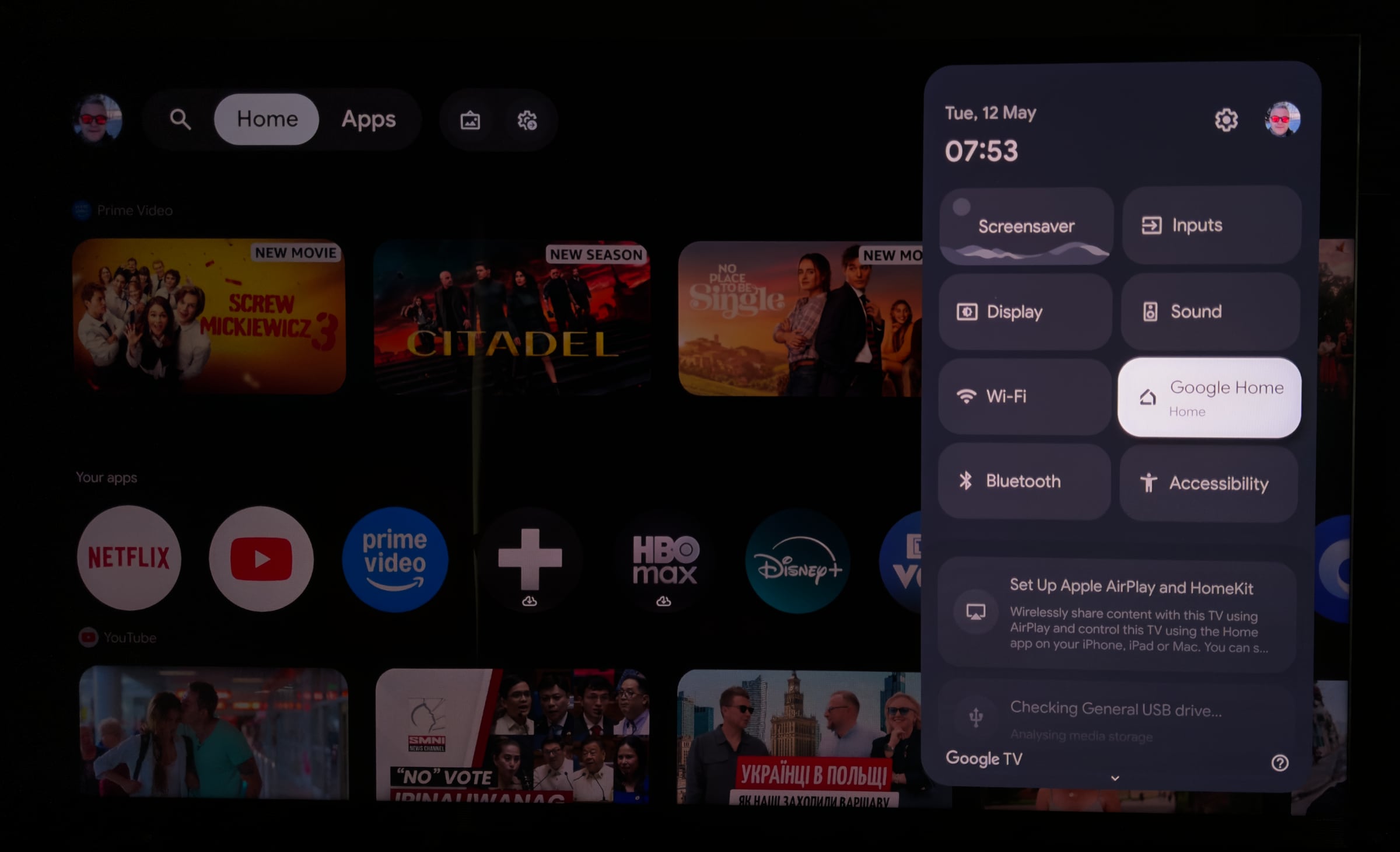
LCD TVs are generally not as slim and lightweight as OLED TVs, but TCL has in recent years worked on streamlining their designs. The Chinese manufacturer has done a good job with X11L, which now features a nice metal frame and profile combined with a streamlined back. TCL's high-end models are increasingly taking on a more Western design language, and X11L now somewhat resembles Samsung's flagship LCD models. The TV is supported by two side-placed feet that can neither be rotated nor tilted. They provide a solid foundation for the large and relatively heavy TVs. Alternatively, X11L can be wall-mounted using a completely standard VESA bracket, available in many varieties. All ports on the back face either downward or to the side, so they do not get in the way of a wall bracket mounted close to the wall. On the side of the frame there is a USB port that is easy to access. The operating system shares the same interface and home screen regardless of whether it is a Google TV from TCL, Sony or Sharp. The TV's other menus are however different, and TCL cleaned up their menu settings last year, which has simplified things. With the limited pace of development of Google TV, where new features are more often pushed out via Google's servers rather than through manufacturer firmware updates, there is not much to add to the debate. Google TV includes virtually all international and Danish streaming apps incl. Netflix, Disney+, HBO Max, Apple TV, DRTV, TV 2 Play and YouSee, but not yet the Xbox app for game streaming. TCL X11L has built-in Google Cast (Chromecast), Apple AirPlay 2 and voice control (Google Assistant, which will later become Gemini). Increasingly, however, many updates to Google TV are about ad formats and AI features that do not benefit Danish users in the first instance. Google TV is still a robust platform and in our opinion the best TV platform integrated into a TV screen. It does however still feel somewhat sluggish to use, partly due to the hardware and partly because it is heavily internet-based rather than local in hardware. We still believe that the great potential of transforming TV platforms into the home's media hub – with video, pictures, games, fitness and much more – largely remains unrealized, which is a shame. Smart home control is supported via a Google panel in the control center on the right, which works OK, but it still takes too long to reach. The Google TV home screen is increasingly filled with "recommendations" – ads – for content that seems more relevant to the sender than to the user of the screen, such as irrelevant content from YouTube. X11L has been upgraded from MediaTek's Pentonic 700 to the newer Pentonic 800 chip, and from Android 12 last year to Android 14, though there are no major changes. The upgraded chip enables some new video technology and serves as the foundation for Google TV. Specifically, is is a quad-core Cortex-A73 ARM processor, 2.5GB of RAM and 48GB of storage. Pentonic 800 is, however, still far from being a powerhouse, as confirmed by our benchmarks below. In terms of CPU, Pentonic 800 delivers around 30% better performance than Pentonic 700, but still only matches Pentonic 1000 chip that has been in Sony TVs since 2023, and still does not match the Nvidia Shield, let alone the Apple TV 4K. In terms of GPU –graphics – Pentonic 800 delivers 165% better performance than Pentonic 700, but still only matches MediaTek MT5895 seen in Sony XH90 (X900H) in 2020, falls far short of the Nvidia Shield and is miles behind Apple TV 4K. Note: the GFXBench app has been discontinued, so we can no longer benchmark with it. This is disappointing for a "new" chip for TVs, so it is perhaps better to focus on the primary advantages of the Pentonic 800, which are four HDMI 2.1 ports and the ability to support Dolby Vision 2. With its level of performance, Pentonic 800 unfortunately still does not lay the foundation for a thriving TV ecosystem that goes beyond simple streaming apps.Google TV – CPU/GPU benchmark
CPU – Geekbench 4 (single-core & multi-core) MediaTek MT5887
Philips OLED805MediaTek MT5889
TCL C845 X1MediaTek Pentonic 700
TCL C855, C805, X955MediaTek MT5895
Sony XH90, X90J, X90K, X90L, Philips OLED807MediaTek Pentonic 800
TCL X11L, RM9L, C8LMediaTek Pentonic 1000
Philips OLED809MediaTek Pentonic 1000
Sony A95L, XR90Nvidia Shield TV Apple A10X
Apple TV 4K 1st GenFlatpanels
GPU – GFXBench (1080p Manhattan 3.1 & Aztec Ruins), 3D Mark (Slingshot Extreme) MediaTek MT5887
Philips OLED805MediaTek MT5889
TCL C845 X1MediaTek Pentonic 700
TCL C855, C805, X955MediaTek Pentonic 800
TCL X11L, RM9L, C8LMediaTek MT5895
Sony XH90, X90J, X90K, X90L, Philips OLED807MediaTek Pentonic 1000
Philips OLED809MediaTek Pentonic 1000
Sony A95L, XR90Nvidia Shield TV Apple A10X
Apple TV 4K 1st GenOperation
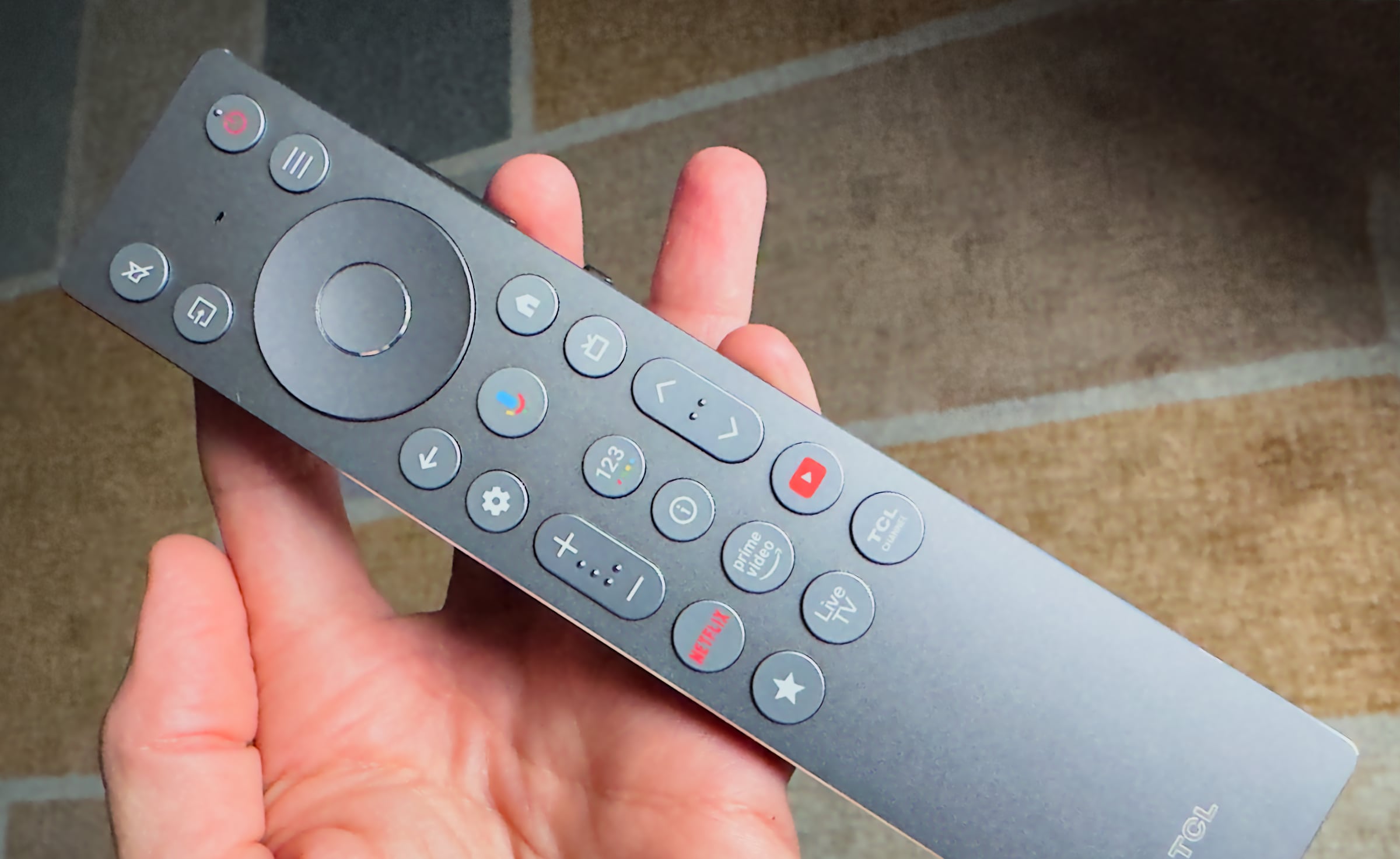
A couple of years ago we got a new remote control from TCL. It has since been adjusted slightly, but the basic form remains. It has an aluminium top but black plastic on the back. The buttons have decent tactile feedback, but the remote still does not feel premium. Unfortunately, TCL has again started moving toward more buttons rather than fewer – specifically sponsored buttons – though there is also a nice favorites button (bottom left with a star icon) that can be user-configured as a shortcut to, for example, a specific app or HDMI input. This is managed by Google TV itself. It is a cool feature and we wish there were at least three of them. This type of button could effectively replace the sponsored buttons, which serve mostly sponsors rather than the users. A tip: 'Button Remapper' in the Google TV app store allows you to reconfigure button functions (though naturally not remove the labels printed on them).The next step in improving TCL's Google TV user experience should be to upgrade to a significantly faster chip so the interface runs more smoothly, continue to polish software and remove unnecessary settings menus, and to further clean up the remote control, which for a high-end TV like X11L should also feel more premium. Voice control from Google is built into all Google TVs, but Gemini had not been rolled out on X11L when we tested it, so it was classic Google Assistant – which does not work particularly well.TCL has added three extra buttons including a user-configurable shortcut button. Photo: FlatpanelsTV audio
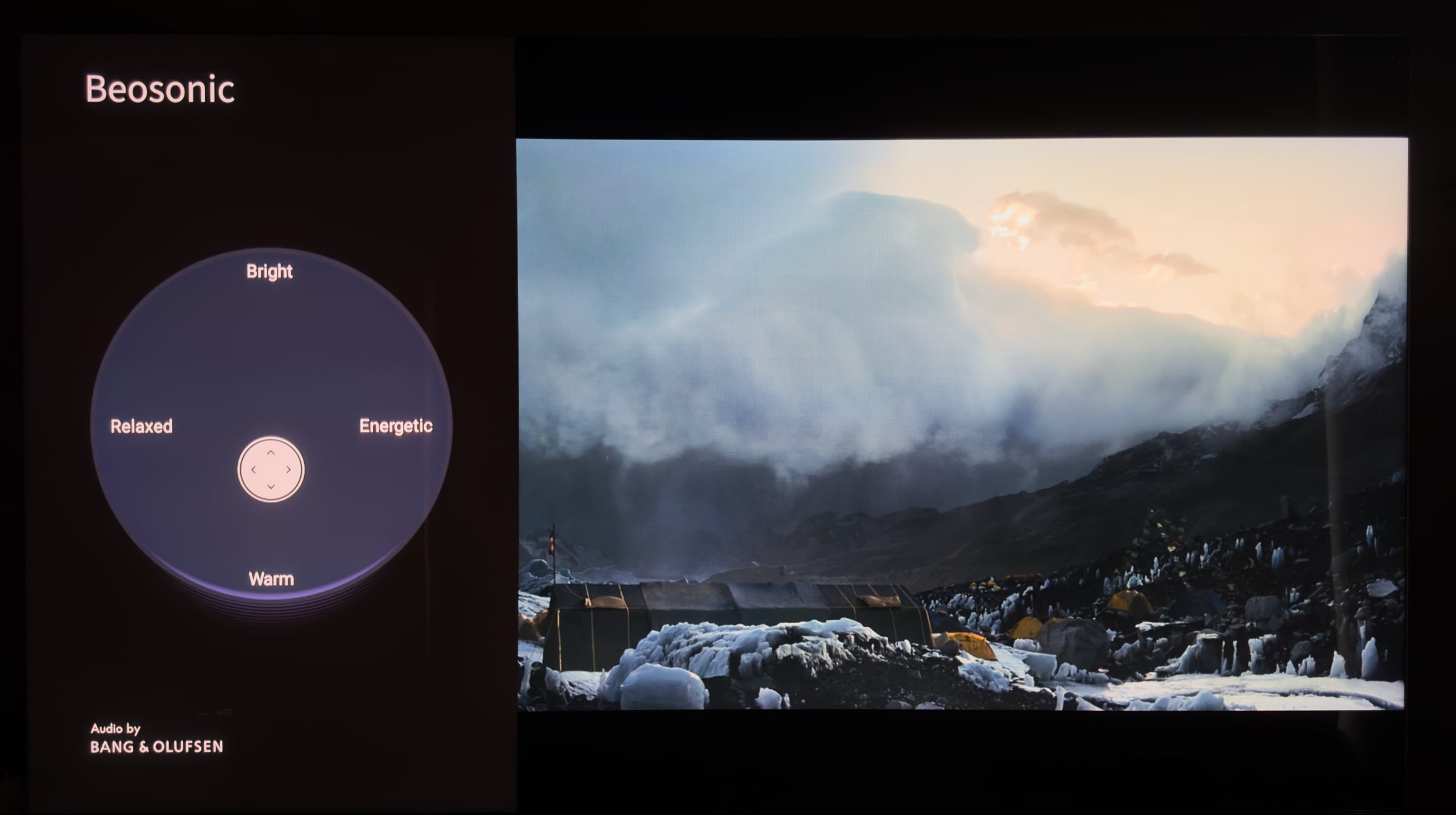
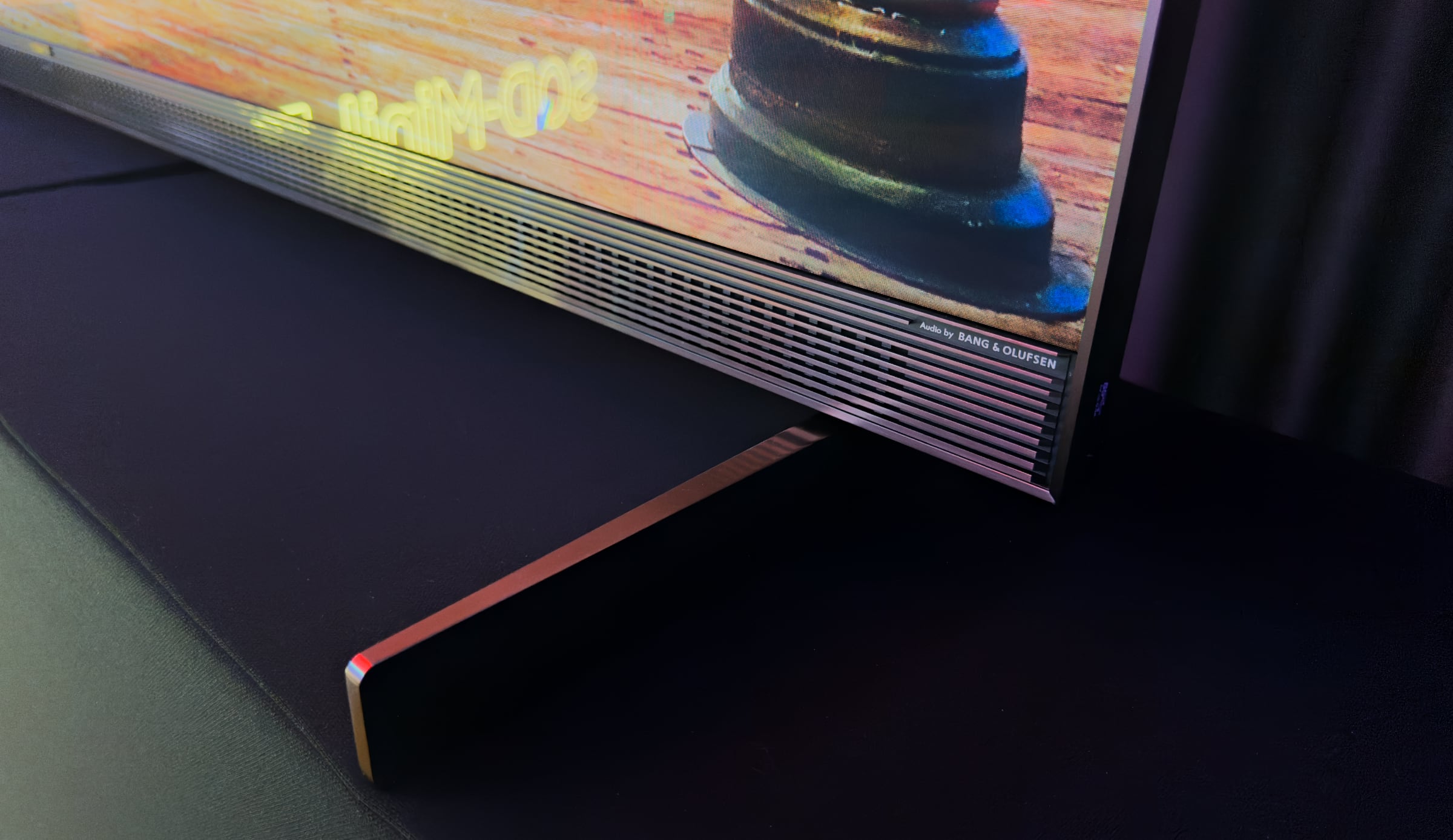
TCL X11L has a slim soundbar beneath the screen, promising up to 360W total output (music power), 'Audio by Bang & Olufsen' and front-facing center, right and left units. That sounds good on paper, and the sound is indeed better than the average TV, but I still find it somewhat tinny and a little too direct. There is a lack of bass and you can tell that the software often has to compensate for the missing power, balance and range of the speakers. The B&O element consists of a Beosonic menu where you can tune the sound to your taste, as seen in the photo below. That is a nice touch, but in practice I do not find that it adds anything particularly useful. I have a hard time understanding why B&O would put their name on integrated TV sound, regardless of whether it comes from TCL or a competitor.The shortcomings of the TV's speakers are something we can accept, as we fundamentally believe that a large, high-end TV like TCL X11L should be paired with external speakers. Still, it does seem as though a little too much effort has gone into TV sound that is still not convincing. On the other hand, TCL offers good options for connecting external audio. In addition to HDMI eARC, which works with all newer soundbars and AV receivers, there is Dolby Atmos FlexConnect, allowing you to connect wireless FlexConnect speakers directly to the TV – nothing else required. Flatpanels has previously covered FlexConnect here, and this year TCL has updated the software so you can also connect a wireless FlexConnect subwoofer in addition to four speakers (front right/left, rear right/left). In addition, there is support for both Dolby Atmos and DTS:X. This does not really add anything on the built-in speakers, but ensures that streaming apps and other sources can pass Atmos and DTS:X audio out of the TV. TCL has fixed the issue with DTS:X IMAX Enhanced, so these audio tracks can now be pulled from Disney+ on movies with IMAX Enhanced audio tracks. All in all, audio support at the top of the field among TVs.There is a new B&O Beosonic feature, which is OK, but not particularly useful. Photo: FlatpanelsCalibration
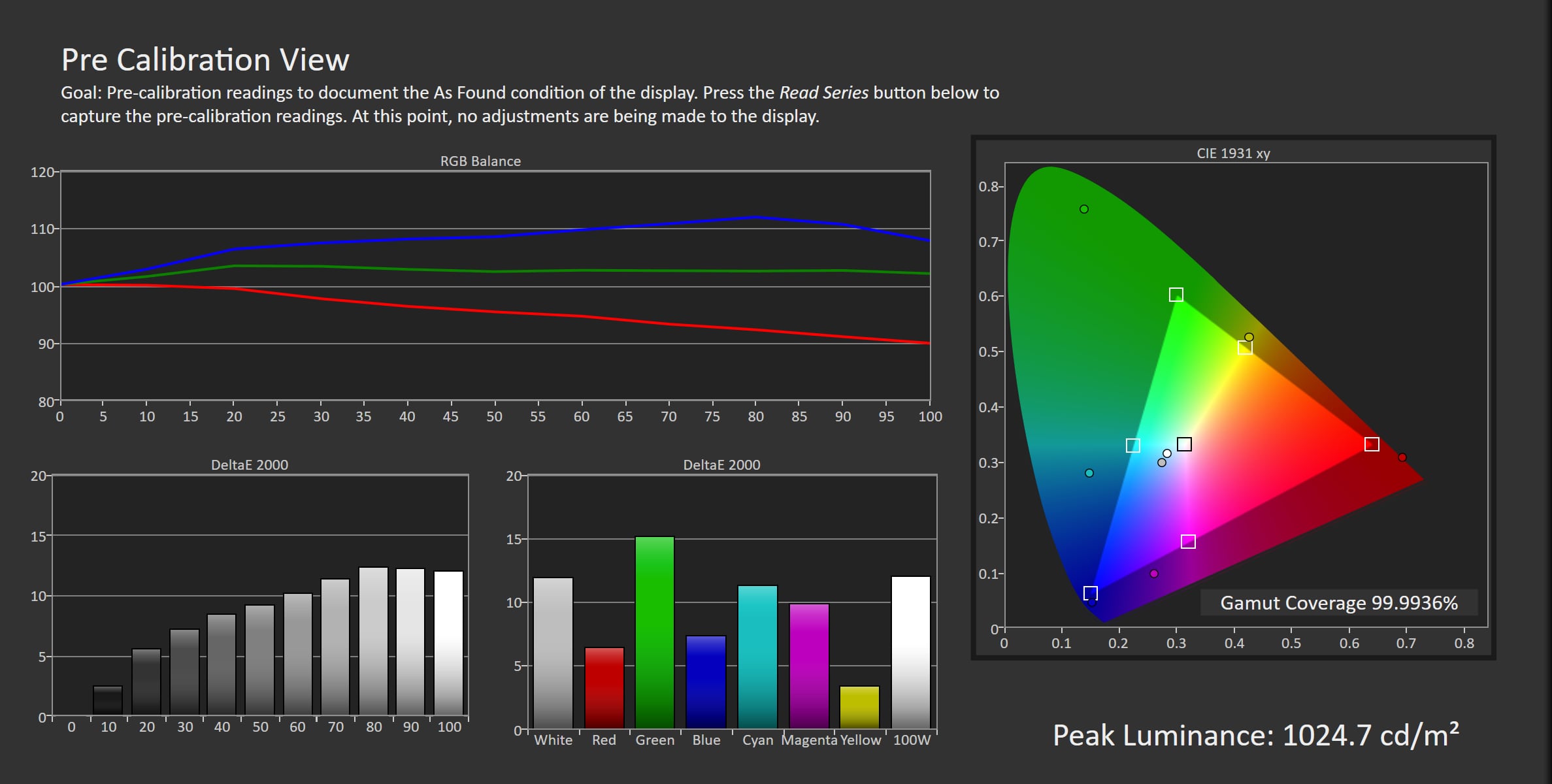
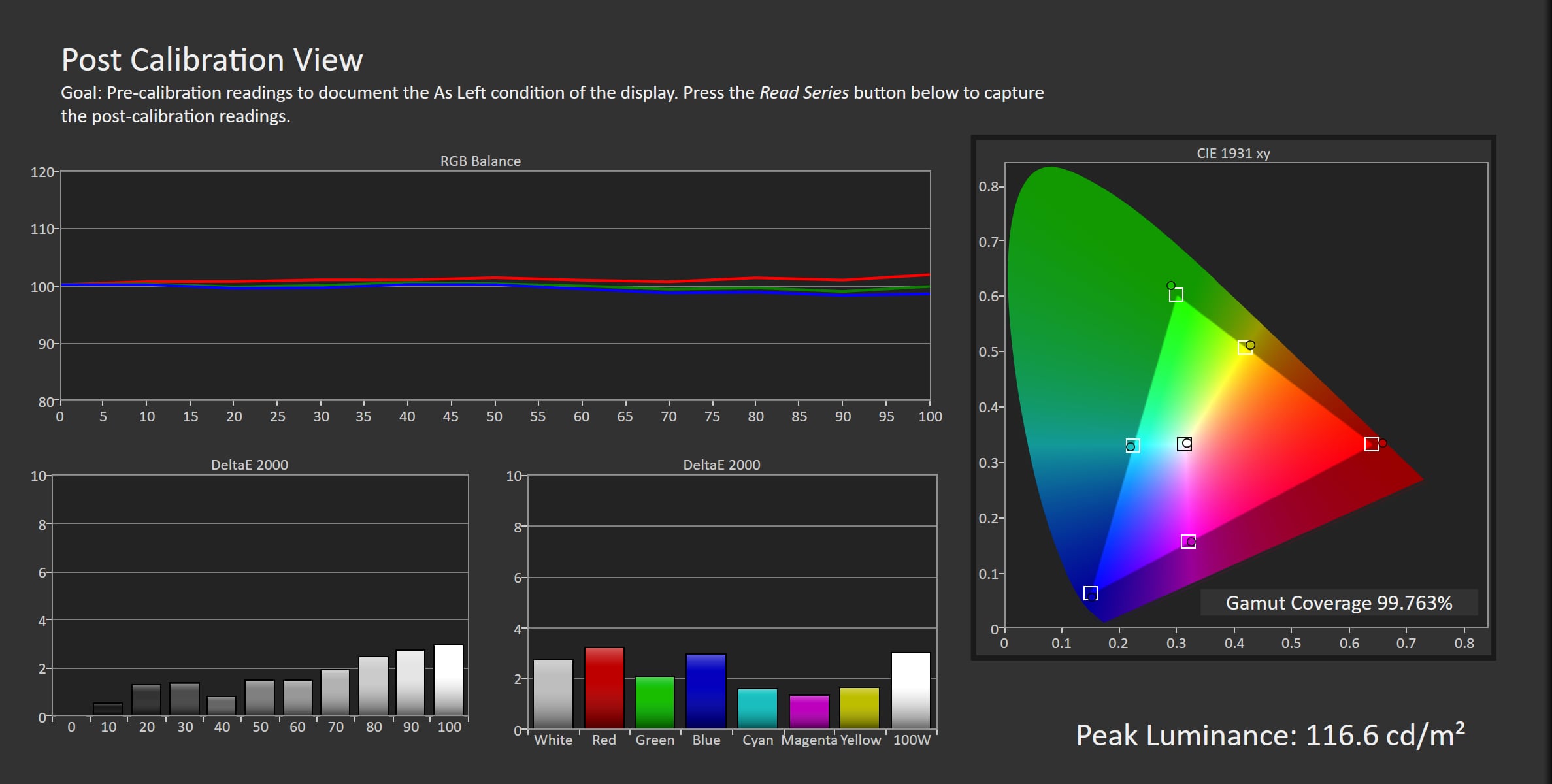
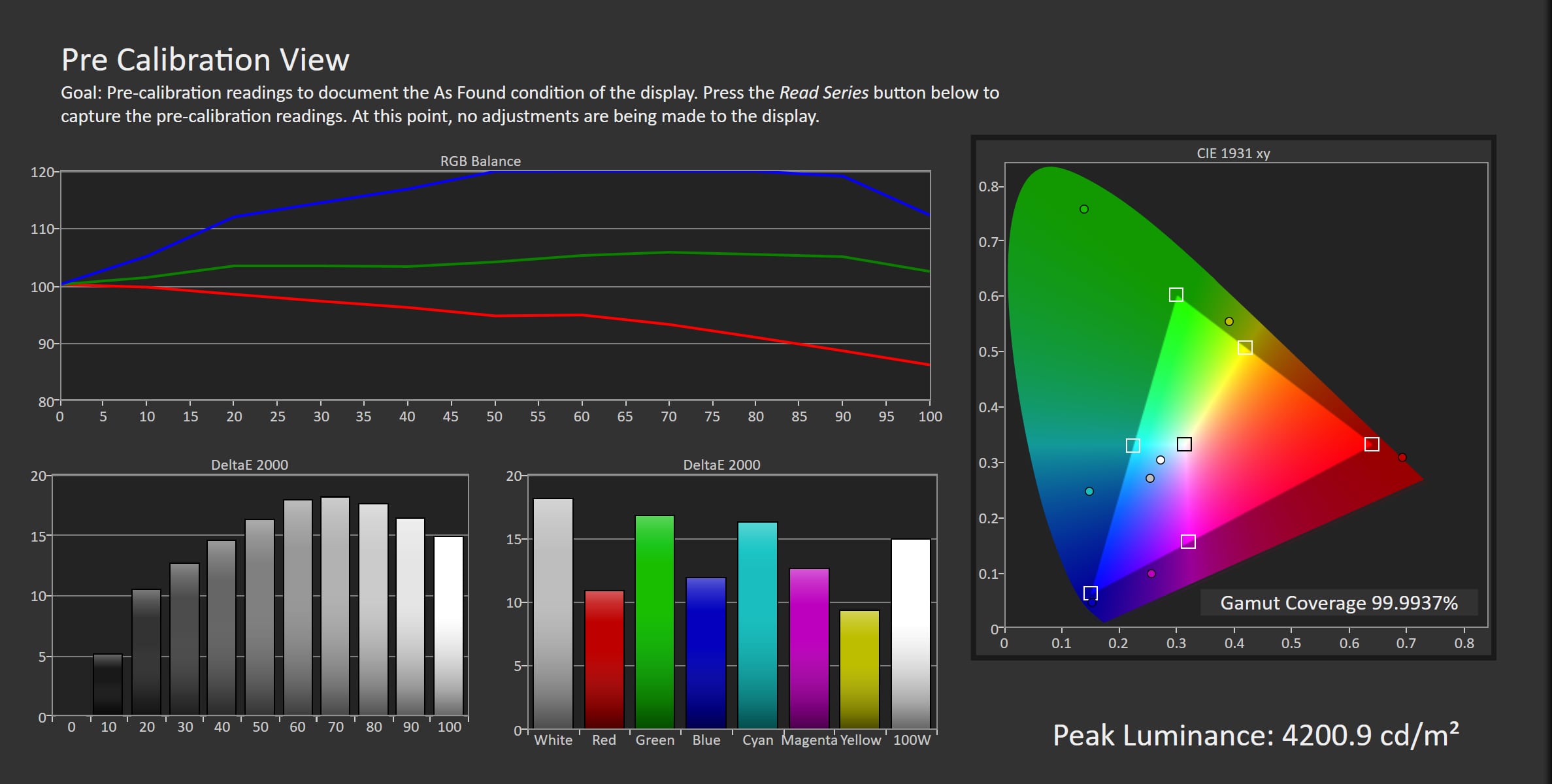
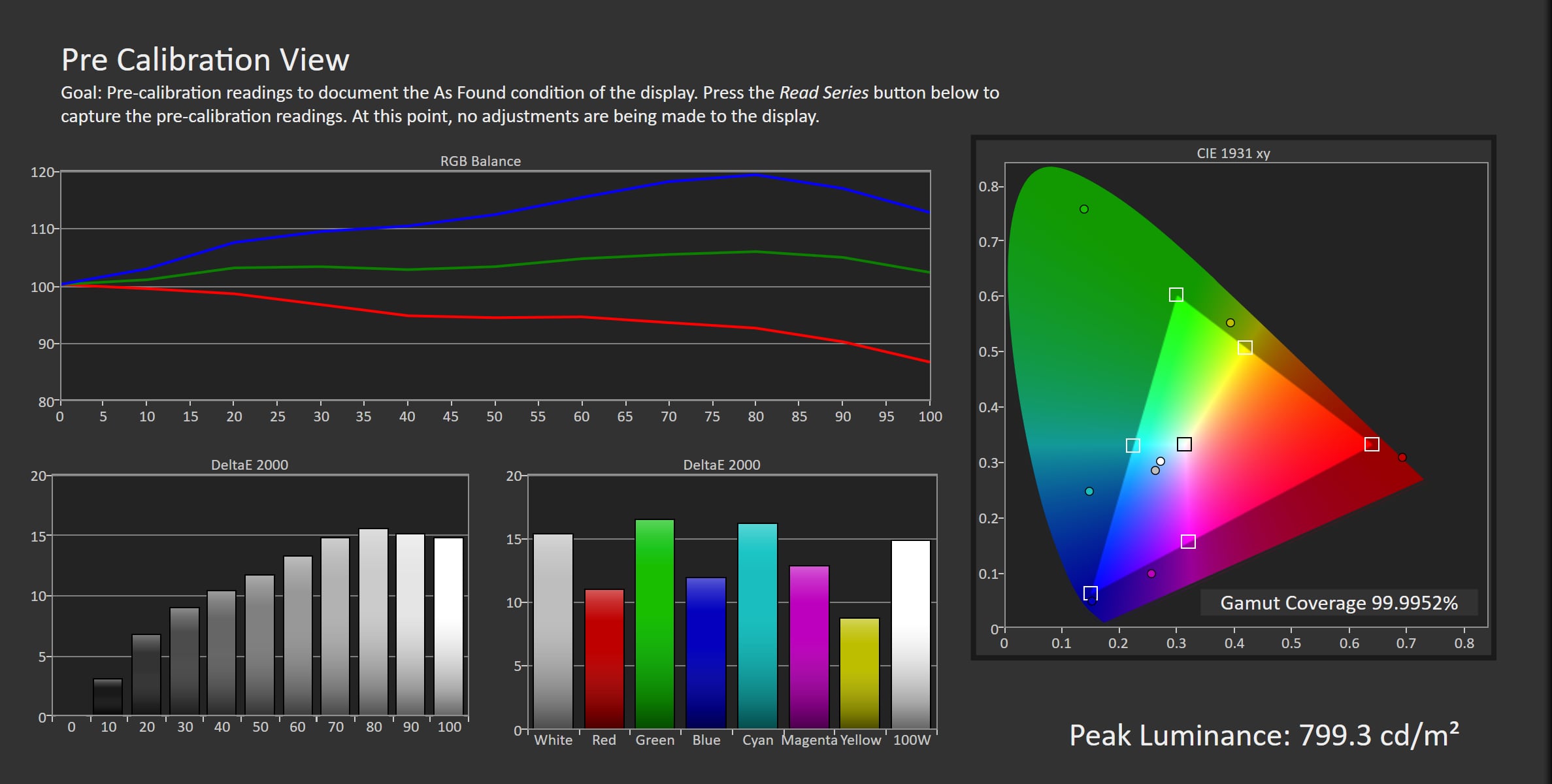
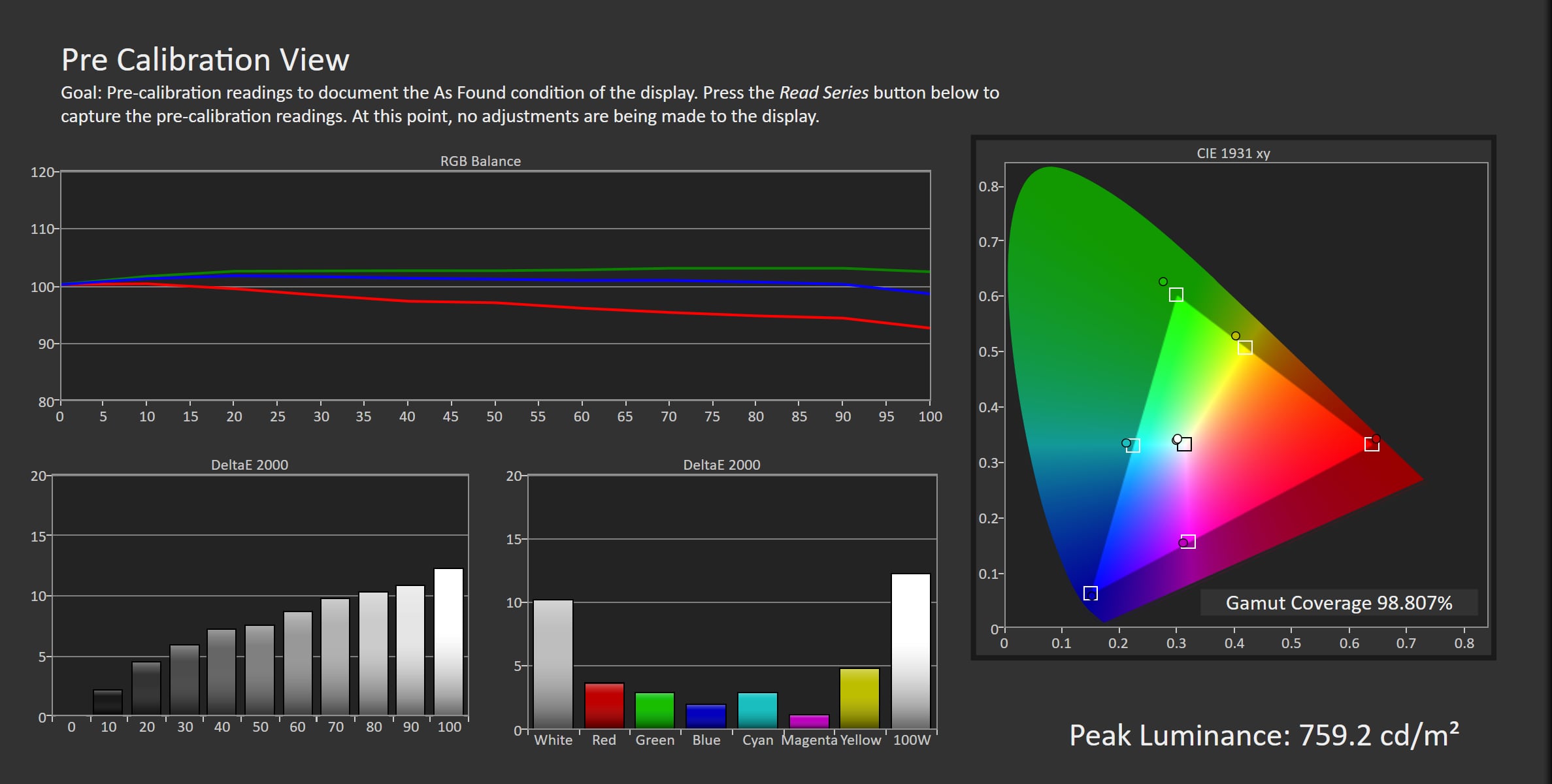
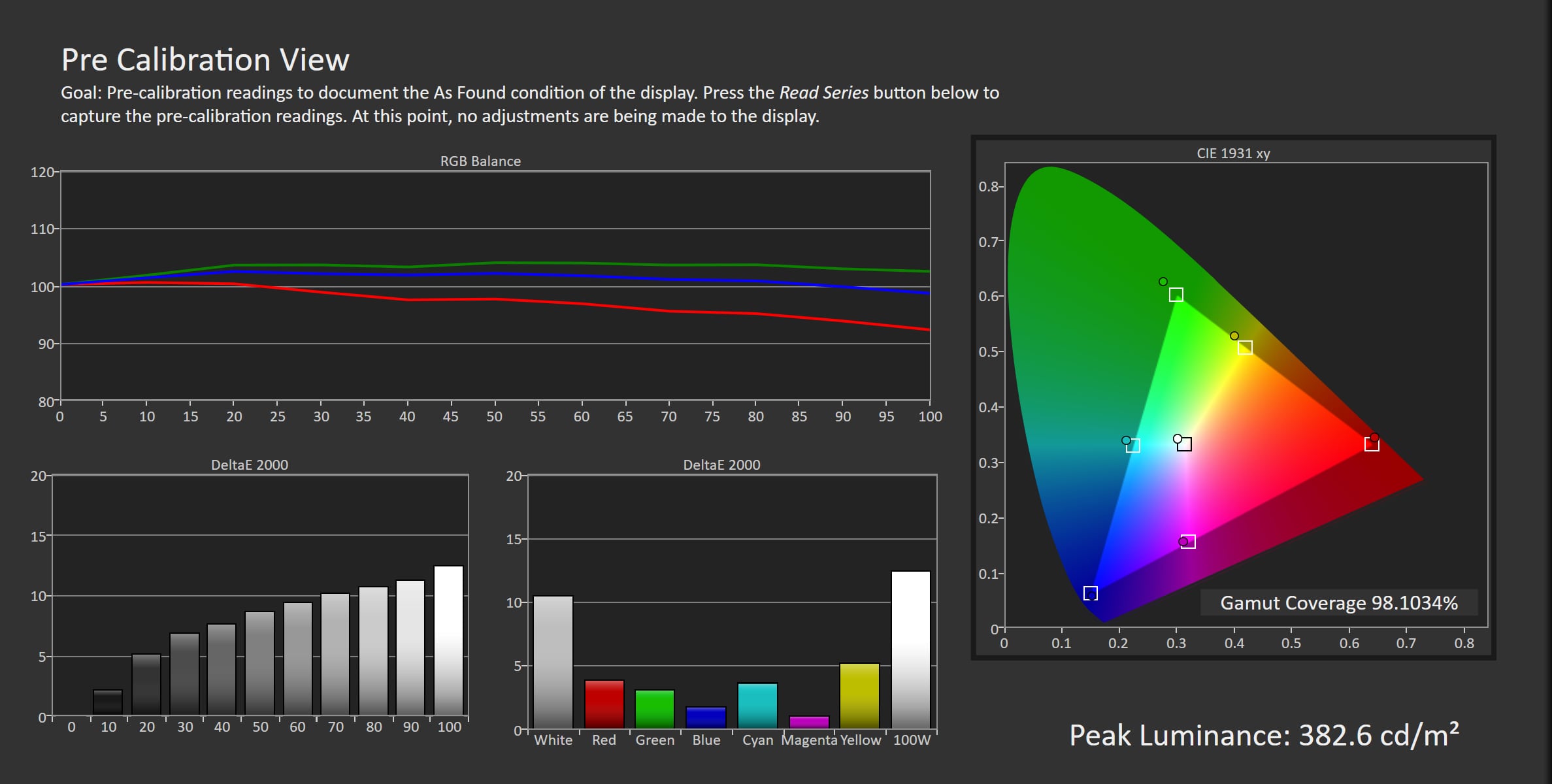
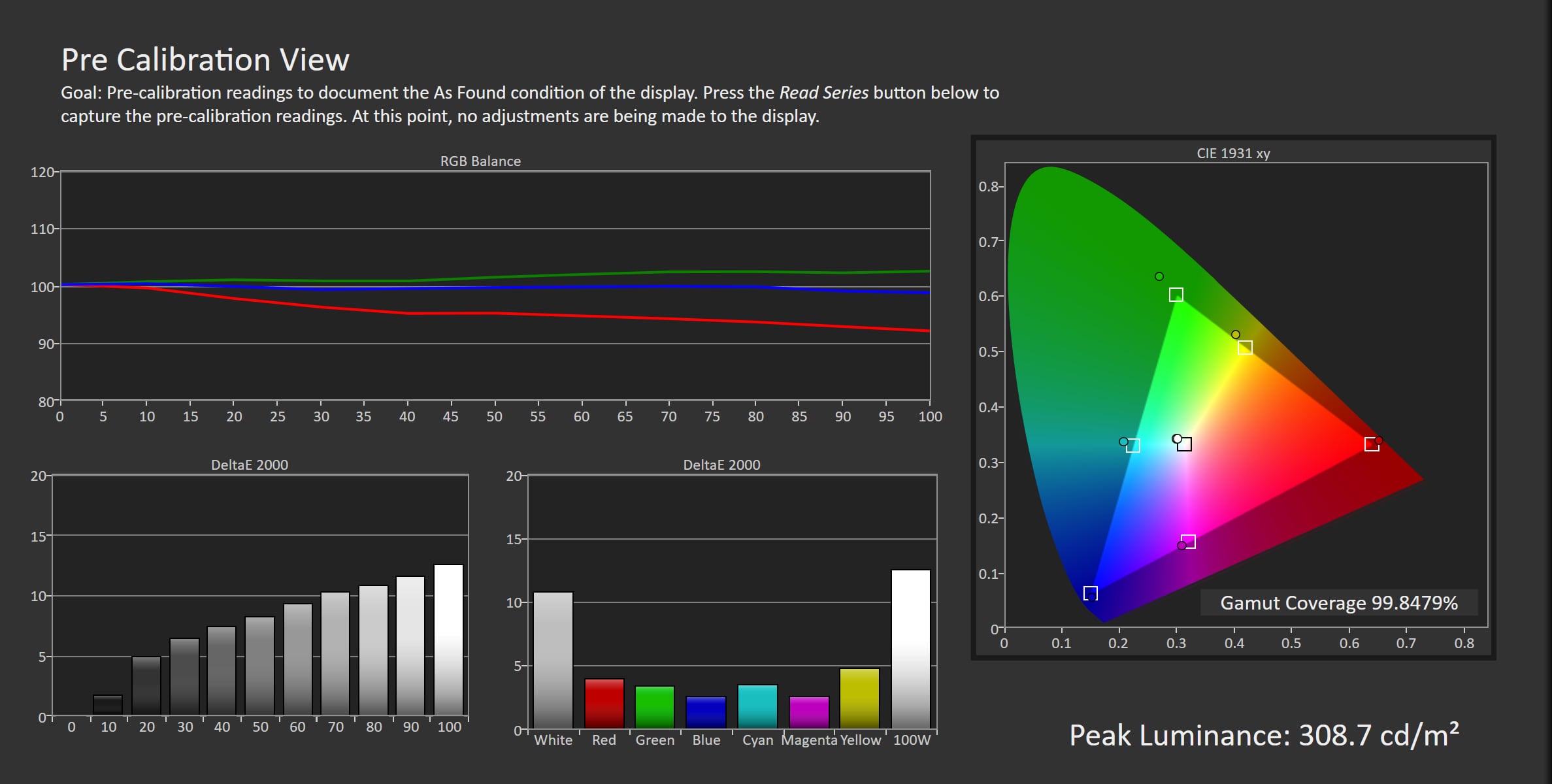
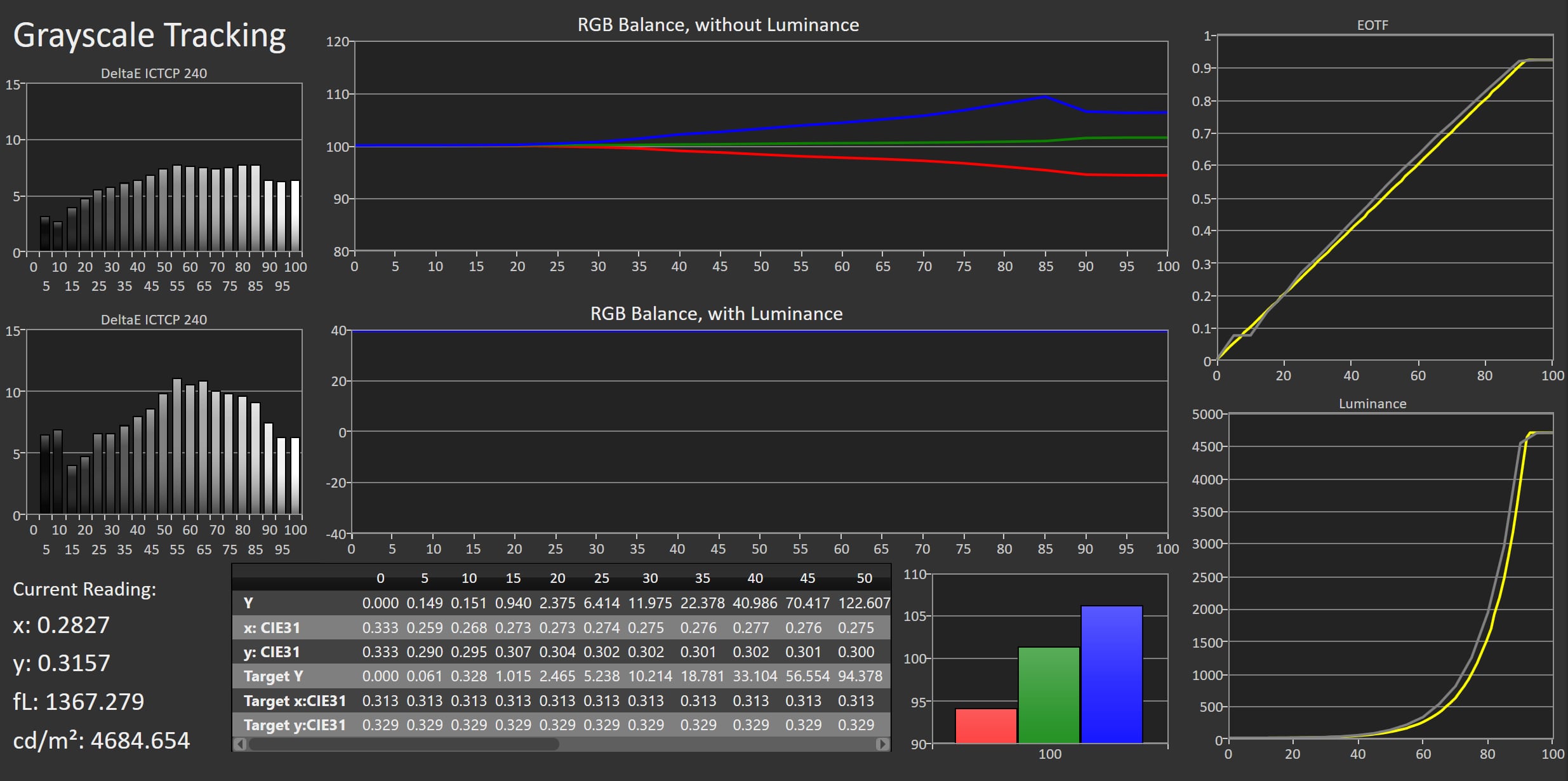
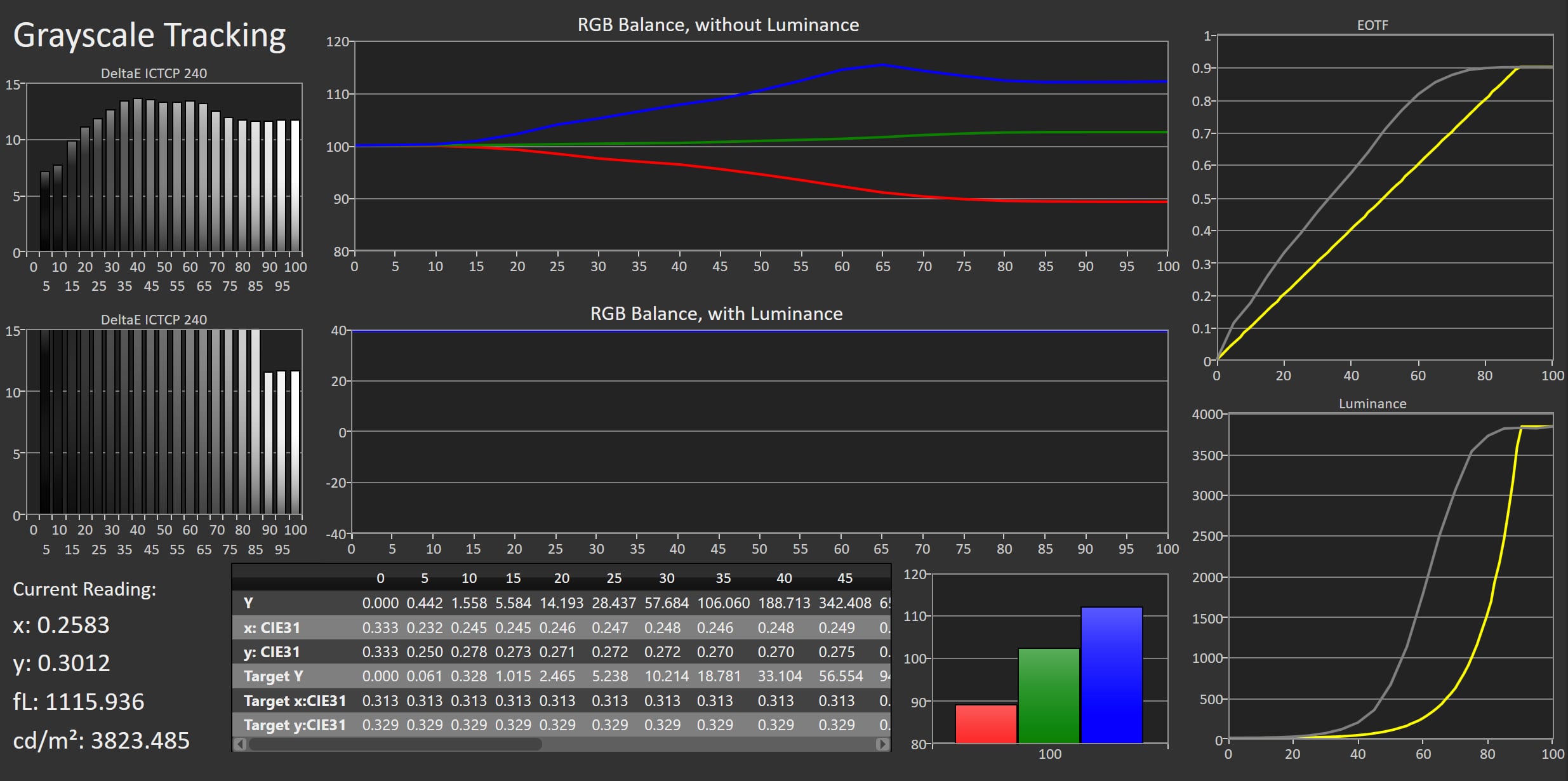
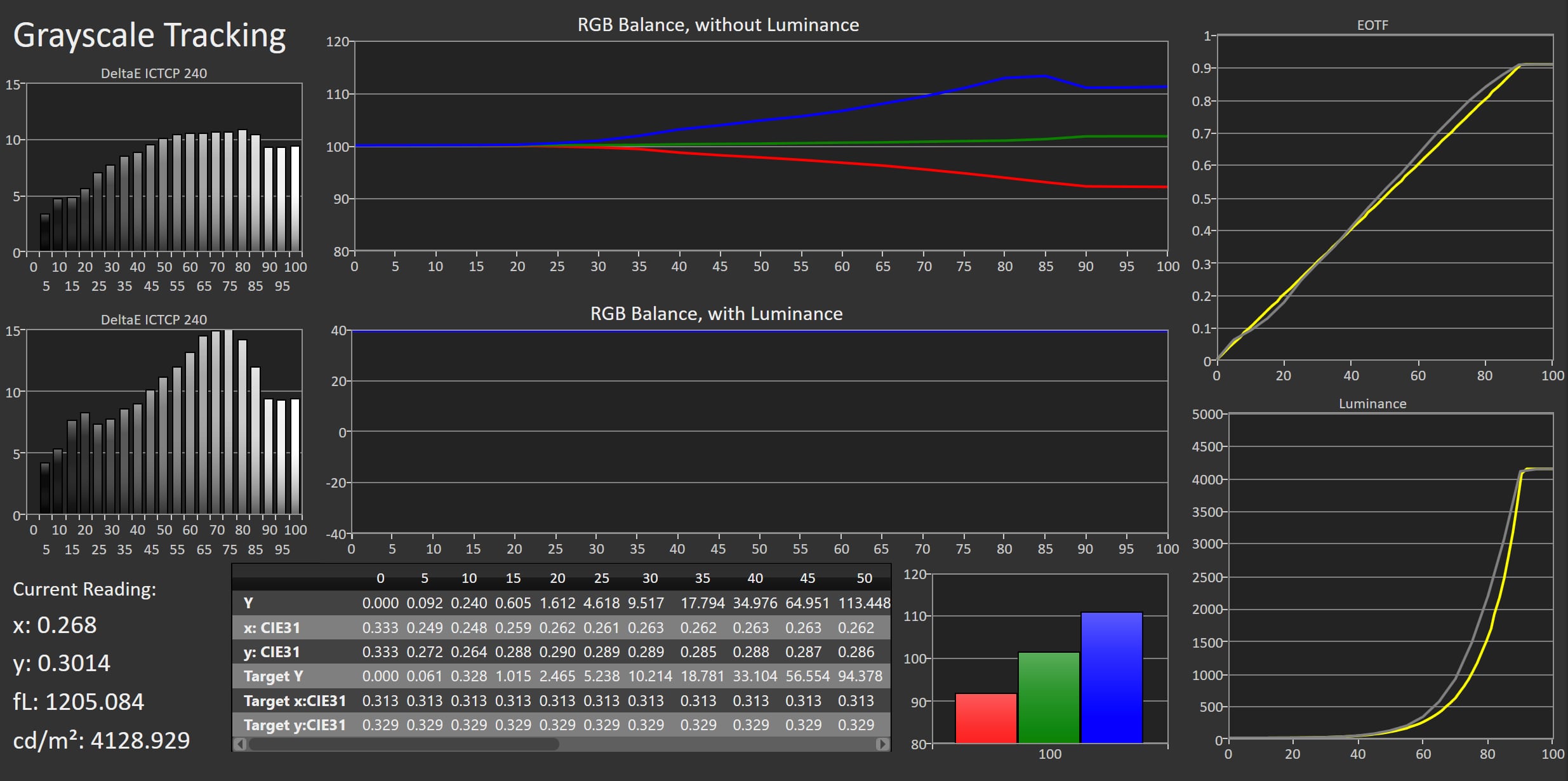
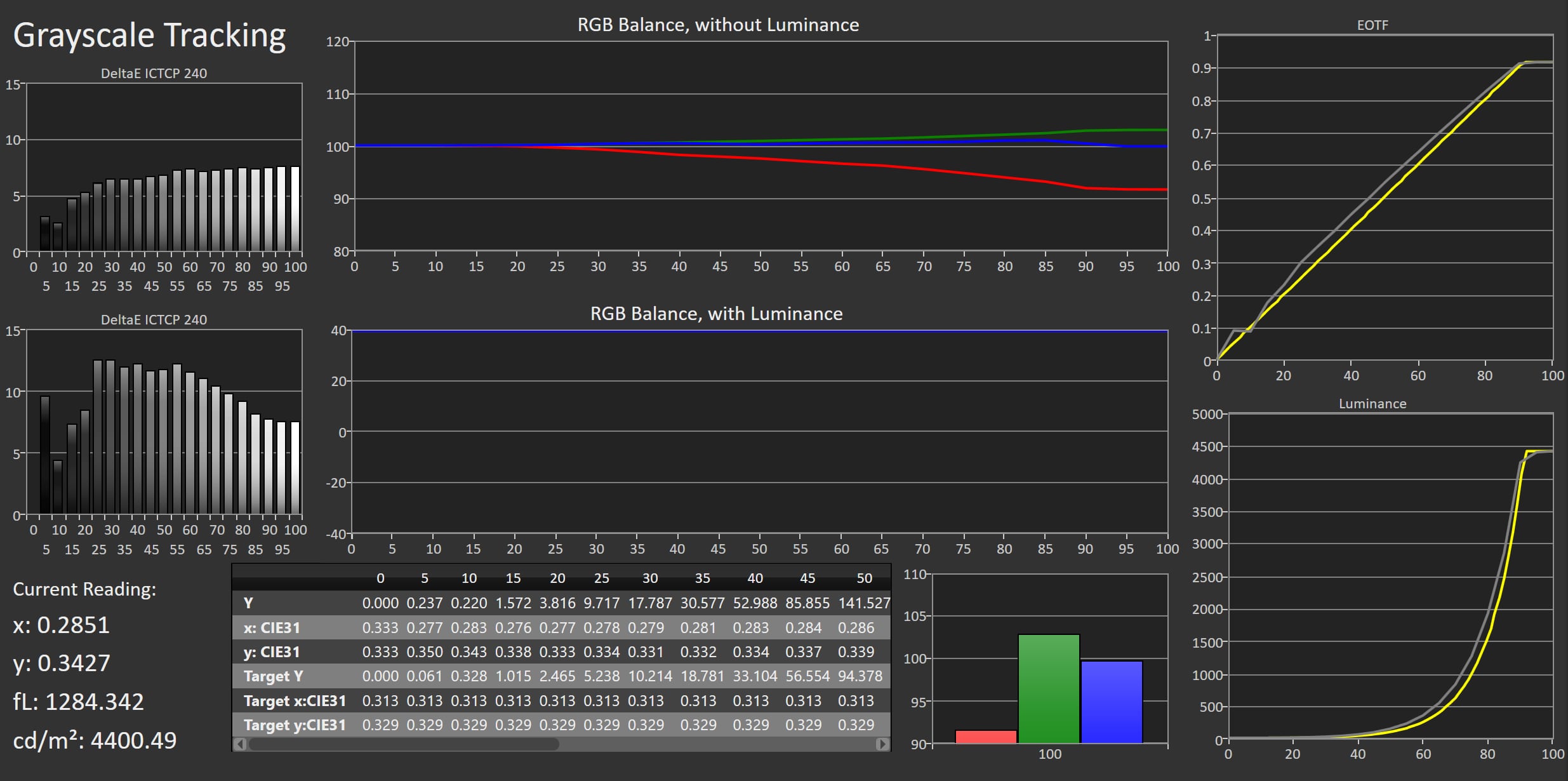
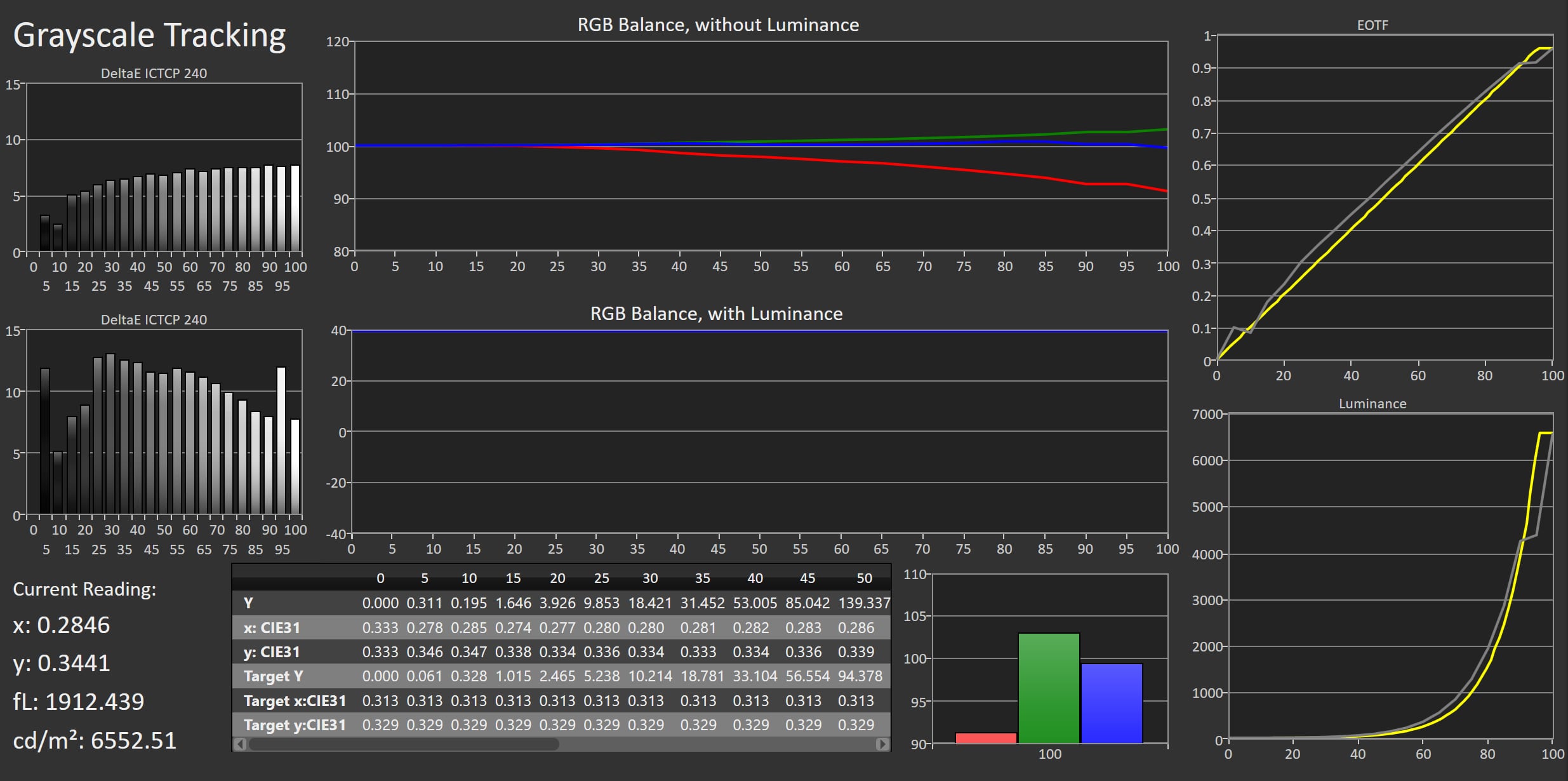
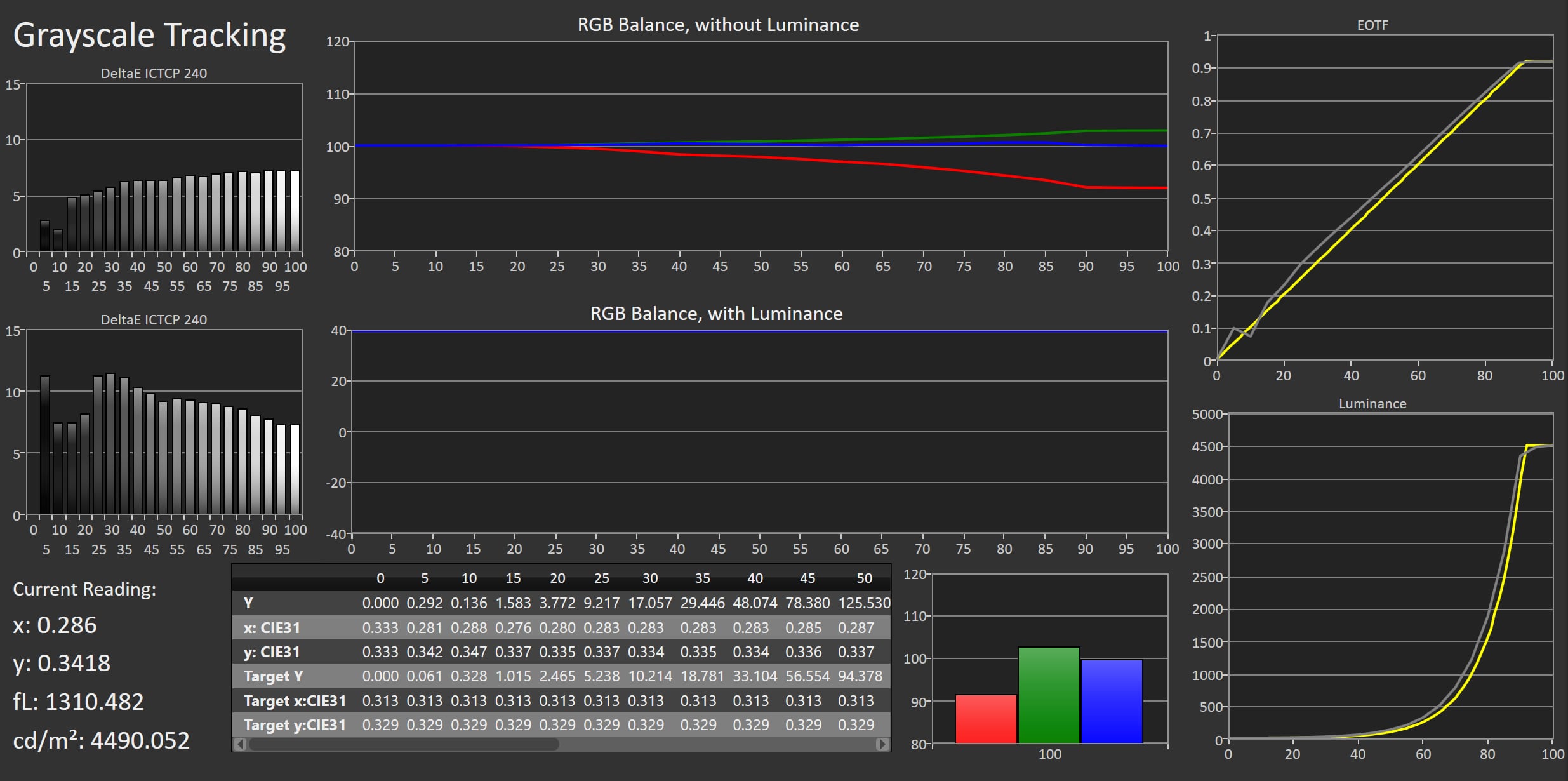
TCL still has a myriad of picture modes, which we believe causes more confusion than it does good. X11L defaulted to the 'Standard' picture mode, but you need to switch to Filmmaker Mode if you want accurate colors as in the source signal. With SDR content, Filmmaker Mode delivers reasonable color accuracy, but we could have wished for a little more, as certain colors are overshooting. A flagship should be more spot-on. X11L has an enormous brightness headroom, so if you plan to place it in a home cinema you will need to dial the brightness all the way down to level 6 (out of 100) to reach the 100-120 nits reference level. In brighter rooms, you must go higher. At 100% brightness, X11L delivers over 700 nits in full screen, which is more than even the brightest living rooms call for – closer to a level suited for an outdoor display. This is quite extreme. For HDR you should also use Filmmaker Mode, which is again reasonably accurate but overshoots slightly on brightness, meaning we once again find ourselves wanting those last few percentage points of precision. You may have seen X11L promoted with 10000 nits brightness, which is possible in ultra-short boost sequences, but the inherent peak brightness is around 4500 nits. We will go into more detail on this in the picture quality section. You may also have seen some of this year's new LCD TVs with RGB LED or SQD-miniLED backlighting marketed with 100% BT.2020 colors, but that is again marketing. Marketing departments measure this differently to arrive at that figure, which we will go into more detail on in a later article. We measured BT.2020 coverage to 88%. There is still a small shortfall in color intensity across all three primary colors – red, green and blue – before TVs can reach 100% BT.2020, but nonetheless this is a significant step from the 73-75% BT.2020 on previous TCL models. We are now closer to covering the full color space possible under modern HDR video standards, HDR10+ and Dolby Vision. A great upgrade, made possible by the new 'super' quantum dots between the miniLED backlight and the LCD panel.Measured picture modes
Click the picture mode to expand the view
Standard (SDR) Vivid (SDR) Sport (SDR) Game Mode (SDR) Movie (SDR) Filmmaker Mode (SDR) Standard (HDR) Vivid (HDR) Sport (HDR) Game Mode (HDR) Movie (HDR) Filmmaker Mode (HDR) Measurements
In our "measurements" section we include all measurements and our suggested calibration settings. If you want to learn more about our test methodology click here. Note: In 2021, we implemented a new method for measurement of average power consumption in SDR and HDR, meaning that earlier measurements are not 1:1 comparable. The new method will be used in all TV reviews going forward.Note: We include calibration settings only for SDR, not HDR. For our calibration we have deactivated the ambient light sensor that automatically adjusts the backlight setting according to your environment. You may prefer to have it enabled.Picture quality
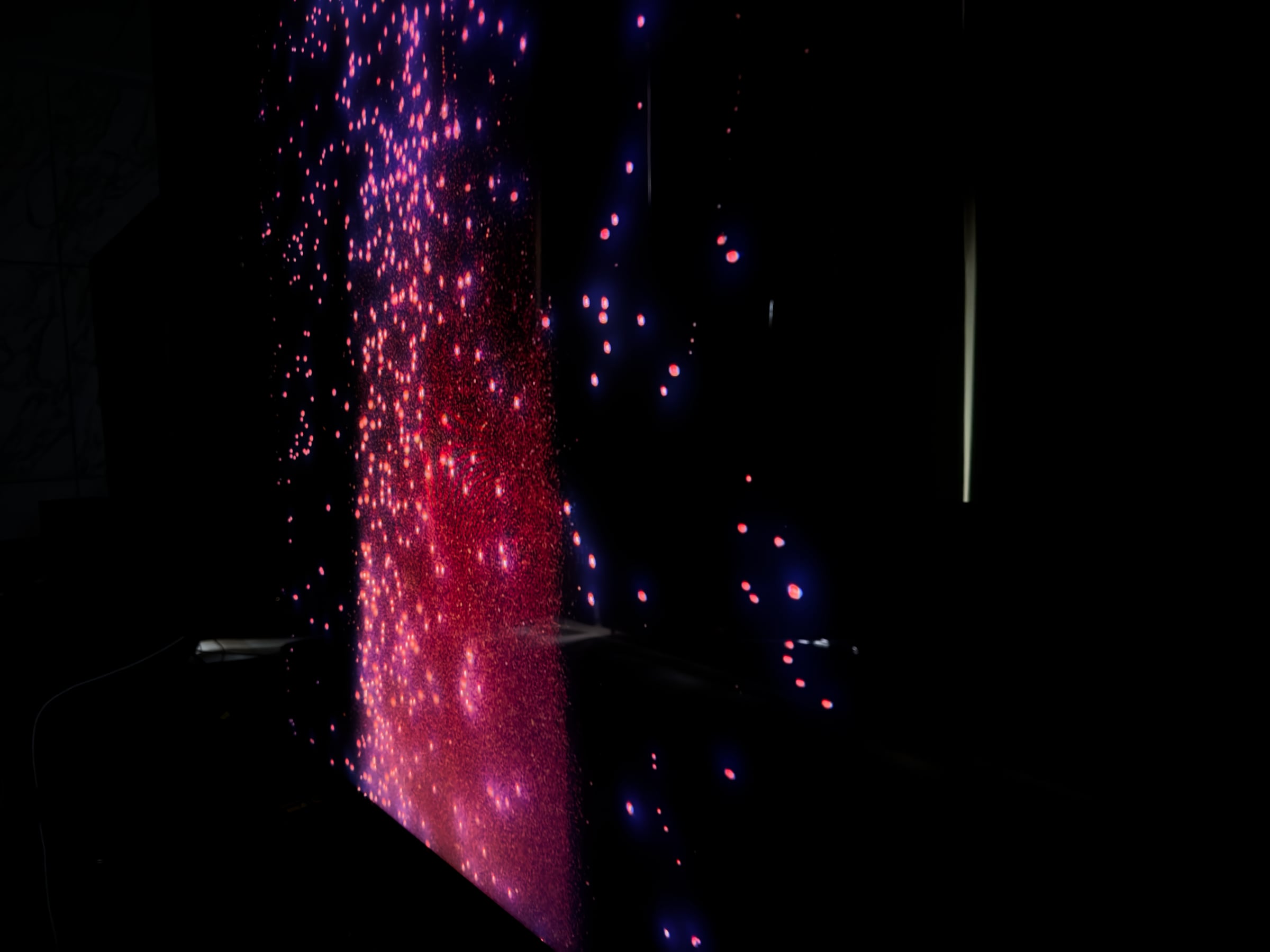
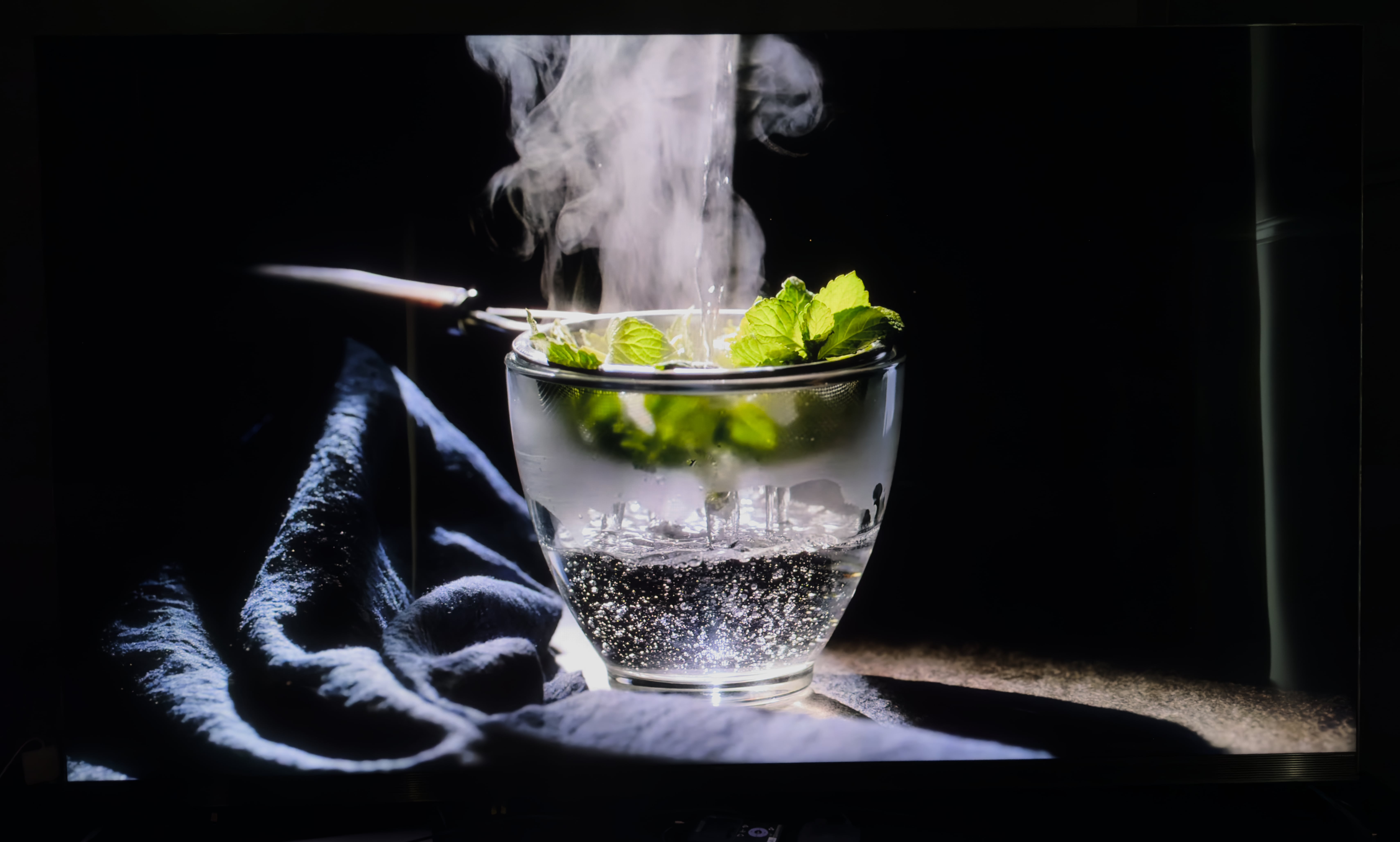
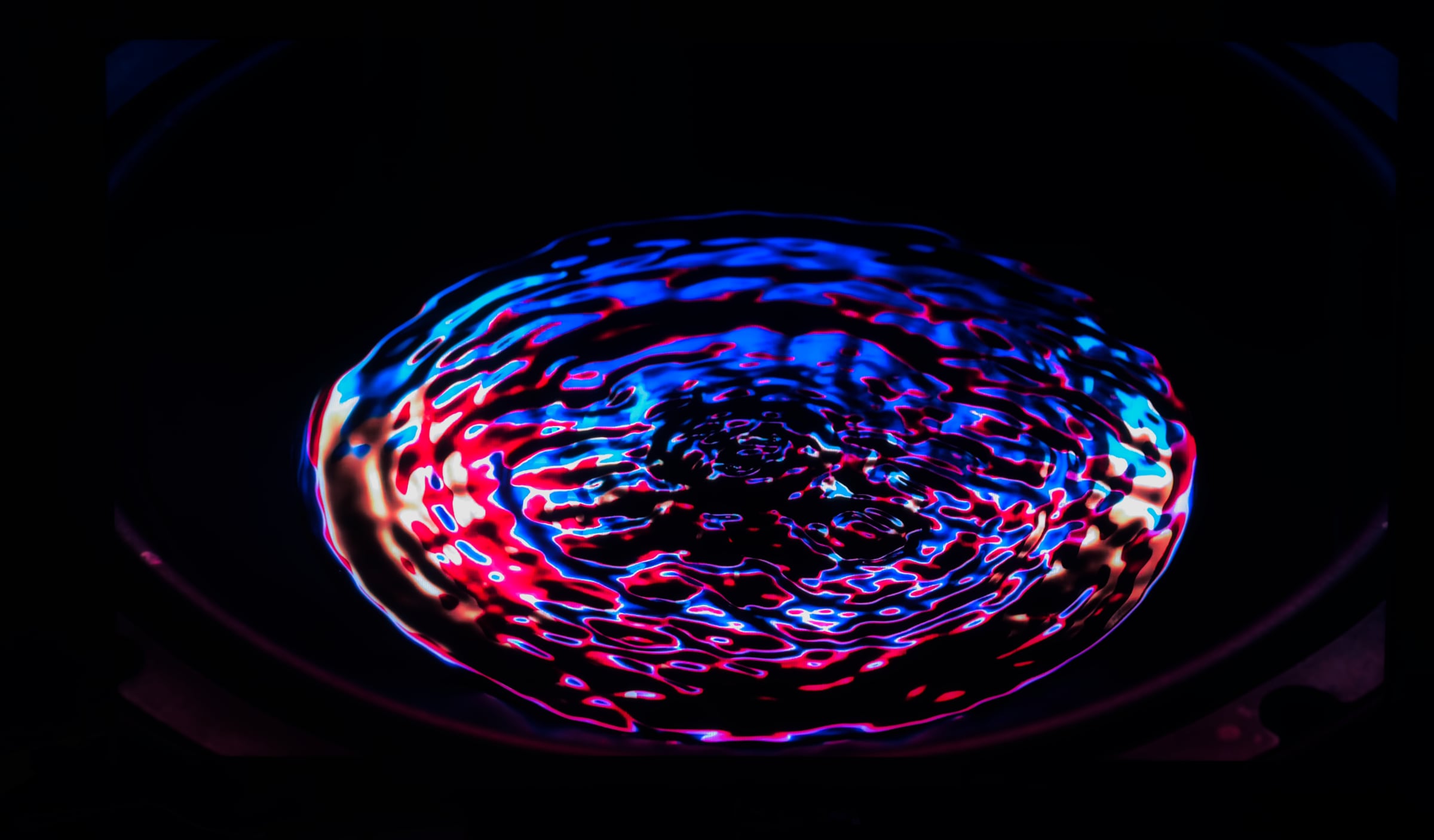
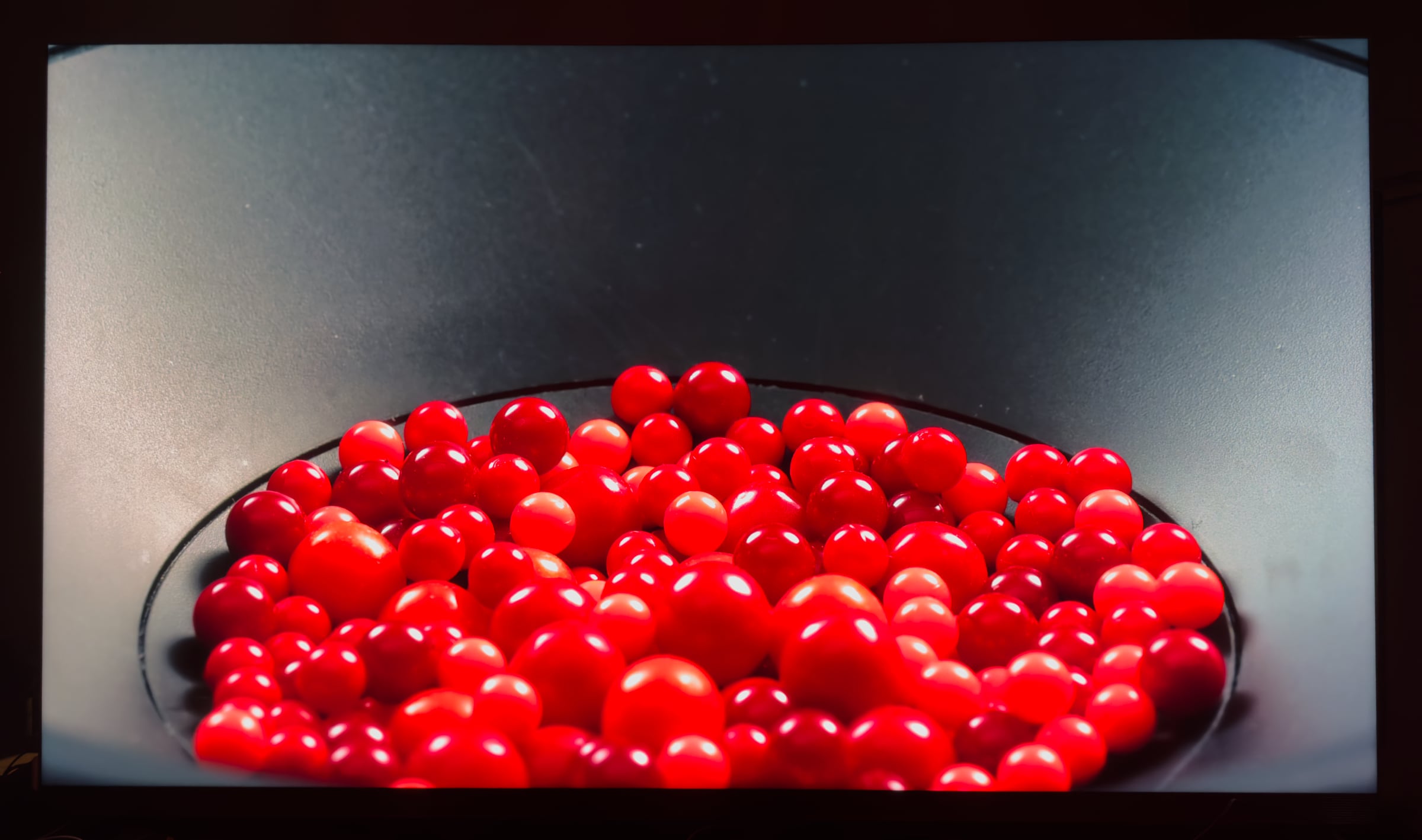
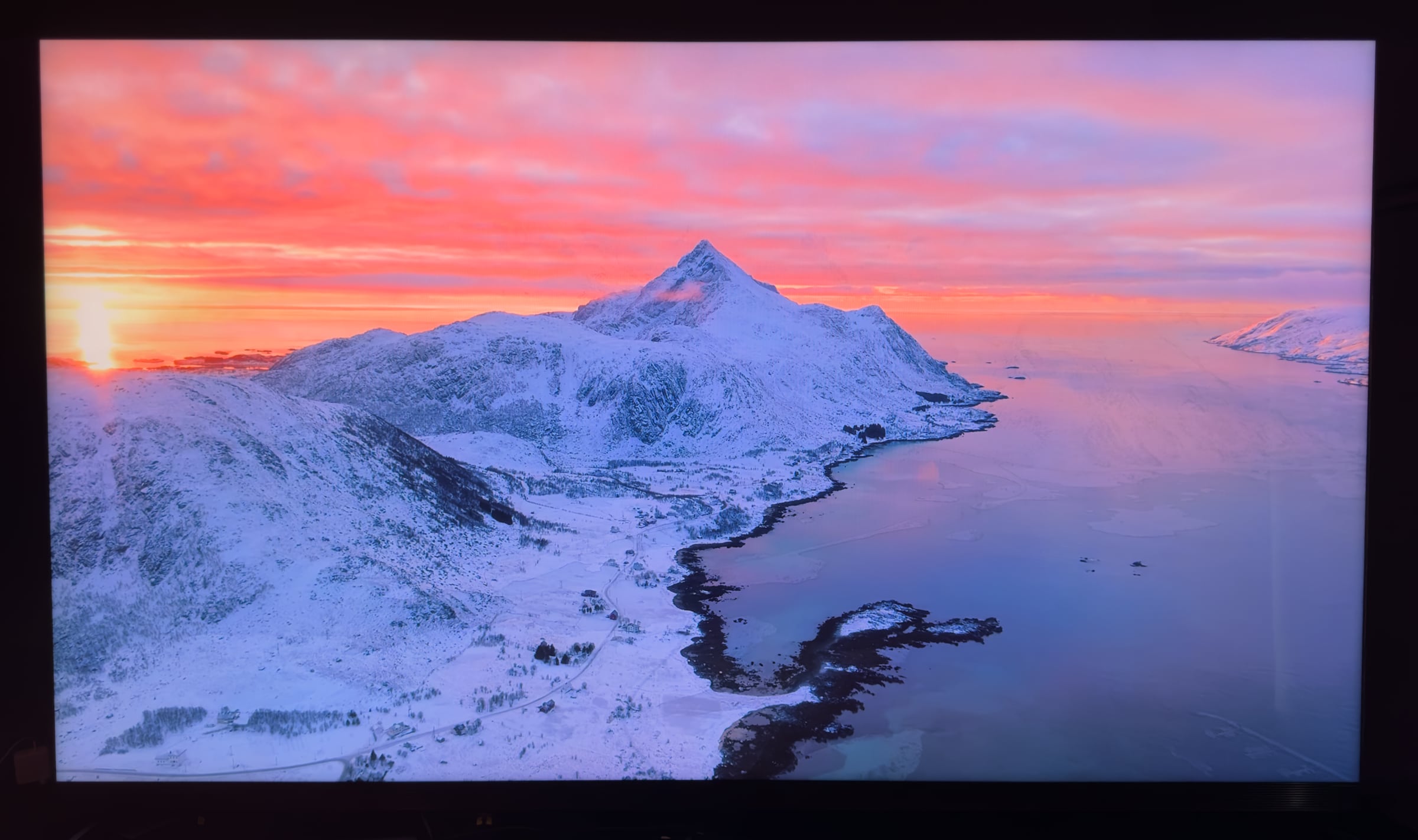
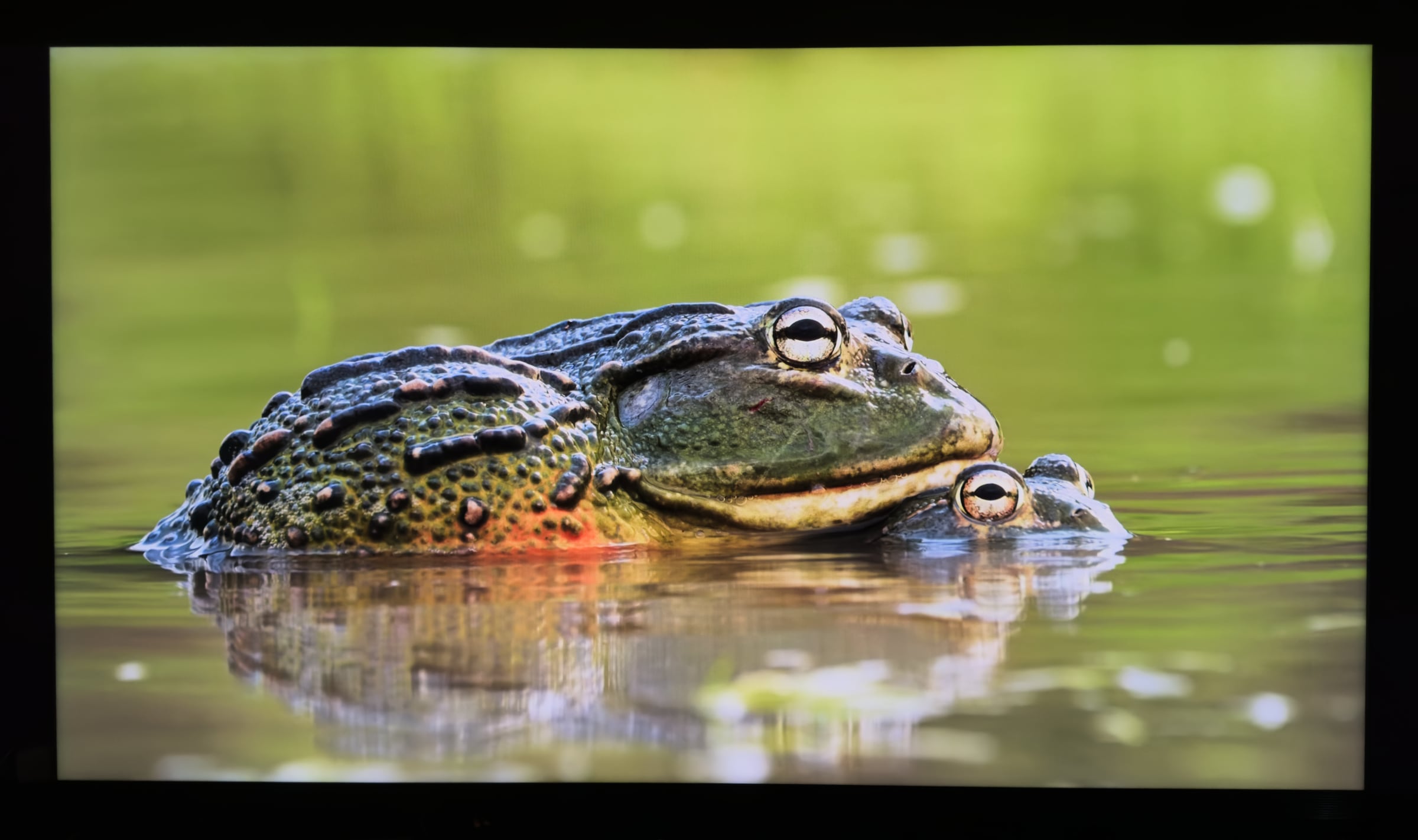
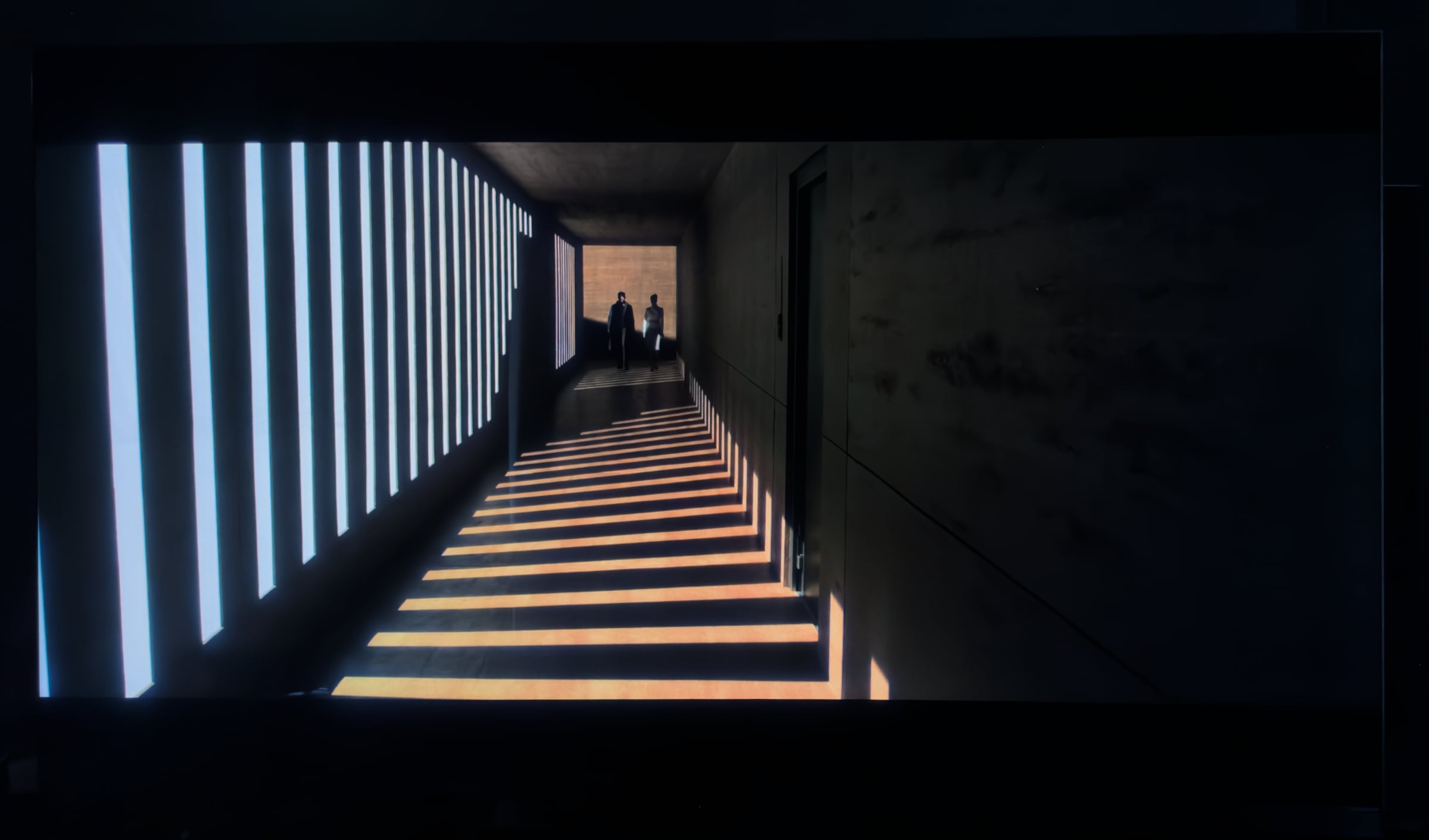
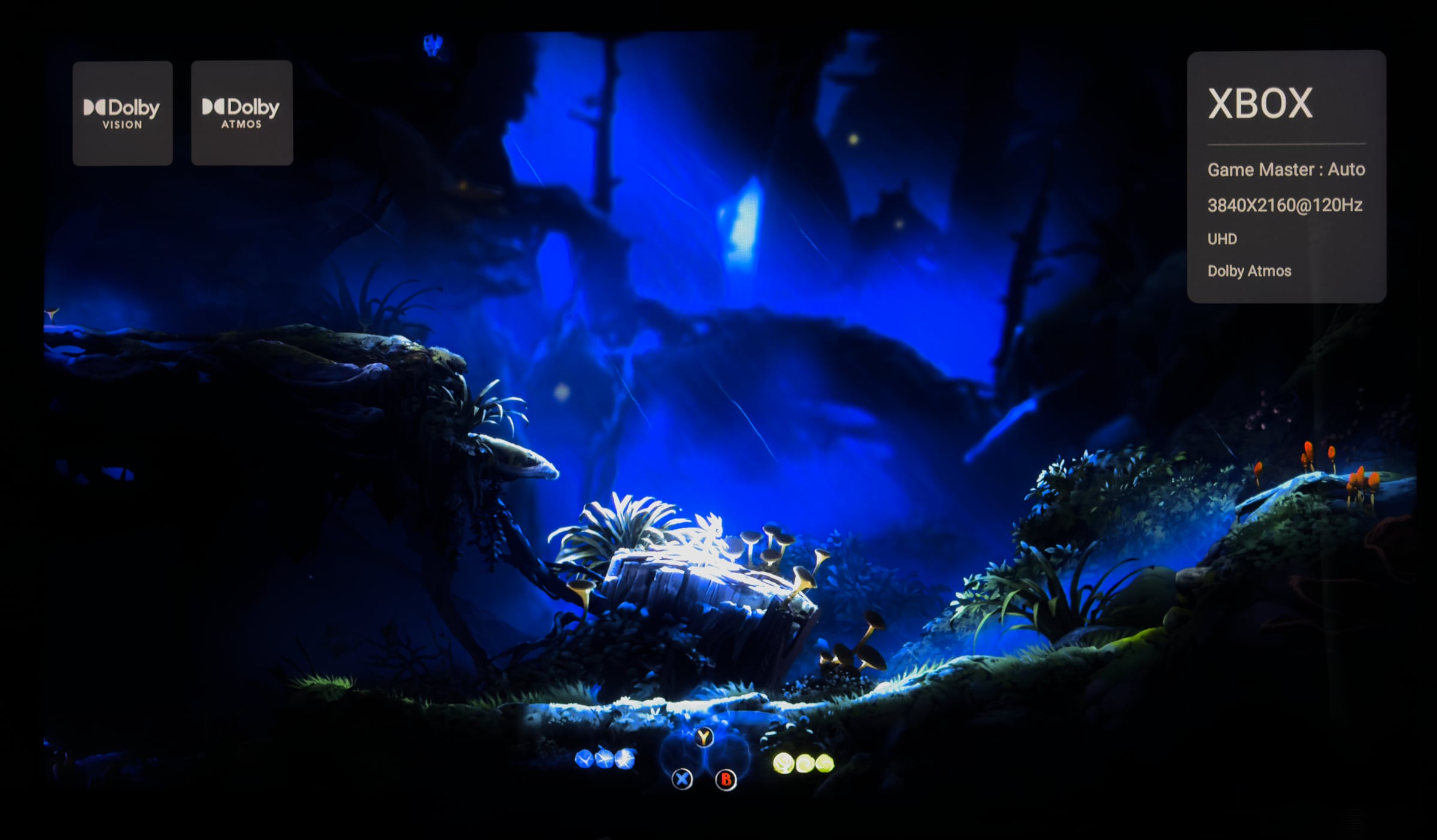
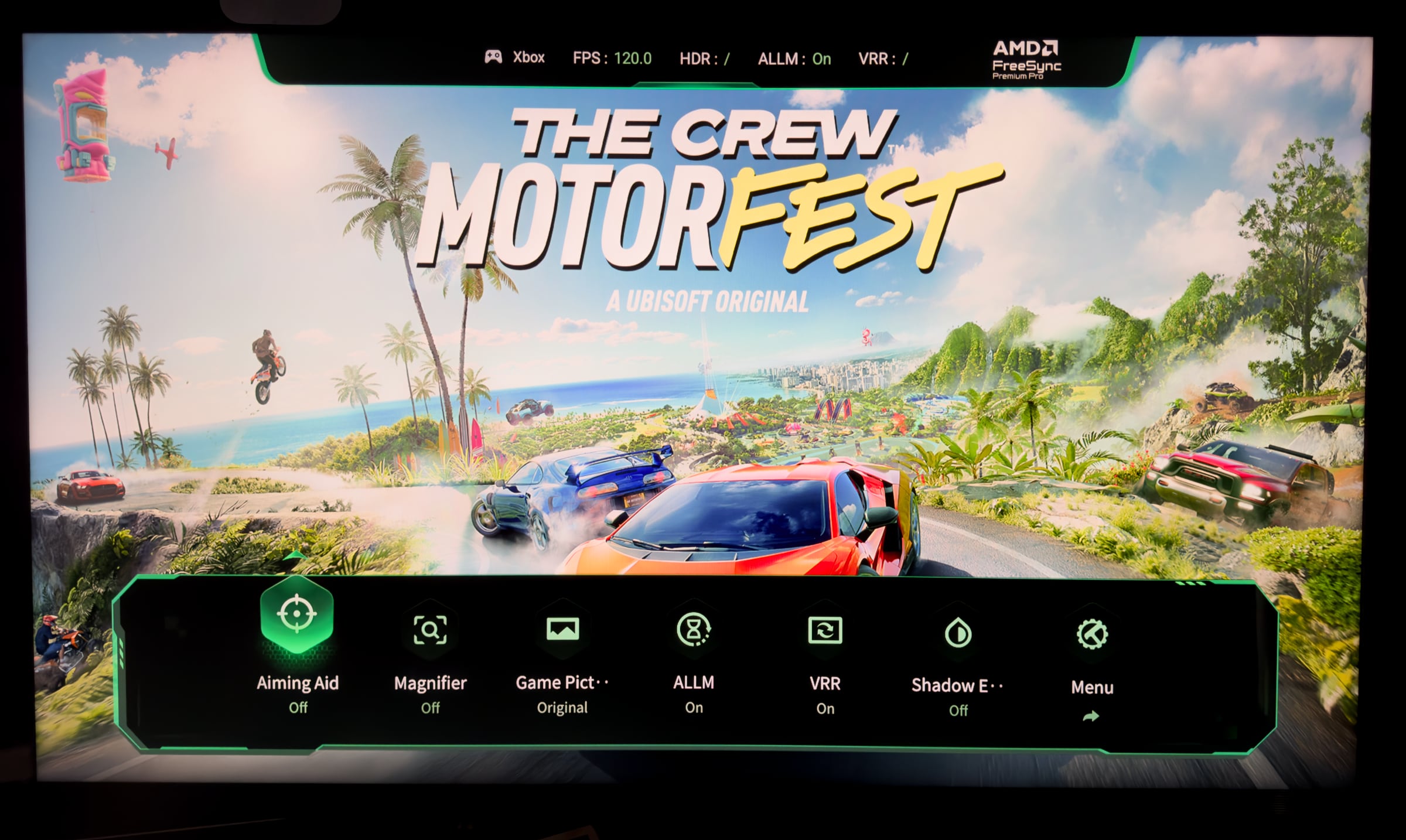
For the launch of its 2026 models, China's TCL has claimed that 'SQD-miniLED' is better than RGB LED. TCL also offers LCD TVs with RGB LED – RM9L and RM7L – but has chosen SQD-miniLED, short for "Super Quantum Dot miniLED", for their flagship X11L. Their argument is essentially that SQD-miniLED closely matches RGB LED on color gamut and surpasses it on color accuracy, while also currently allowing for far more dimming zones than in an RGB LED backlight. I do not think this is a particularly controversial position to take, as Flatpanels has similarly, year after year, documented in our reviews how the number of dimming zones is the primary driver of picture quality evolution in LCD TVs. The more dimming zones, the better light control, contrast and peak highlights (you cannot boost highlights much in practice without a high zone count). X11L reaffirms our view. With its 20736 dimming zones, the 98" X11L – alongside the 115" TCL X955, which also 20736 zones – features the highest number of dimming zones of any LCD TV we have tested so far. I should state plainly that X11L has the best ligbacklightht control so far, too. This is reflected in picture quality when watching HDR content. As I wrote in my 115" TCL X955 review, certain types of content let X11L produce pictures that are more reminiscent of OLED than a traditional LCD TV. With its wider BT.2020 coverage and the very high brightness, you often get very impressive pictures and sometimes blacks so deep they almost rival OLED. But then come scenes, particularly dark scenes or scenes with very high contrast or small bright elements, that can shatter the illusion. Here, X11L still struggles to control its enormous brightness headroom, or becomes confused about whether zones should be boosted, dimmed or held steady. This leads to moments where you feel things are still not quite good enough, especially if you are not sitting directly in front of the TV. Viewing angles have improved with the WHVA LCD panel, but there is certainly room for further improvement. The limitations in backlight control also still create situations where you can see blooming around bright objects in the picture.This is of course because the 98" X11L still "only" has 20736 zones, meaning each zone covers 400 pixels. This is noticeable when, for example, stars are shown against a black night sky. Stars do not shine with the intensity and clarity they have on OLED TVs; they are often hard to see or disappear entirely, or they have blooming around them on X11L. Dark details in the picture sometimes crush together, while bright elements in dark scenes can raise the black level so it no longer appears truly black. On the other hand, nature scenes or snowy landscapes generally look more stunning on X11L than on a typical OLED TV, but from an overall perspective X11L still does not match high-end OLED TVs on overall picture quality, all things considered, because of the greater variation in the viewing experience and other limitations. And with high-end OLED TVs like LG G6 now exceeding 3000 nits (or 4600 nits in Vivid) peak brightness and approaching 500 nits in full screen brightness, the battle for brightness has become more even than it once was, when LCD TVs held a clear advantage. Which brings us to the topic of brightness. You may have seen X11L promoted with 10000 nits, and it is true that it can reach 10000 nits peak brightness, but only in ultra-short sequences. As with previous TCL models, this is only possible via a boost system that briefly sends a power surge into the backlight. The boost function is highly unpredictable, and from one explosion in a film to the next you cannot be certain that scenes will be lit the same way. From the viewer's position it is clear that the TV struggles to manage all this power: the picture gets bright, yes, but not always good. As before, I recommend turning off the boost system to achieve the best picture quality. It is already disabled in, for example, Filmmaker Mode. You then get X11L's inherent peak brightness, which is around 4500 nits. X11L manages this level of brightness better, though still not perfect, but you avoid the very dramatic swings and get picture quality in better balance. One advantage of the new SQD-miniLED backlighting that should not be understated is the wider color gamut. There is not much HDR content that actually uses BT.2020 colors yet, but when you find it, it looks fantastic – for example the red of roses or the pure clarity of a blue sky. X11L is in this regard a hair ahead of QD-OLED TVs such as Sony Bravia 8 II and Samsung S95F, which however offer better contrast, shadow details, luminance control and black levels, which can also at times bring out colors more effectively. The discussion in this section has so far focused on HDR content, which is because the capabilities X11L possesses require HDR content to shine. The TV also delivers great picture quality with SDR content, which still dominates broadcast TV, but it is overkill to buy a large screen with the capabilities of X11L just to watch TV channels and free streaming. You need 4K HDR content to unlock X11L's potential. A note here: TCL now also supports Filmmaker Mode for Dolby Vision content, but note that 'Natural Cinema' motion smoothing is enabled by default – some may prefer to turn it off. Automatic switching in and out of Filmmaker Mode is available with built-in apps such as Prime Video and Apple TV. X11L will also be among the first TVs to support Dolby Vision 2, but this requires a firmware update, so we were unable to test it. Also read: All Dolby Vision 2 TVs will require a software update Turning to sports, this is another discipline where X11L excels. In particular, a football pitch or the snowy landscapes of the Winter Olympics can look stunning, with plenty of headroom in brightness and color. The trained eye will however notice that the pixel response time on the LCD panel is still not as fast as on OLED. That brings us to gaming. X11L now has four HDMI 2.1 ports so you can connect plenty of game consoles and get 4K120, VRR and more. With a game console you get up to 4K120, while a PC can run at up to 4K 144Hz or 288Hz in 1080p on X11L. 4K120 is very smooth, but not many console games are available in that format yet, and overall we believe that gaming in HDR represents the bigger visual upgrade in this console generation. We fired up Ori and the Will of the Wisps, which with its dramatic contrasts between black and the sparkling Ori and colorful surroundings really puts a TV's true HDR capabilities to the test – and brings many to their knees. The best presentation of Ori is undoubtedly still on OLED TVs, but X11L comes closest among LCD TVs. The many zones deliver beautiful, sparkling and vibrant images. In Game mode we measured Ori to 3000 nits. It looked really impressive. Our biggest complaint remains that the LCD panel tends to blur very fast motion due to its slower response time. In terms of gaming, OLED is still noticeably ahead. Still, X11L delivers excellent picture quality for console games ranging from simpler titles like Fortnite to more complex, contrast-heavy games. This is a result of the many dimming zones and the fact that TCL no longer throttles the zones dramatically in Game mode, as they did a few generations ago. Input lag drops to 14ms at 60Hz or 6.4ms at 120Hz. TCL has also refreshed its Gamebar menu (see above), which provides quick access to gaming features. AMD FreeSync is supported but not G-Sync Compatible. Credit to TCL for also having a reasonably color-accurate Game picture mode instead of wildly pumping up colors and brightness, as seen with certain other TV makers. One final note: We tested the 98" X11L and I stand by the view I have expressed before. 98 inches feels like a large TV. It is only when you get up to 110-115 inches that you get the true home cinema feeling with a display. Nevertheless, it is a great experience watching films and playing console games on a 98-inch TV.There is still blooming around small bright objects even with 20.000 miniLED dimming zones. Photo: FlatpanelsConclusion
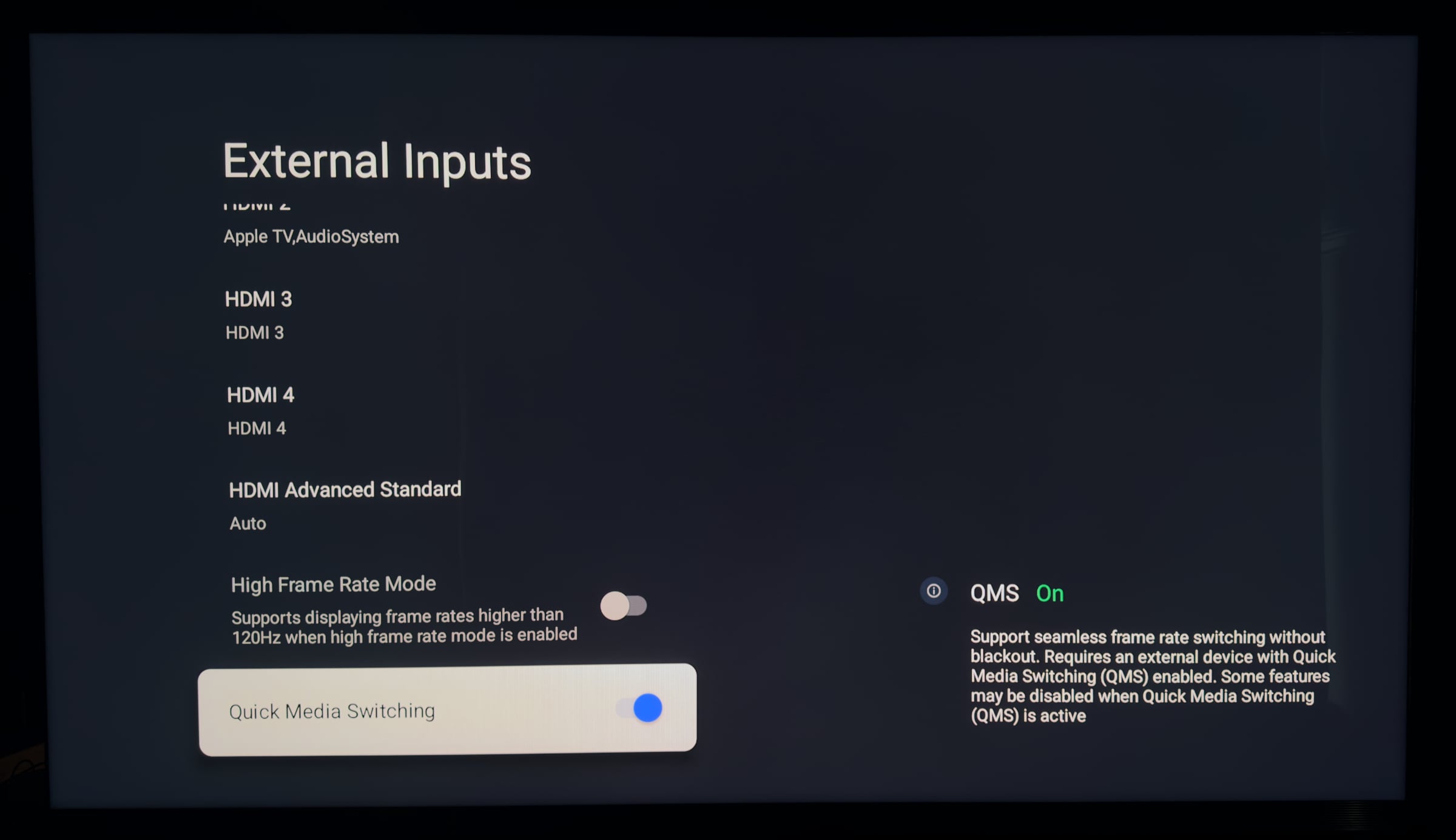
X11L offers upgrades such as the Pentonic 800 chip, four HDMI 2.1 ports, HDMI QMS, Dolby Vision Filmmaker Mode and Dolby Atmos FlexConnect, and of course the new 'SQD-miniLED' backlight that takes color reproduction and brightness on LCD TVs up a level. All wrapped up in a streamlined design.Ad:X11L delivers the best picture quality we have seen on an LCD TV, which is down to several factors but above all the 20736 dimming zones (in the 98" model). Dimming zones drive picture quality on LCD TVs, and X11L may well turn out to be the best LCD TV of the year. Better than LCD TVs with RGB LED? Possibly, we will investigate further soon. Better than the latest OLED TVs? No, there is still some way to go. X11L still has weaknesses in areas such as luminance and contrast control, blooming, slow pixel response time and viewing angles (improved but still not ideal). Google TV is a good gateway to streaming, but Pentonic 800 is far from a powerhouse and does not make the interface noticeably faster. X11L cries out for external audio but the options here are great, with wired or wireless connectivity and support for both Dolby Atmos and DTS:X IMAX Enhanced. The remote control is decent but could use a little more refinement and luxury touch. Who is X11L for? Enthusiasts who want a large TV, particularly in 85 and 98 inches, and who are prepared to pay for it. X11L can more than compete with LCD TVs featuring RGB LED. The price is daunting, but will drop considerably later this year, in our experience. TCL is raising the bar for LCD TVs and we hope the technology will in time trickle down to more affordable models.Price and retailers:
US retailer
UK retailer
DE retailerHigh brightness (4500 nits, 10000 nits boost) Over 20.000 miniLED zones (98") Expanded BT.2020 color gamut Best LCD picture quality to date Finally 4x HDMI 2.1 & QMS
Blooming (halos) Pentonic 800 performance Google TV limitations in most markets Price