Guide to HDMI CEC: Control your TV and media player with a single remote
A media player can enhance and bring new functionality to your TV, and you do not need to use an extra remote control. HDMI CEC handles this automatically. The idea of the Smart TV – an all-in-one integrated solution – is appealing but unfortunately it has not evolved like the smartphone. Instead, Smart TVs often suffer from outdated operating systems, weak hardware, limited features, ads and data collection, missing apps, and apps that stop working after some years.Media players and HDMI CEC
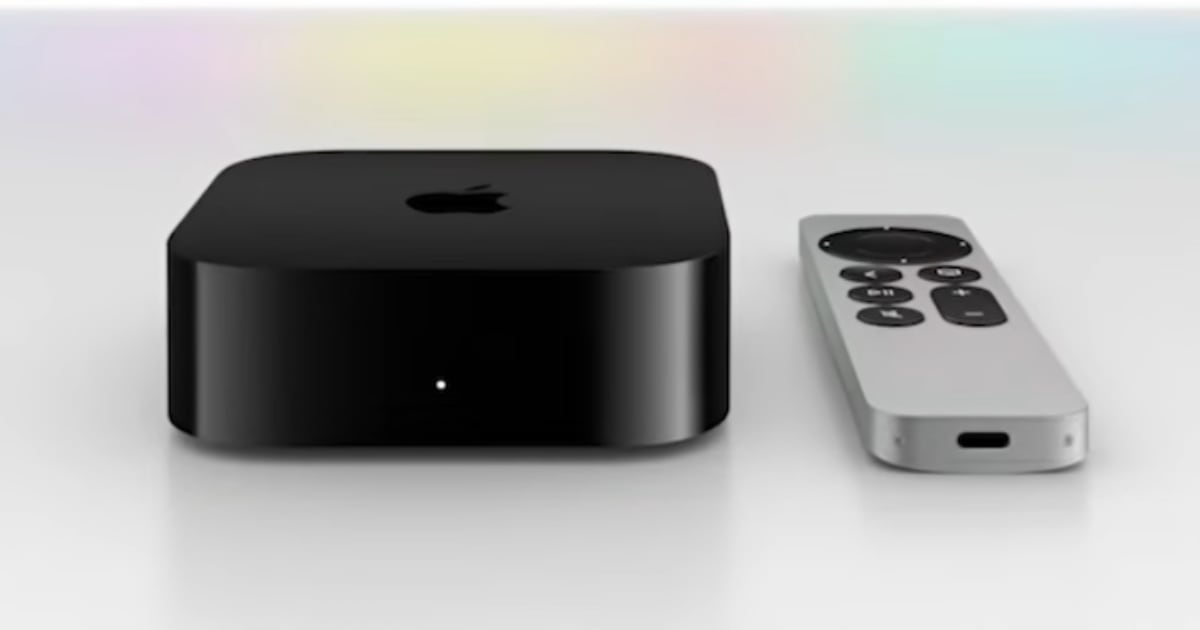
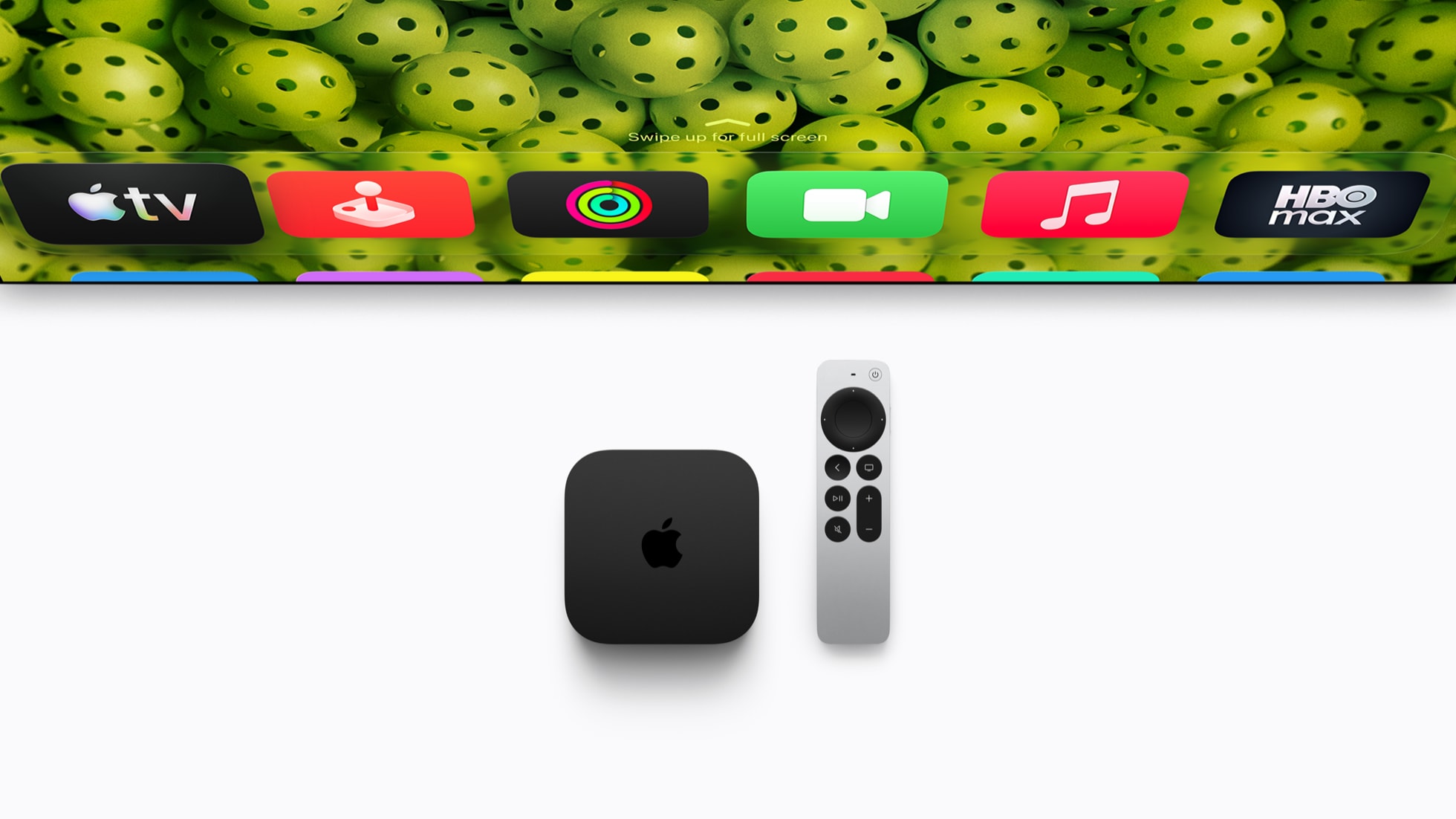
The solution to the problem is an external media player like Apple TV 4K or Nvidia Shield, both of which run full TV operating systems (tvOS or Android TV). These boxes handle streaming and other things like gaming, receive regular updates, and can be replaced without major expense and without having to replace your TV. The media player concept has a mixed reputation, largely because it traditionally meant managing an extra remote. However, that is no longer the case. For over a decade, HDMI CEC (Consumer Electronics Control) has been standard even in budget TVs. HDMI CEC lets you control the box using your TV remote or control the TV with the box’s remote. You can power devices on and off simultaneously with one remote, and the TV automatically switches to the correct HDMI input. Play and pause buttons also work. Commands are sent to the relevant device over the HDMI cable. More or less all new TVs today have HDMI CEC enabled on all HDMI ports by default. Some media players, such as Apple TV 4K, Google TV Streamer and Nvidia Shield 2019, also feature automatic IR (infrared) learning. When first connected, the box will recognize your TV model and configure its remote to control the TV's volume or a connected soundbar/receiver. Most new set-top boxes from TV providers also support HDMI CEC. If you have moved entirely to streaming, you can effectively retire your TV remote and let the media player' operating system and remote take over almost 100% – the TV’s settings menu still requires its original remote. If you still want to use the TV’s built-in tuners for antenna channels or whatever, you can instead opt to use the TV remote to control both the TV and the media player.
HDMI CEC can control a simple setup or a larger system with multiple devices. Illustration: SonyHow to set up HDMI CEC
HDMI CEC gets configured automatically when both devices support it, but CEC may be configured slightly different from one device to another. A few devices also require you to enable it manually during setup. Confusingly, most TV makers have invented their own name for HDMI CEC. Check the TV settings menu to activate it:
- Amazon Fire TVs: HDMI CEC
- B&O: Simplink (newer LG-based models, older models lack HDMI CEC)
- Hisense: HDMI Control
- LG: Simplink
- Loewe: Digital Link HD
- Panasonic: Viera Link
- Philips: EasyLink
- Pioneer: Kuro Link
- Samsung: Anynet+
- Sharp: Aquos Link
- Sony: Bravia Sync/Link
- Roku TVs: HDMI CEC
- Toshiba: CE-Link or Regza Link
- TCL: Consumer Electronics Control (CEC)
- Vizio: CEC
- Apple TV 4K: Automatic
- Nvidia Shield: Automatic
- PlayStation 4 and 5: HDMI Device Link
- Xbox One X and Series S/X: TV & A/V power options -> HDMI CEC

Some devices have customizable HDMI CEC functions. Shown here is Xbox