LG has pushed the button to start the rollout of webOS 25 to 2024 and 2023 TV models as well as select 2022 models. However, some users should wait before upgrading.
As reported by FlatpanelsHD in January, webOS 25 was scheduled for gradual rollout between Q4 2025 and Q1 2026. So LG is right on time.
It follows last year's rollout of webOS 24 to older models as part of LG's new "Re:New" program to keep webOS updated on existing TVs – a reversal of its previous policy that forced users to but a new TV to get the latest software. Samsung has made a similar shift with Tizen OS.
webOS 25 for older TVs
The rollout comes roughly 6–7 months after the launch of the 2025 models that shipped with webOS 25 pre-installed.
The firmware update is available for all 2024 and 2023 LG models as well as OLED and 8K "QNED" LCD models from 2022. OLED TVs appear to be first in line, including the B-series.
You are looking for firmware version 33.21.85 or the slightly newer 33.22.15, which includes bug fixes.
The update is rolling out globally in phases, so it may take some time before it show up in your TV's update menu. Alternatively, you can check your local LG support page for a manual download to install via USB.
 webOS 25
New features in webOS 25
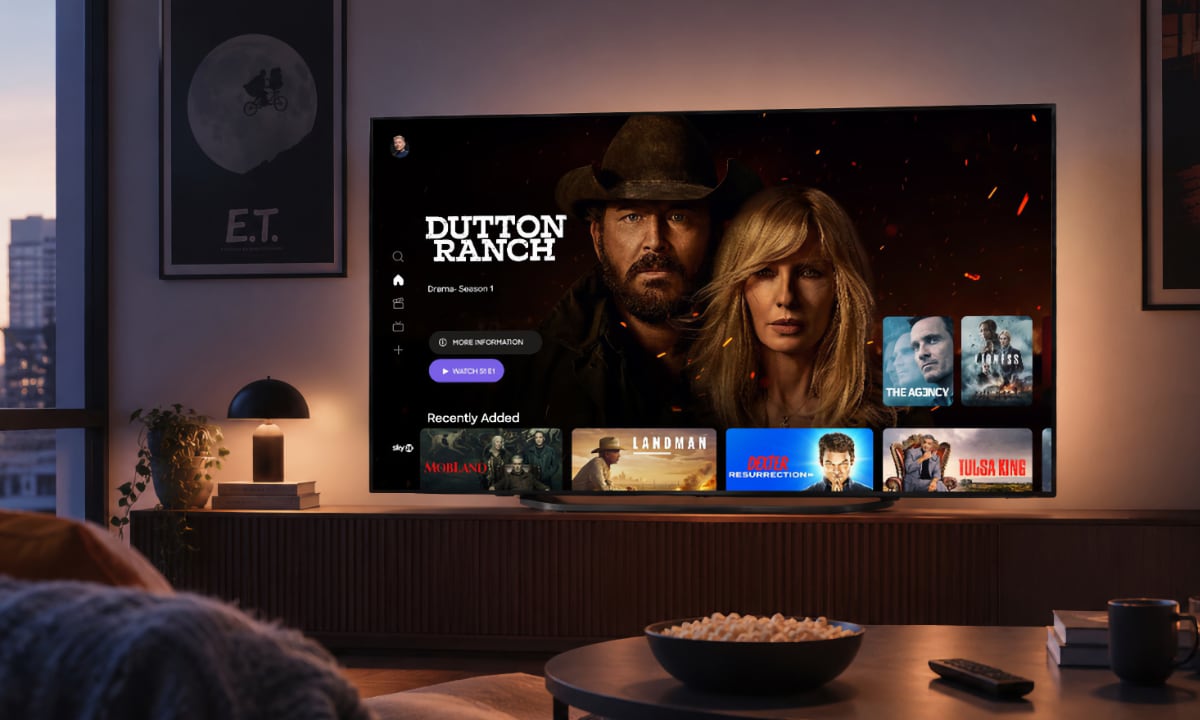
webOS 25 is not a major overhaul, but it brings useful changes such as the ability to hide pre-installed apps on the homescreen, and an update to the recent input icon on the homescreen so it only switches when clicked, not when hovered.
The firmware also adds support for 1440p 120Hz, which will be especially useful with the Nintendo Switch 2.
Other additions include a new AI Sound Mode, AI art features in some regions, expanded screensaver options, and the ability to upload your own photos for use as screensavers. The hub to control home devices has also been redesigned. Last year's webOS 24 added support for Google Cast (Chromecast).
Also read: Review: LG G5 with webOS 25
Here is a video shot by FlatpanelsHD at CES 2025 where LG demonstrated some of the new webOS 25 features:
Some users should wait
However, users are reporting memory issues that can cause both the internal and external media player apps, such as Plex, to crash after a while.
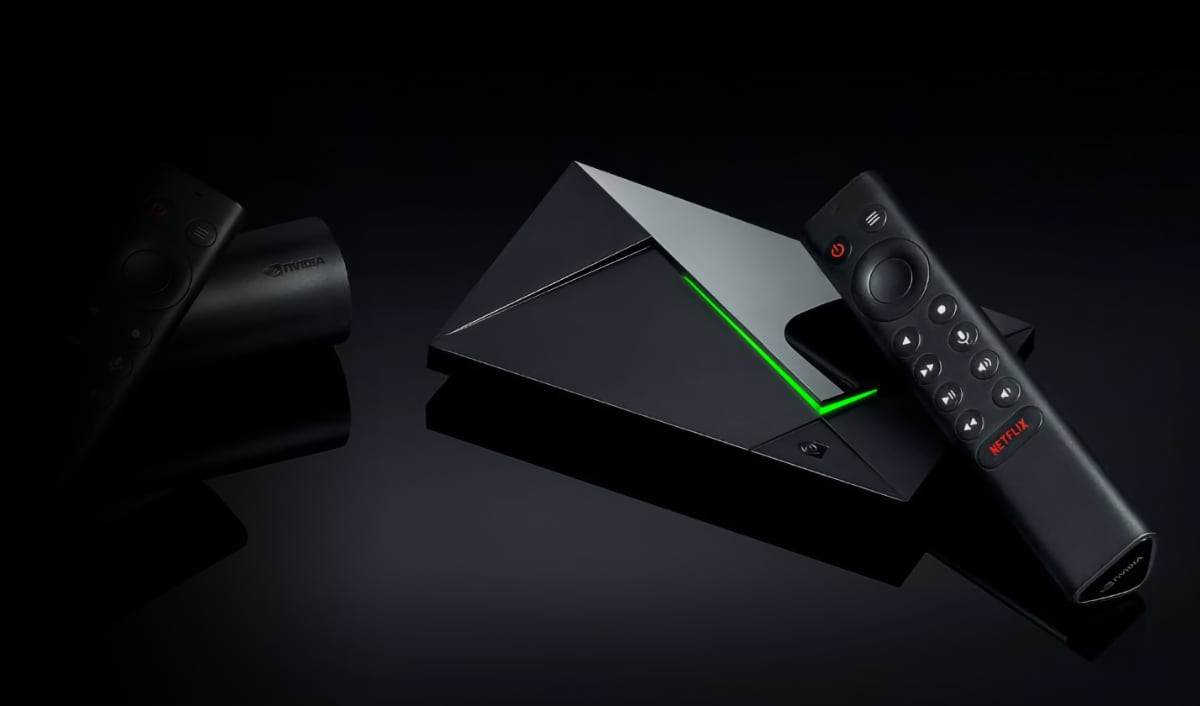
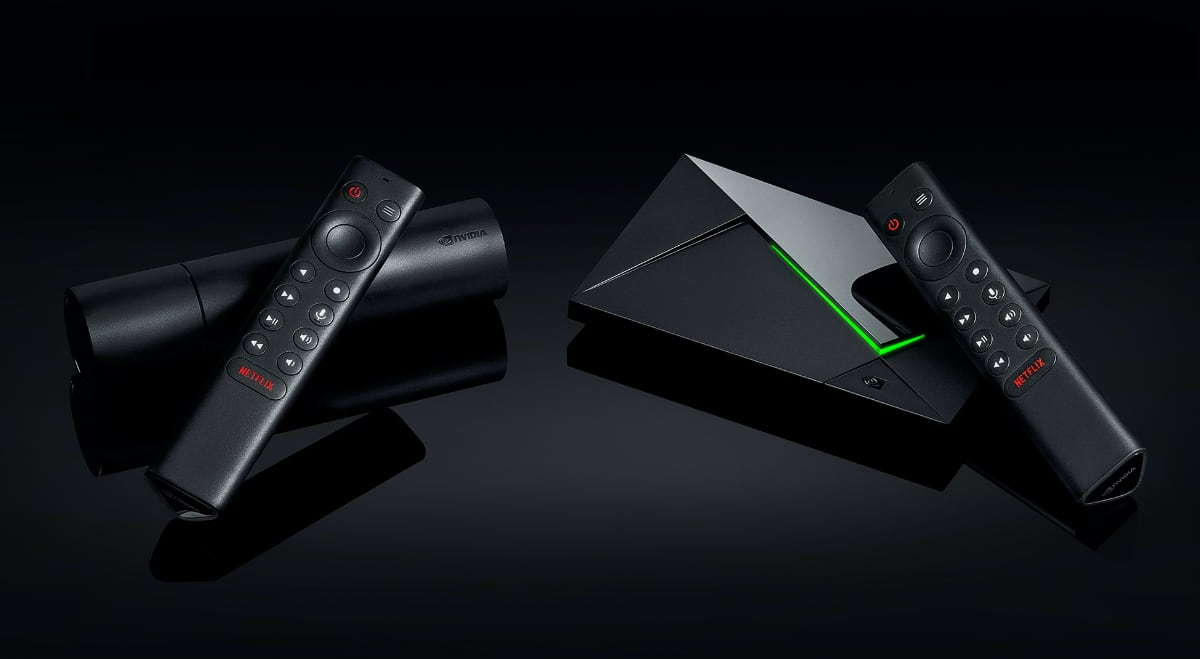
If you rely on these apps, you may want to wait for further fixes or consider using a more reliable external media player device such as Apple TV 4K or Nvidia Shield.
Some LG OLED models getting webOS 25 (not exhaustive)
FlatpanelsHD