Review: Thomson Streaming Box Plus
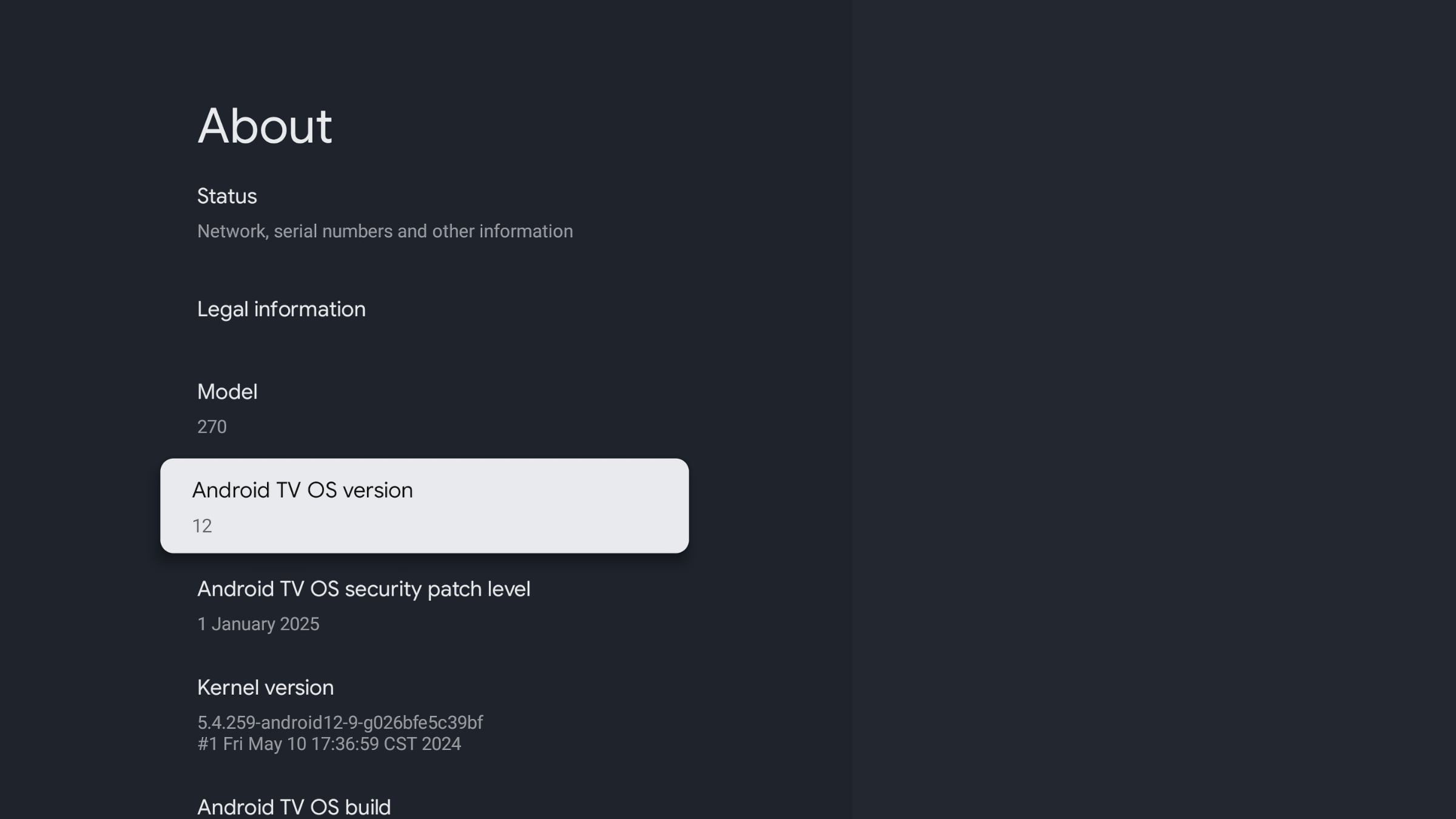
Thomson's new media player box (Thomson Streaming Box Plus 270) is a direct alternative to the Google TV Streamer. It features both WiFi 6 and Ethernet, and unlike Google's own devices it also includes a built-in microphone for voice commands. With Google TV, you get access to both local and international streaming apps. In our review, we also compare Thomson's box with the Google TV Streamer, Nvidia Shield and Apple TV 4K.Price and retailers:
UK retailer
DE retailerThomson Streaming Box Plus - specifications
4K resolution, up to 60fps
HDR10, HDR10+, HLG, Dolby Vision(HxWxD) 43 x 118 x 118 mm 296 g 1x HDMI Power socket
USB
EthernetAmlogic S905X4-B
4x ARM A55 2.0GHz CPU
ARM Mali-G31 MP2 850MHz
3GB RAM
32GB storage (22GB available)Dolby Atmos, Dolby Digital Plus, Dolby Digital WiFi 6 (802.11ax standard)
Bluetooth 5.2MPEG2
MPEG4
HEVC
VP9-2
AV1Google TV (Android 12)
Built-in Google CastRemote control
Mouse and keyboard support (USB and wireless)
Support for Bluetooth game controllersThe box
Remote control
Power cable (interchangeable plug)
HDMI cable
Printed quick start guideFirst impressions
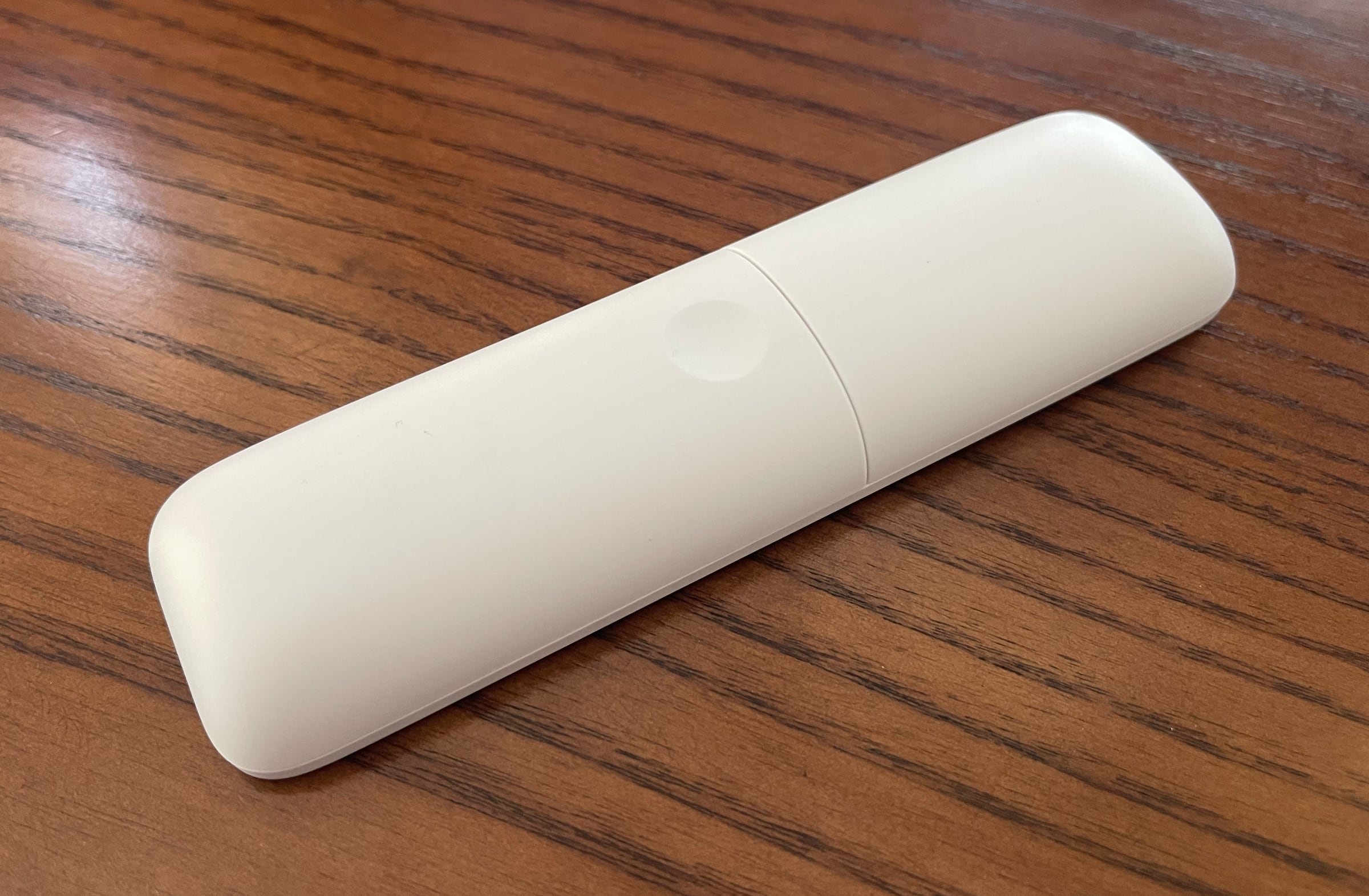
Over the years, the industry has engaged in a race to the bottom, trying to shrink media players into ever smaller form factors with lower price tags. That is handy if you want to hide the device away, but not great for hardware development. After all, there is only so much you can cram into a tiny stick. With the launch of the Google TV Streamer, Google signaled a shift back to boxes that can do more – not less – and we are happy to see Thomson follow suit. The box format allows space for more hardware (which we will get to), an Ethernet port, built-in microphone, USB, HDMI (naturally), and even a front-facing button. What does the button do? It finds the remote control if you have lost misplaced it, which is very useful. The remote emits a sound when the button is pressed. Thomson's box is available in both black and white in Europe, and really – what do people have against boxes? Once, an extra box meant an extra remote, but those days are long gone. With everything running over Bluetooth, WiFi and HDMI CEC, you can easily hide the box behind your TV. More boxes, fewer sticks, please! On the side of the box is a small slider to disable the microphone if you prefer not to use it. Another nice touch: the power adapter plug is interchangeable, with both European and UK plugs included. The included cables match the color of the box, though we do wish the power cable were about half a meter longer – it would make hiding the box behind the TV easier.Setup and operation
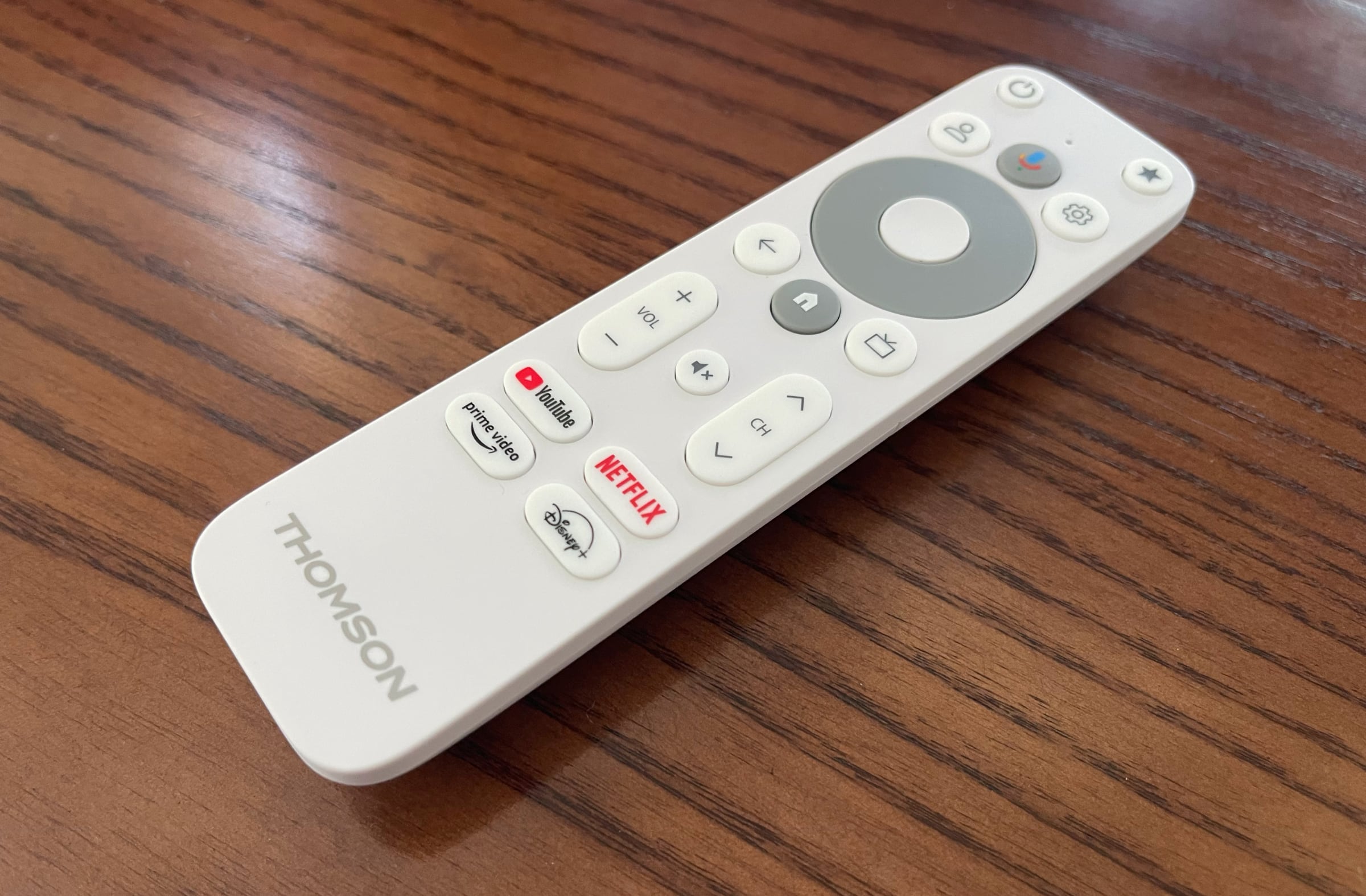
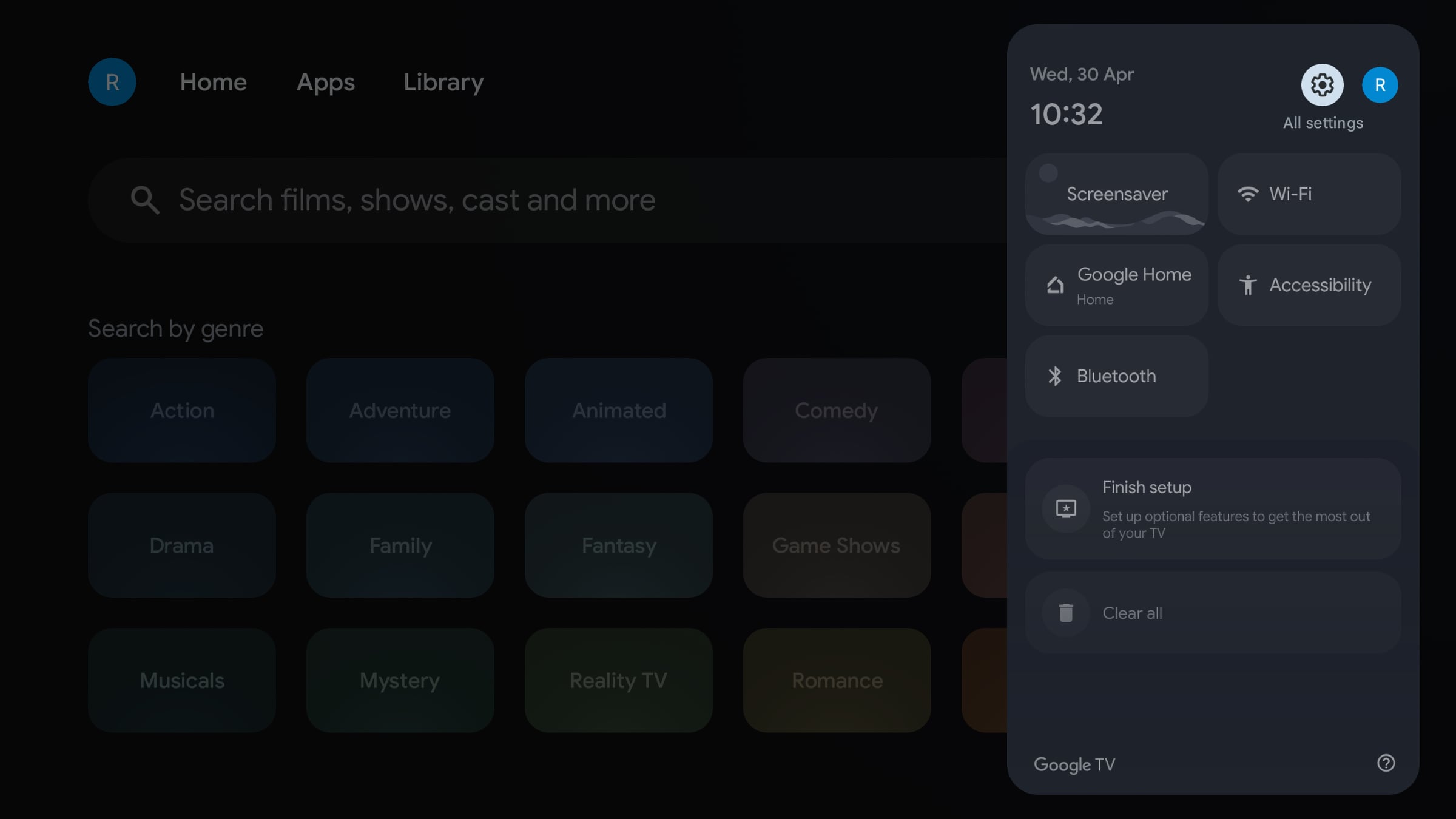
Setting up Google TV devices is not hard – they all follow a standardized Google process – but it can take a bit of time. Once again, our Google app on mobile glitched midway through, so we had to complete the setup on the TV itself. That happens often for us when testing Google TV devices. It is not difficult, just tedious to enter text using the remote. We also encourage Google to stop forcing updates during setup – that should be done after setup. Once Thomson's box was set up, everything went smoothly. Like other newer Google TV and the Apple TV 4K boxes, Thomson's device automatically detected which TV screen was connected and loaded control settings accordingly. We did not need to do anything for the Thomson remote to control the LG TV it was connected to. The TV turns on and off with the box, and the remote also controls the TV speaker volume right out of the box – very elegant. Just remember to enable HDMI CEC on your TV. It usually is by default, but not always. We were initially puzzled why the microphone in the box did not work, even though the physical slider was enabled. It turns out you also need to enable hands-free mic access under your Google TV user profile. You can use the microphone to turn the TV on and off by saying, "Hey Google, turn on/off the TV." It worked as intended, and a small built-in speaker provides voice feedback. The included remote resembles Google's but has a few more buttons – including some we found unnecessary. We also would prefer not to have the four sponsor buttons. On the other hand, the star button is useful. In Google TV, it can be user-configured to open your favorite app or, for example, launch the Google Home panel for smart home control – more on that later. The remote uses standard batteries and is not rechargeable. It has a rounded back and is made entirely of plastic, so it does not feel premium, but works perfectly fine. The tactile feedback is actually a bit better than on Google's own remote. If you want to remap buttons, we recommend the free app 'Button Mapper' available in the app store.Measurements
Thomson Streaming Box Plus 270 is built on an ARM-based system chip, which is energy-efficient. Below, we have compared power consumption with other boxes.
Power consumption Apple TV 4K (2022) Nvidia Shield (2019) Google TV Streamer Thomson 270 Video streaming 1.9 – 2.3W Up to 6.9W 2.4 – 3.5W 3.1 – 3.7W Games 2.0 – 6W 5.0 – 11W 2.3 – 4.3W 3.4 – 4.4W Menus 1.8W 3.2W 1.7W 2.5W Standby 0.8W 1.9W 1.2W 2.4W Thomson Streaming Box Plus as a media player
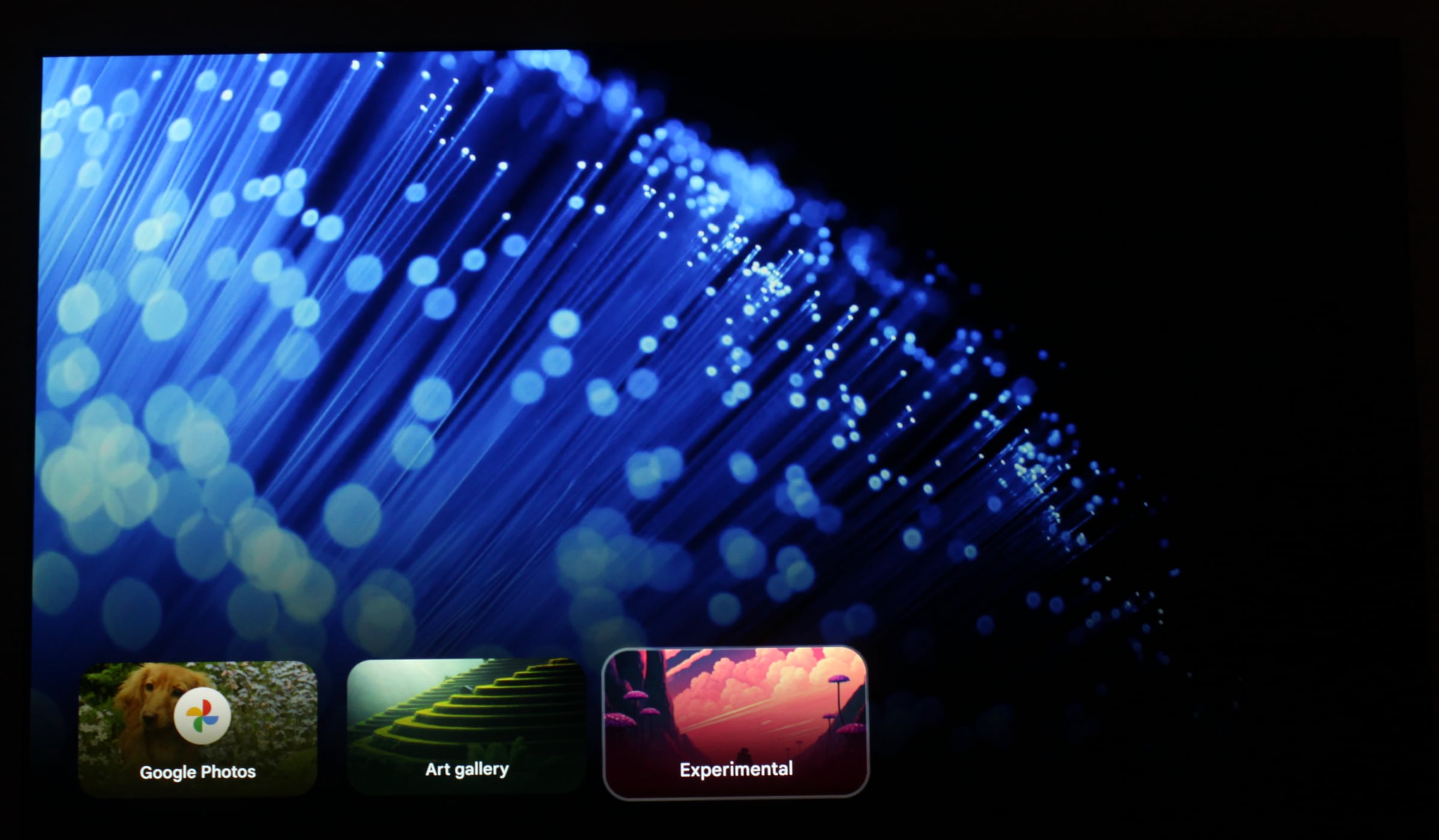
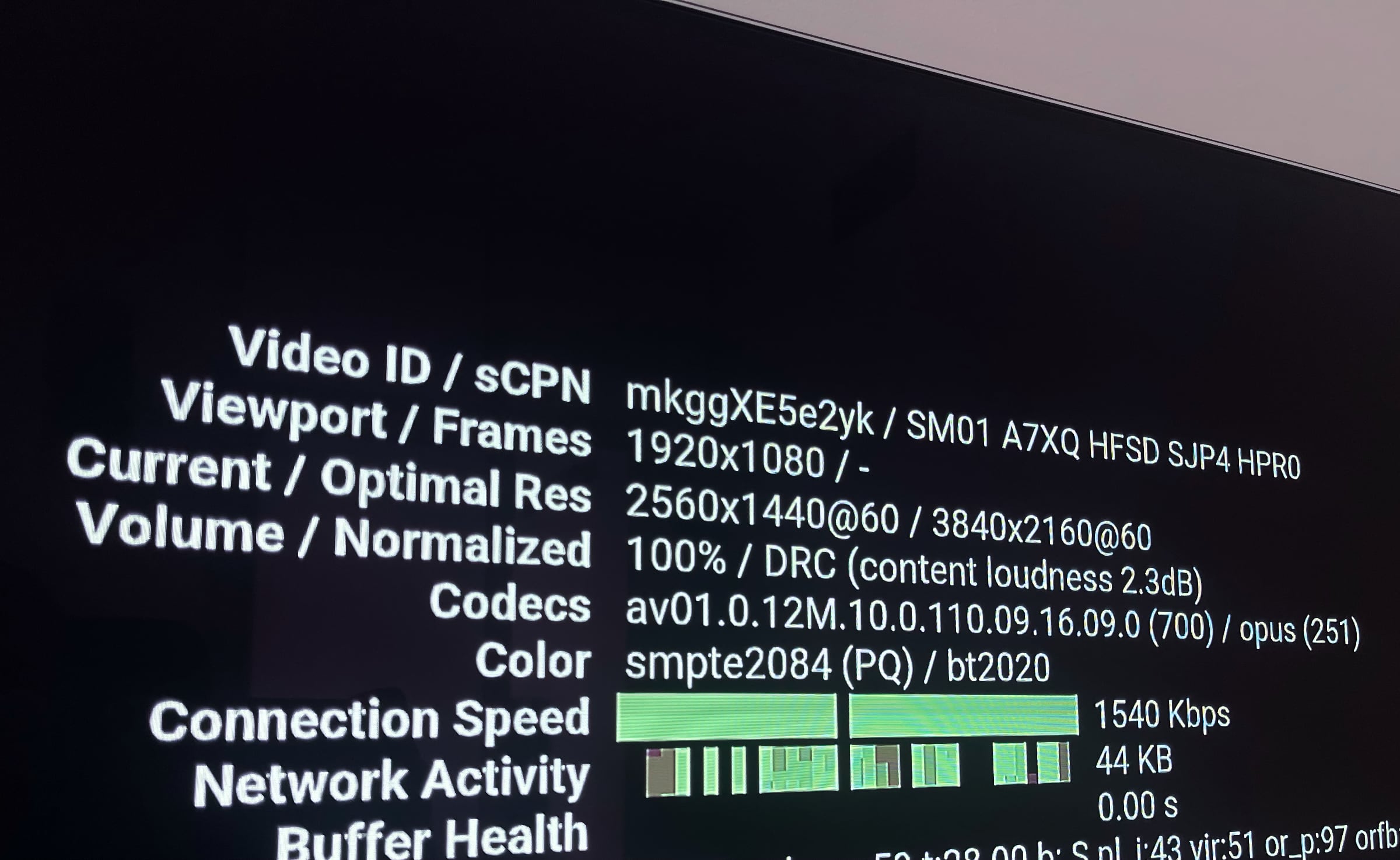
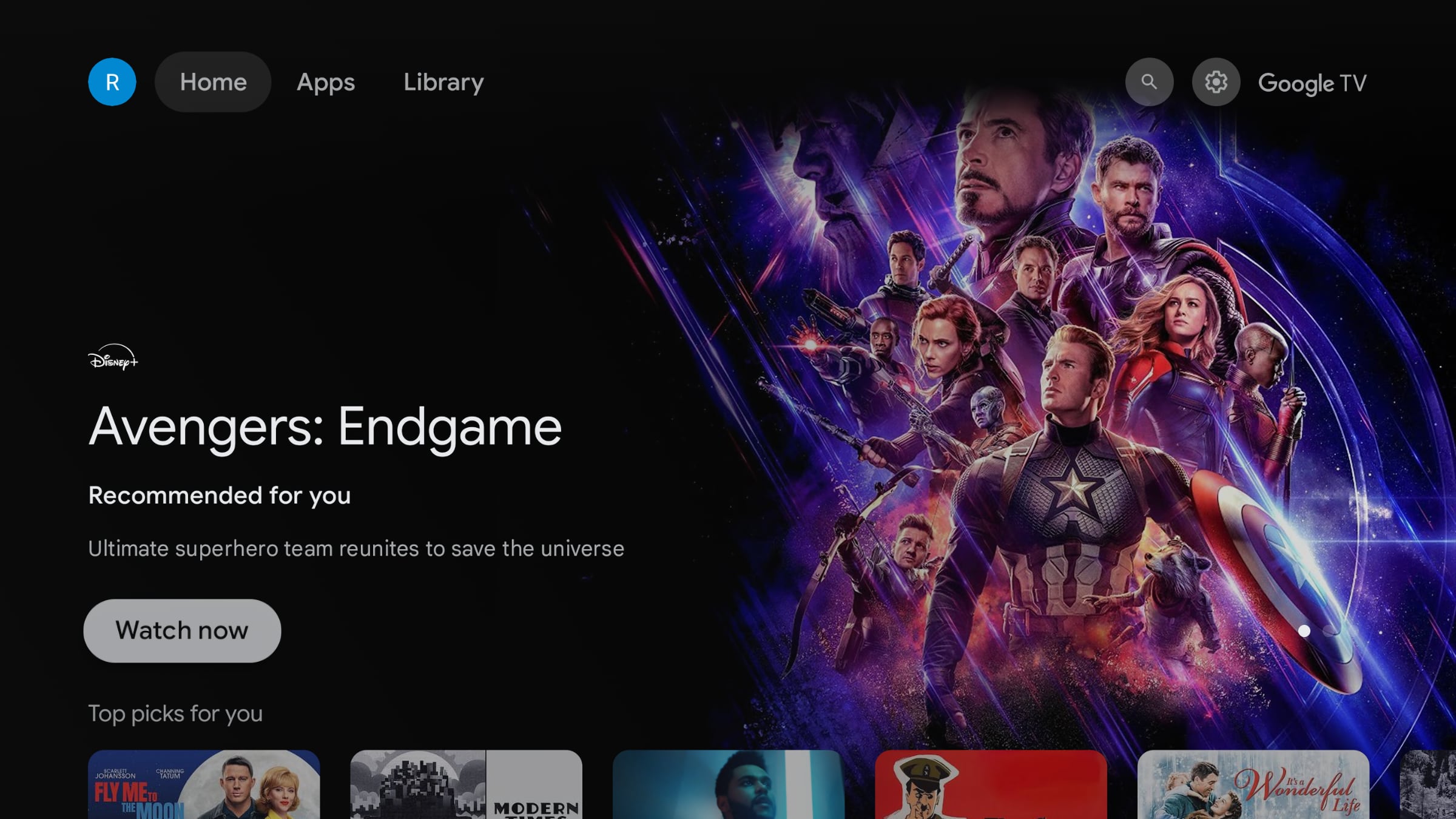
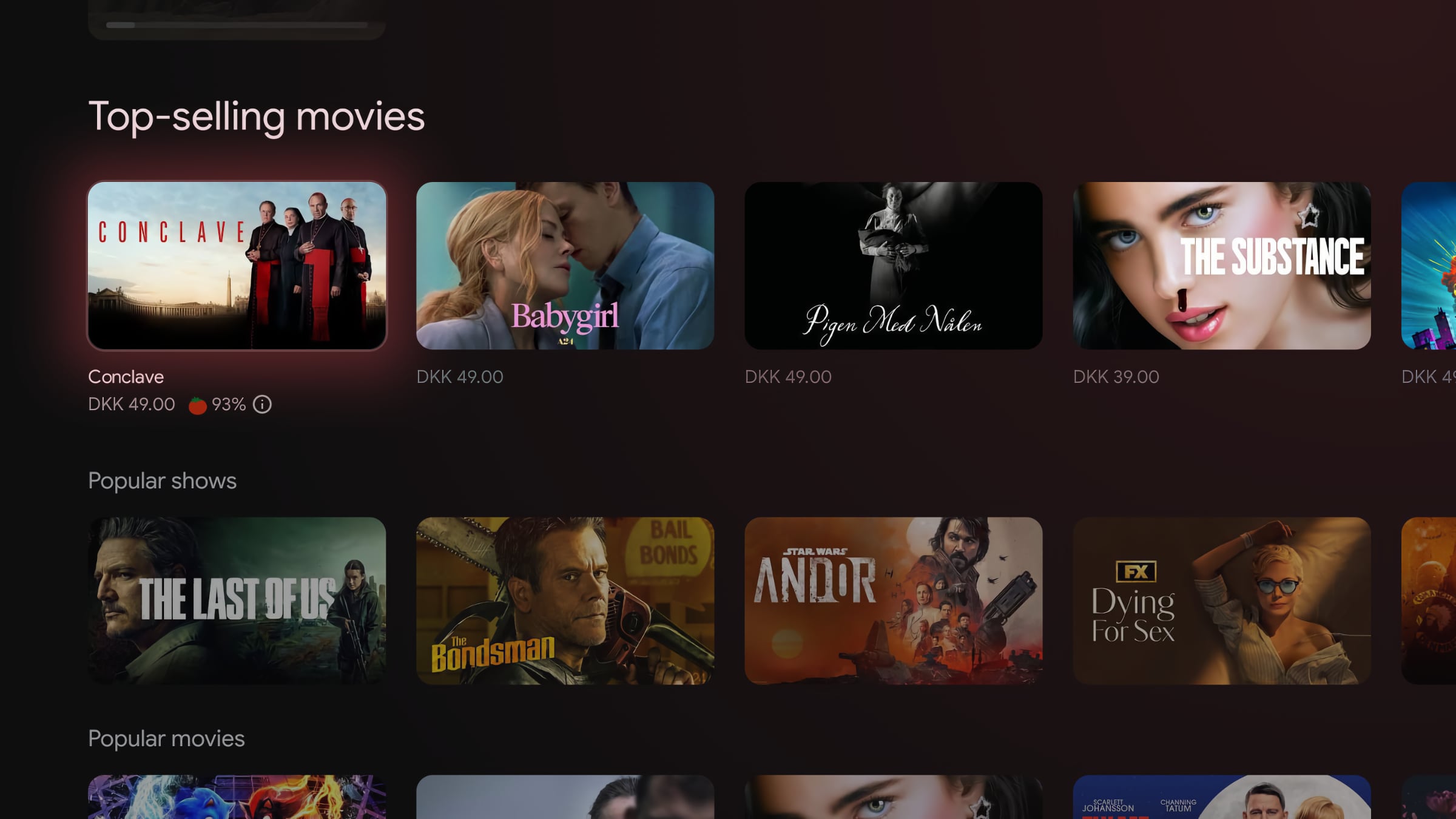
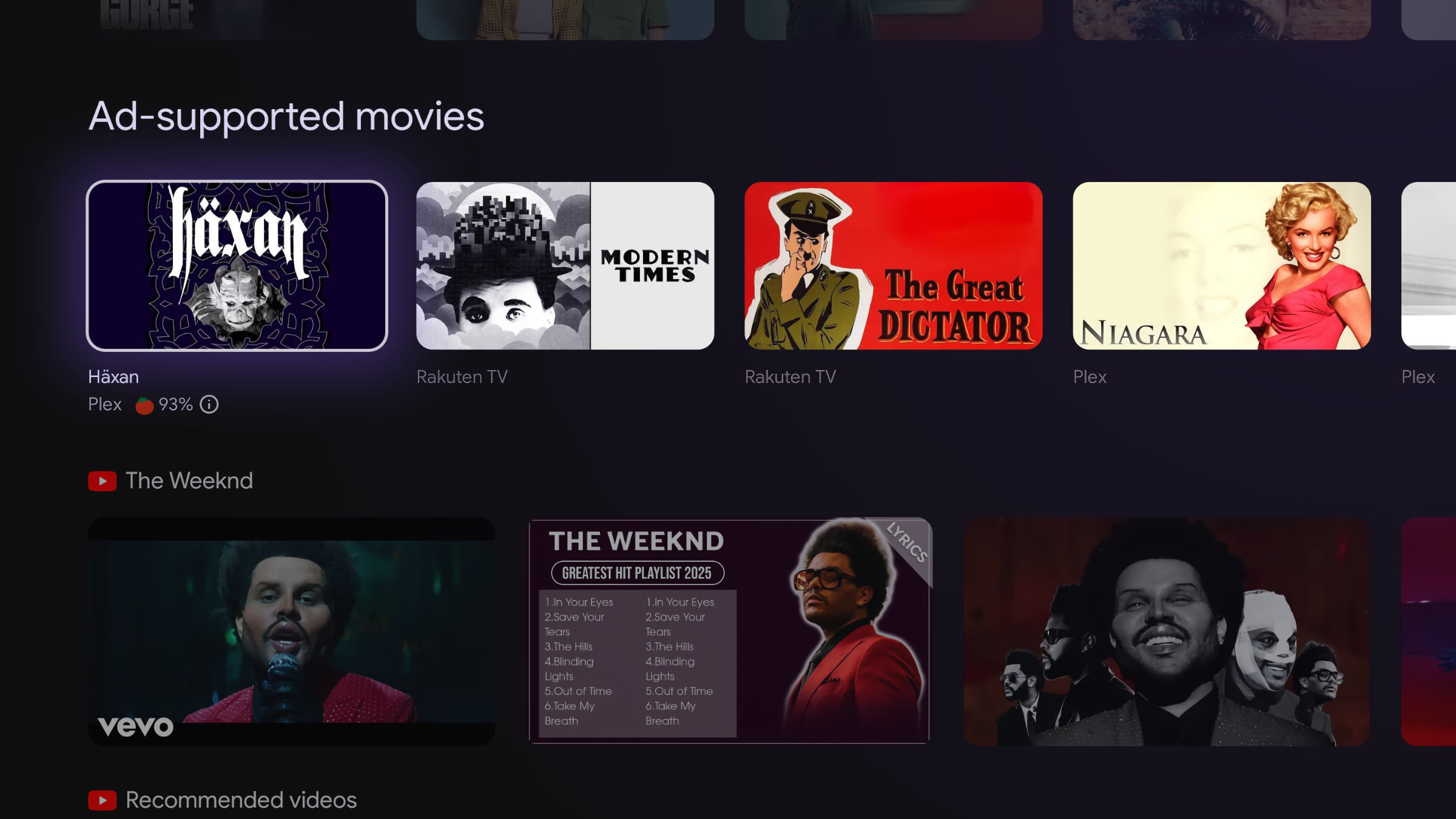
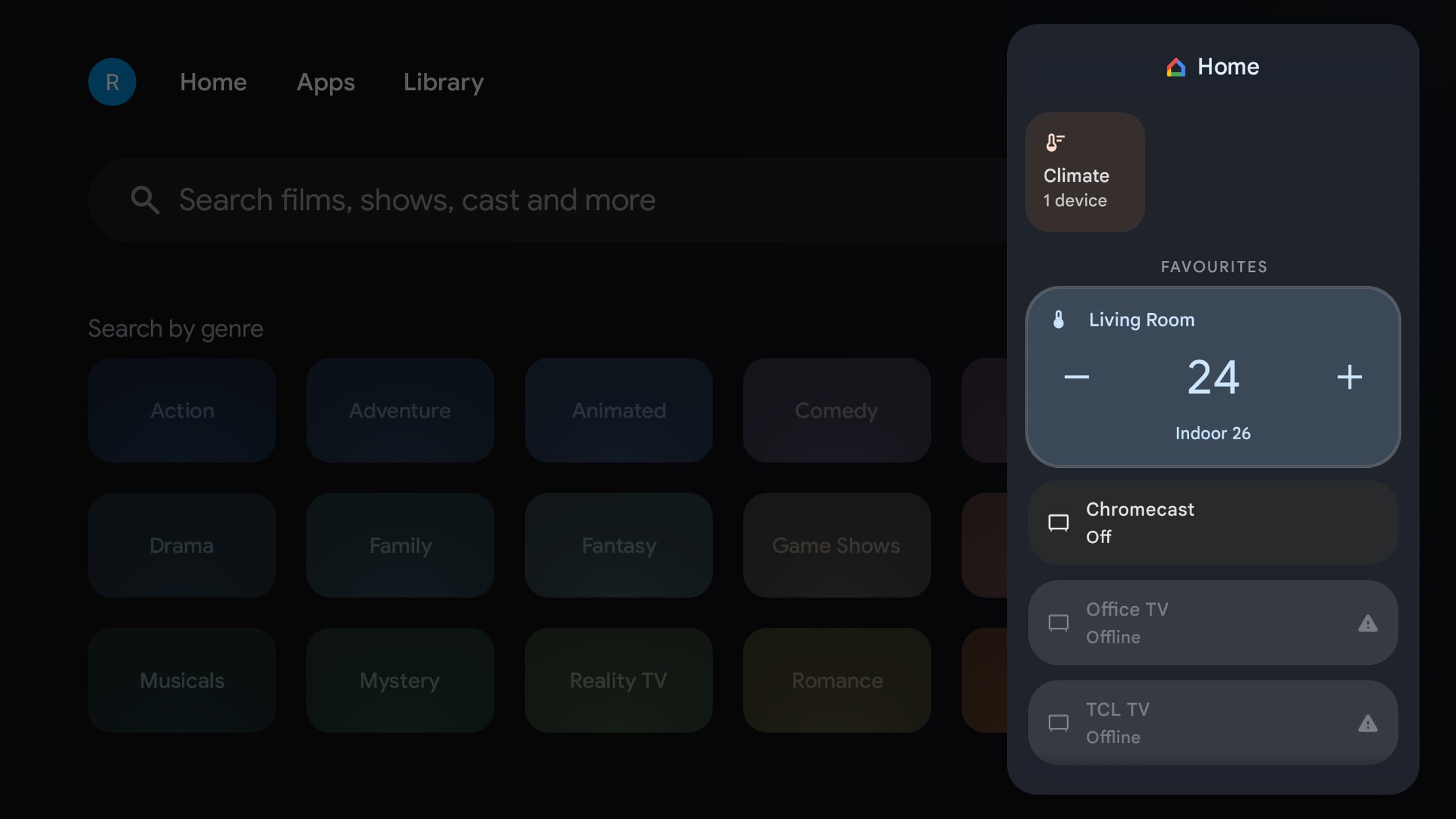
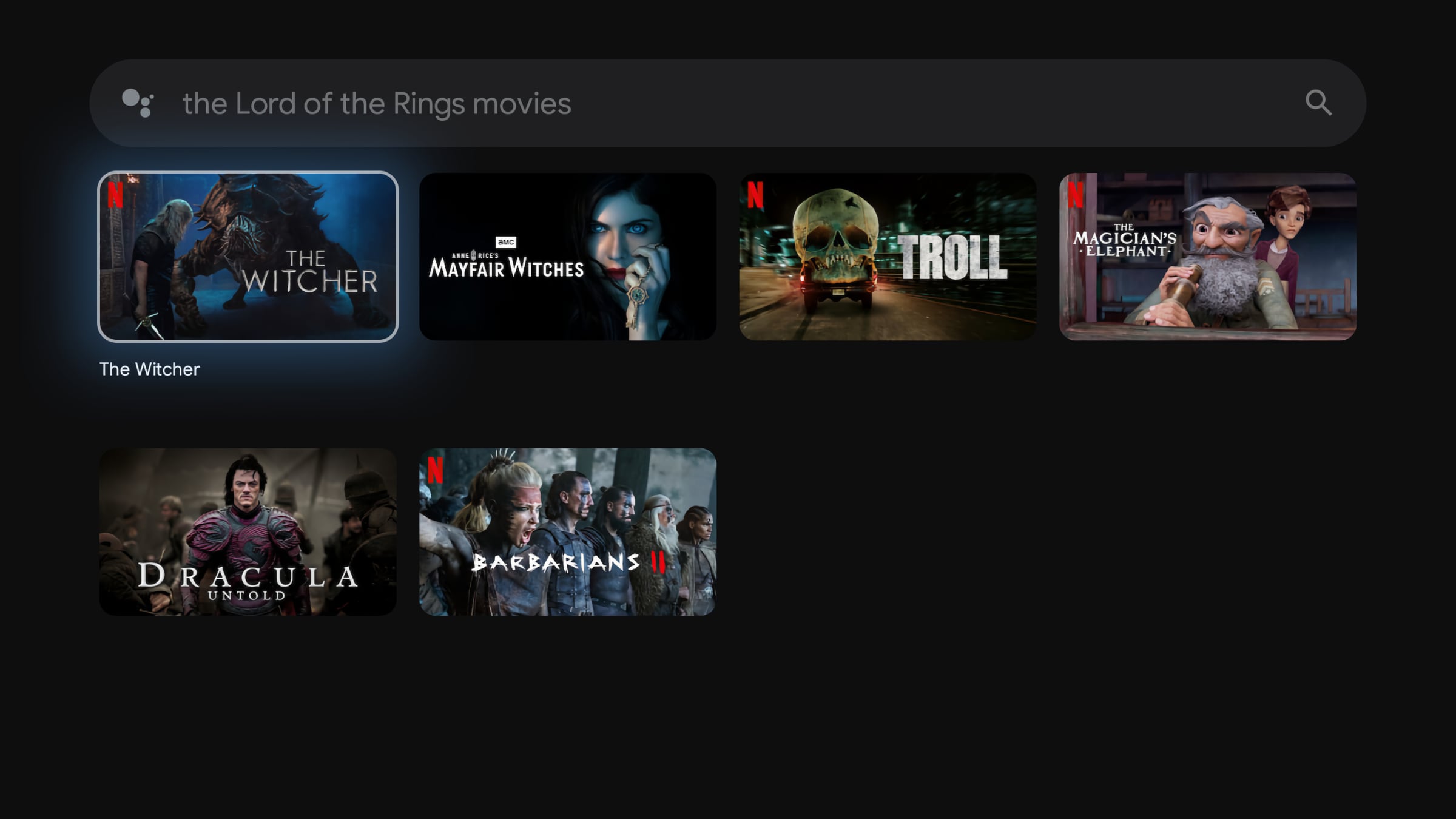
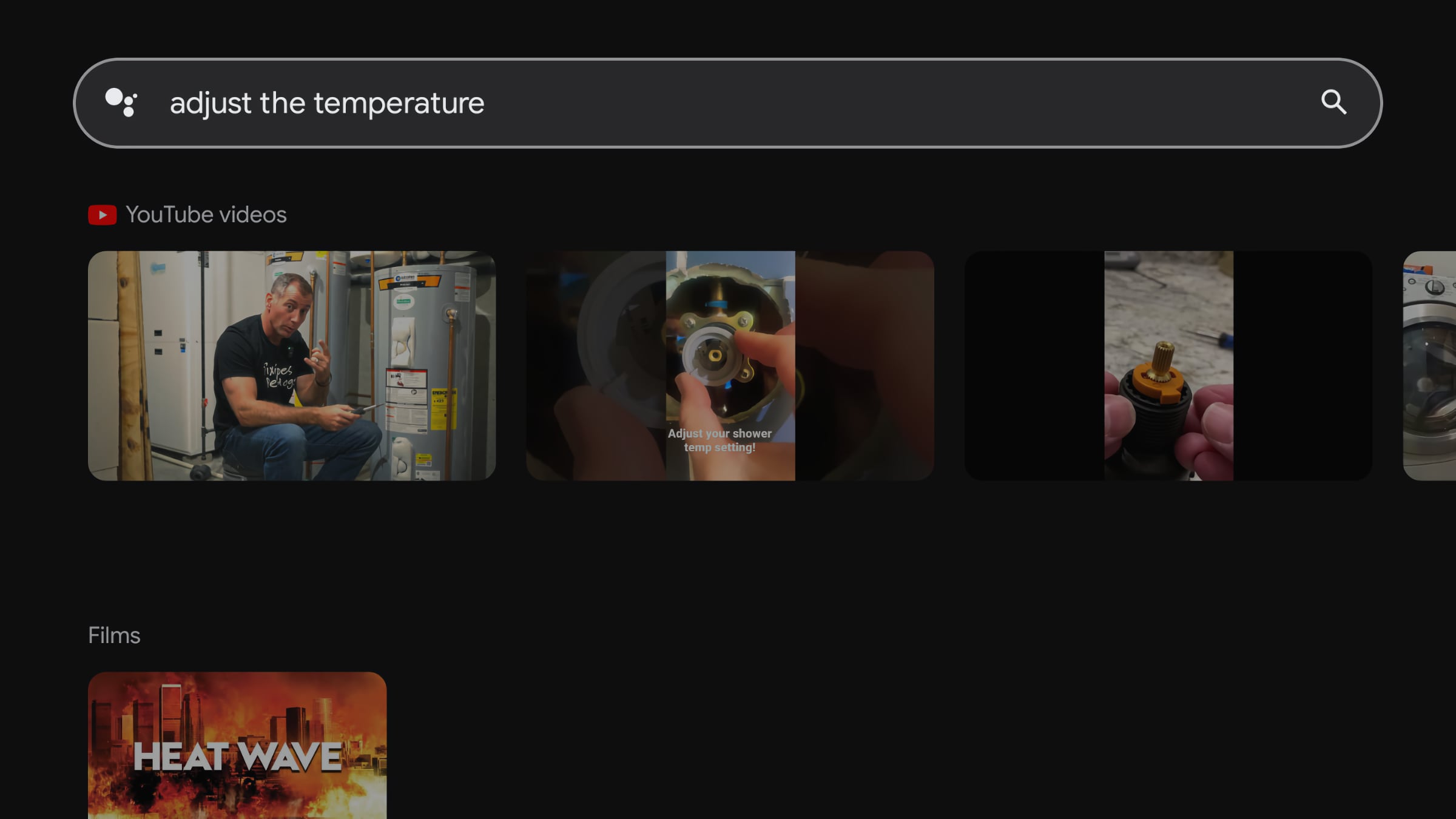
Since the box is based on Google TV software, it works exactly like Chromecast with Google TV, Google TV Streamer, and all TVs with Google TV, except that the TVs also have a built-in tuner. Thomson's box is a pure streamer. Also read: Review: Google TV Streamer We will not spend much time describing Google TV, as we have already covered it extensively in earlier reviews (here), but we should note that the interface is still not as developed in Europe as it is in the US. Americans have more Google TV tabs and sections that make it easier to discover content. However, this also means Europeans are spared from some of the most intrusive ads in the interface, although those will likely be scaled up here as well over time. The Google TV interface is, as known, built around content rows, where each service that has adopted Google's developer tools gets its own row. There is also a 'Continue Watching' feature across supported services and the option to simply open apps like you normally would. Pulling content out of apps into a curated front page is a fine concept, but it is also a concept where streaming services can start paying for favorable promotion – "recommendations" – of their titles. And then there is, of course, the large banner carousel at the top constantly showing ads. We encountered no significant software issues with the Thomson box. Local apps as well as international apps like the Apple TV app, Netflix and YouTube worked as intended. They stream on the Thomson box in up to 4K resolution and up to 60fps, provided the service supports it. The box supports HDR10, HDR10+ and Dolby Vision, which all worked as expected, including automatic dynamic range matching – switching between SDR/HDR formats to match the content. When it comes to frame rate matching, the box uses Google TV's standard function. At this time, only Netflix has adopted it, meaning only the Netflix app switches video output between 24Hz, 60Hz etc. That means, for example, that European content produced in 25 or 50 frames per second is played back at 60Hz when using apps other than Netflix. The math tells us 50 does not go into 60 evenly, so playback will stutter slightly. Not everyone notices, but trained eyes will. We recommend that Europeans change video output from 4K 60Hz (Auto) to 4K 50Hz if they mainly watch EU content. American movies and series will then stutter – there is no middle ground on Google TV-based devices at the moment. Apple TV 4K remains the only box that supports frame rate matching across most local and international apps. Also read: Review: Apple TV 4K (2022) On the software side, I think many will find it hard to distinguish between the Google TV Streamer and the Thomson Streaming Box Plus. Even the Google Home panel, where you can control connected devices in the home, is there on the Thomson. The only actual difference relates to a hardware feature, namely Thread. Thomson's box does not feature that, but it can still control smart home devices via other means, such as WiFi, and I had no issues controlling the temperature on my Nest thermostats via the Thomson box – it happened without delay. As always in Google TV, Google Cast (Chromecast) and Google Assistant are built-in. Voice control can be useful for certain tasks, but our criticism of Google remains. Far too often, when searching for movies or TV series, you are presented with completely irrelevant results from YouTube – which Google owns. Google Assistant is also pretty bad at understanding what you say, and if you say things the wrong way, it will not respond as intended. For example, I said "find Lord of the Rings movies", which only returned YouTube results, whereas "Lord of the Rings movies" gave the intended result. Quite frustrating – but all of this lies on Google, not Thomson. There are also various options for screensavers:
Screensavers on Google TV. Photo: FlatpanelsHDThomson even includes the Gemini AI integration we covered in our review of Google TV Streamer. On movie pages in the Google Play Store, you willl find an AI-generated summary of the movie along with selected recommendations. It works in Europe when Google TV Streamer is set to English. It is still not particularly useful in our opinion, and considering all the current hype around AI – artificial intelligence – we will just point out that none of the Google TV-based boxes on the market have the horsepower for AI compute on-device. The algorithms behind it all run in the cloud. With the software in place, we moved on to examine the hardware in Thomson Streaming Box Plus. Here's what Flatpanels found (with Google TV Streamer as reference):So we are looking at fairly comparable hardware, with Google TV Streamer having a slight advantage on paper, but how does that translate in practice? We ran benchmark tests here on both CPU and GPU:
- Thomson Streamer Box Plus features an Amlogic S905X4 system chip with 4x ARM A55 2.0GHz CPU cores, a Mali G31 GPU, 3GB RAM, and 32GB (only 22GB available to the user)
- Google TV Streamer features a MediaTek MT8696 system chip with 4x ARM A55 2.0GHz CPU cores, Imagination Technologies' PowerVR Rogue GE9215 GPU, 4GB RAM, and 32GB (only 24GB available to the user)
As shown by our measurements, the Thomson box falls a few percentage points behind Google's own box on CPU performance. On GPU, that is graphics performance, they are on par. Nvidia Shield remains the leading Android box we have measured, and Apple TV 4K leaves all other boxes – and TVs – in the dust when it comes to hardware power.Google TV – CPU/GPU benchmark
CPU – Geekbench 4 (single-core & multi-core) MediaTek MT5887
Philips OLED805YouSee Audio Thomson Streaming Box Plus Chromecast med Google TV (4K) Google TV Streamer MediaTek MT5889
TCL C845 X1MediaTek Pentonic 700
TCL C805, X955MediaTek MT5895
Sony XH90, X90J, X90K, X90L, Philips OLED807MediaTek Pentonic 1000
Philips OLED809MediaTek Pentonic 1000
Sony A95L, XR90Nvidia Shield TV Apple A10X
Apple TV 4K 1st GenFlatpanels
GPU – GFXBench (1080p Manhattan 3.1 & Aztec Ruins), 3D Mark (Slingshot Extreme) YouSee Audio MediaTek MT5887
Philips OLED805MediaTek MT5889
TCL C845 X1Thomson Streaming Box Plus Chromecast med Google TV (4K) Google TV Streamer MediaTek Pentonic 700
TCL C805, X955MediaTek MT5895
Sony XH90, X90J, X90K, X90L, Philips OLED807MediaTek Pentonic 1000
Philips OLED809MediaTek Pentonic 1000
Sony A95L, XR90Nvidia Shield TV Apple A10X
Apple TV 4K 1st GenThomson Streaming Box Plus as a game console
As seen in our benchmark table, the Thomson box is not a graphics powerhouse. It can run some of the simpler games available in the Google TV app store, such as Asphalt 8, Badland and Beach Buggy Racing, but it will never be able to run console-level games in hardware. If you are looking for more ambitious games, you will have to turn to game streaming, such as Nvidia's GeForce Now or Boosteroid, which are available as apps for Google TV. As you know, Google Stadia has shut down, and Microsoft's Xbox app is not yet available on Google TV. To get started, connect a game controller from, for example, Xbox or PlayStation via Bluetooth. This worked fine for us, but the lack of the Xbox app is a shame, and Google TV's selection of purchasable games that can be downloaded is not particularly inspiring. For gaming, you are still better off keeping your Xbox or PlayStation.
You can install simple games like Beach Buggy Racing, but advanced games require game streaming. Photo: FlatpanelsHDConclusion
Thomson's new streaming box is very similar to the Google TV Streamer, and a worthy competitor. There are far more similarities than differences. In some areas, like WiFi 6, Bluetooth 5.2 and built-in hands-free microphone, Thomson is ahead. In other areas, like built-in Thread, Google has the upper hand.Ad:On hardware, Thomson's box is in the same class, with identical graphics performance and slightly lower CPU, but in practice they feel very similar when navigating menus and apps. The Thomson box is clearly faster in menus than the older Chromecast with Google TV – and other dongles/sticks – and with Google TV built-in, you get access to nearly all international and local streaming apps. We miss is even more powerful hardware, so more family games and other types of apps can be unlocked now and in the future. We miss Thread, which could play an important role in the connected home of the future. And we miss support for HD audio formats and DTS audio. Still, these are things we can easily live without, and we note that the vast majority of streaming boxes on the market lack the same things. That leaves us with a box that offers easy access to a world of streaming. It controls both itself and the connected TV without any setup, and it has a 'Find remote' feature. It is easy to get started and Google TV is easy to use. That is why we consider Thomson Streaming Box Plus a serious direct competitor to the Google TV Streamer in terms of both functionality and price.Price and retailers:
UK retailer
DE retailerApps is an evaluation of the app catalogue and the quality / user friendliness of the apps
Features is an evaluation of the built-in functionality and how useful it is, as well as build quality
User experience is an evaluation of user friendliness and the general use of the box, including the remote control
Total score weighted as: 40% Apps, 30% Features, 30% User experience.
All scores are calculated based on a moving maximum target, defined by what we currently consider the best on market. It is then presented as a percentage. This means that a score will fall over time as new and better media boxes set new standards. This allows you to compare scores across years. A score of 100% in a given category means that it is consider the best available media box in this category to dateClick for a more detailed explanation of the score system and our Awards
Full app catalog thanks to Google TV
Android features including Google Cast
Expanded storage & RAM, AV1
4K, HDR10+, Dolby Vision & Atmos
Low power consumption
WiFi 6Hardware could be more powerful
Frame rate matching only on Netflix
Ads in the user interface